

Warmy is a feature-rich, AI-driven deliverability suite that prices per inbox. Mailreach is a focused warm-up and spam-testing tool, also priced per mailbox. Neither one sends your campaigns, and both bills climb with every mailbox you add.
For protecting cold email deliverability while you scale, Warmforge is the stronger choice. You get premium warm-up by default, Heat Score™ monitoring, health checks and a free monthly placement test, at $10 per slot, and free with unlimited slots inside Salesforge.
I have run cold email at enough scale to know warm-up is rarely the part people get wrong. Picking a warm-up tool that still makes sense at 50 mailboxes is. The first inbox is cheap on any tool. The fiftieth is where the pricing model starts to hurt.
So I lined up Warmforge, Warmy, and Mailreach against the questions that actually decide results: what each one costs as you add mailboxes, how good the warm-up network is, whether deliverability testing is included, and how each fits the rest of an outbound stack.
I pulled every price from the vendors' live pricing pages and checked them against current third-party listings, so the numbers below are real rather than guesses.
Email Warm-Up Tools Compared at a Glance: Warmy vs Mailreach
| Warmforge | Warmy | Mailreach | |
|---|---|---|---|
| Pricing model | Per mailbox slot; free & unlimited inside Salesforge | Per inbox, volume-based tiers | Per mailbox |
| Entry price | $10 / slot / mo (1 free slot) | ~$49 / mo (Starter) | $25 / mailbox / mo |
| Cost at scale | Flat per slot; free with Salesforge | Up to ~$429 / mo per inbox (Platinum) | Drops to ~$19.50 / mailbox at 6+ |
| Warm-up network | Single premium pool, curated aged GW & MS365 accounts | B2B & B2C networks, 30+ languages | 20,000+ real Gmail & Office 365 inboxes |
| Placement / spam testing | Built in; 1 free placement test/mo | Separate seed-list plans, priced per ESP | Separate spam-tester credits |
| API access | Included (API / MCP / CLI) | Expert tier (~$279/mo) and up | Available |
| Free option | Free slot + free monthly placement test | 7-day trial, no card | No free trial |
| Sends real campaigns? | Yes, via the Forge Stack (Salesforge) | No (warm-up + testing) | No (warm-up + testing) |
| Third-party rating | G2 4.6 | G2 4.8 / Capterra 4.9 | G2 4.7 |
How Email Warm-Up and Deliverability Actually Work
Warm-up solves one problem: a brand-new mailbox has no sending history, so inbox providers do not trust it yet. A warm-up tool sends small volumes of human-like email to a network of real inboxes, then has those messages opened, replied to, and pulled out of spam.
Over a couple of weeks that builds the sender reputation that lets real outreach reach the primary inbox. If you want the full mechanics, Warmforge's guide to the email warm-up process walks through ramp schedules and reputation signals step by step.
Warm-up alone is not the whole story. Inbox placement also depends on correct authentication (SPF, DKIM, and DMARC), clean DNS and MX records, list hygiene, sending volume, and copy that does not trip spam filters. That is why the more complete tools pair warm-up with monitoring and placement testing instead of treating warm-up as a standalone trick.
Warmforge's 2026 email deliverability guide covers how those pieces fit together, and the question of whether warm-up still works in 2026 is worth reading before you commit. My short version: when you compare these three, look past the headline warm-up feature. Two things separate the winners at scale, namely cost as you add mailboxes and the quality of the warm-up network your inboxes interact with.
Warmy Overview
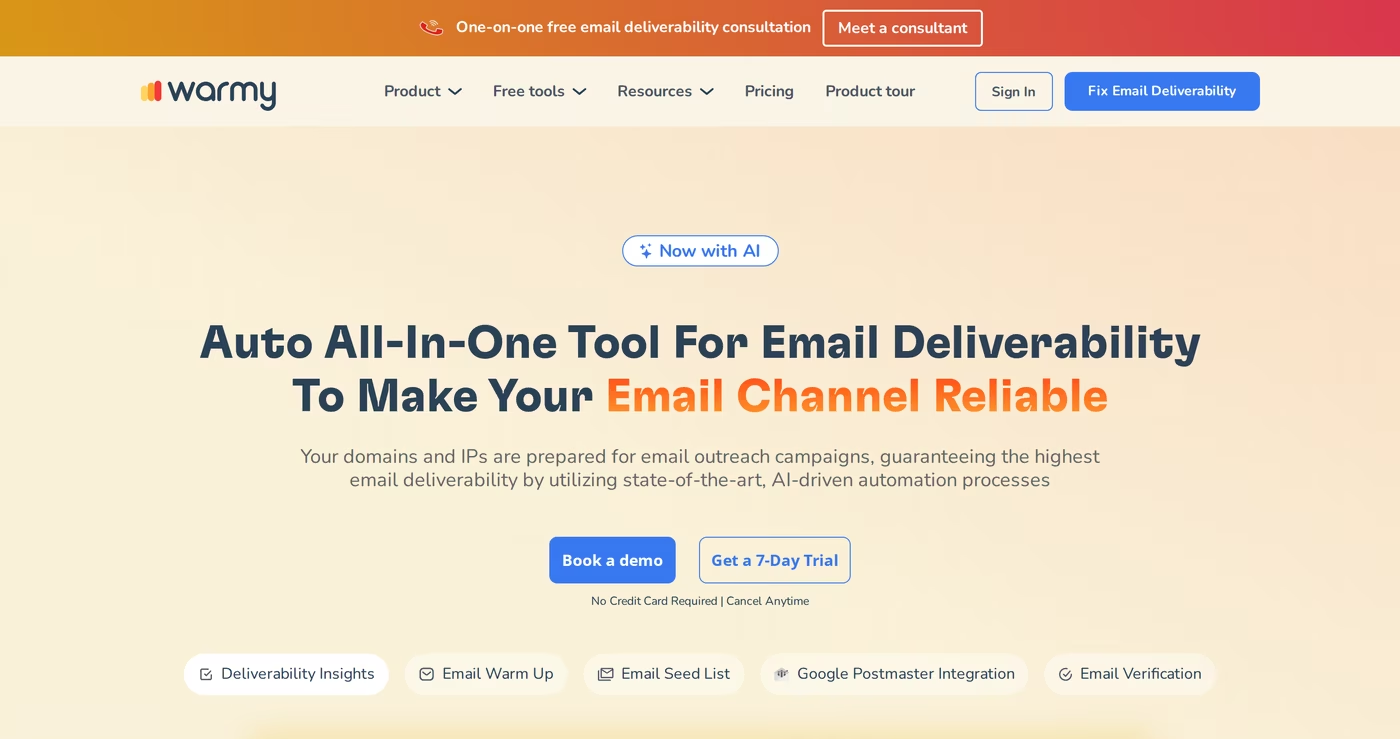
Warmy.io is one of the more feature-rich deliverability platforms I looked at. It leans heavily on automation, with an AI assistant that adjusts warm-up behavior for you, and it warms up across both B2B and B2C networks in more than 30 languages.
On top of warm-up it offers a deliverability monitor, Google Postmaster integration, customizable warm-up topics and speed, and a seed-list feature for inbox-placement testing. For teams that want a polished dashboard and plenty of dials to turn, Warmy delivers, and its reputation backs that up: a 4.8 rating on G2 across roughly 498 reviews and a 4.9 on Capterra put it among the most highly reviewed tools in the category.
Warmy core features
- AI warm-up automation: an assistant tunes sending behavior so you do not have to micromanage it.
- B2B and B2C networks: warm-up traffic across two pools in 30+ languages.
- Deliverability monitor: tracks placement and sender health, with Google Postmaster data.
- Seed-list placement testing: checks where you land, sold as a separate plan.
- Customizable topics and speed: control warm-up pace, from slow to medium ramps.
Warmy pricing
Warmy uses per-inbox, volume-based pricing. The Starter plan runs about $49 per month for a single inbox, and the ladder climbs through Business (~$129), Premium (~$189), Expert (~$279), and Platinum (~$429) as you need more volume and features. The per-inbox cost falls as you add inboxes, and annual billing saves roughly 15 to 20 percent. There is a 7-day free trial with no credit card, which is a genuinely useful way to test before paying.
Two details matter for buyers. API access is reserved for the Expert tier and above, so programmatic warm-up starts at around $279 per month. And the seed-list placement testing is priced separately, per seed and per sending account, with a charge per ESP you want to test against. The most common critique in reviews is exactly this: the per-inbox model scales expensively, and several features that make warm-up traffic look most natural, including multilingual sending, sit on higher tiers.
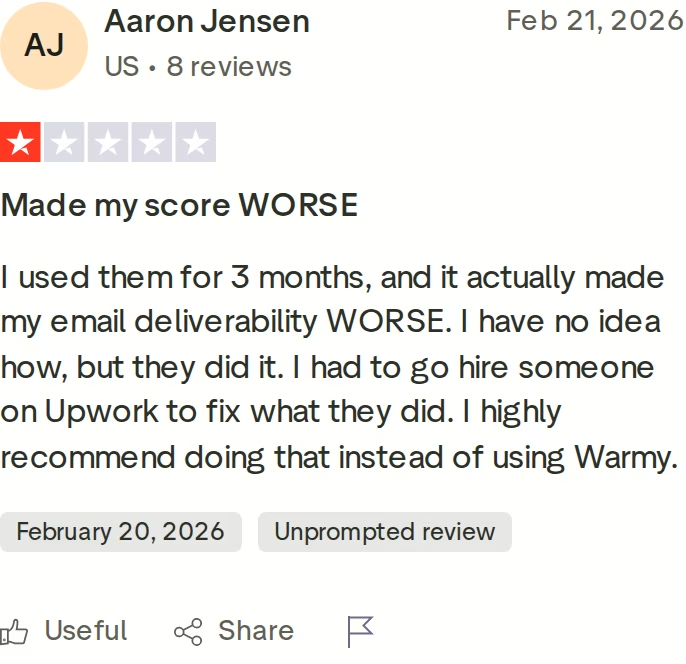
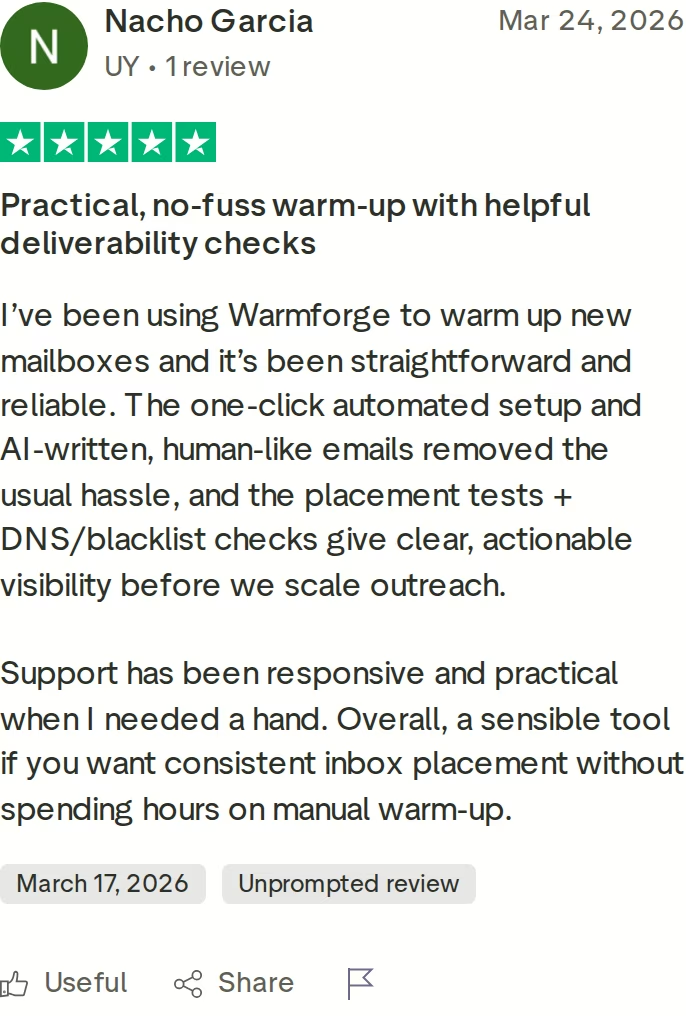
Results always vary, and the review above is a reminder that outcomes depend on the surrounding setup as much as the tool. You might consider Warmy if you are warming a small number of inboxes, want deep automation, and the per-inbox math still works at your volume.
Mailreach Overview
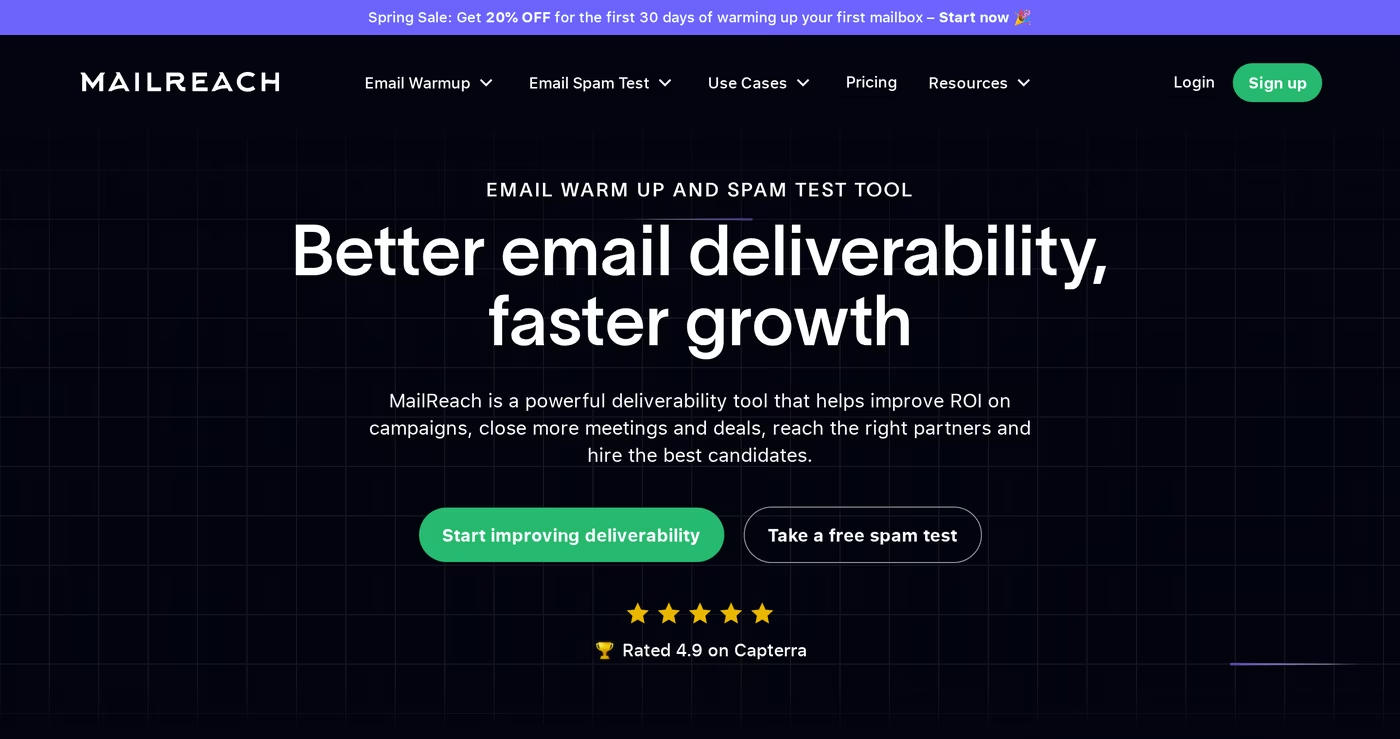
Mailreach is a well-established, deliberately focused tool. It does two things, warm-up and spam testing, and it does them well. The warm-up engine sends human-like messages from your account across a network of more than 20,000 real Gmail and Office 365 inboxes, has them replied to and marked as not spam, and builds reputation over a 14-day minimum window.
It supports Gmail, Outlook, and SMTP, includes health checks for blacklists and authentication records, and surfaces a reputation dashboard with Slack and webhook alerts. An AI Co-Pilot helps tune the warming logic for less technical users. Mailreach is trusted by thousands of businesses and holds a 4.7 rating on G2, and most users report stronger inbox placement within one to two weeks.
Mailreach core features
- Real inbox warm-up: human-like sending, replies, and not-spam marking across 20,000+ inboxes.
- Spam tester: placement breakdowns across primary, promotions, and spam.
- Health checks: blacklist, SPF, DKIM, and DMARC monitoring.
- AI Co-Pilot: automates and adjusts warming logic.
- Alerts and API: Slack and webhook alerts, with API access at standard pricing.
Mailreach pricing
Mailreach's All-In-One plan bundles the warmer and spam tester at $25 per mailbox per month for 1 to 5 mailboxes, dropping to about $19.50 per mailbox at 6 or more. Billed annually, the effective rate is roughly $20 per mailbox per month, a 20 percent saving, and the plan includes a starter allotment of spam-test credits. The standalone Spam Tester is sold separately on a credit basis, and warm-up is capped at up to 100 emails per day per mailbox.
The trade-offs are straightforward. There is no free trial, so you pay from day one. The per-mailbox cost, while reasonable for a few inboxes, still adds up as you scale a larger operation. And because Mailreach intentionally stops at warm-up and testing, you need a separate platform to actually send and manage campaigns. A few reviewers also flag spam-test accuracy concerns for certain B2B scenarios, which is worth validating against your own results.
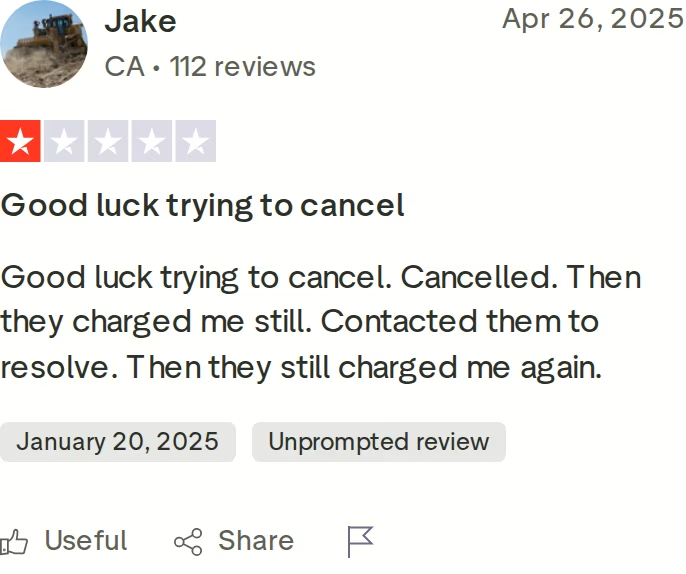
You might consider Mailreach if you want a simple, focused warm-up and spam-testing tool, already have a sending platform you like, want API access at standard pricing, and are comfortable paying per mailbox with no trial period.
Warmforge Overview
Warmforge approaches the problem differently. Rather than a standalone warm-up app, it is built as a complete email deliverability command center, and it is part of the wider Forge Stack of outbound tools. That framing changes what you get for your money and how the tool behaves as you grow.
What Warmforge does
The core is AI-written warm-up. Warmforge sends unique, human-like emails from your mailboxes to signal to inbox providers that these are legitimate inboxes, and it can run always-on so reputation stays strong between campaigns. Around that core sit four capabilities competitors usually split into separate products:
- Heat Score™: a 0 to 100 reputation score per mailbox, so you can push every inbox toward the high 90s before relying on it.
- Monitoring & Health Checks: continuous checks on DNS and MX records plus blacklist status, with alerts when something needs attention.
- Placement Tests: tests that send to a spread of providers and report exactly where you land, with one free placement test every month on every plan.
- Deliverability Boost: Warmforge automatically removes warm-up emails that landed in spam, which signals trust to providers and lifts placement over time.
That bundle is the difference in practice. With most warm-up tools you warm up in one product and pay for placement testing in another. With Warmforge, warm-up, monitoring, health checks, and a monthly placement test live under one subscription. If you are building a deliverability routine from scratch, the practical recovery plan on the blog maps neatly onto these features, and the list of common email warm-up mistakes is a good gut-check before you start.
A premium warm-up pool, by default
The warm-up network is where Warmforge makes its strongest claim. There are no tiers and no "premium if you pay extra." There is one warm-up pool, and it is premium by default: made up exclusively of aged accounts, with no recycled inboxes and no mixed-quality networks, kept clean by strict participation rules.
Because the pool is dominated by real Google Workspace and Microsoft 365 mailboxes and runs multilingual warm-up traffic, the activity looks natural to inbox providers, which is what produces reliable trust signals at scale. SMTP vendor accounts are deliberately excluded to keep quality high. This is a direct contrast with the tiered approach elsewhere, where the traffic that looks most human can sit behind a higher price. Every Warmforge mailbox warms up in the same high-quality environment regardless of plan size.
The Forge Stack context
Warmforge is the deliverability layer of the Forge Stack. The same login connects it to Mailforge and Infraforge for sending infrastructure, Primeforge for Google and Microsoft mailboxes, and Salesforge for multi-channel sending and Agent Frank, the AI SDR. Nothing needs Zapier to talk to anything else, which is a real contrast with bolting a standalone warm-up tool onto a separate sender.
Warmforge pricing
Warm-up is $10 per mailbox slot per month, billed quarterly, and your first slot is free. Slots are purchased units that cover warming for your mailboxes, so you can swap a mailbox out and add a new one without changing your subscription. Annual billing comes with a discount of two months free. Each subscription includes automated AI warm-up, Health Checks across all mailboxes, and one free placement test per month.
If you need heavier placement testing, there is a separate Placement Tests subscription: the Pro plan is $39 per month ($32.50 billed annually) for 100 tests per month at 50 mailboxes per test, and the Growth plan is $169 per month ($140.80 billed annually) for unlimited tests at 250 mailboxes per test. API, MCP, and CLI access are included, and Warmforge is SOC 2 compliant.
The headline, though, is the Salesforge relationship. If you use Salesforge, warm-up in Warmforge is free with unlimited mailbox slots, no extra steps, and it covers SMTP mailboxes too. There is no traditional free trial, because you buy slots to warm real mailboxes, but the free slot and the free monthly placement test let you see the product in action before you spend anything. You can confirm the current rate on the Warmforge pricing page.
Honest limitations
- There is no classic free trial; you buy slots to warm real mailboxes (the free slot offsets this).
- Heavy placement testing beyond the free monthly test is a separate subscription.
- The biggest cost win depends on using Salesforge, where warm-up becomes free.
in Action

Head-to-Head Feature Comparison: Warmy vs Mailreach
All three tools will warm up a mailbox. The decision comes down to four areas where they genuinely diverge.
1. Cost as you scale
This is the biggest split. Both Warmy and Mailreach charge per inbox or per mailbox, so the warm-up bill grows in step with your sending footprint. Warming 20 mailboxes on a per-inbox tool is a meaningful monthly cost, and that is before a sending platform. Warmforge charges a flat $10 per slot, and free with unlimited slots inside Salesforge, so warm-up cost stays essentially fixed as you grow. If scaling is in your plans, this difference compounds month over month.
2. One subscription vs several
Warmy and Mailreach handle warm-up and then ask you to pay separately for placement or seed-list testing, and neither sends your actual campaigns. Warmforge folds warm-up, health checks, monitoring, and a monthly placement test into one subscription, and because it sits in the Forge Stack you can run the whole outbound motion through connected products with one login. Fewer tools means fewer bills and fewer integration seams.
3. Warm-up quality without an upsell
Warmforge's premium-by-default pool means the highest-quality warm-up traffic, including multilingual activity from real Google Workspace and Microsoft 365 mailboxes, is available on every plan. On a tiered competitor, some of that quality is something you pay more to get. If the realism of warm-up traffic is what ultimately protects your reputation, getting it by default is a structural advantage.
4. API and automation
Here Mailreach earns real credit: it offers API access at standard pricing, which is friendly to teams that want to automate. Warmforge also includes API, MCP, and CLI access in its subscription. Warmy is the outlier, reserving API access for its Expert tier at around $279 per month. If programmatic control matters, Warmforge and Mailreach are the easier fits. For the authentication groundwork that underpins all of this, Warmforge's guides on SPF, DKIM, and DMARC for cold outreach and how to avoid spam filters are worth bookmarking.
Email Warm-Up Pricing Compared: Warmforge vs Warmy vs Mailreach
Headline prices only tell part of the story. The table below puts the three side by side, and the scenario underneath shows what they cost once you are running real volume.
| Warmforge | Warmy | Mailreach | |
|---|---|---|---|
| Warm-up entry price | $10 / slot / mo (1 free slot) | ~$49 / mo Starter (per inbox) | $25 / mailbox / mo |
| At 6+ / scale | Flat per slot; free with Salesforge | Up to ~$429 / mo per inbox (Platinum) | ~$19.50 / mailbox |
| Annual discount | 2 months free | ~15 to 20% off | ~20% off (~$20 / mailbox) |
| Placement / spam testing | 1 free/mo; Pro $39/mo, Growth $169/mo | Seed-list, priced per ESP | Separate spam-test credits |
| Free way in | Free slot + free monthly placement test | 7-day trial, no card | None |
Here is the math on 20 mailboxes. On Mailreach's All-In-One plan at roughly $19.50 per mailbox once you pass six, that is about $390 per month for warm-up and testing. On Warmforge, 20 slots at $10 each is $200 per month, and that already includes monitoring, health checks, and a monthly placement test, or $0 if those mailboxes are warmed through Salesforge.
Stretch the same comparison to 50 or 100 mailboxes and the per-inbox model keeps climbing while the slot-based cost scales linearly or disappears entirely. That gap is the single clearest reason high-volume senders gravitate toward Warmforge. If you are still mapping the wider category, the roundup of the best cold email warm-up service providers compares these tools alongside several others.
Who Should Use Which Email Warm-Up Tool
There is no single winner for every situation. Match the tool to how you actually send.
You might consider Warmy if:
- You are warming a small number of inboxes and want the deepest automation.
- You value a heavily reviewed, polished product with a wide feature set.
- The per-inbox pricing still fits your budget at your volume.
You might consider Mailreach if:
- You want a simple, focused warm-up and spam-testing tool.
- You already have a sending platform you are happy with.
- You want API access at standard pricing and are fine paying per mailbox with no trial.
Choose Warmforge if:
- You are warming more than a handful of mailboxes and want predictable, flat per-slot pricing.
- You want warm-up, monitoring, health checks, and placement testing in one place.
- You care about long-term deliverability over quick hacks, with a premium pool by default.
- You already use, or are open to, Salesforge, where warm-up becomes free and unlimited.
- You want API, MCP, and CLI access included rather than gated behind a top tier.
Final Verdict: Which Email Warm-Up Tool to Choose
For a single mailbox and a small operation, any of the three will do the job, and Warmy's trial or Mailreach's simplicity may be the easiest starting point. But for teams sending at volume, the structural differences add up.
For protecting deliverability while you scale cold email, Warmforge is the stronger choice. You get flat per-slot pricing instead of a per-inbox bill that grows with you, a premium warm-up pool available by default rather than as an upgrade, a full deliverability toolkit under one subscription, and warm-up that becomes free and unlimited the moment you are inside Salesforge.
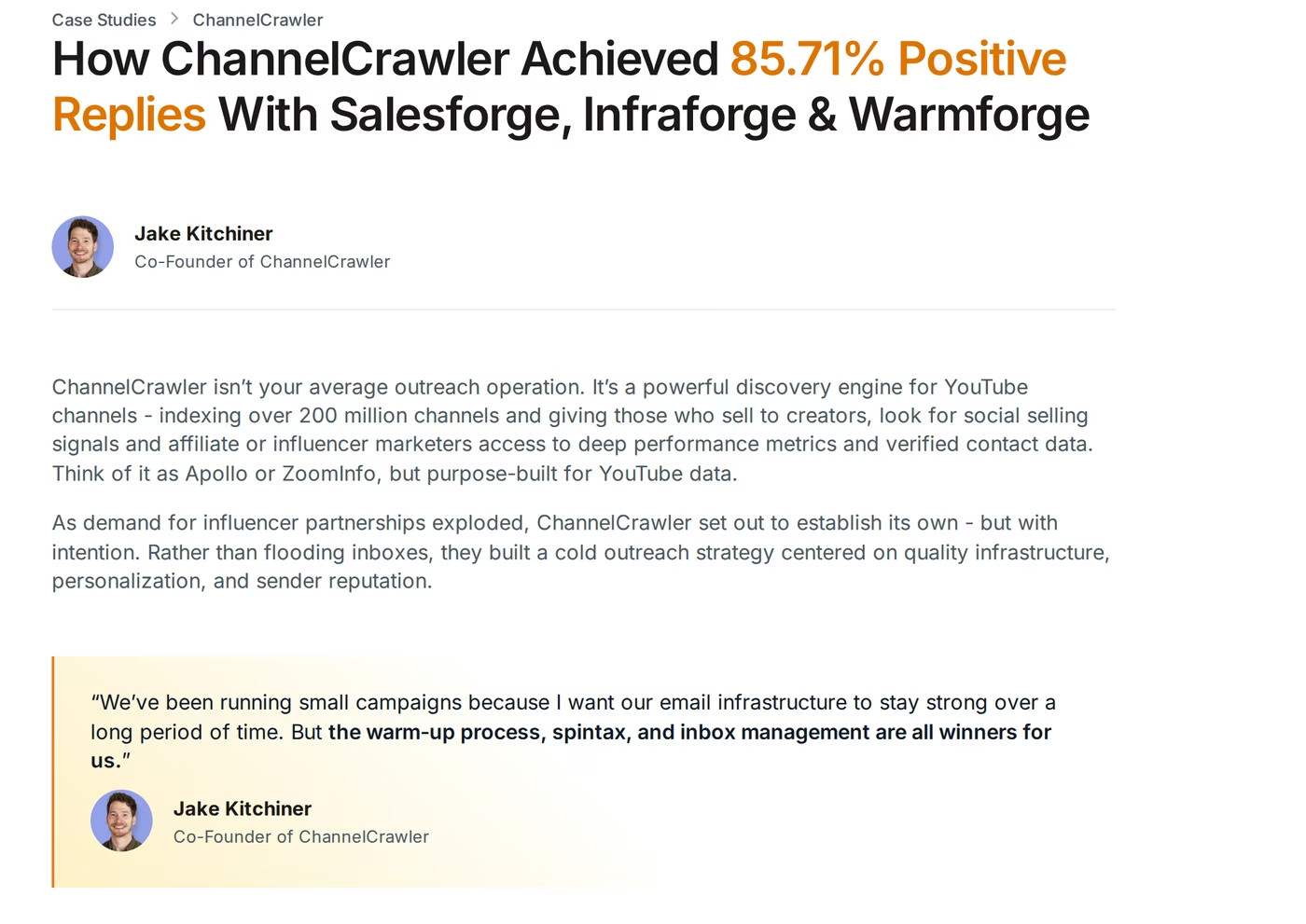
The reason that matters is downstream. Warm-up is not the goal in itself; inbox placement and replies are. ChannelCrawler, a discovery engine indexing over 200 million YouTube channels, ran its outbound on Salesforge, Infraforge, and Warmforge together and reached an 85.71% positive reply rate, with co-founder Jake Kitchiner crediting the setup directly: the warm-up process, spintax, and inbox management, in his words, "are all winners for us." You can read the full ChannelCrawler case study for the details, and browse more in the Warmforge case studies.
If protecting deliverability while you scale is the priority, Warmforge is the one built for that job. The free slot and free monthly placement test make it easy to check the claim on your own mailboxes before committing anything. For a wider view of the stack and other tools, the Salesforge comparisons hub, the Salesforge vs Smartlead breakdown, and the sales tools directory are good next reads.
Warm Up Your First Mailbox FreeFrequently Asked Questions
Is Warmforge cheaper than Warmy and Mailreach?
At entry level, Warmforge starts at $10 per slot with a free slot included, against roughly $49 per month for Warmy's Starter plan and $25 per mailbox for Mailreach. The bigger difference is at scale: because Warmy and Mailreach price per inbox, their cost rises with every mailbox you add, while Warmforge stays flat per slot, and warm-up is free with unlimited slots if you use Salesforge.
What is the main difference between Warmforge, Warmy, and Mailreach?
Warmy and Mailreach are standalone warm-up and deliverability-testing tools priced per inbox. Warmforge is a full deliverability command center, with warm-up, Heat Score™ monitoring, health checks, and placement testing in one subscription, priced per slot. It is also part of the Forge Stack, so it connects to sending infrastructure and Salesforge without extra integrations.
Do any of them offer a free trial?
Warmy offers a 7-day free trial with no credit card. Mailreach has no free trial, so you pay from the first day. Warmforge has no traditional trial because you buy slots to warm real mailboxes, but it includes a free warming slot and one free placement test per month, so you can test it without paying.
Which tool can also send my cold email campaigns?
Only Warmforge connects to a sending platform. Warmy and Mailreach focus on warm-up and deliverability testing, so you would pair them with a separate outreach tool. Warmforge is part of the Forge Stack, so warm-up, infrastructure, and sending through Salesforge run under one login.
Can I use Warmforge if I do not use Salesforge?
Yes. Warmforge works as a standalone deliverability tool with any Google Workspace or Microsoft Outlook mailbox at $10 per slot per month, with a free slot included. Using Salesforge simply makes warm-up free with unlimited slots, and it also extends free warm-up to SMTP mailboxes, which the standalone plan does not cover the same way.
How long does warm-up take before I can start sending?
Across all three, plan on at least two weeks of warm-up before real outreach, and keep warm-up running afterward so reputation stays stable. Turning warm-up on and off at irregular intervals can hurt deliverability by signaling an inconsistent sending pattern, which is why Warmforge recommends keeping it always on.
What is a Heat Score?
Heat Score™ is Warmforge's 0 to 100 measure of a mailbox's warm-up health and reputation. The goal is to push each mailbox toward the high 90s before you rely on it for outreach, and to keep it there with always-on warm-up. It gives you a single number to watch instead of guessing whether an inbox is ready.
Does warm-up alone guarantee inbox placement?
No. Warm-up builds sender reputation, but placement also depends on correct SPF, DKIM, and DMARC setup, clean DNS records, verified lists, sensible sending volume, and non-spammy copy. Tools that combine warm-up with monitoring and placement testing, as Warmforge does, give you a fuller picture of what is actually reaching the inbox.