
Personalized Outbound Strategy
Get The Right Outbound Strategy In Minutes
Enter your email to get a custom plan & stack recommendation for your business
It's being carefully crafted by AI
Please check your mailbox in 5 minutes

When buying cold email mailboxes, the per-mailbox price is easy to compare. What matters more to your pipeline is how long you must wait before those mailboxes can send real campaigns.
InboxKit handles setup well. You get real Google Workspace and Microsoft 365 accounts, automatic DNS configuration, and 24+ sequencer integrations. Pricing starts at $2.50 per mailbox with annual billing or $3.00 monthly.
Warmup is where the cost and waiting time add up. InboxKit charges $3 per mailbox each month, doubling the mailbox price on monthly billing.
Even with warmup, new mailboxes need two to three weeks before handling real volume. With 50 mailboxes, that means paying $300 monthly for infrastructure you cannot fully use until week three.
I compared five alternatives based on what matters most: whether the accounts are genuine, who handles warmup, how quickly you can start sending, who monitors deliverability, and what each option costs at your volume.
My top pick delivers already-warmed mailboxes, letting you launch your first campaign on the day you buy.
The biggest difference between these five providers is who handles warmup and deliverability: you or the provider. Primeforge is my top choice for teams wanting real Google and Microsoft mailboxes ready to send.
I checked six things for every provider, in the same order I would review them before buying.
A “Google Workspace mailbox” could be a licensed account, an alias, or an edu panel. I prefer providers that give you admin access so you can verify what you purchased.
New mailboxes need two to three weeks before handling real volume. Whether warmup is included, charged per mailbox, completed beforehand, or left to you affects both cost and launch time.
Bulk domain purchases and sudden DNS changes can catch the attention of blacklist trackers. A provider that spaces out your order may be safer, even if setup takes longer.
The per-mailbox price only tells half the story. At 20 emails per inbox daily, you need twice as many inboxes as you would at 40, so I compared costs at the same daily volume.
With self-managed infrastructure, you may only notice a burning domain after replies fall. Managed providers detect and replace it for you.
Check whose name the domains are registered under and whether the lowest rate requires an annual contract. Both determine how much leaving will cost.
Best for: Teams wanting real Google Workspace and Microsoft 365 mailboxes that can send from the day they arrive.
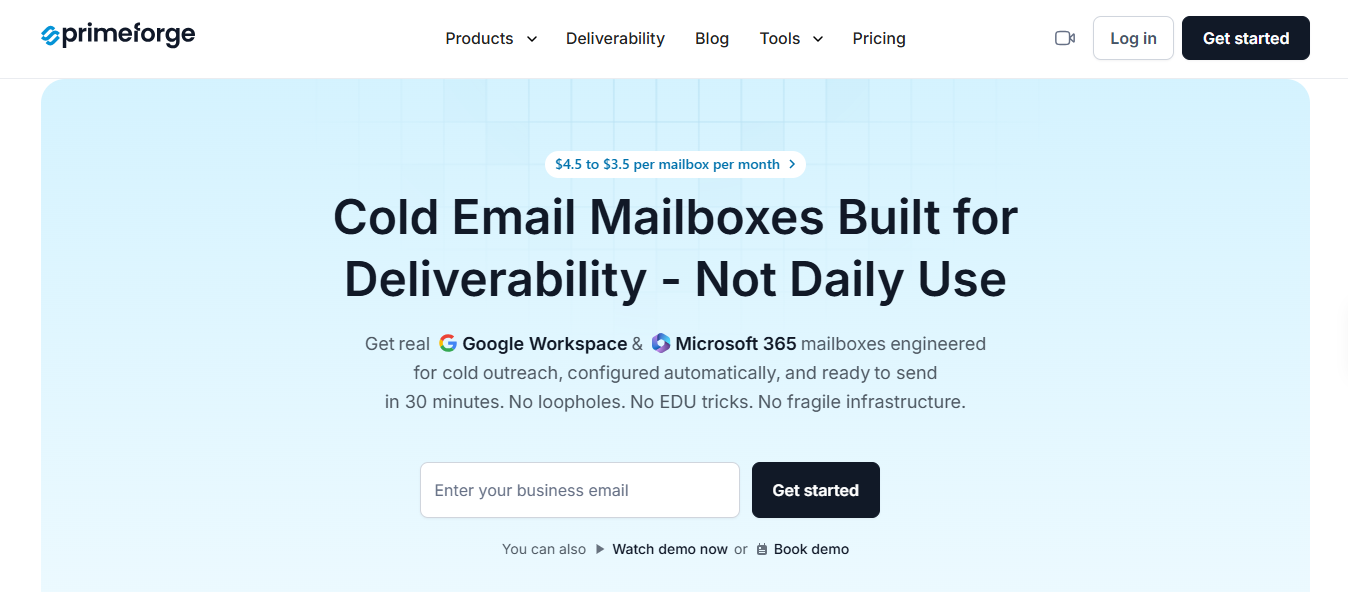
Primeforge provides real Google Workspace and Microsoft 365 mailboxes that arrive pre-warmed. That answers the first two questions I would ask any provider: are the accounts genuine, and when can I start using them?
Setup takes about 30 minutes. Primeforge writes and verifies SPF, DKIM, and DMARC for you. Because the mailboxes arrive warmed, you can start a campaign that day instead of waiting two to three weeks.
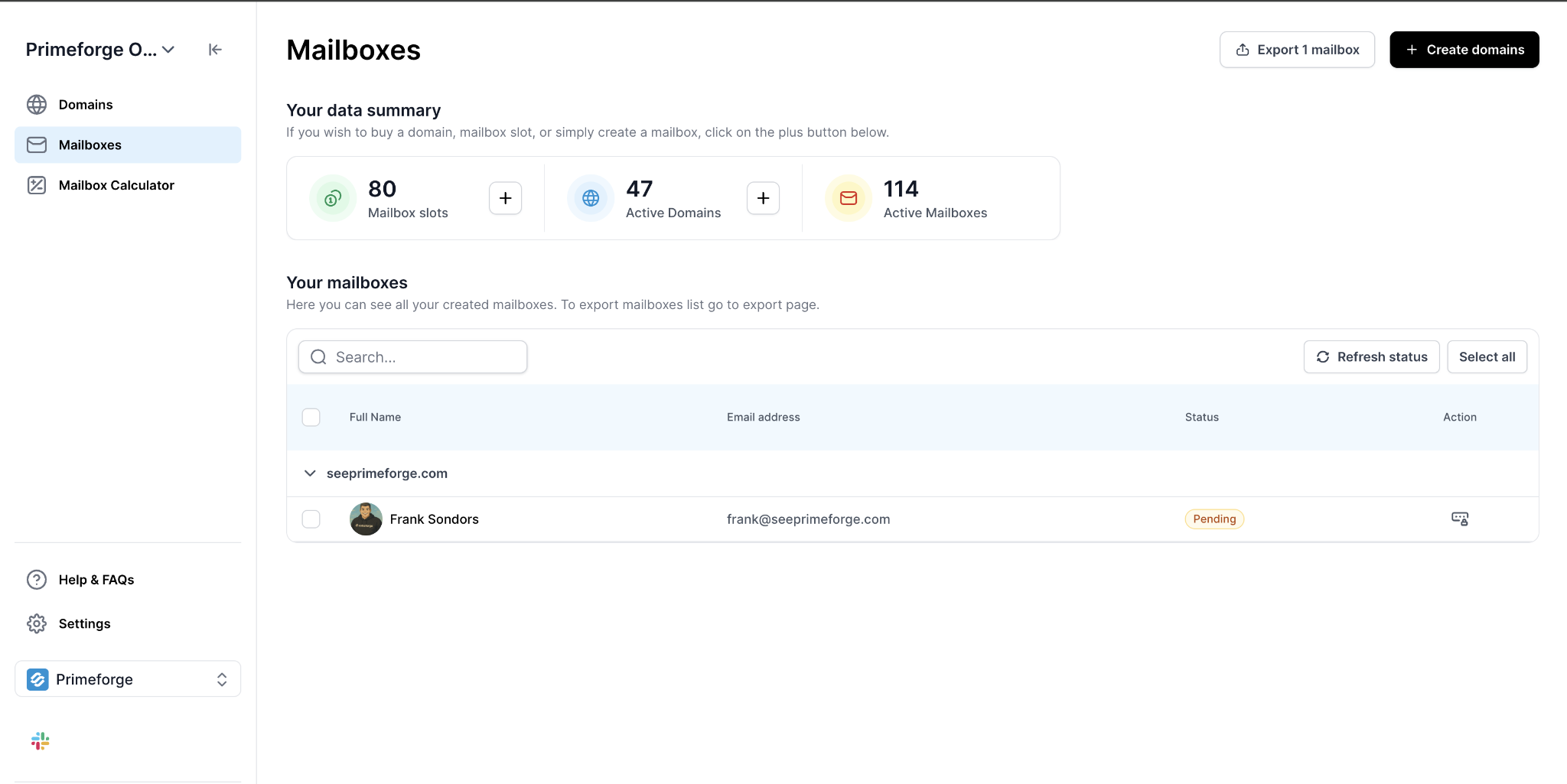
Primeforge does not provide a dedicated IP. Mailboxes use stable US-based IPs, which is standard for Google and Microsoft accounts.
It also makes no percentage-based deliverability promise. I see that as a positive because no provider controls whether a recipient’s server accepts your email. A number on a homepage does not change that.
For teams using automation, Primeforge offers an API, MCP server, and CLI. You can provision mailboxes through your scripts or an AI assistant.
Each mailbox can also have a profile picture, including a GIF, helping it look like a real person in the recipient’s inbox.
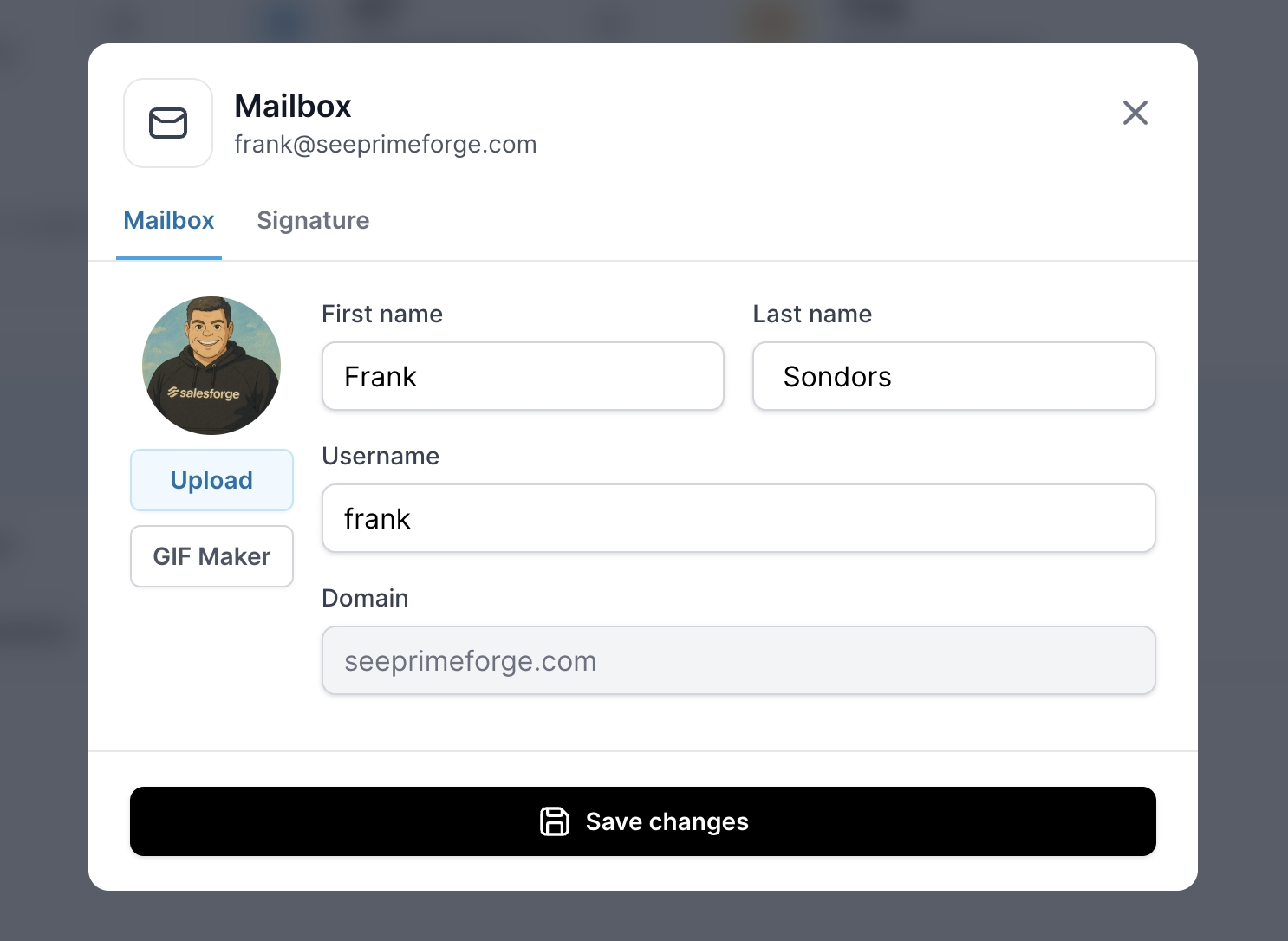
InboxKit charges $3 per mailbox for warmup, while fresh mailboxes still need weeks before handling real volume. Primeforge includes pre-warmed mailboxes, so there is no extra fee or ramp-up period.
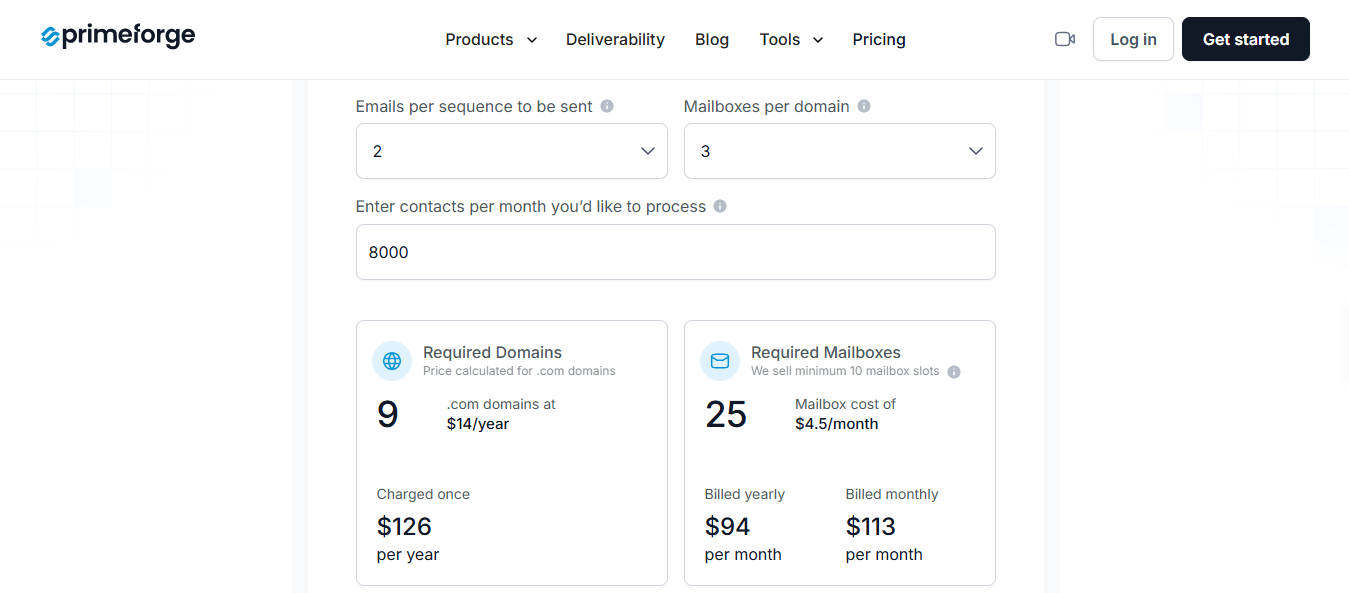
InboxKit costs $3.00 per mailbox monthly or $2.50 annually, plus $3 for warmup. That totals $5.50 to $6.00 per warmed mailbox. For 50 mailboxes, Primeforge costs $175 to $225 monthly compared with InboxKit’s $300 on monthly billing.
Enter your email to get a custom plan & stack recommendation for your business
Please check your mailbox in 5 minutes

Best for: Agencies managing many domains and client accounts from one place.
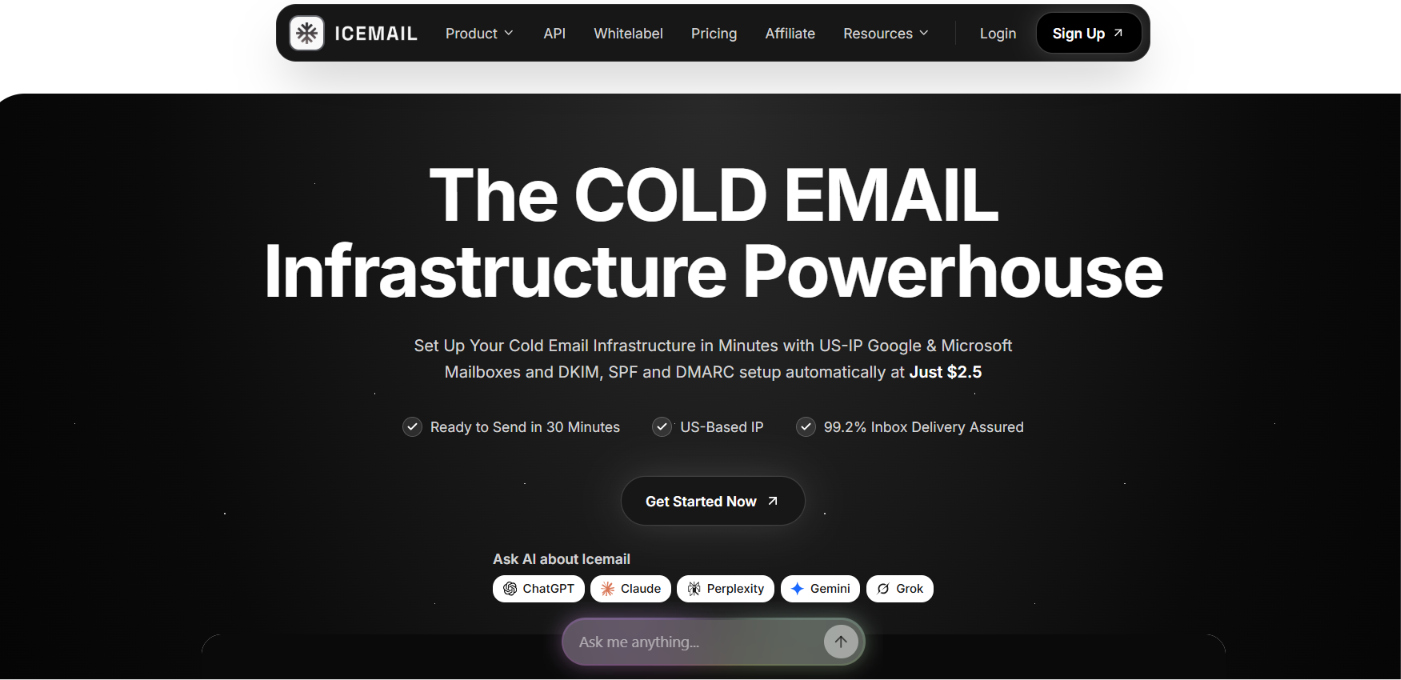
Icemail provides Google Workspace and Microsoft 365 mailboxes, plus SMTP as a third option. You can connect domains you already own or purchase new ones through the platform.
If you already have infrastructure elsewhere, you do not need to rebuild it. Icemail lets you import existing domains and mailboxes and manage them alongside new ones. That is useful when you have dozens of client domains across different providers.
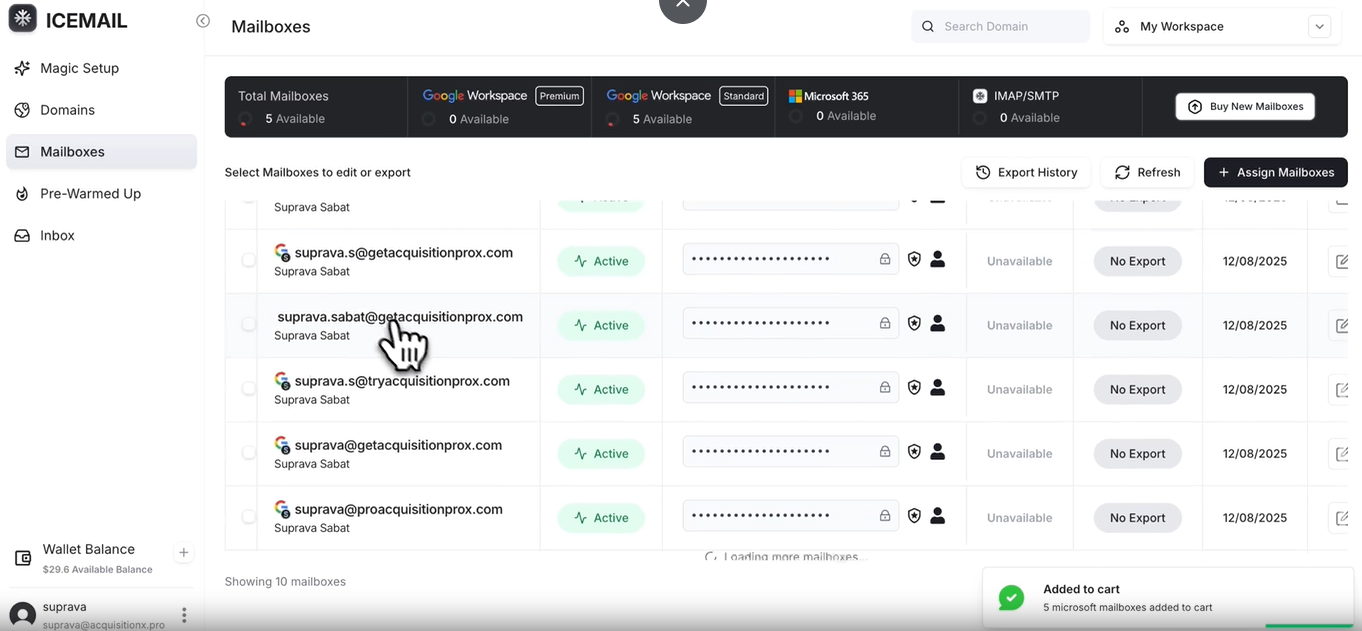
Burned mailboxes do not increase your bill. Icemail replaces them for free, so a bad month for deliverability hurts replies without also raising your invoice. According to Icemail, setup takes about 10 minutes from purchase to sending-ready. Mailboxes connect with Smartlead, Instantly, and most other sequencers.
Agencies often spend more time managing domains than sending. Finding new domains, importing old ones, replacing burned mailboxes, and giving teammates access all take time. Icemail brings that work into one platform.
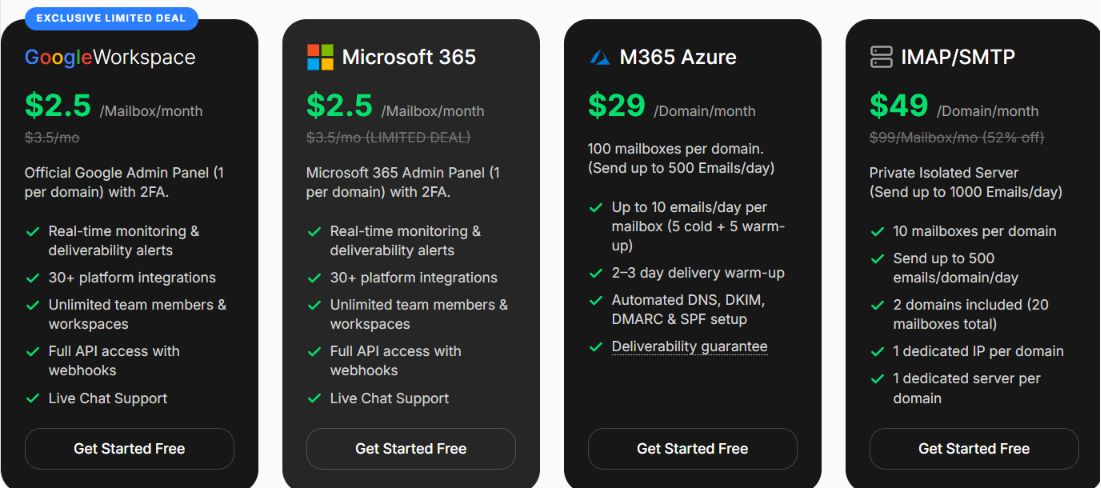
InboxKit costs $3.00 per mailbox monthly or $2.50 annually, plus $3 for warmup. For 50 mailboxes, Icemail costs about $125 monthly compared with InboxKit’s $150 before warmup.
Best for: Teams that want to protect their sender reputation from other customers and have a real person to contact when problems arise.
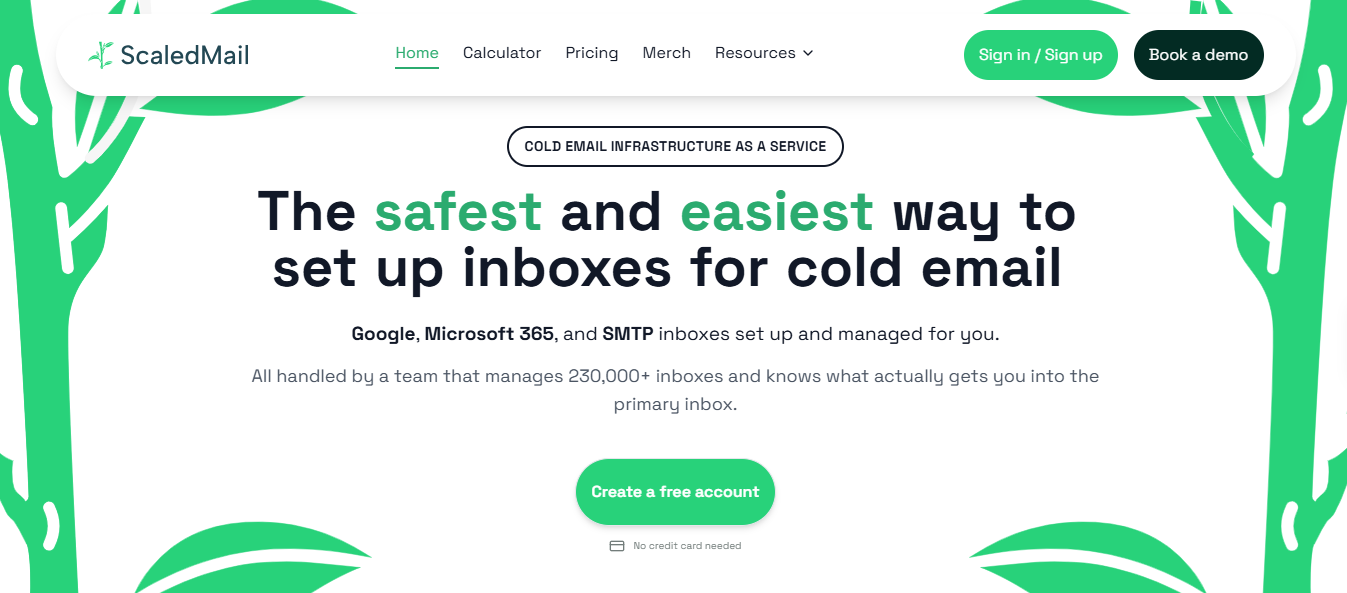
ScaledMail provides Google Workspace and Microsoft 365 mailboxes, plus SMTP, on isolated tenants. A tenant is the organizational environment Google and Microsoft use to assess sender reputation.
Tenant-level isolation means another customer’s bounces or spam reports cannot affect your accounts.
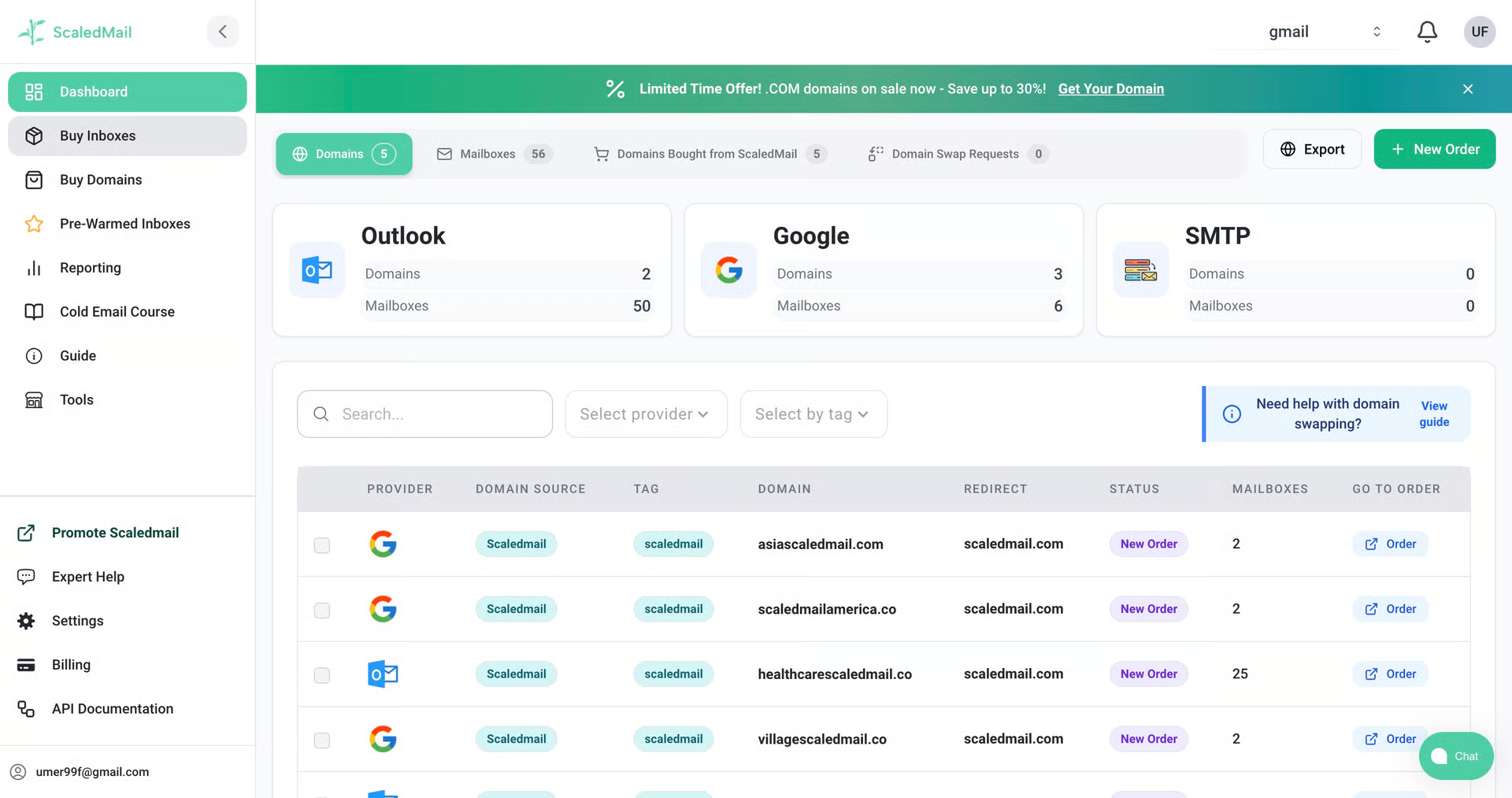
Warmup is not included. ScaledMail recommends a 2:1 warmup ratio and connects your mailboxes to your preferred warmup tool during setup, including Instantly, Smartlead, TrulyInbox, and Mailwarm.
To avoid the wait, you can buy pre-aged domains with 30, 90, or 180 days of sending history.
Support is handled by people, not tickets. You get a dedicated Slack channel, while ScaledMail’s team configures and verifies SPF, DKIM, and DMARC instead of leaving you to audit the records yourself.
InboxKit comes with isolated domain panels, giving each domain its own management space. ScaledMail provides tenant-level isolation, which is where Google and Microsoft assess reputation. When comparing providers, ask whether “isolated” refers to the domain panel or the tenant.
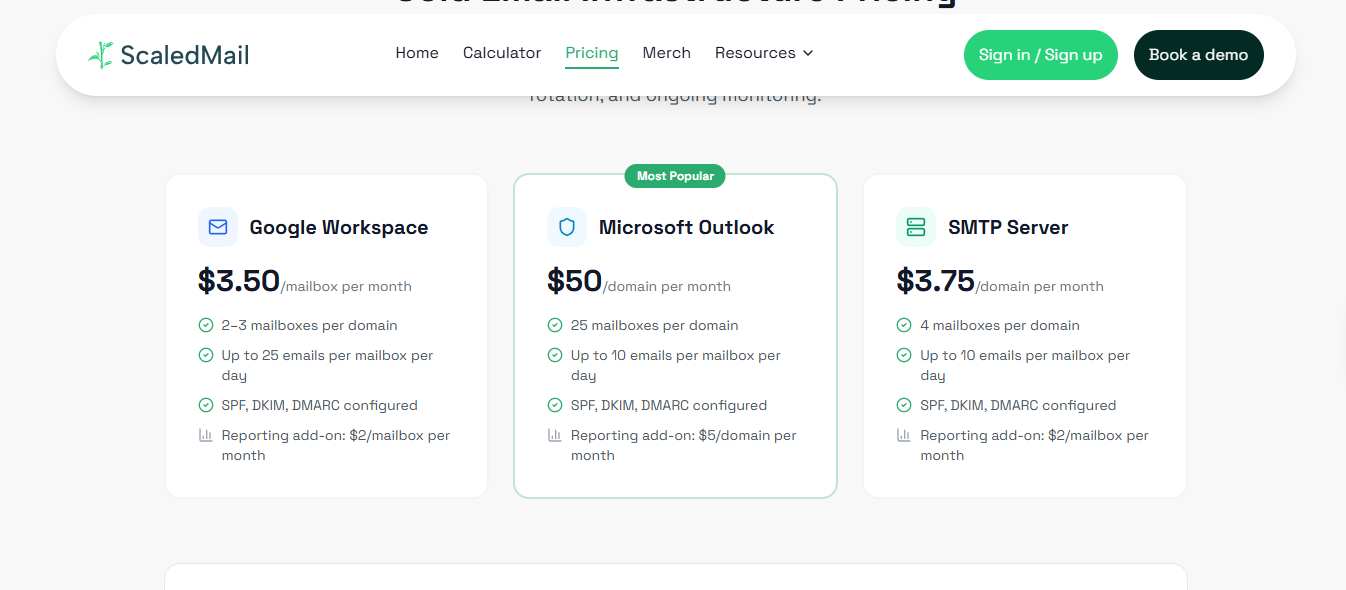
InboxKit costs $3.00 per mailbox monthly or $2.50 annually, plus $3 per mailbox for warmup. Neither provider includes warmup in its base price.
Best for: Teams wanting to launch campaigns on the day they purchase mailboxes without making an annual commitment.
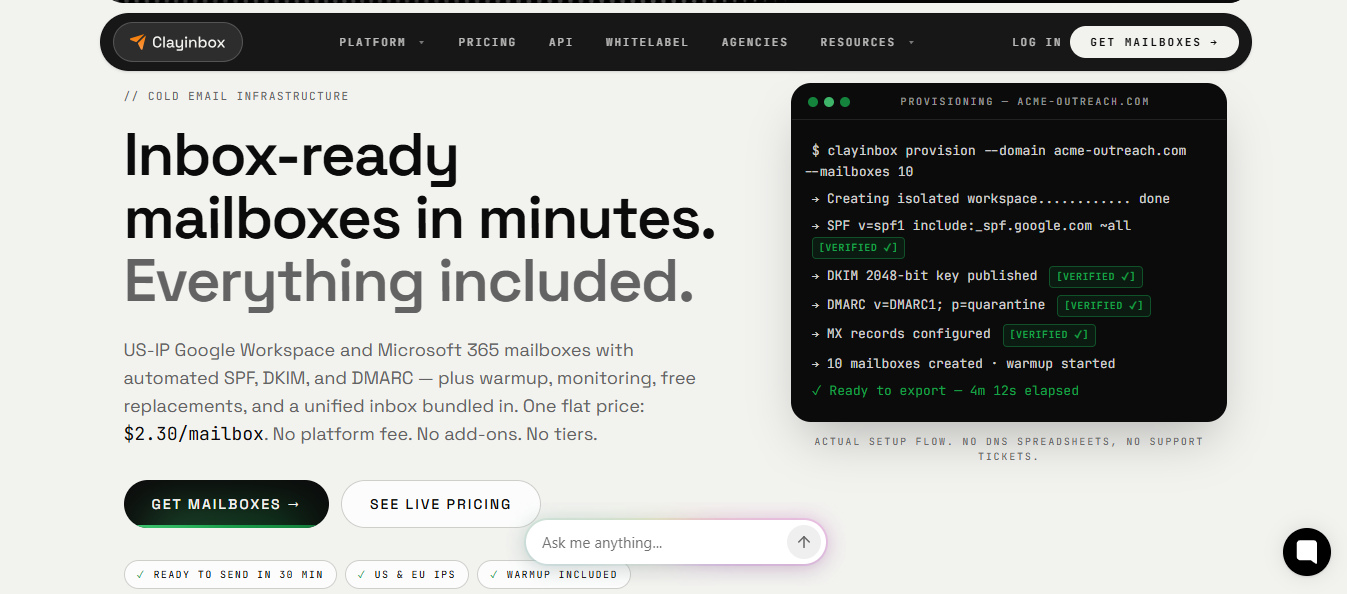
Clayinbox charges only for each mailbox. Warmup, blacklist and DNS monitoring, placement tests, and mailbox replacements are included, so add-ons do not increase your bill. The mailbox rate is also the same whether you buy 5 or 5,000, meaning small and large teams pay equally.
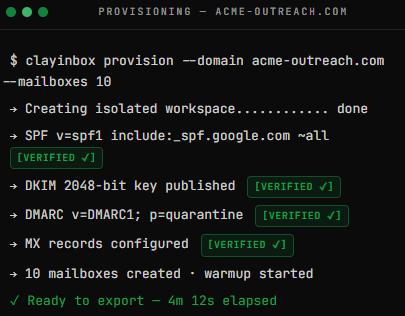
Banned mailboxes are a common expense at scale, and this is where Clayinbox offers the most value. It replaces them for free without limiting the number. Domains are registered in your name, so you keep them if you leave.
Setup takes up to 30 minutes, mostly for DNS verification. You can then export mailboxes to your sequencer in one click or connect any tool through SMTP
New mailboxes usually need 14 to 21 days of warmup before sending real campaigns. Clayinbox offers pre-warmed mailboxes with existing sending history, letting you start a campaign on the day you buy.
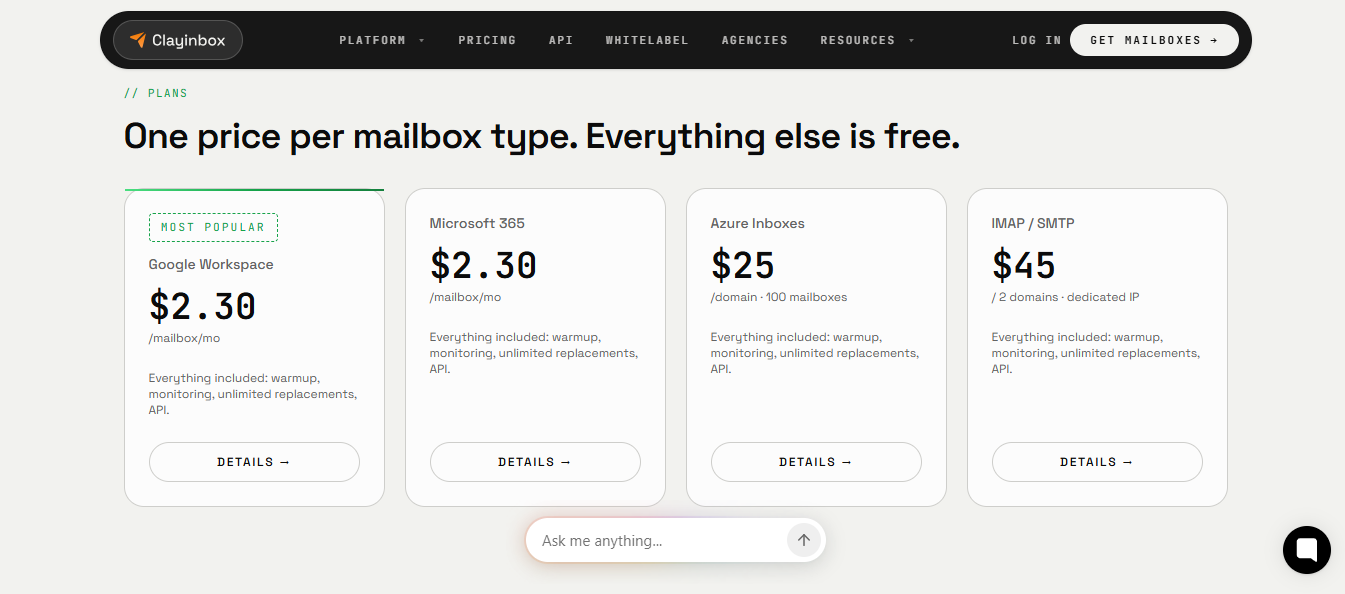
InboxKit costs $3.00 per mailbox monthly or $2.50 annually, plus $3 for warmup. For 50 Google mailboxes, Clayinbox costs $100 monthly with warmup, compared with InboxKit’s $300 on monthly billing.
Best for: Teams wanting new domains to begin with a clean record and willing to wait a few hours.
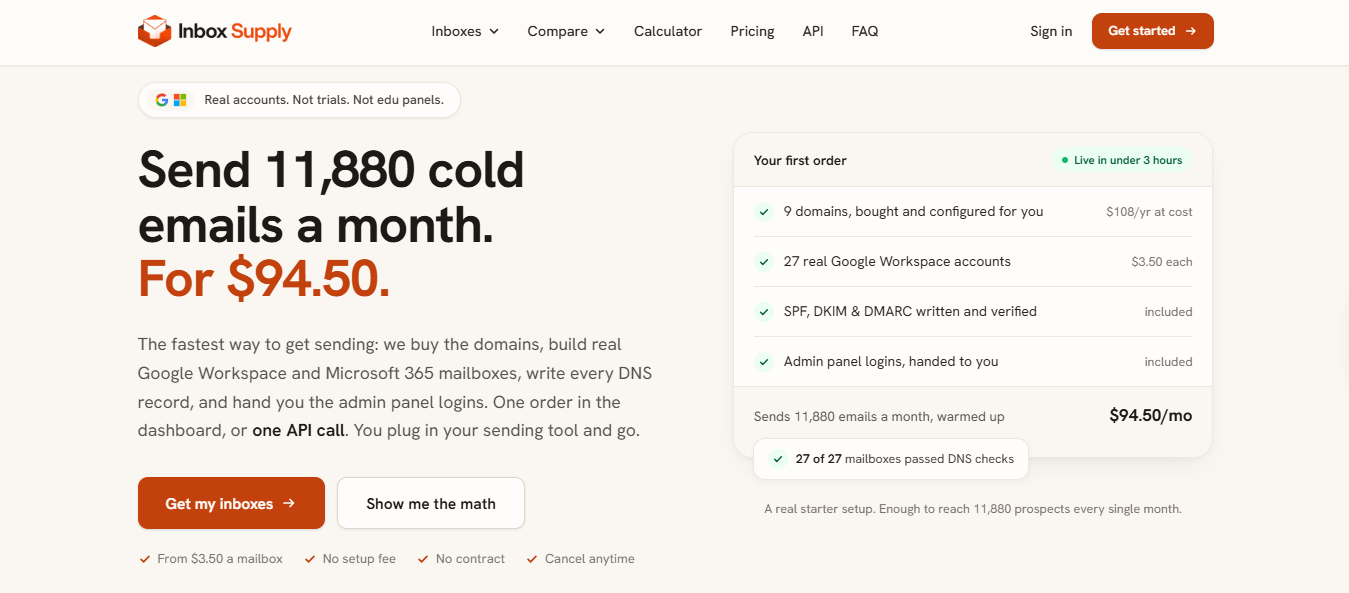
Inbox Supply provides licensed Google Workspace and Microsoft 365 accounts, not trials, aliases, or edu panels. It gives you the admin panel credentials, letting you sign in to Google or Microsoft’s admin center and view your tenant.
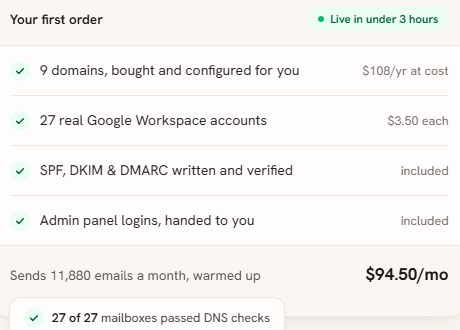
Orders take up to three hours to activate, and the delay is intentional. Inbox Supply spaces out domain purchases and DNS changes so trackers such as Spamhaus and SURBL do not detect a bulk pattern.
The wait may be worthwhile when buying dozens of domains because bulk purchases are exactly what these trackers monitor.
There are two gaps to consider. Warmup is not included, so you need a separate tool or sequencer that handles it. Replacements are only free when Inbox Supply caused the problem, not when a mailbox burns because of your sending.
A domain flagged during its first week can be difficult to recover. Inbox Supply stages each order so your setup does not look automated to the services deciding whether a domain is trustworthy.
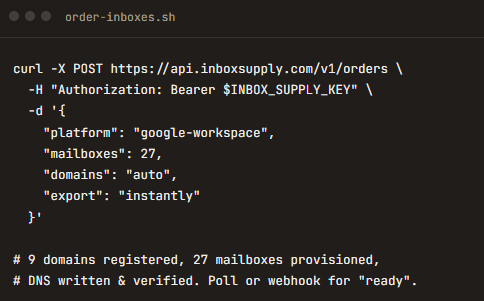
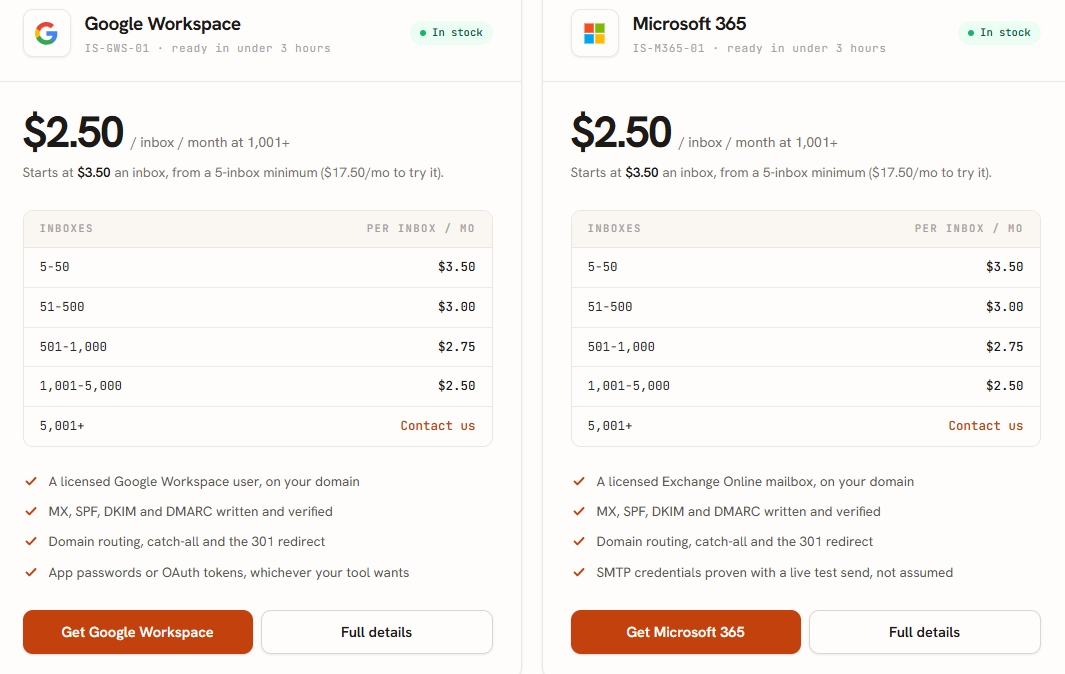
Inbox Supply prices are based on how many live inboxes sit on your account, with Google and Microsoft at the same rate.
Crossing a pricing tier reprices every inbox, not only the new ones. InboxKit costs $3.00 monthly and reaches $2.50 only with annual billing, while warmup adds $3 per inbox. Inbox Supply reaches $2.50 month-to-month at 1,001 inboxes, although its rate below 50 is higher than InboxKit’s monthly price.
Enter your email to get a custom plan & stack recommendation for your business
Please check your mailbox in 5 minutes
Choose based on who you want handling the warmup work.
If you want the provider to handle it, Primeforge ships real Google and Microsoft mailboxes pre-warmed, and Clayinbox includes warmup at a lower flat rate.
If you already run warmup yourself, ScaledMail keeps your reputation on isolated tenants with a person on Slack, Inbox Supply stages every order so new domains start clean, and Icemail suits agencies moving many domains into one place.
For most teams, I would choose Primeforge first. You get genuine accounts without a three-week wait or an extra warmup fee.