
If your emails are suddenly getting blocked or pushed to spam, one of the first things to check is the Spamhaus Blocklist (SBL).
Spamhaus is one of the most trusted blocklists in the world, and the moment your IP appears on it, email providers start rejecting your messages and your deliverability drops immediately.
That’s why it’s important to identify the listing early and fix it fast, to protect your sender reputation and keep your emails trusted again.
In this guide, we’ll make it simple. You’ll learn why Spamhaus lists IPs, how it impacts your email deliverability, and what steps you can take to help you recover and stay protected.
Key Takeaways
The Spamhaus Blocklist (SBL) is a real-time list of IP addresses that have been seen sending large volumes of emails to people who never signed up to receive them, or taking part in other harmful online activities.
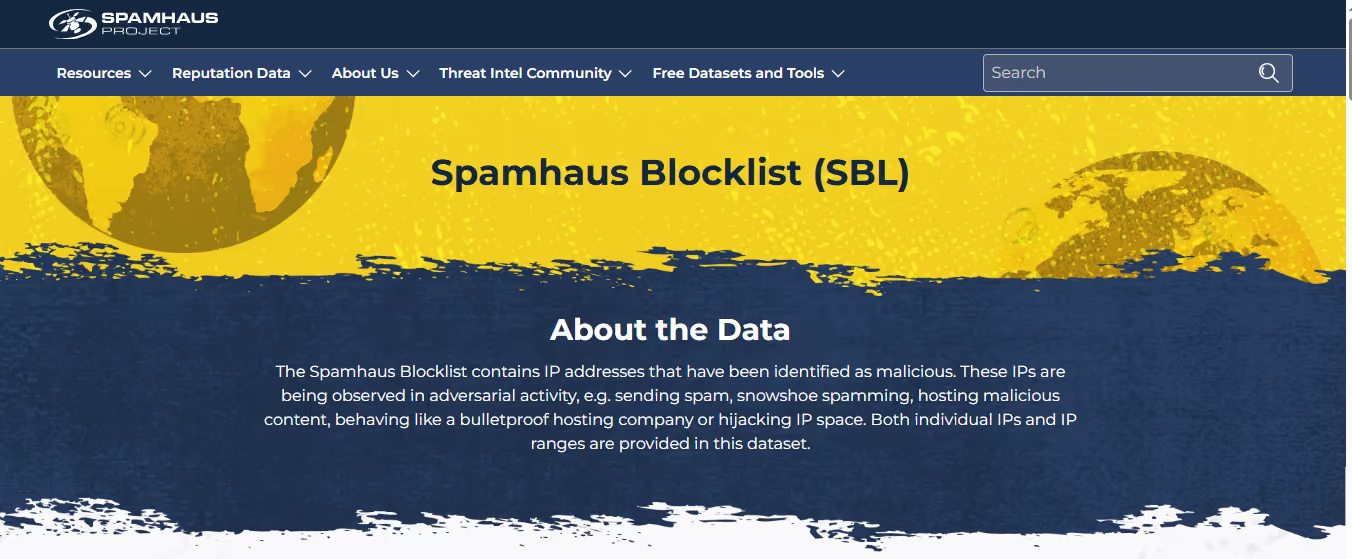
It doesn’t look at your email content; it looks at your sending behavior. It only looks at whether the activity qualifies as spam under its definition of “unsolicited bulk email (UBE).”
This list is managed by a global Open Source Intelligence (OSINT) team made up of investigators and forensics experts. On average, it contains 30,000 to 40,000 active IPs.
Spamhaus data helps email providers and network administrators identify and block spam before it reaches users.
By using the Spamhaus Blocklist, they can:
It’s one of the most widely used tools for keeping inboxes safe and maintaining healthy email networks.
Protect your domains and keep your emails landing in inboxes. Start using Warmforge to stay off the Spamhaus Blocklist.
Spamhaus adds an IP to its list when it’s being used for spam or any kind of online abuse. This means the IP is either controlled by spammers or allows spam-related activity to happen.
It happens:
Also called snowshoe spam, this happens when large amounts of spam are spread across many IPs or domains to hide the source.
Spamhaus lists IPs that host websites or pages promoted in spam emails, or those that support malware and abuse operations.
Some IPs provide services that make spam possible. These include:
Spamhaus also lists IPs that pose a danger to users or networks, such as:
Sometimes Spamhaus gives a warning listing before a full block. These are called informational listings; they don’t block emails yet, but they’re a signal that your IP needs attention before things get worse.
If your IP ends up on the Spamhaus Blocklist (SBL), things can go wrong fast. Most email servers check Spamhaus before accepting a message, so if you’re listed, your emails may never reach anyone.
Here’s what that really means for you:
Before you go for a Spamhaus delist, you first need to confirm if your IP or domain is actually black listed. Many senders panic when emails start failing, but sometimes the issue isn’t Spamhaus, so checking is the first step.
Here’s how you can do it easily
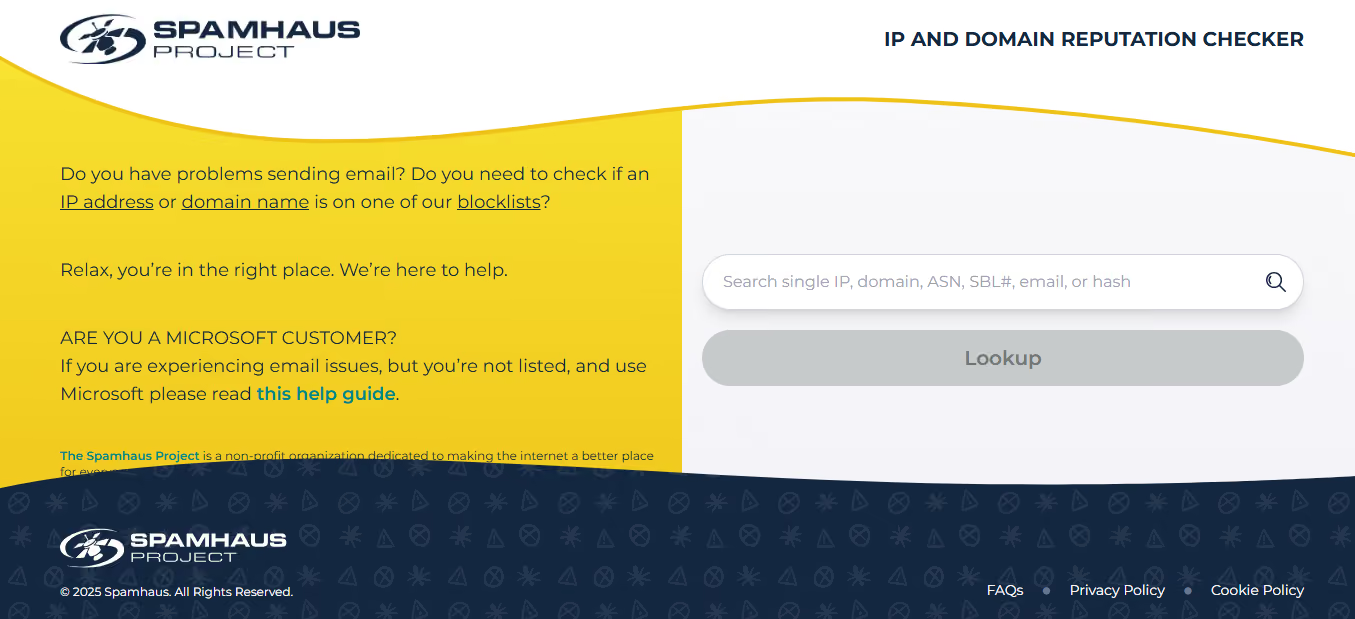
Doing this check first saves time and helps you understand exactly why your IP was listed, so when you move forward with delisting, you already have the full picture.
Related Read: Ultimate Guide to AI Blacklist Monitoring
If your IP is listed, here’s how to start a proper Spamhaus Blocklist removal, short, clear, and in the right order
Chance to fix one single coour for this
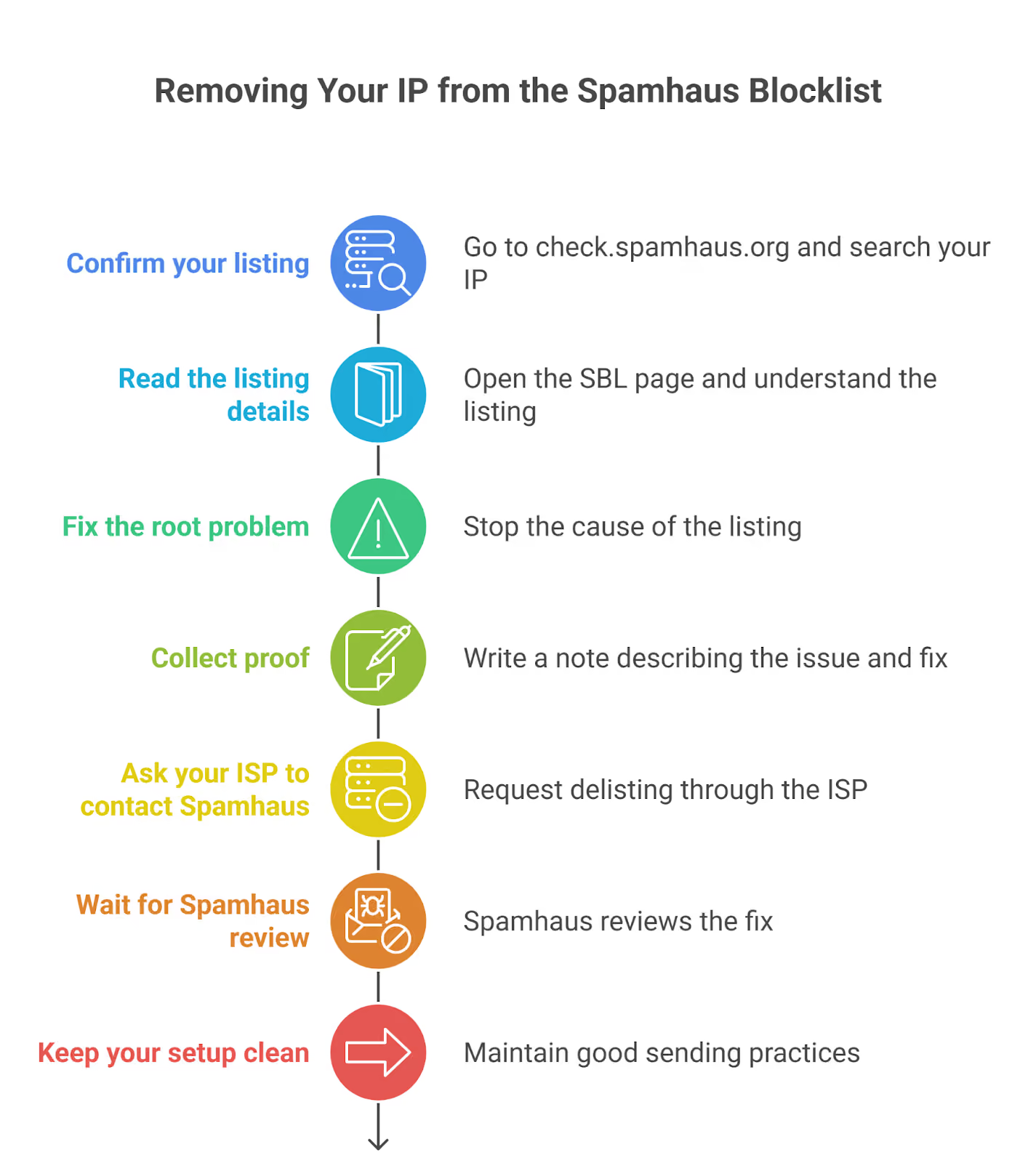
✅ Quick reminder: Delisting works only when the abuse is fully stopped and verified. If the issue returns, Spamhaus can relist your IP anytime.
Keeping your IP reputation clean is the best way to stay off the Spamhaus Blocklist and other blacklists. Here’s what you should do regularly
Add CAPTCHA or another security check to stop bots from sending fake sign-ups or spam through your forms.
Set clear rules for how your email system can be used and act fast if anyone breaks them.
Only allow outbound emails from your main mail server. This stops infected or unauthorized systems from sending spam.
Make sure your hostname, HELO, and reverse DNS are set up correctly and match each other.
Ask users to confirm their subscription before sending emails. This keeps your list clean and avoids spam traps.
Stay in sync with your network, IT, and deliverability teams. A quick fix on one side can prevent a bigger issue later.
💡Quick Tip: Managing all this manually can be tough, especially if you’re adding new domains or mailboxes often. Warmforge helps to automate domain authentication, gradual warm-up, and sending patterns so your reputation stays strong from day one.
Related Read: How To Allocate IP Pools for Campaigns
Warmforge is a tool that automatically warms up your email accounts and maintains your sending reputation.
It sends safe, human-like emails every day, manages your domain settings, and keeps your sender score healthy, so your IPs don’t get flagged by filters like Spamhaus.
Here’s how it helps
Warmforge automates the hard parts of deliverability, helping you stay consistent, compliant, and off the Spamhaus Blocklist.
Spamhaus data isn’t just for blocking bad senders; it can also help you protect your email systems from spam and abuse.
Here’s how you can use it effectively
Check the connecting IP address against the Spamhaus Blocklist (SBL) as soon as an email tries to reach your server. This helps you stop most spam before it’s even accepted.
Use the data during the “pre-data” stage, check the HELO string and the Mail From domain to detect suspicious senders early.
Scan the message headers and body. Look up any IPs or URLs found in the content to see if they appear in Spamhaus datasets.
For stronger protection, use the ZEN zone, which combines multiple Spamhaus blocklists, like:
You can also add the Domain Blocklist (DBL) to catch bad domains after emails are accepted.
You can integrate Spamhaus data with filtering tools like SpamAssassin or Rspamd, or configure it directly in your SMTP server.
The Spamhaus Blocklist directly decides whether your emails get delivered or blocked, so dealing with a listing quickly is essential.
The most important steps are simple: understand why your IP was listed, fix the exact issue, and have your ISP request removal.
Once you’re clear, staying consistent with clean sending practices is what keeps you off the list.
If you want steady protection without manual work, Warmforge helps you maintain a healthy sender reputation and avoid the behaviors that lead to Spamhaus listings.
Start using Warmforge to warm up your inboxes and protect your sender reputation today.
