
Personalized Outbound Strategy
Get The Right Outbound Strategy In Minutes
Enter your email to get a custom plan & stack recommendation for your business
It's being carefully crafted by AI
Please check your mailbox in 5 minutes

You probably did not start looking for a Maildoso alternative on day one. Setup was quick, domains were included, and it worked well for a small number of mailboxes.
The problems often appear later. Your mailboxes share IPs with other Maildoso customers, so their spam complaints can lower your inbox rates. You also pay three months upfront, have limited DNS control, and may receive a .xyz or .click domain when a burned one is replaced.
I used those gaps to compare the five tools below. Two are Salesforge products: Mailforge keeps shared infrastructure but gives you full domain control, while Infraforge provides dedicated IPs. The other three solve specific infrastructure problems in different ways.
Here is how the five compare on IPs, domain control, billing, and time to launch. Mailforge is my top pick for affordable mailboxes with full domain control. Infraforge is better if you need dedicated IPs.
Maildoso is quick to set up and affordable at first, so I did not judge these tools solely on price. I focused on six areas that become more important as your mailbox count grows.
Maildoso uses shared IPs, meaning another sender’s spam complaints can affect your inbox rates. I checked whether each alternative provides dedicated IPs or spreads shared-IP risk across a larger pool.
If you cannot edit DNS or move a domain, you cannot freely connect it to other tools or keep it when leaving. I preferred platforms that let you bring, transfer, and manage your own domains.
Paying for three months upfront makes testing a provider expensive. I compared billing periods and whether providers charge by mailbox, server, plan, or email sent.
Setup speed matters less than the wait before your first campaign. I checked whether warmup is included and whether pre-warmed domains or mailboxes are available.
Domains burn, and IPs get blacklisted, even with careful sending. I gave more credit to providers offering alerts, automatic failover, placement testing, and free domain replacements.
Agencies need to keep each client’s infrastructure separate. Every team also needs mailboxes that connect easily with tools such as Smartlead and Instantly.
Best for: Teams wanting affordable cold email mailboxes, quick setup, and full domain control.
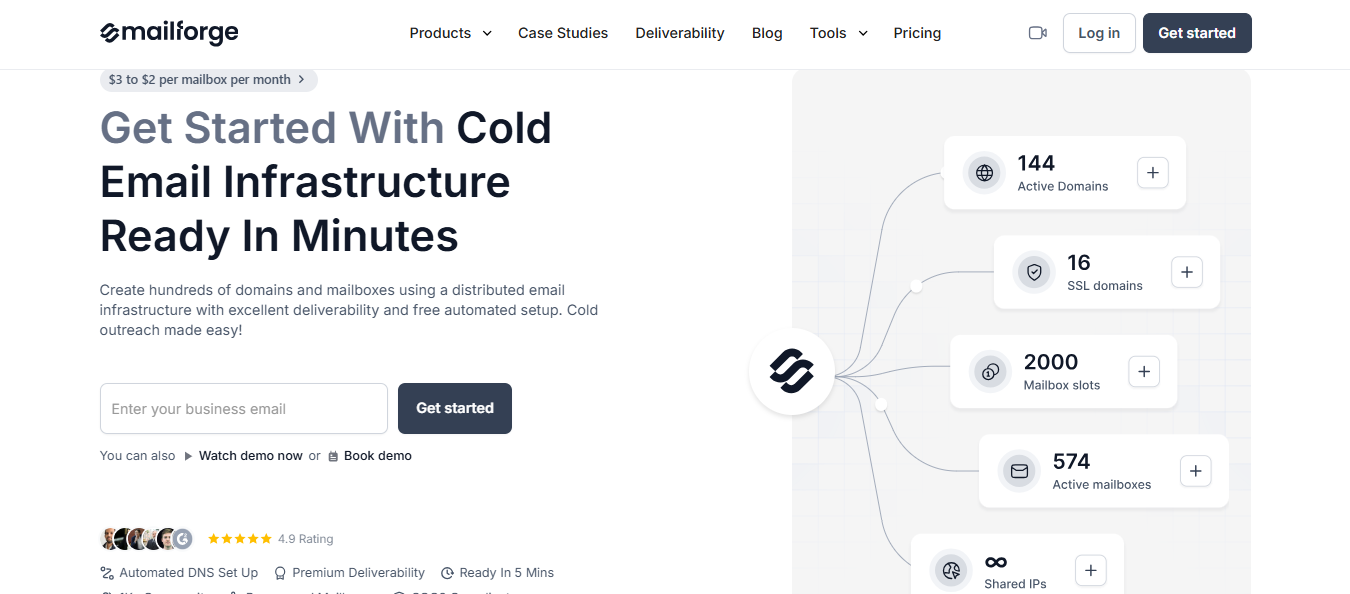
Mailforge is the closest direct alternative to Maildoso. You receive affordable mailboxes on shared infrastructure without many of the restrictions that make Maildoso difficult to manage.
You can buy domains and create mailboxes within minutes. Mailforge configures SPF, DKIM, DMARC, and tracking for every domain. You can then edit DNS across multiple domains and transfer them in or out whenever needed.
Warmup is not included, so allow about two weeks with a tool such as Warmforge before launching your first campaign.
You may wonder why you would switch from one shared-IP provider to another. Mailforge spreads mailboxes across a pool used by millions of businesses, similar to Gmail and Outlook. If you want IPs reserved for your company, choose Infraforge instead.
Mailforge ranks first because it keeps Maildoso’s main advantage, affordable mailboxes at scale, while removing many of its restrictions.
For teams managing dozens or hundreds of mailboxes, this is the simplest move away from Maildoso.
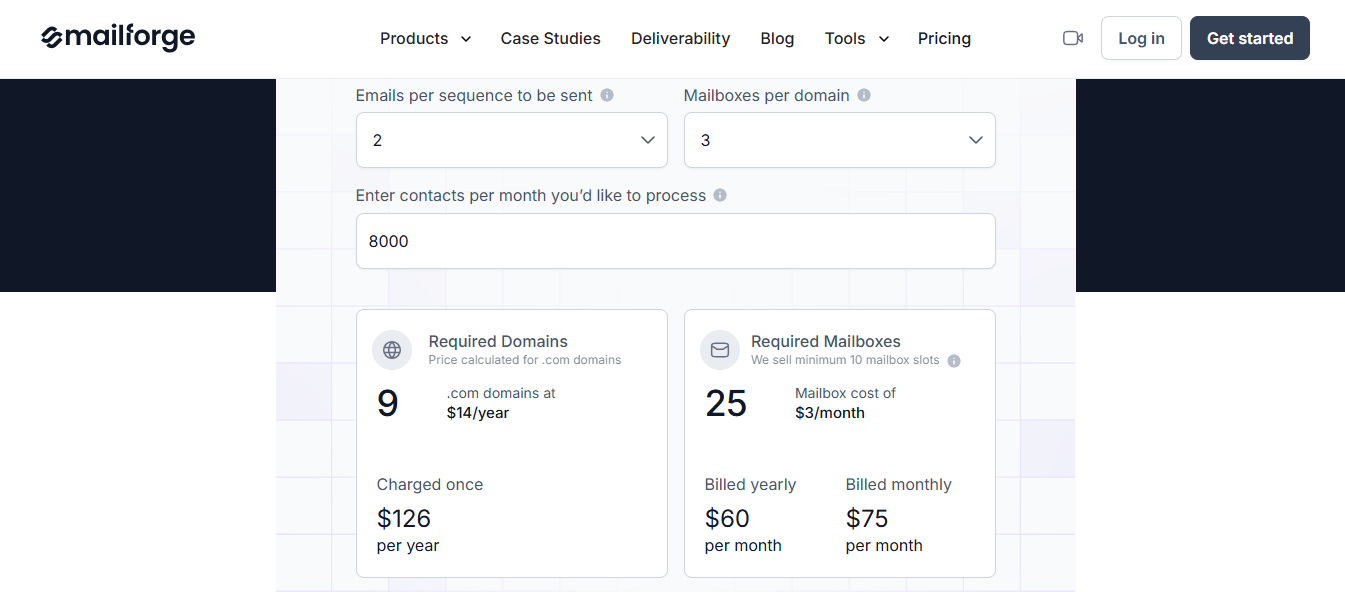
Mailforge charges per mailbox, with lower rates at higher volumes.
Two hundred mailboxes cost $484 monthly, compared with $1,680 through Google Workspace or $1,200 through Microsoft 365. Maildoso’s entry plan costs $299 quarterly for 32 mailboxes and requires three months of payment upfront.
Enter your email to get a custom plan & stack recommendation for your business
Please check your mailbox in 5 minutes

Best for: Teams leaving Maildoso because of shared IPs and wanting dedicated IPs without renting a full server.
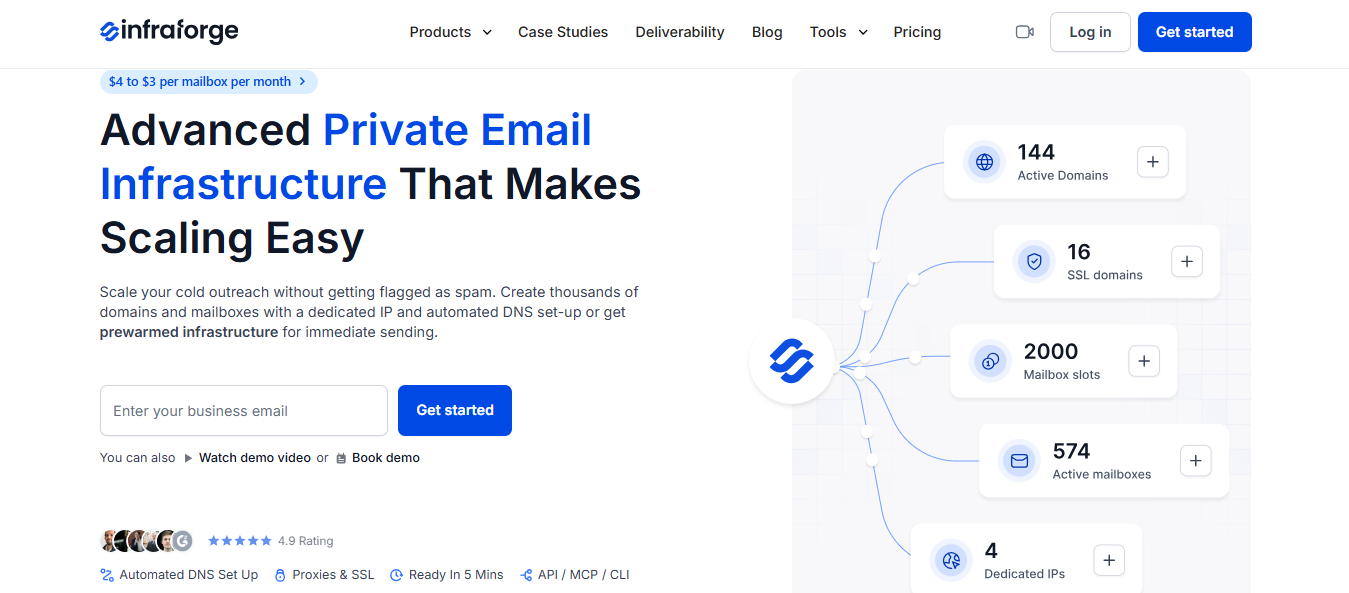
Infraforge is Salesforge’s private infrastructure product. It works much like Mailforge, but your mailboxes use dedicated IPs instead of a shared pool. If shared IPs are your main reason for leaving Maildoso, this is the option I would choose.
Setup remains quick. Your first domain and mailbox can be ready in about five minutes, with SPF, DKIM, and DMARC configured automatically. Warmup and deliverability monitoring are included, while sender rotation prevents any mailbox from carrying too much volume.
Infraforge connects with Salesforge and other sending tools, so you can keep your existing workflow.
Private infrastructure often requires paying for an entire server before sending your first email. Infraforge prices dedicated-IP mailboxes individually, letting you start small and expand gradually.
If shared IPs are not a concern, Mailforge offers similar setup features at a lower price.
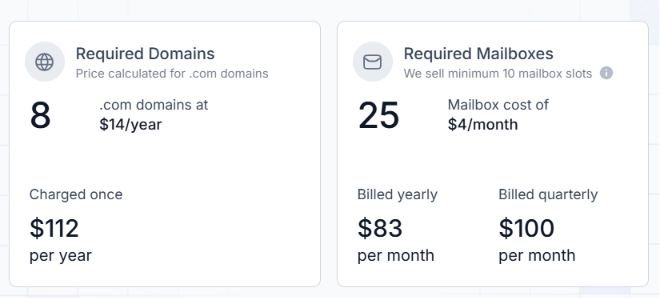
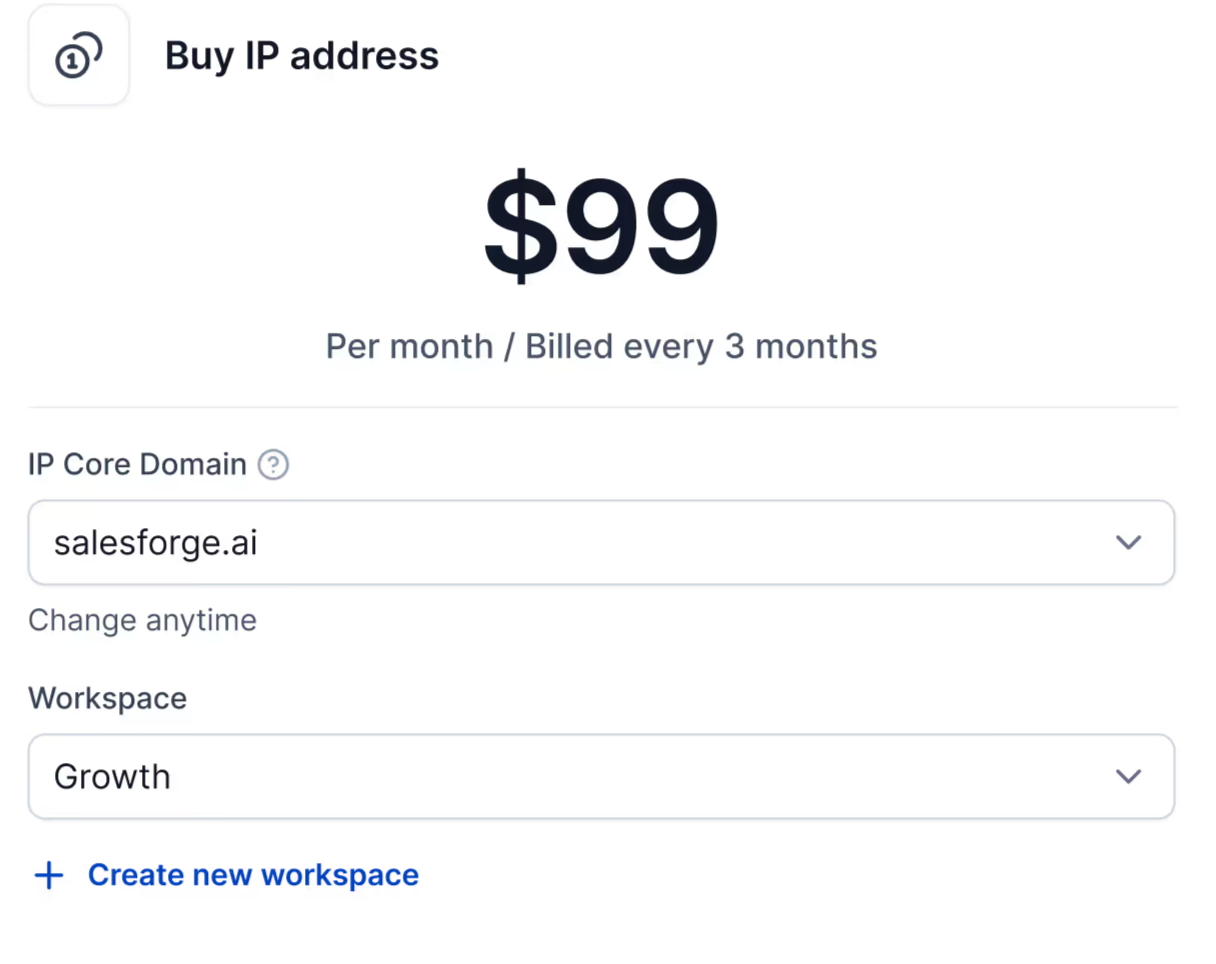
Infraforge charges per mailbox, with lower rates as volume grows.
Your subscription includes DNS setup, hosting, and mailbox maintenance.
Best for: Agencies and high-volume senders wanting a dedicated server and IP instead of shared infrastructure.
Mailreef is worth considering if you are leaving Maildoso because you cannot control your sending reputation. Every account receives its own mail server and IP, so the sending history on that IP belongs entirely to you.
Moving infrastructure often means waiting weeks for warmup. Mailreef avoids this by providing pre-warmed servers, domains, and mailboxes. It also configures SPF, DKIM, and DMARC, allowing you to launch on the first day.
Mailboxes connect with Smartlead, Instantly, or any sequencer supporting SMTP and IMAP. However, these are Mailreef accounts, not Google Workspace or Microsoft 365 mailboxes.
Mailreef makes the most financial sense at scale. One server can hold more than 150 mailboxes, so the cost per mailbox decreases as you add more.
For a small number of mailboxes, paying for an entire server may cost more than it saves.
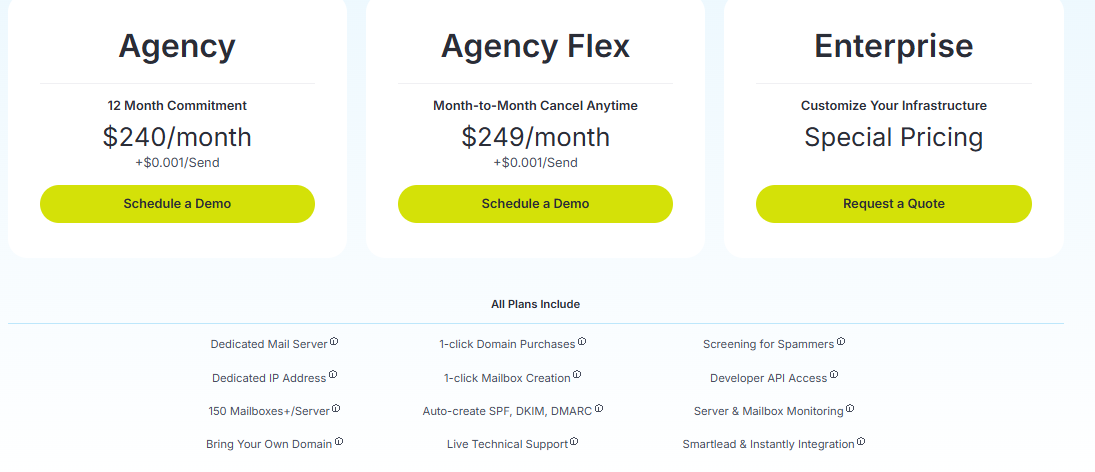
Mailreef charges per server plus a fraction of a cent for each email. Mailboxes are free.
Both Agency plans include the same setup. The difference is whether you commit to saving $9 monthly for a year. Sending two emails each to 25,000 new contacts costs about $299 monthly on one server with 51 mailboxes.
Best for: Agencies and sales teams needing separate infrastructure for each client or team.
Mission Inbox is designed for teams sending on behalf of several clients. Each client receives separate servers and IPs in an environment called a Cube. If one client runs a poor campaign, the others remain unaffected.
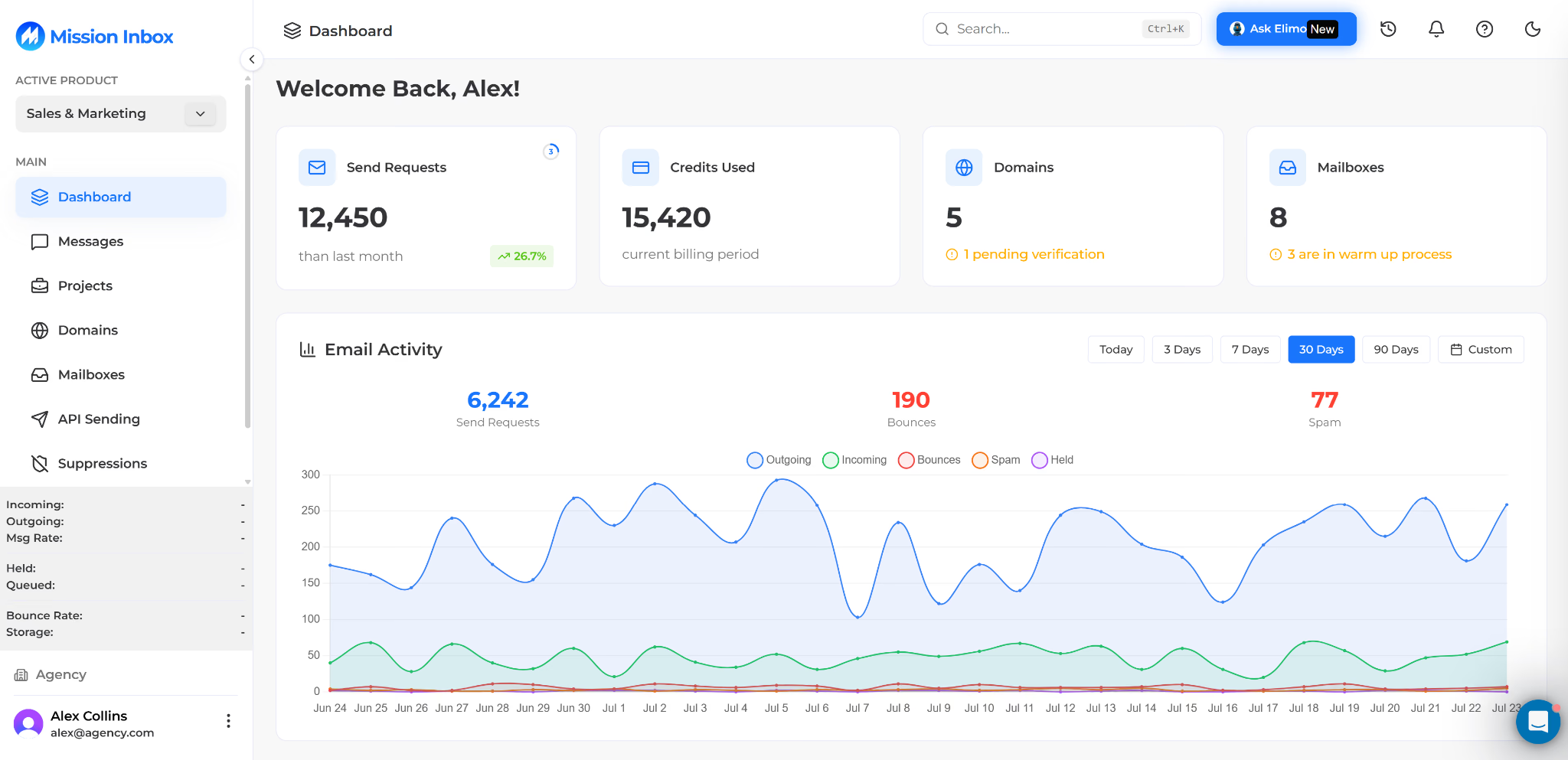
Its AI tool, MI Shield, checks every email before sending. It scans for risky links and wording and blocks messages likely to land in spam.
You bring your own domains and keep full DNS control, so they remain yours if you leave. Mailboxes connect directly with Instantly, Smartlead, and other sequencers. The additional step is to purchase domains yourself, as Mission Inbox does not include them.
When clients share sending infrastructure, one client’s spam complaints can hurt everyone. Mission Inbox keeps each client’s results tied to their own campaigns.
Solo senders with only a few mailboxes may pay for more protection than they need.
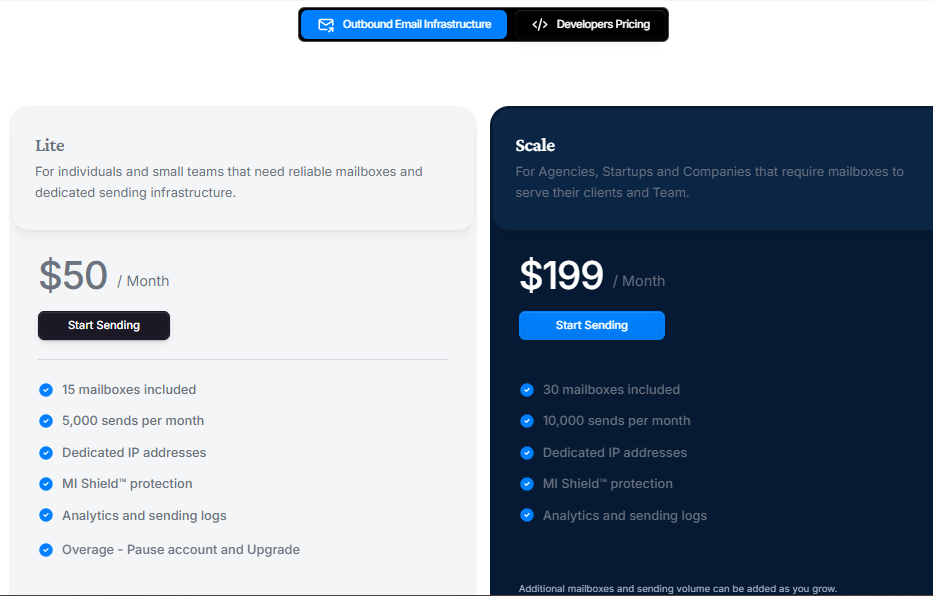
Both plans include dedicated IPs and MI Shield but exclude domains. Calculate your monthly sending volume first because cold email campaigns can reach those limits quickly.
Best for: Teams wanting inboxes delivered with managed warmup and monitoring already included.
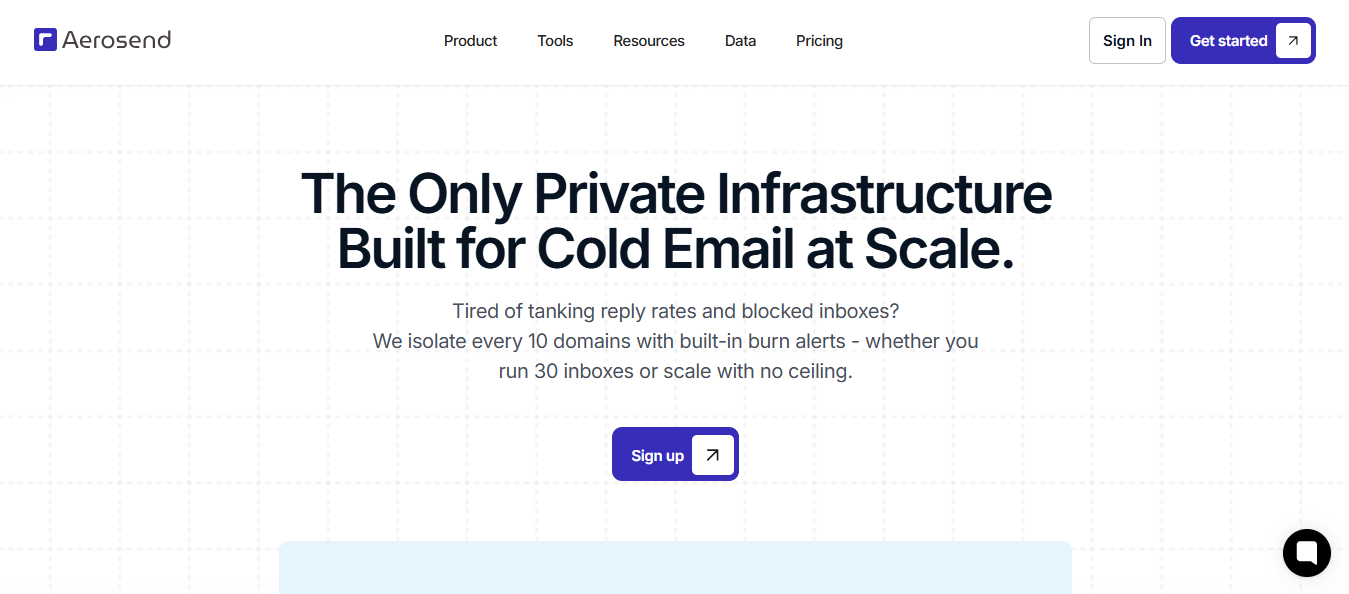
Aerosend provides cold email infrastructure with built-in warmup. Your inboxes use dedicated, aged IPs that are not shared with other customers. Every inbox also receives managed warmup at no extra cost, unlike Maildoso, where you must arrange warmup separately.
The trade-off is time. Aerosend sets up inboxes within two days, then warms them for 21 days before you begin sending. Plan the move several weeks before your next campaign.
You can bring your own domains or buy them through Aerosend, and you keep ownership either way. Inboxes connect with Smartlead, Instantly, and Apollo.
Aerosend includes most of the tools needed to protect each inbox. You do not need separate services for warmup, placement tests, or burn alerts.
The main drawback is the wait. Aerosend is not the best option if you need new inboxes sending this week.
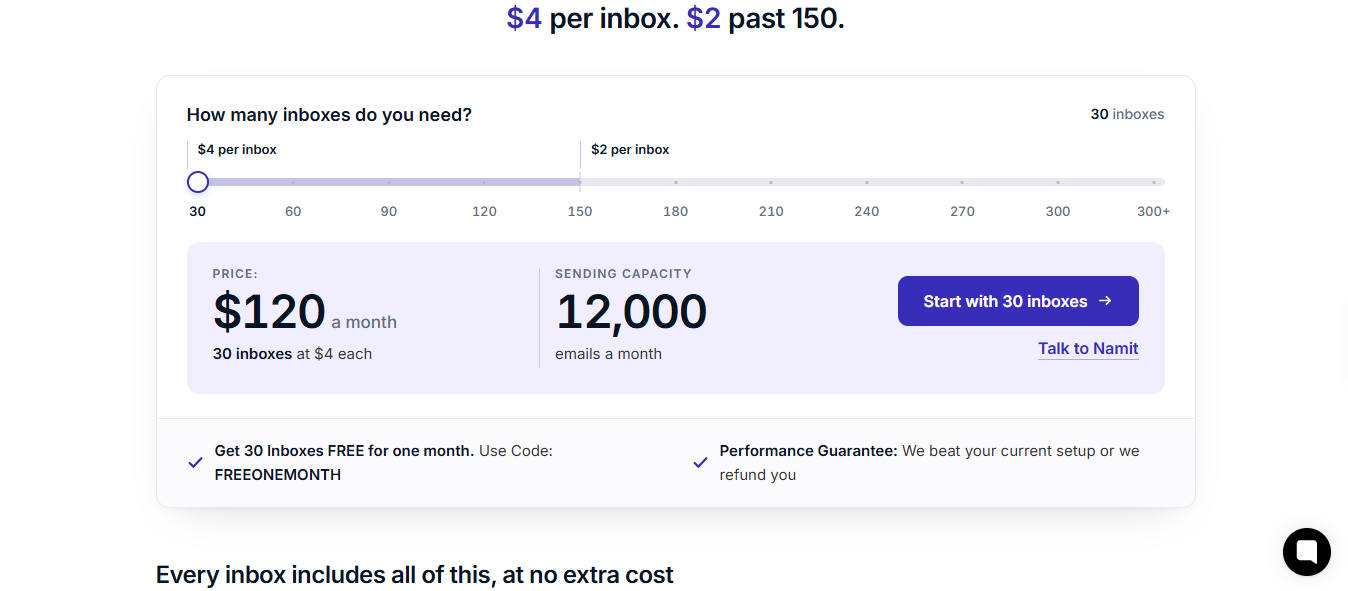
Billing is monthly, with a minimum of 30 inboxes. The code FREEONEMONTH provides the first 30 inboxes free for one month.
Enter your email to get a custom plan & stack recommendation for your business
Please check your mailbox in 5 minutes
Mailforge is where I would start. It keeps the affordable per-mailbox pricing that made Maildoso attractive while giving you control over domain transfers, bulk DNS changes, and client workspaces.
If shared IPs are the main concern, choose Infraforge. It offers similar setup tools with dedicated IPs priced per mailbox rather than per server.
The other options fit more specific needs. Mailreef works best at high volume, Mission Inbox keeps client infrastructure separate, and Aerosend suits teams willing to wait three weeks for fully warmed inboxes.
Start by creating your domains and mailboxes in Mailforge, then run two weeks of warmup through Warmforge before launching your first campaign.