SDRs and agency founders, just like me and you, can't do what they do without the right cold email infrastructure. I went through most of the major providers this year, usually while scaling real campaigns. Here's what I found.
You can have the sharpest copy and the cleanest lead list. None of it matters if your domains are misconfigured or your IPs carry a bad reputation.
Cold email infrastructure is the domains, mailboxes, IP addresses, and authentication records (SPF, DKIM, DMARC) that sit beneath your outreach. Get this layer right, and everything downstream gets easier. Get it wrong, and your emails land in spam regardless of how good they are.
In this guide, I break down the six cold email infrastructure tools worth your attention in 2026. For each one, I cover who it fits best, what it does well, where it falls short, and what it costs. Let's get into it.
Short on time? Here is the quick version.
One thing worth noting upfront. Mailforge, Primeforge, and Infraforge are all built by Salesforge, so they share a single login.
You can move between shared, Google/Microsoft, and dedicated infrastructure as your needs change. That flexibility is something no single competitor matches.
Airmail is Instantly's in-house product. Maildoso and Inframail are independent.
I did not just skim feature pages. I set up mailboxes, tested DNS automation, monitored deliverability, and tracked cost-per-inbox at scale for each provider. Here is what I measured.
The biggest decision in cold email infrastructure is shared IPs versus dedicated IPs. Shared pools are cheaper but carry reputation risk from other senders. Dedicated IPs give you full control over your sender reputation but cost more. I also tested Google Workspace and Microsoft 365 mailboxes separately, since those carry provider-level trust that SMTP-only setups do not.
How fast can you go from zero to a working setup? I timed domain purchases, mailbox provisioning, and SPF, DKIM, and DMARC configuration for every tool. If DNS records needed manual editing, that counted against setup speed.
Infrastructure without warmup is a recipe for spam folders. I checked whether each tool bundles warmup or requires a separate provider. I also ran inbox placement tests after the warmup period to see where emails actually landed.
I calculated the real cost at three tiers: 30 mailboxes, 100 mailboxes, and 300-plus mailboxes. Some tools look cheap at low volumes but get expensive fast. Others flip the math at scale.
Can you export your domains? Edit your own MX, SPF, or DKIM records? Move to another provider without starting over? Lock-in is a real concern in this category, and I flagged it for every tool.
I tested each of these while running real campaigns. Below is what I found, including honest cons for every tool on this list.
Best for: Budget-conscious senders and agencies who want to spin up large volumes of mailboxes fast.
The most affordable cold email infrastructure tool on this list is Mailforge.
It runs on shared, distributed infrastructure where your mailboxes sit in a rotating pool of shared IPs. Think of it like how Gmail or Outlook route mail, except this setup was built specifically for cold outreach at scale.
What I like is the speed. You can buy domains inside the platform and spin up hundreds of mailboxes in minutes. SPF, DKIM, and DMARC are handled automatically. When I tested it for a 200-domain setup, everything was live in under 10 minutes.
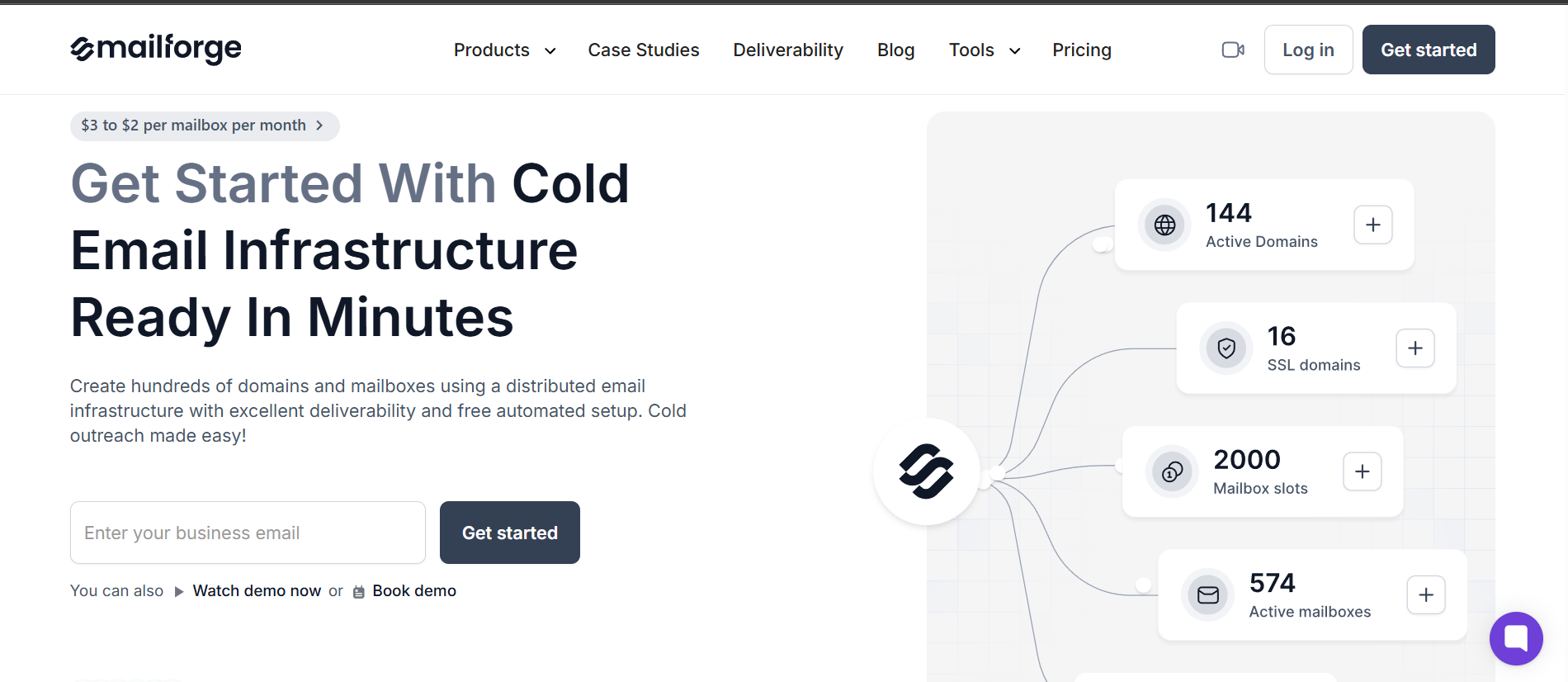
The trade-off is the one that comes with any shared pool. You inherit the reputation of everyone else on those IPs. If other senders behave badly, your deliverability can take the hit. That said, pairing Mailforge with a proper email warmup tool like Warmforge reduces that risk significantly.
Mailforge holds a 3.6/5 on Trustpilot from 19 reviews, with reliability for outbound coming up often.
"Reliable email infrastructure for outbound"
Best for: Senders who want real Google and Microsoft mailboxes for the strongest inbox placement.
Another cold email infrastructure option from the Salesforge family, but a very different approach. Instead of shared SMTP infrastructure, Primeforge gives you genuine Google Workspace and Microsoft 365 mailboxes on US IPs.
These are the providers that Gmail and Outlook trust most. That provider-level trust is exactly why this approach tends to land in the primary inbox.
In my experience, this is the option I point people to when deliverability matters more than squeezing cost. Provisioning takes around 30 minutes, DNS is configured automatically, and you can add profile pictures so your inboxes look human.
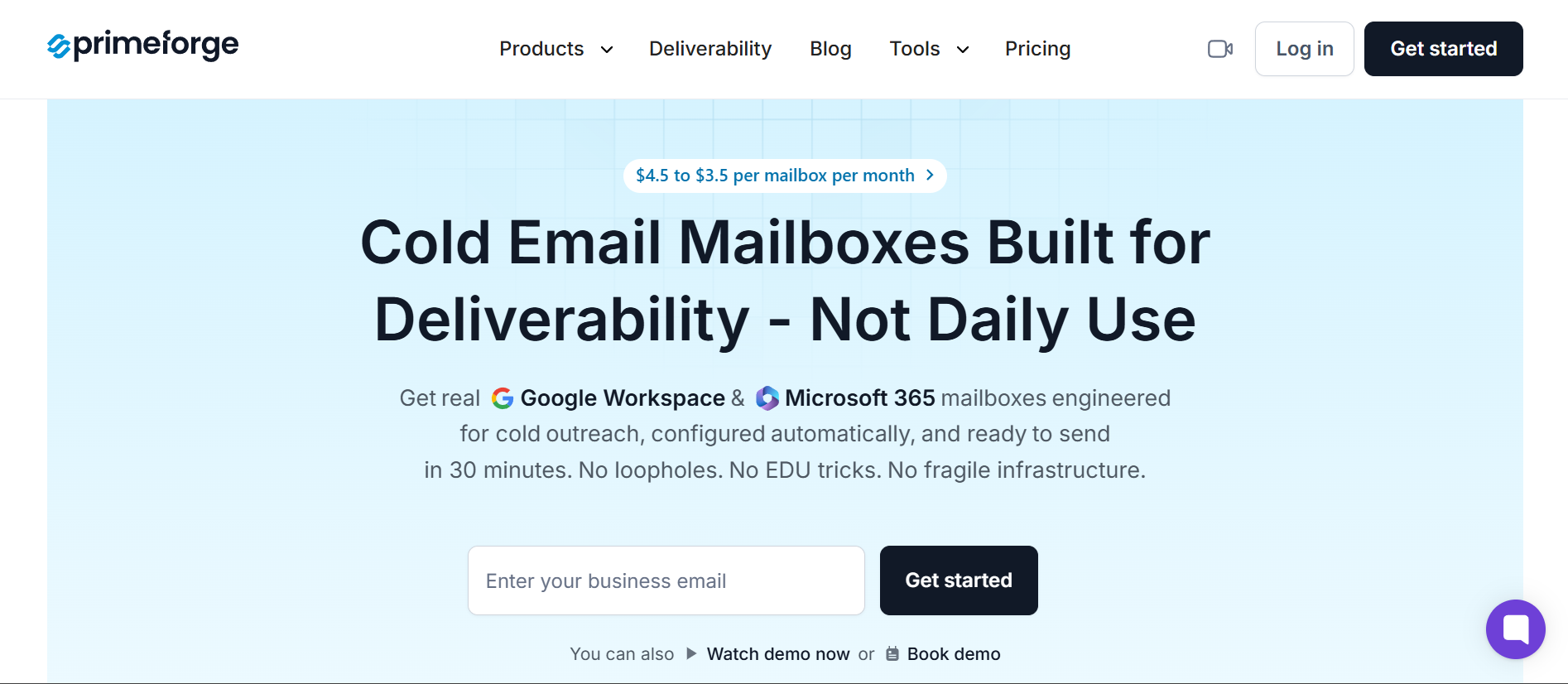
No EDU tricks, no loopholes, no fragile workarounds that break when Google updates its policies.
I also liked that Primeforge supports email and LinkedIn outreach together through Salesforge, which is a nice bonus for multichannel teams.
Primeforge sits at 3.9/5 on Trustpilot from 8 reviews, with the hands-off setup standing out.
"I no longer need to have a team to handle the technical side"
Best for: Agencies and high-volume senders who want dedicated IPs and full control over their cold email infrastructure.
Rounding out the Salesforge family is Infraforge, the premium private infrastructure tier.
This is where you get your own dedicated IPs instead of sharing a pool with anyone. If you are serious about protecting your sender reputation, this is the model the cold email community keeps recommending.
Nobody else's sending behavior can drag your deliverability down. That isolation is the whole point.
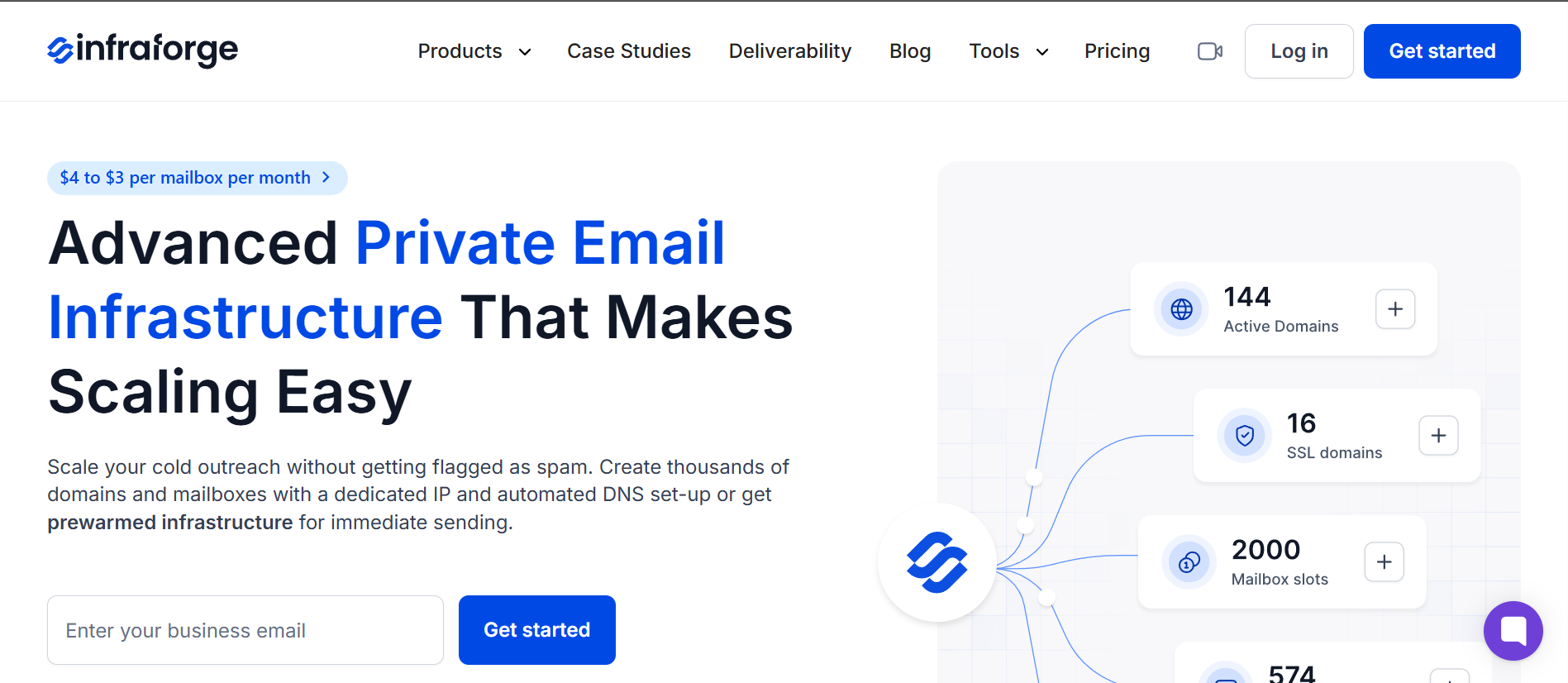
What makes it powerful for scale is the level of control. You get unlimited domains and mailboxes, pre-warmed infrastructure as an option, and bulk DNS updates across your whole fleet.
Add SSL, domain masking, and an API to provision everything programmatically. It is the heaviest setup of the three Forge products, but it is built for operators who want full isolation.
I always recommend pairing Infraforge with Warmforge for warmup and ongoing deliverability monitoring. Dedicated IPs still need a warmup period before they are ready to send at volume.
Infraforge carries a 3.7/5 on Trustpilot from 7 reviews, with scale as the recurring win.
"This private infrastructure has been key to scaling my cold outreach campaigns"
Best for: High-volume, price-sensitive teams who want the lowest cost per mailbox plus built-in automation.
Moving to an independent provider, Maildoso has built a reputation as a fast, no-fuss cold email infrastructure tool. It sets up your domains, creates inboxes, and handles authentication automatically. When I tested it, I had several domains and a couple dozen mailboxes ready in well under fifteen minutes.
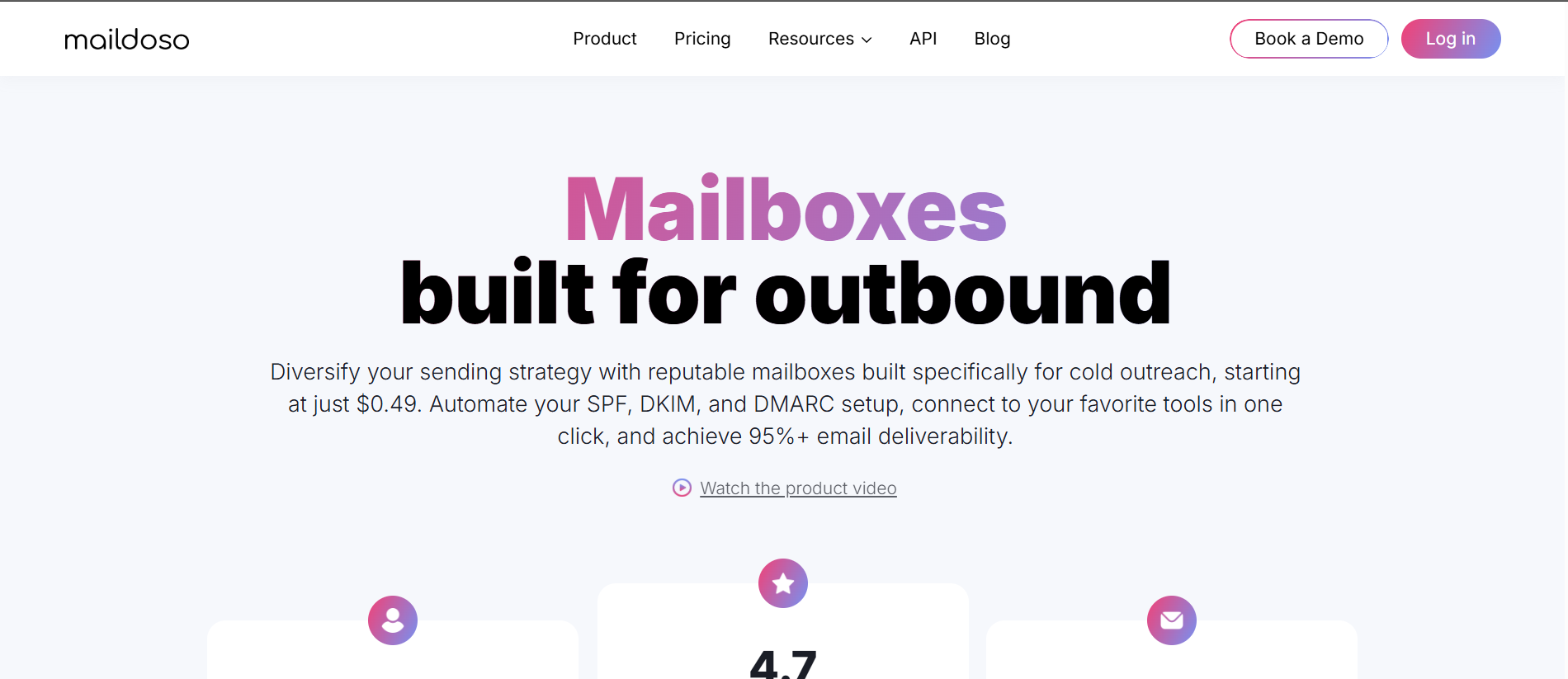
The standout is the cost at scale combined with some smart features. You get self-healing mailboxes, IP rotation, mailbox reputation scoring, and CAPTCHA domain protection. There is also API and MCP access for teams that want to automate provisioning. Just remember it runs on a shared pool, so warmup and placement testing are not optional.
All plans include a 30-day money-back guarantee.
Maildoso earns a 4.6/5 on G2 from 201 reviews, with setup and value leading the praise.
"Setup and rock-solid email deliverability at a fair price"
Best for: Agencies running very high inbox counts who want unlimited inboxes at a flat monthly rate.
Up next is an independent provider with a pricing model that stands apart from everyone else.
Instead of charging per mailbox, Inframail gives you unlimited inboxes for a flat monthly fee. It is built on Microsoft's cloud, so you get Outlook-style inboxes with dedicated US IPs.
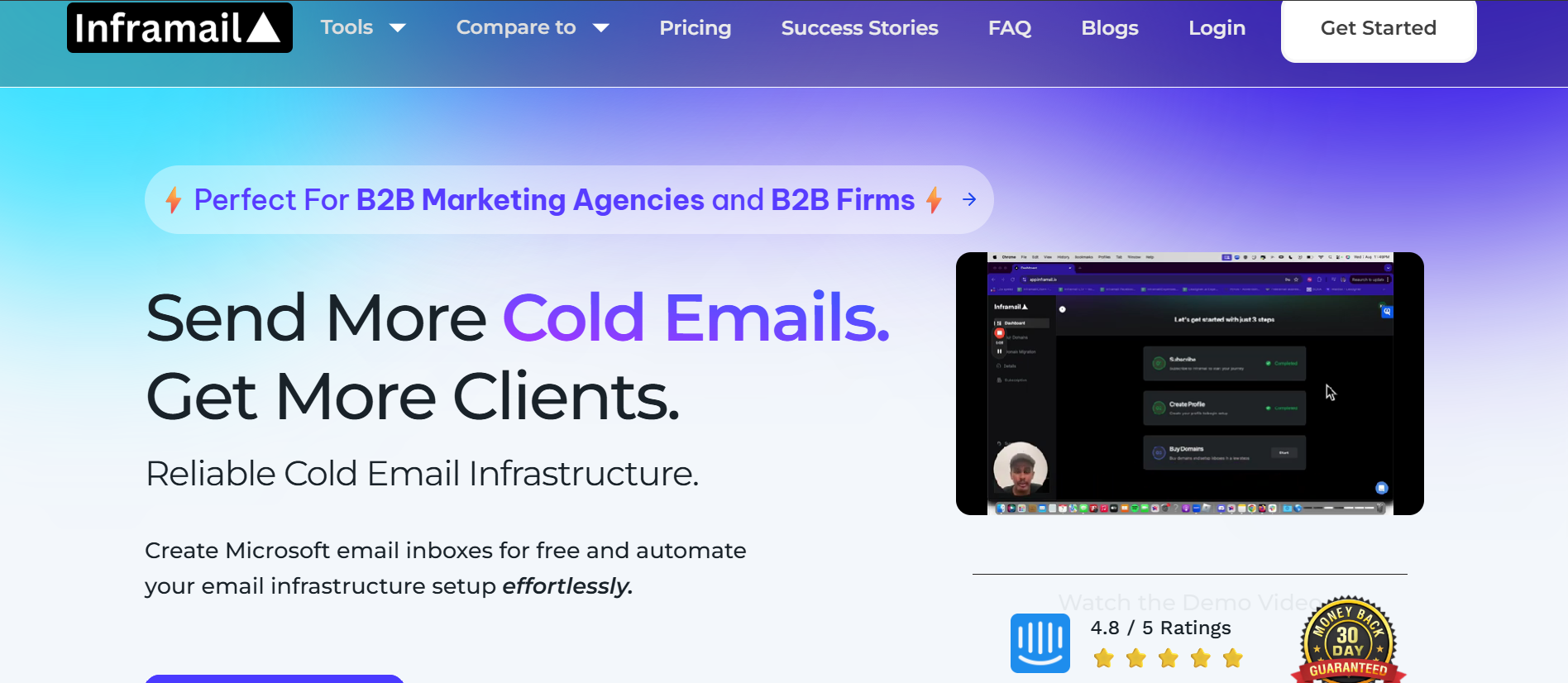
The flat-rate model is what makes it interesting for high-volume teams. If you are running a handful of inboxes, the entry price feels steep. But once you manage hundreds of inboxes, the math flips hard in your favor. Setup is fast, domains are purchasable in-platform, and authentication is handled automatically.
The trade-off is that it is Microsoft-only. No Google Workspace option here.
Note: the site has flagged a price increase from July 1, 2026.
Inframail holds a 4.4/5 on Trustpilot from 33 reviews, with support quality standing out.
"Truly excellent and personal. Really focused on my application and how to help."
Best for: Existing Instantly users who want fully owned, suspension-proof cold email infrastructure in one dashboard.
The final cold email infrastructure tool on my list is Airmail, Instantly's in-house product. The pitch here is ownership. Instead of relying on Google or Outlook accounts that can get suspended, Airmail runs on Instantly's own private servers. It uses dedicated, aged IPs.
If you already send through Instantly, this is the natural fit. No API to wire up, no separate dashboard.
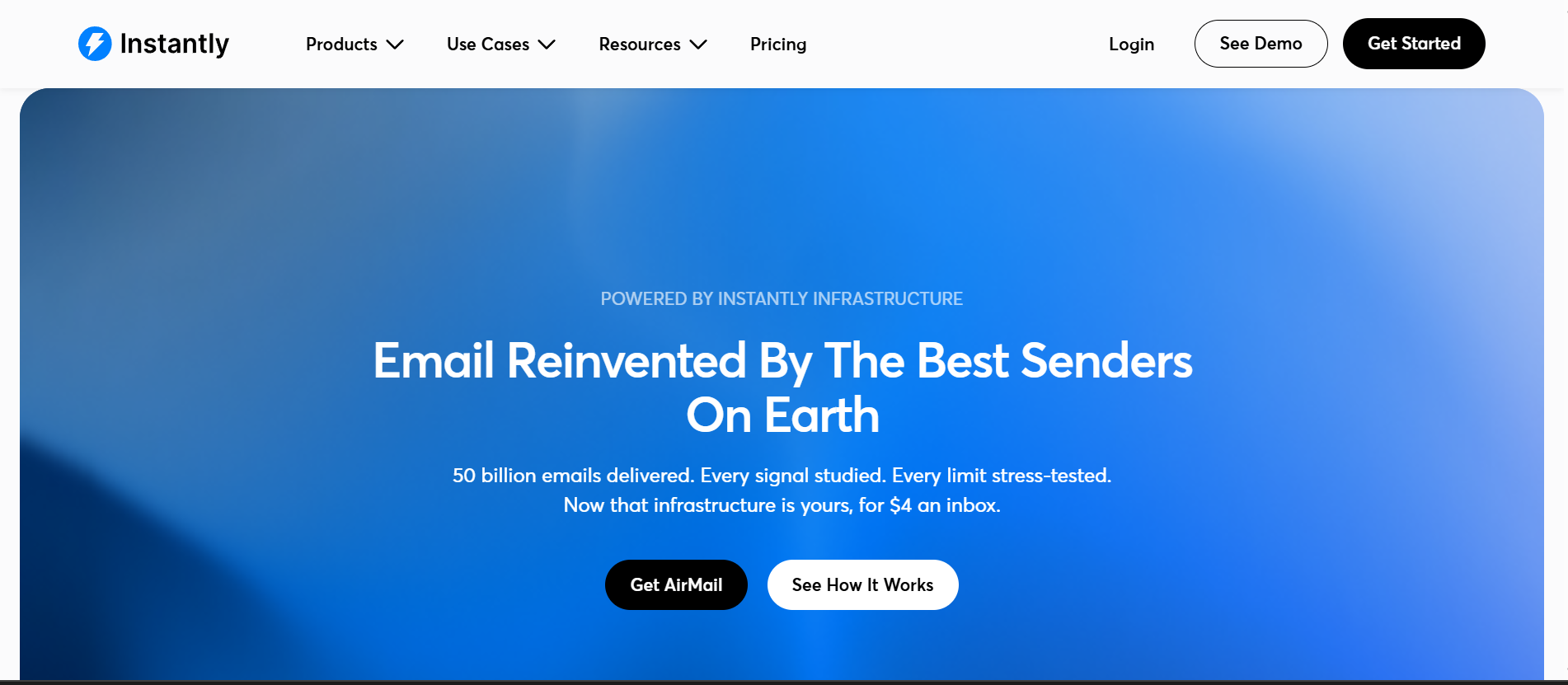
You spin up inboxes in seconds with automatic SPF, DKIM, and DMARC. Every inbox is auto-enrolled in Instantly's premium warmup pool.
The catch is that it lives entirely inside the Instantly ecosystem. If you use a different sending platform, Airmail is not designed to connect elsewhere.
Airmail is brand new, so there is no standalone review base yet. The closest signal is Instantly's overall platform rating of 4.8/5 on G2 from more than 4,100 reviews. This reflects the whole platform rather than Airmail specifically.
"The ability to connect multiple inboxes which is more cost effective than other tools"
Here is how I think about it.
If you want the cheapest fast start with cold email infrastructure, Mailforge gets you going. If you want the safest deliverability through real provider mailboxes, Primeforge is the pick. For dedicated IPs and full control at scale, Infraforge and Inframail both deliver. Infraforge charges per mailbox. Inframail goes flat-rate. Maildoso wins on cost per mailbox and automation. Airmail makes the most sense if you already live inside Instantly.
The recurring lesson across every review and community thread is the same. Shared IP pools save money but carry reputation risk, which is exactly why dedicated and private options exist.
Whatever you choose, warm up your mailboxes for at least two weeks before you send. Keep your daily volume sane. And run inbox placement tests before you scale. I use Warmforge for both warmup and placement testing across all my infrastructure setups, regardless of which provider the mailboxes sit on.
The Forge ecosystem (Mailforge, Primeforge, and Infraforge) is the only setup that gives you shared, Google/Microsoft, and dedicated infrastructure under one login. No other provider covers all three models. Pair any of them with Warmforge for warmup and Salesforge for multichannel outreach. That gives you the full stack from infrastructure to inbox.
Cold email infrastructure is the technical foundation behind your sending. It covers your domains, mailboxes, IP addresses, and authentication records like SPF, DKIM, and DMARC. Together, these decide whether your emails land in the inbox or get filtered into spam. Getting your email health right matters as much as the message itself.
Sending cold outreach from your main company domain is risky. If a cold domain gets flagged or blacklisted, you do not want that damage hitting the domain your business runs on. Using separate sending domains keeps your primary brand domain safe.
It depends on your stage. Shared IPs, like those on Mailforge and Maildoso, are cheaper and faster to start with. But you inherit the reputation of everyone else in the pool. Dedicated IPs, like those on Infraforge, Inframail, and Airmail, cost more but isolate your reputation. That is the safer play once you are sending at serious volume.
A common setup is around 3 inboxes per domain, with most teams running 30 to 50 inboxes for stable scaling. High-volume agencies push past 100 inboxes across many domains. The key is to add inboxes rather than overload the ones you already have.
Some do and some do not. Infraforge offers pre-warmed infrastructure as an add-on. Maildoso, Inframail, and Airmail bundle some form of warmup. Either way, I always warm up new mailboxes for around two weeks before sending a single cold email. I use Warmforge for this across every provider.
I keep it to roughly 15 to 20 emails per inbox per day. Most of these providers cap around that range on purpose. Pushing higher is the fastest way to burn a fresh mailbox. You scale volume by adding inboxes, not by sending more from each one.
Yes. Most export directly to popular cold email sending tools. Maildoso and Inframail connect to platforms like Instantly, Smartlead, and Saleshandy. The Forge infrastructure products (Mailforge, Primeforge, Infraforge) plug directly into Salesforge for multichannel outreach across email and LinkedIn. Airmail lives inside Instantly and is not designed to connect elsewhere.

