
Cold email in 2026 feels like trying to hit a moving target.
One month your deliverability is solid. The next your inbox placement drops, per-seat pricing quietly doubles your software bill, and that "free" plan you signed up for disappears after a week.
I've learned the hard way that you can't judge an email sending tool by its homepage. You only find the cracks after you've sent thousands of emails, managed multiple inboxes, and watched campaigns succeed or completely fall apart.
Over the past few years, I've tested every tool on this list in real cold outreach campaigns. I didn't stop at feature comparisons. I checked live pricing, verified what email warmup actually costs, looked at scaling limits, and dug through G2 reviews from real users to separate marketing claims from reality.
If you're choosing an email sending platform in 2026, these are the seven tools that are genuinely worth considering.
Let's dive in.
Cold outreach lives and dies on the sending layer. Before I ranked anything, I built a checklist based on what actually moves reply rates in 2026, not what marketing pages claim. Here is what I evaluated.
Warmup, sender rotation, and SPF/DKIM/DMARC handling are the foundation of any email sending tool. I checked:
The best email sending tools give you room to grow without hitting a wall at 100 mailboxes. I checked:
Email alone is a shrinking channel. I gave weight to tools that pair email with LinkedIn natively. I checked:
Some tools have a real free plan, some have a full-feature free trial, and some hide "free" behind a 7-day sprint. I checked:
Credit systems, add-on fees, and per-seat multipliers make some pricing pages hard to read. I checked:
Each tool below solves a specific problem for cold outreach teams. Salesforge takes the number one spot because it covers the most ground at flat pricing that scales without penalty. The rest are ordered by best fit for the next-most-common use cases.
The first email sending tool on my list is Salesforge, and it takes the top spot for two clear reasons. It gives you unlimited mailboxes and unlimited LinkedIn senders on every plan without per-seat pricing. Warmup, unified inbox, and an AI SDR come bundled in the same platform.
For cold email sending, that means you can scale from 10 mailboxes to 500 without your monthly bill jumping into agency territory. Primebox™ pulls every email and LinkedIn reply into one inbox, so your reply management does not fall behind your send volume. Warmforge warmup is included free and unlimited on both plans, which most competitors treat as a $30–$50 monthly add-on.
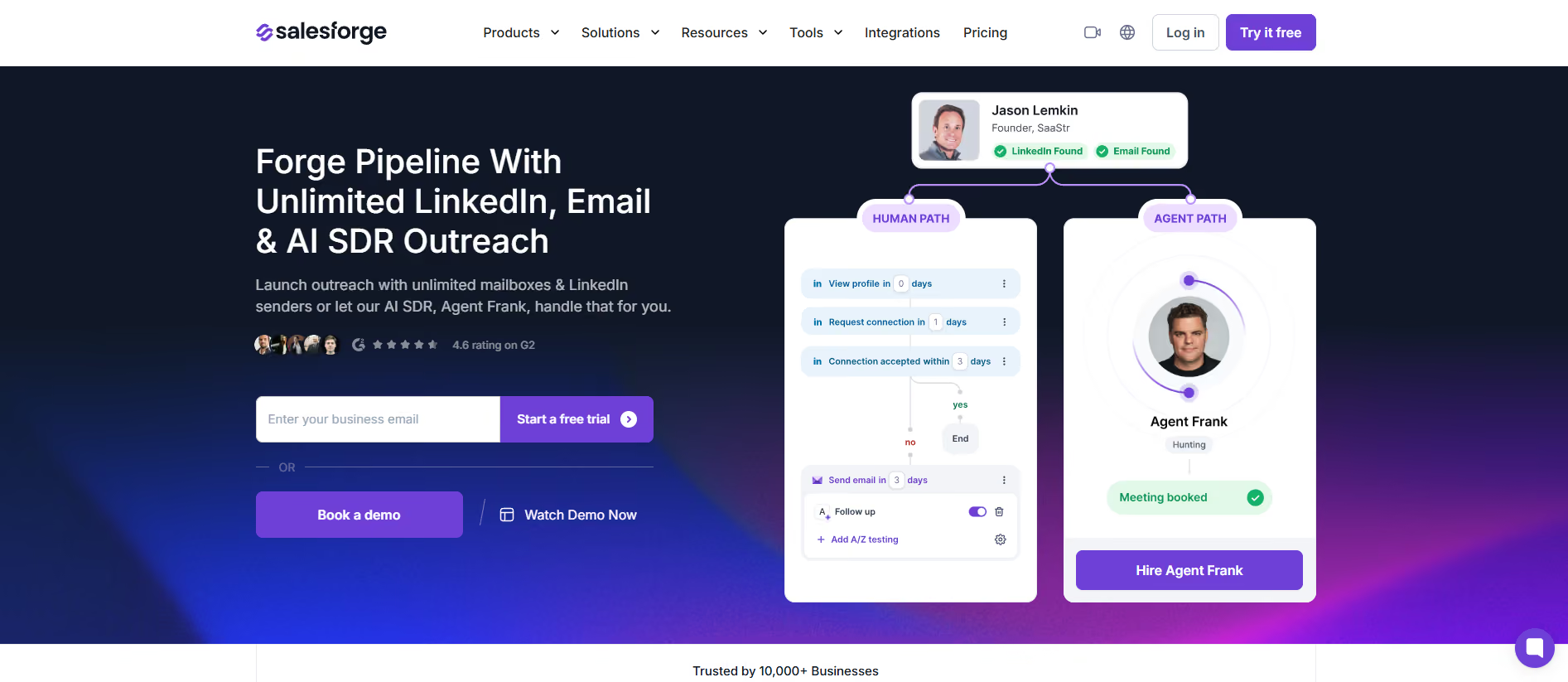
If you want to hand off the sending entirely, Agent Frank runs autonomous prospecting and outreach as a dedicated AI SDR. He handles ICP research, writes personalized emails, sends sequences, and books meetings while you focus on closing. That level of automation is not something you find at this price point on any competitor on this list.
"The ability to connect unlimited LinkedIn sender accounts makes it easy to scale outreach across the entire sales team." — Chloe T., Growth Marketing Specialist. Read more on G2
If deliverability is the reason you are picking an email sending tool, I put together a full breakdown of what goes into landing in the primary inbox in this cold email deliverability guide.
Another email sending tool on my list is Instantly, and it has become the market leader for high-volume cold email senders. Its deliverability network runs on over 1 million real email accounts, which is the largest warmup pool of any tool on this list.
For cold email sending, Instantly gives you unlimited connected mailboxes on every Outreach plan starting at $47/month. Warmup is unlimited and free, and inbox rotation happens automatically once you connect your accounts. Unibox pulls replies from every mailbox into a single inbox so you can manage responses without switching accounts.
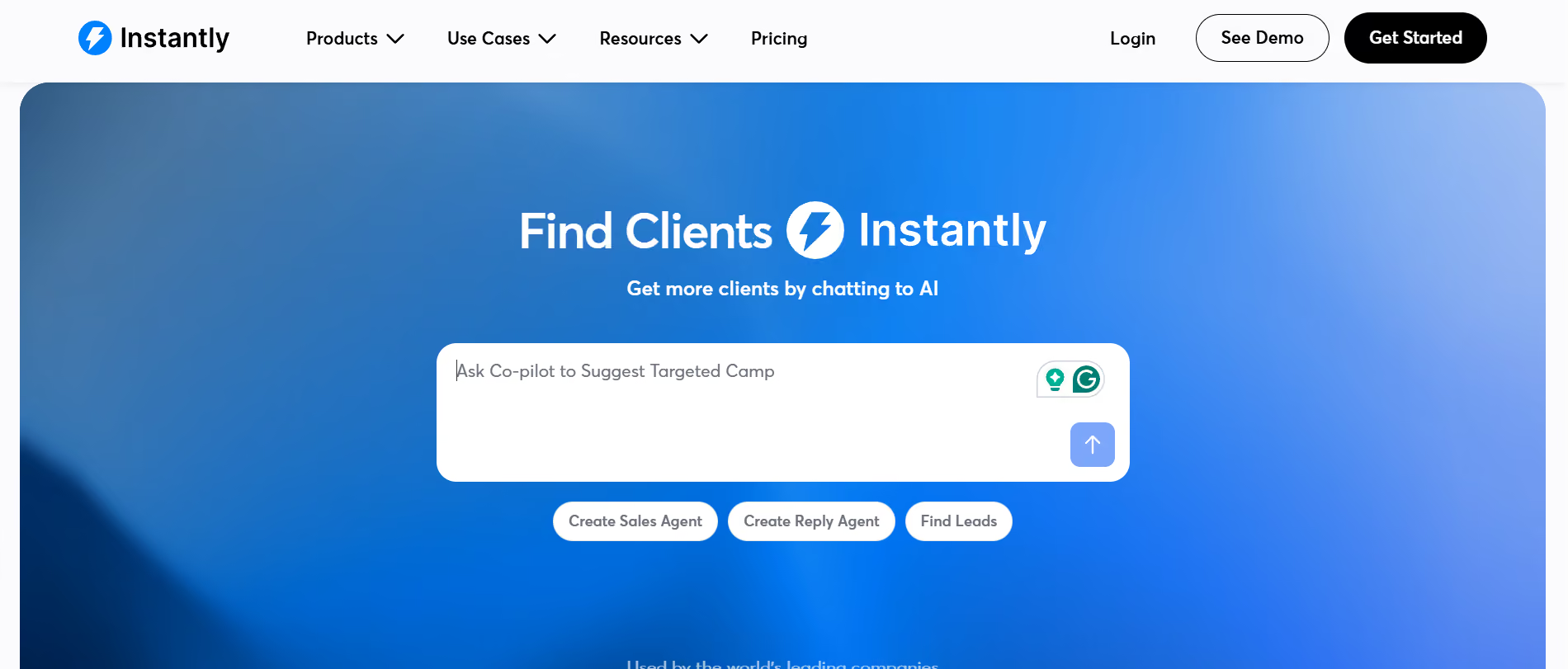
The AI Sales Agent handles research, list building, writing, and follow-up logging on autopilot. If you want to run cold email at scale without a full ops team, Instantly makes the sending side genuinely manageable.
"The warmup network is what I lean on most... the warmup paired with the unified inbox makes it genuinely manageable to operate dozens of mailboxes." — Brian Y., Founder. Read more on G2
If you are already using Instantly and want a deeper look at how its warmup actually performs, I broke it down in this Instantly email warmup review.
Another email sending tool on my list is Smartlead. It has built its reputation with cold email agencies managing dozens of client accounts. Its edge is dedicated-tenant infrastructure, which puts your deliverability under your own control instead of sharing IP reputation with other senders.
For cold email sending, Smartlead offers unlimited mailboxes on the Unlimited Smart and Unlimited Prime plans. SmartInfra handles automatic SPF/DKIM/DMARC setup and real-time bounce monitoring. The Master Inbox handles reply management across every connected account, and SmartAgents let you build no-code automation for reply routing and campaign optimization.

Where Smartlead earns extra points is on the agency side. White-labeled dashboards, OutboundSync for HubSpot and Salesforce syncing, and shared team inboxes make agency management simple. You can run 20 client accounts from a single workspace.
"Running cold email across a large number of sending domains has stayed surprisingly manageable from one place, and inbox placement continues to hold up." — Matt R., CEO. Read more on G2
If you are running cold email at agency scale, you probably need a dedicated warmup layer too. I compared 13 of them in this email warmup tools breakdown.
Another email sending tool on my list is Lemlist, and it owns the personalization angle in cold email. Its lemAgent runs prospect-level research across LinkedIn, company websites, and intent signals. That builds outreach that feels written for one person, not a list.
For cold email sending, Lemlist bundles lemwarm on every plan with no separate warmup add-on. Multi-channel is native across email, LinkedIn, calls, WhatsApp, and SMS, and the Unified Inbox handles replies from every channel in one place. The Email plan starts at $55/month on annual billing with unlimited users and unlimited email senders.
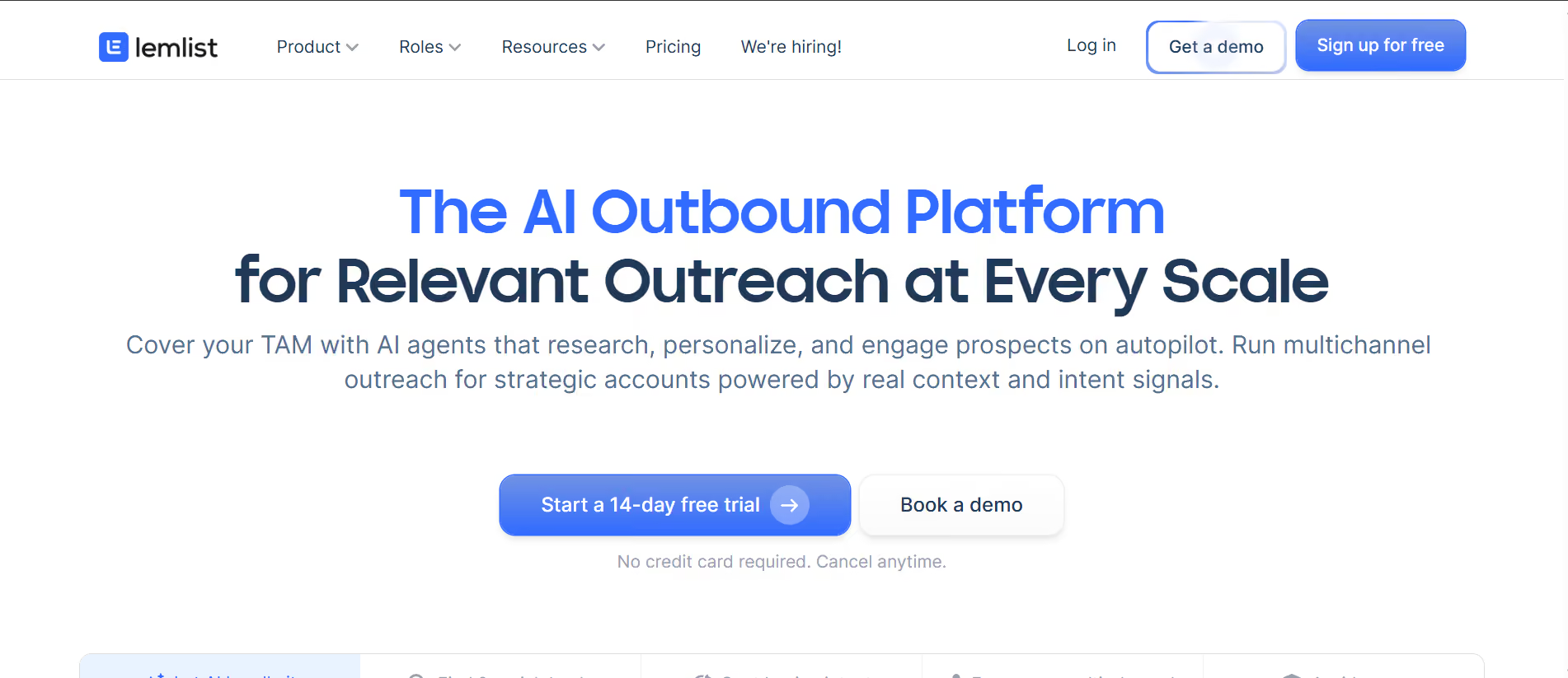
Where Lemlist gets strong is in the personalization stack. Custom images, video variables, and AI-generated LinkedIn voice notes let you build outreach that stands out in a crowded inbox. If your reply rates are dropping because your emails look like every other cold email, Lemlist gives you the tools to fix that.
"Lemwarm deserves a special mention: it's incredibly easy to set up and runs almost effortlessly, giving us confidence that our domains are ready before scaling outreach." — Yohann C., Founder. Read more on G2
If you are using Lemlist mainly for lemwarm and wondering whether a dedicated deliverability tool would serve you better, I compared five options in this Lemwarm alternatives roundup.
Another email sending tool on my list is Apollo. It combines a genuine free plan with prospecting and email sending in one workspace. Its database claims 72 million verified emails per month and 98% email accuracy, backed by a two-million contributor network.
For cold email sending, Apollo gives you a permanent free tier with 900 credits per year and two sequences. The AI Assistant is capped at five chats. That lets you actually test the tool on real campaigns before paying. The paid plans start at $49 per seat on annual billing. They include unlimited sequences, higher credit tiers, and deliverability plus warmup features.
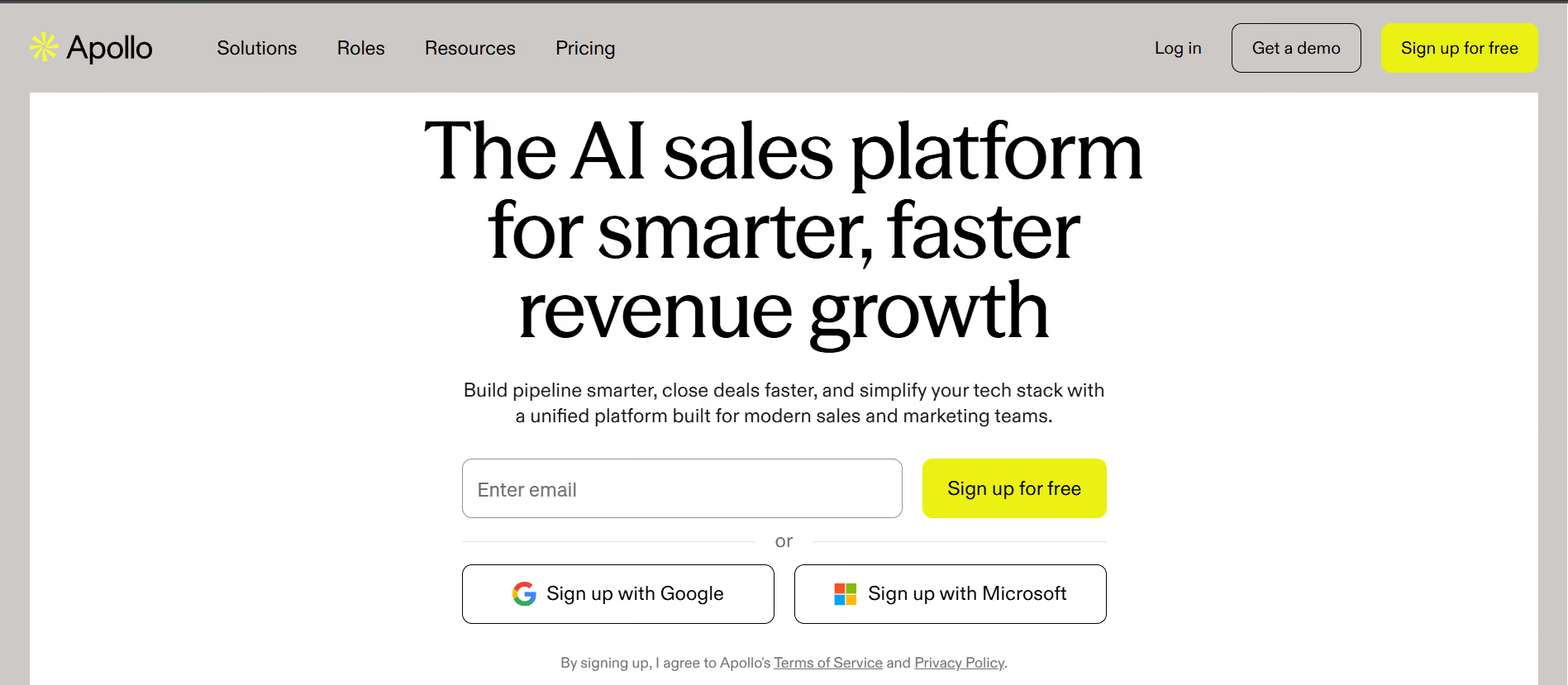
Apollo shines when your buying signals matter as much as your sending volume. Intent data, lookalikes, and enrichment are built into every plan. Your list quality does not depend on a separate data provider.
"What I like best about Apollo.io is its extensive B2B contact database, accurate company information, email sequencing, and CRM integration." — Sanskar M., Business Development Executive. Read more on G2
If you have been using Apollo for warmup and are looking for something more focused on deliverability, I compared five strong options in this Apollo email warmup alternatives roundup.
Another email sending tool on my list is Reply.io. It stakes its position on multi-channel cold outreach powered by an AI SDR named Jason. Its sequences run across email, LinkedIn, calls, SMS, and WhatsApp with conditional logic that adapts based on prospect actions.
For cold email sending, Reply.io offers unlimited mailboxes and unlimited emails on the Email Volume plan. It starts at $49 per user per month on annual billing. The unified inbox handles replies from every channel, and the anti-spam and deliverability suite is bundled into both plans.
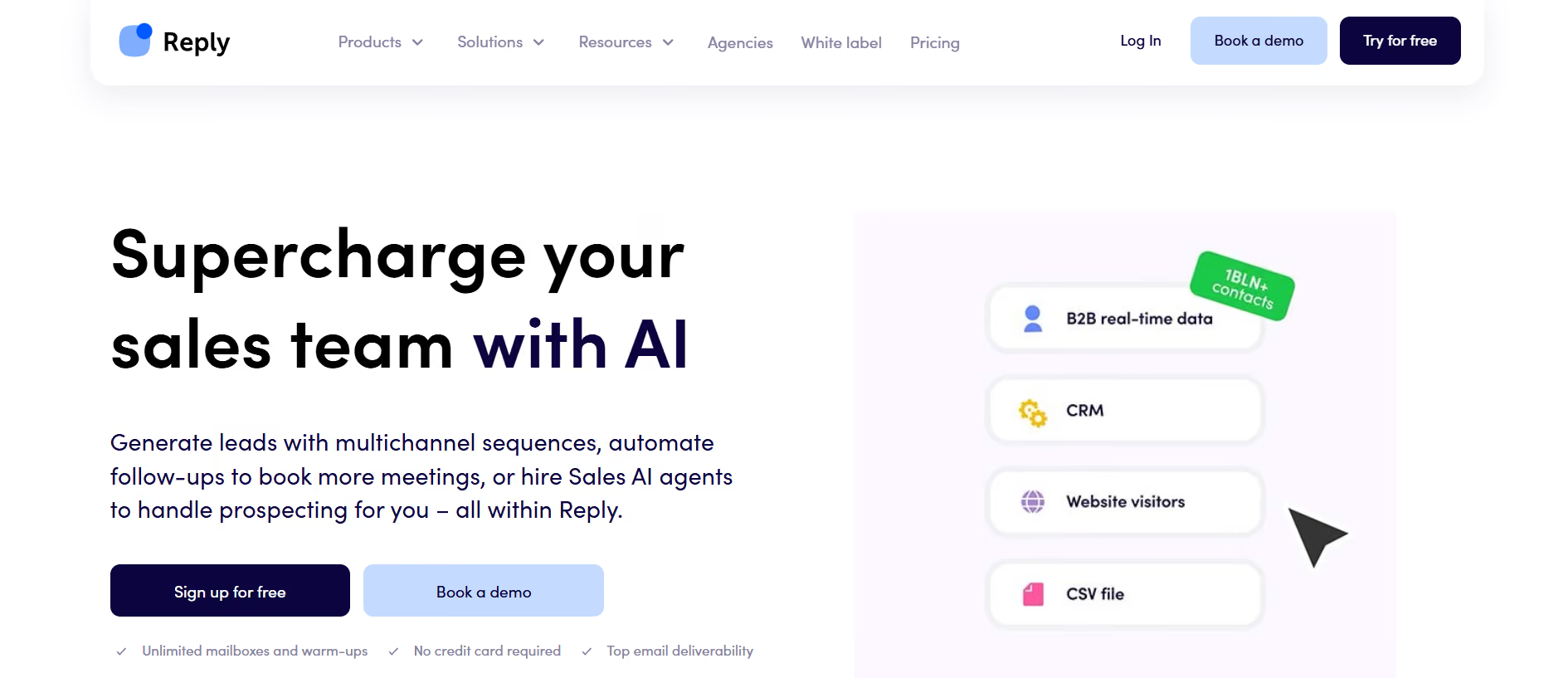
Jason AI SDR is where Reply.io sets itself apart. He researches each prospect based on criteria you set, writes personalized emails with real context, and handles responses 24/7. If you want an autonomous AI SDR without setting up an ops team around it, Jason is one of the more mature options.
"The platform is simple and intuitive. It's easy to set up plain-text, automated email sequences with as many steps as I need." — Stephanie G., Sales Enablement Manager. Read more on G2
If you want a full picture of how AI tools stack up for cold email in 2026, I ranked the top options in this best AI tools for cold email campaigns breakdown.
Another email sending tool on my list is Saleshandy. It earns its spot as the budget-friendly starter for teams testing cold outreach without enterprise pricing. It starts at $25/month on annual billing with unlimited email accounts and 6,000 emails per month.
For cold email sending, Saleshandy bundles multichannel sequences across email, calls, LinkedIn, and WhatsApp with conditional branching. The unified inbox and built-in CRM handle reply management, and the AI Email Sequence Copilot writes and personalizes outreach at scale.
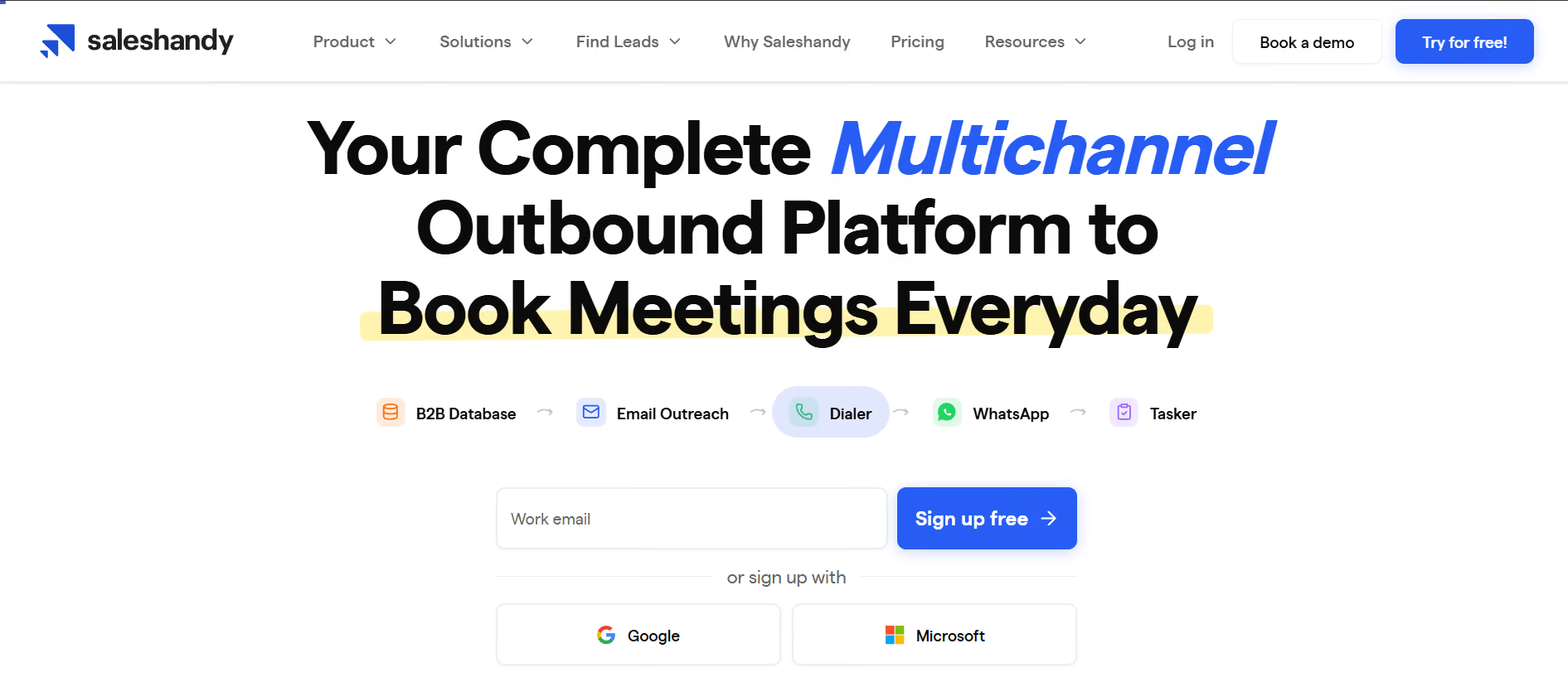
Where Saleshandy stands out is on the pricing side. Unlimited mailboxes come standard on every plan, which is rare at this price point. The 852M+ B2B lead database is built in with 25+ data points per contact, so prospecting does not require a separate subscription.
"I have 10 mailboxes across 5 domains connected, and the sequences with inbox rotation let me manage everything from one place instead of juggling accounts." — Rafael V., Owner/Operator. Read more on G2
Before you commit to any of these tools, it is worth understanding how deliverability monitoring fits into the sending workflow. I broke down the top options in this email deliverability monitoring tools guide.
Salesforge is my pick for the best email sending tool in 2026. It gives you unlimited mailboxes, native LinkedIn automation, free unlimited warmup through Warmforge, and Agent Frank as an autonomous AI SDR.
Pricing stays flat as your team grows, so you are not paying more the moment you scale. Start the 14-day free trial and see how it performs on a real campaign before you commit.
Salesforge is the best email sending tool for cold outreach in 2026. It offers unlimited mailboxes and LinkedIn senders on every plan. Warmup through Warmforge is free and unlimited, and Agent Frank runs as an AI SDR without per-seat pricing.
Apollo has the strongest free-forever plan with 900 credits per year, two sequences, and access to prospecting workflows. Saleshandy offers a free tier for its CRM. Most other tools on this list offer 14-day free trials rather than permanent free plans.
Saleshandy is the cheapest at $25 per month on annual billing with unlimited email accounts. Smartlead's Base plan starts at $32 per month. Salesforge starts at $40 per month with unlimited mailboxes and unlimited LinkedIn senders included.
Some do and some do not. Salesforge, Instantly, Lemlist, and Reply.io bundle warmup free on every plan. Apollo locks warmup behind the Basic plan and above. Saleshandy bundles warmup into its Deliverability Suite but bills email infrastructure separately.
Salesforge, Lemlist, and Reply.io include native LinkedIn automation. Instantly and Smartlead require third-party integrations like HeyReach or Waalaxy. Apollo does not offer native LinkedIn sequencing at the time of writing.
An email sending tool runs your outreach sequences and manages replies. An email warmup tool builds sender reputation on your mailboxes so they can send at scale without landing in spam. Most email sending tools bundle warmup, but dedicated tools like Warmforge give you deeper control over the deliverability layer.
