Instantly email warmup is built to help you send cold emails safely at scale, but the real question is whether it actually fits the way you run outreach.
It uses a large deliverability network, AI-generated warmup conversations, and a dashboard that shows inbox vs spam placement.
On the surface, it sounds like a complete warm-up solution.
But before turning it on and trusting it fully, it’s worth looking at how this warmup actually behaves once you start sending, and whether it fits the way you run outreach.
Let’s break it down so you can decide with clarity.
Instantly is a cold email outreach tool made for sending emails at scale. It lets you create email sequences, send from multiple inboxes, rotate inboxes automatically, and manage replies in one place.
Along with this, Instantly includes an email warmup system to help keep your inboxes healthy while you run cold email campaigns.

The warmup runs through Instantly’s Deliverability Network, which has more than 1,000,000 real email accounts.
Instantly sends AI-generated warmup emails that look like real conversations.
Warming up an email in Instantly is very simple because most of the work is automated.
Here’s how to warm up your email :
Start by adding the email account you want to warm up inside Instantly. Once it’s connected, the warmup option becomes available.
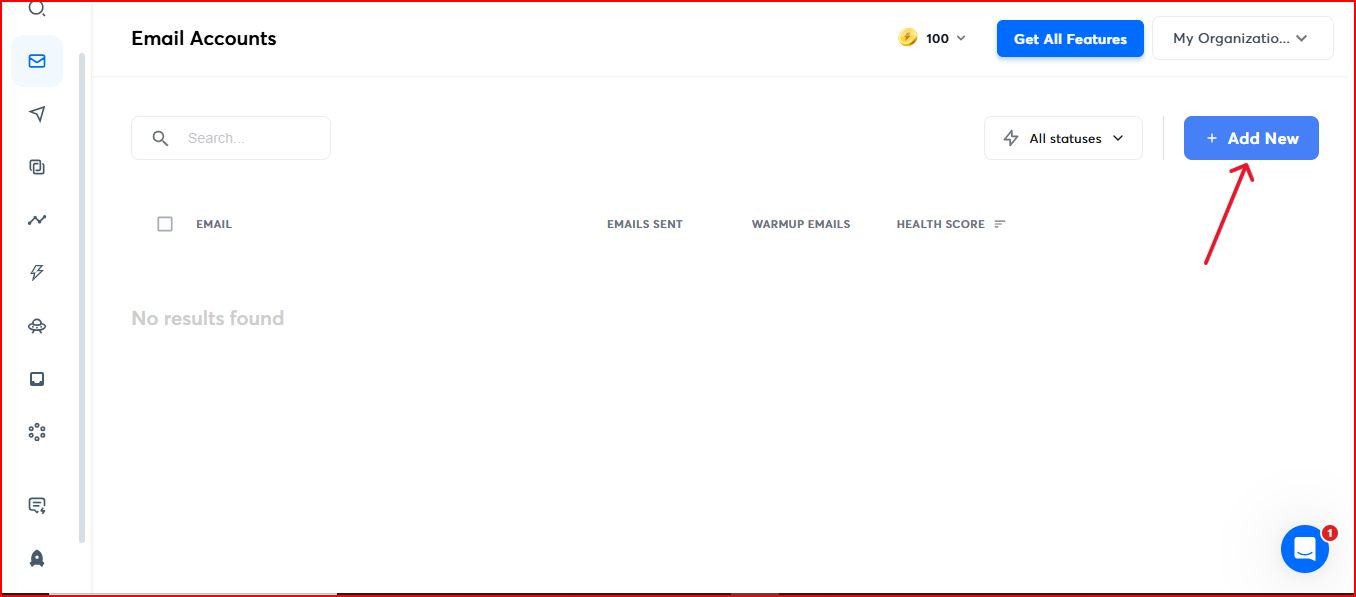
Instantly lets you start a warm-up with just one click. You don’t need to set up anything complicated; turn it on, and it starts working.
After activation, Instantly increases your warm-up activity slowly so it looks natural. This helps your account build sender reputation without sudden spikes.
Instantly sends warmup emails that are AI-generated and look like real conversations. Each warmup email has a unique subject ID, so you can easily tell them apart from your real emails.
You can set things like:
You can leave the defaults if you’re not sure, Instantly recommends starting with them.
The dashboard shows:
This helps you understand when your account is ready for sending or when it needs more warmup.
Instantly suggests keeping warmup on all the time, even when you’re not actively sending. This keeps your reputation improving instead of dropping.
Instantly’s warm-up system comes with a few clear features. Everything is built to make the warmup process easy and natural.

Instantly uses a big deliverability network with 1,000,000+ real email accounts, and this number keeps growing. A bigger pool means more positive interactions for your warmup emails.
Instantly’s deliverability dashboard shows your score and inbox vs spam placement, helping you understand whether your account is ready to send or needs more warmup time.
Instantly naturally warms your account using a “Slow Ramp,” so the sending volume increases step by step instead of jumping too fast. This helps your sending pattern look stable and reduces the risk of sudden spikes that can hurt your sender's reputation.
Your warmup activity runs through a private network of headless browsers, which makes the interactions look more natural.

All warmup emails are AI-generated and written to look like real conversations.
Every warmup email also has a unique ID in the subject line, so you can easily spot them.
Instantly lets you decide how fast or slow your warmup goes. You can keep it gentle or increase activity as your account becomes more stable.
There’s also an option to enable read emulation, where the system spends time scrolling through your warmup emails.
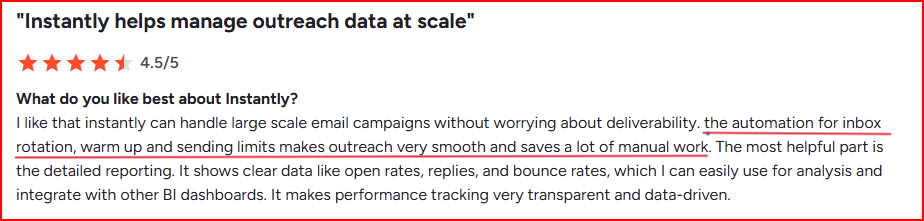
Here’s where Instantly warm-up becomes limiting or creates challenges.
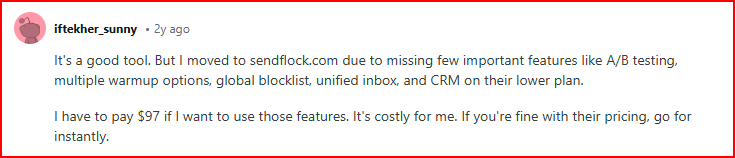
“Domain setup problems: when you buy new emails/domains, they don’t enable forwarding. This isn’t mentioned at purchase” -Lukestgoerge, Trustpilot
“They don't have analytics like the other platforms so I can't tell if my emails are getting opened. I've followed all best practices and deliverability continues to be poor - all of my emails go to Spam.”- Instantly user, Trustpilot
Warmforge is an email deliverability and warm-up tool built to help you to fix inbox placement.
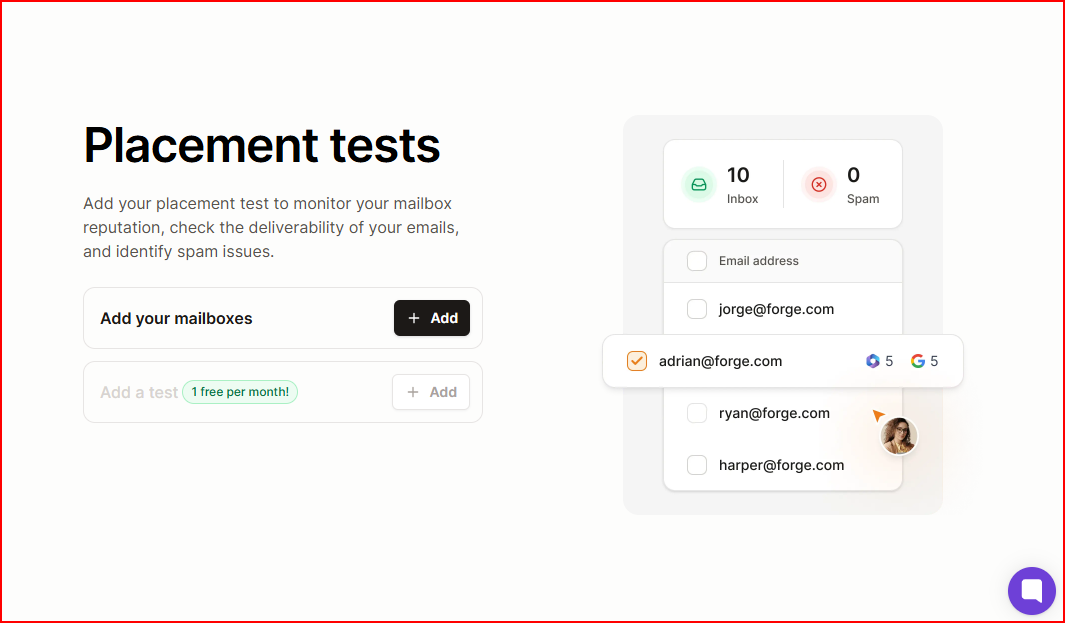
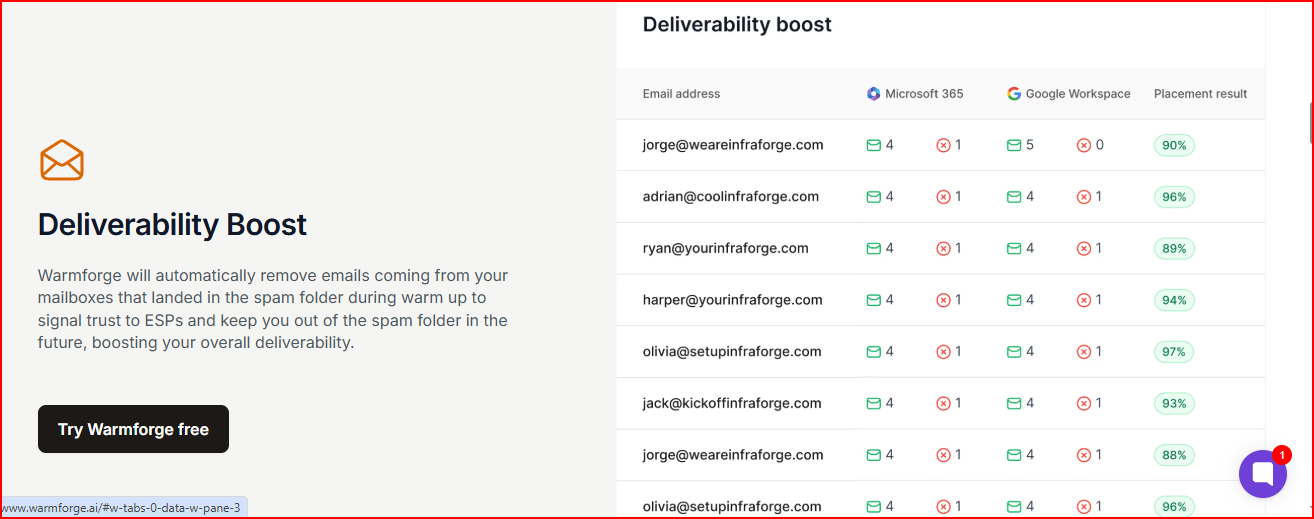
While Instantly mainly focuses on warming inboxes, Warmforge also monitors your email setup, checks domain health, and runs placement tests so you can clearly see where your emails land and spot issues early.
Warmforge fits well when you want more visibility and more support across your whole email setup, not just warmup interactions.
Here’s where Warmforge stands out:
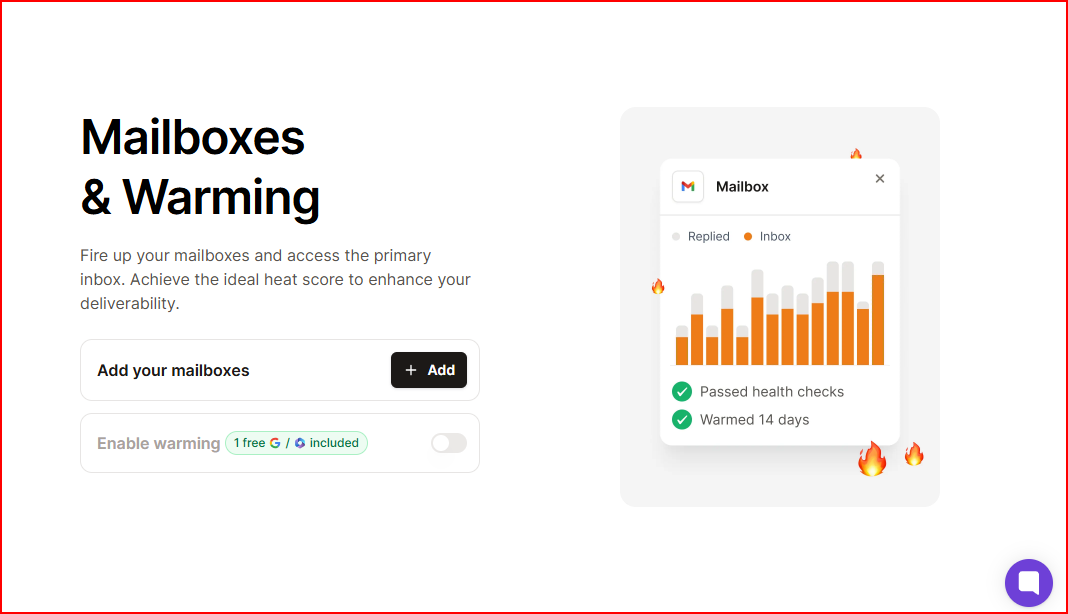
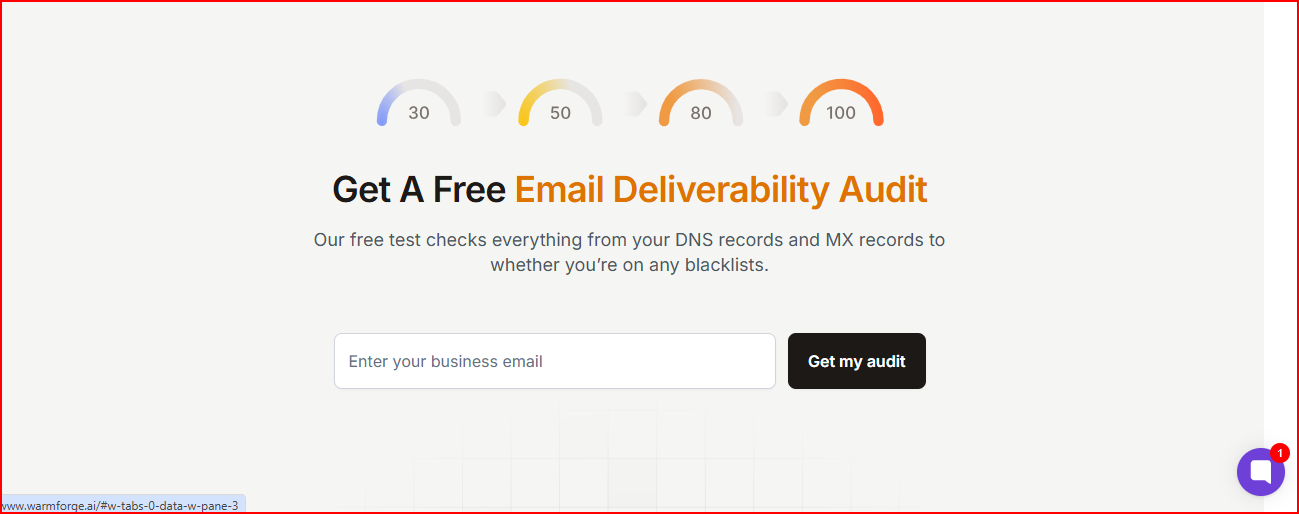
Get a free deliverability audit and see if your DNS, MX records, or blacklist status need fixing.
Instantly email warmup is a good option when you only need a simple, automated warmup to get your mailbox ready for outreach. It’s easy to turn on, requires no technical work, and gives you a basic view of your inbox and spam placement.
If you need more than basic warmup, like checking your DNS, running placement tests, watching domain health, or understanding why emails land in spam, Instantly doesn’t cover those areas.
Warmforge is a better fit in those cases, since it adds monitoring, health checks, placement tests, and a full deliverability audit on top of warmup.
Get 1 free warming slot and 1 free placement test with Warmforge to see your deliverability clearly.

