
If you're running cold outreach, you already know this: your campaigns are only as good as the platform sending them.
Pick the right cold email service provider, and you can scale outreach across multiple inboxes without constantly worrying about deliverability.
And if you pick the wrong one, you'll be dealing with burned domains, declining inbox placement, and a sender reputation that's difficult to recover.
I've tested, researched, and compared eight of the most talked-about cold email service providers in 2026 to see which ones actually hold up once you start sending at scale, not just in feature demos but in day-to-day outbound.
I looked at deliverability, infrastructure, automation, pricing, ease of use, and how well each platform protects your sender reputation as your sending volume grows.
Here's what I found.
For a broader look at outreach tools with deliverability protection built in, I've covered that separately in my 9 email outreach tools breakdown.
Now let's go tool by tool. For each one, I'll cover what it does well for cold email specifically, the features that matter for outbound campaigns, real pricing, and honest pros and cons from my time inside the platforms.
The first cold email service provider on my list is Salesforge, and I'll tell you upfront why it stays there. Two reasons keep it as my top pick in 2026. It gives me unlimited email senders on flat-fee pricing, and it bundles free premium warm-up on every plan.
Inside the platform, I built multi-step cold email sequences with conditional follow-ups and stop-on-reply logic.
The sequence builder covers the basics well and adds A/B testing on the Growth plan. Smart Mailbox Rotation distributes sends across every mailbox I connect.
That protects sender reputation as I scale outbound volume.
The Primebox unified inbox is where every reply from my cold email campaigns lands in one place. I can categorize, respond, and route from a single view without hopping between mailboxes. Personalization runs on merge fields plus AI-generated copy powered by personalization credits.
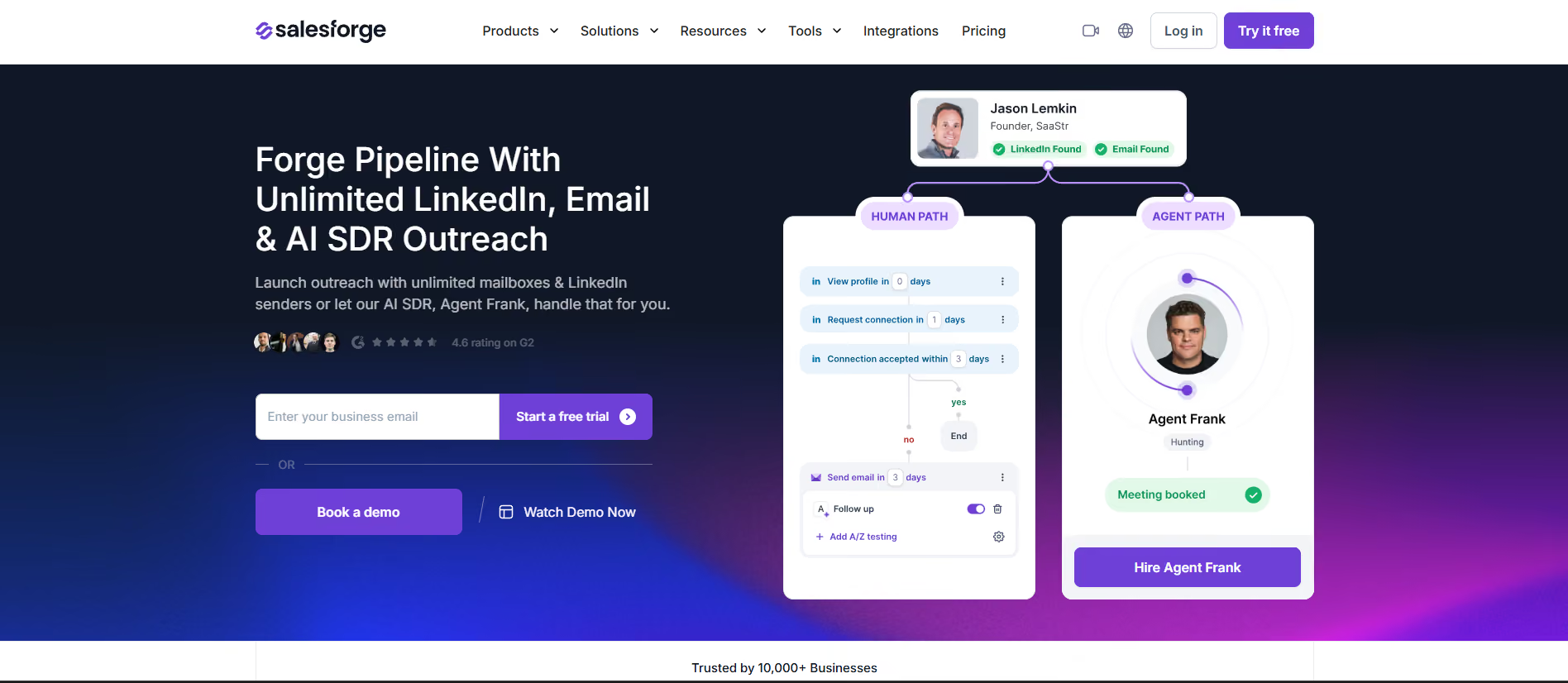
Deliverability tools sit inside the same dashboard. I ran the spam checker, blacklist checker, and inbox placement test before every campaign. Warmup runs in the background, and it stays free on every Salesforge plan without a mailbox cap.
Where Salesforge pulled ahead for me was on the developer side. The platform ships with a Model Context Protocol server and a command-line interface.
That means I can query campaign data, launch cold email sequences, and manage mailboxes directly from Claude, Cursor, or a terminal. For a technical outbound team, that's a real time-saver over clicking through a UI for every operation.
The CLI handles bulk actions well. I ran mailbox health checks across 40 sending addresses with a single command instead of opening each one individually.
The MCP integration lets me pull open rates, reply data, and sequence performance into an AI assistant and ask questions in natural language. No cold email tool in the category ships this level of developer access as a baseline feature.
Salesforge also includes Agent Frank, its AI SDR, if I want prospecting and cold email sending on autopilot. But even without Agent Frank, the core cold email sender is strong enough on its own.
Matteo C. focused on time savings when running outbound cold email campaigns through Salesforge. Here is what he shared on G2:
"What impressed me most about Salesforge is how much time it saves." — Matteo C., G2 review
Another cold email service provider I tested is Instantly.
It bundles unlimited email accounts with automated warm-up from the Growth tier and positions itself around scale.
Inside the platform, I built cold email sequences with advanced scheduling and reply-based branching. The sequence builder handles multi-step campaigns and adds A/Z testing once I reach Hypergrowth. Instantly's warmup network is one of the largest I've come across in the category.
Reputation protection and bounce detection kicked in on the Growth plan. That helps stop me from sending cold email into dead inboxes. The Unibox handles reply management by consolidating replies from every connected mailbox into one view.
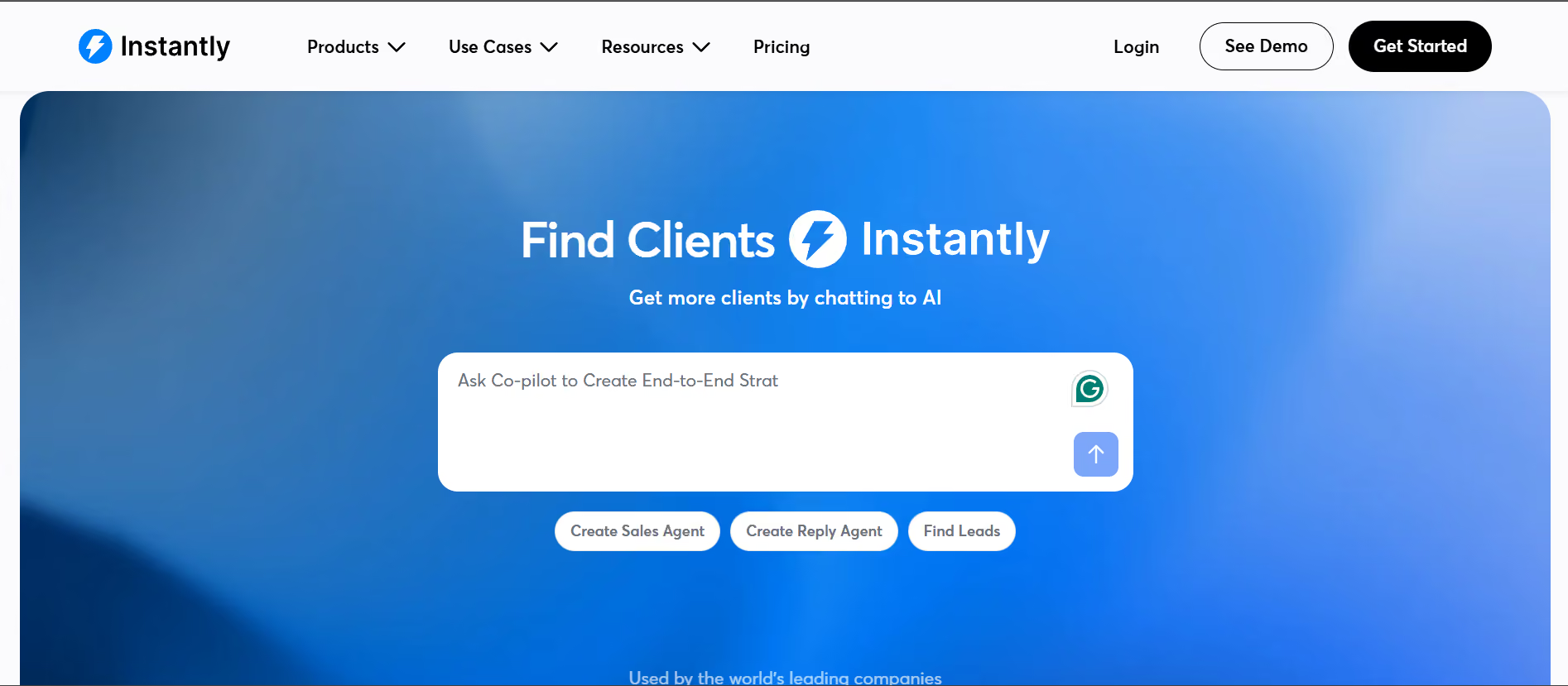
Personalization runs on spintax plus the Copilot AI. What I noticed is that Copilot answers occasionally conflict with what live chat support tells me. Deliverability tools sit inside a separate Deliverability product, including inbox placement testing.
Lead Finder and the B2B database live on their own subscription tab, so I pay separately if I want prospecting. Instantly doesn't have native LinkedIn automation inside the sequence builder either.
Rahul K. flagged the cost of the premium warmup pool as a friction point:
"access to the most premium pool requires a $500 subscription." — Rahul K., G2 review
Smartlead takes a modular approach to cold email service provider infrastructure. The core sequencer sits at an affordable price point, and the deliverability layer is priced separately as I scale up.
Inside Smartlead, I built cold email sequences with unlimited mailboxes from the Base tier up. The sub-sequence branching lets me route replies into new follow-up flows based on reply category. That was useful for handling different objection types inside one master campaign.
Automatic mailbox rotation distributes sends across every connected mailbox. The Master Inbox pulls every reply into one view for triage. Personalization runs on merge tags plus SmartAgents for AI copy generation, and spintax is available inside the editor.
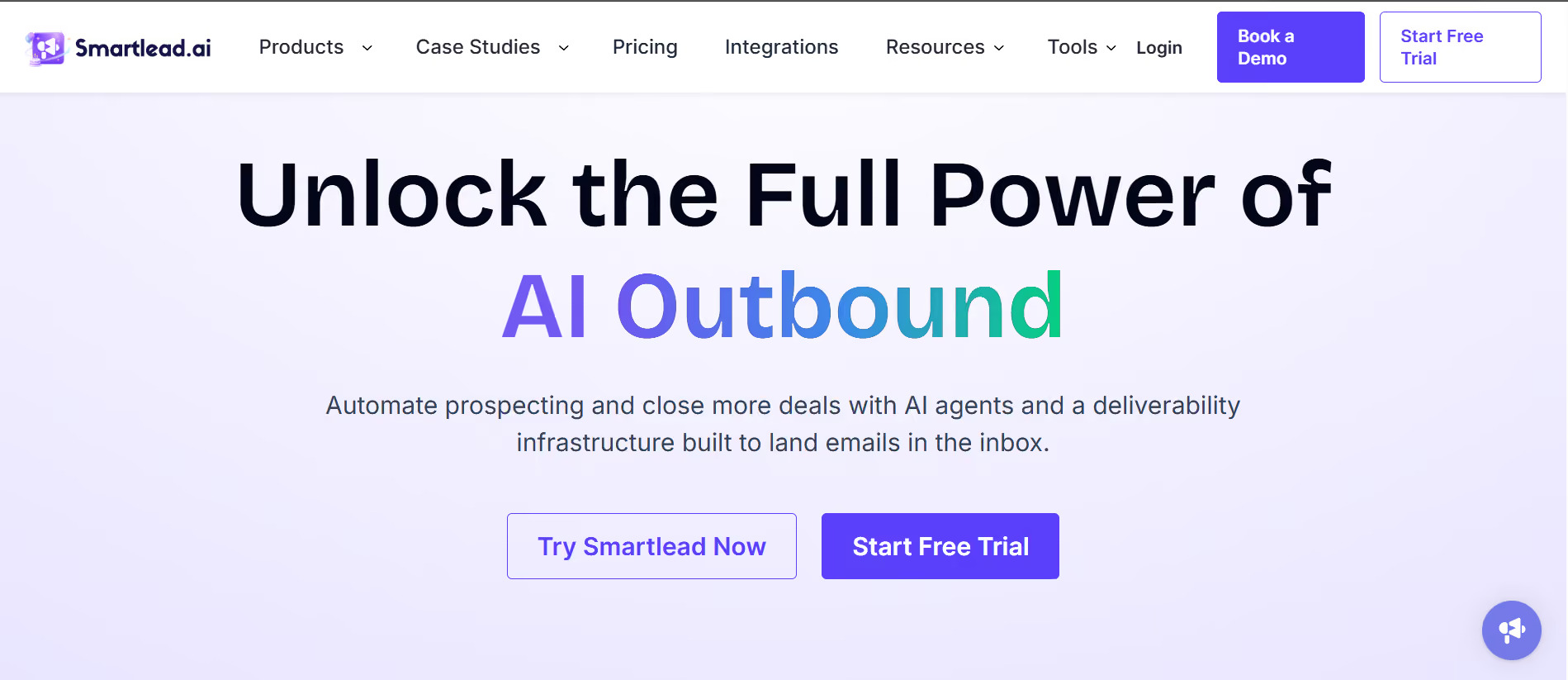
Deliverability sits inside a separate SmartDelivery add-on, which pushes real cost higher when I want the full stack. Warmup itself is unlimited on every tier, though the premium warmup pool sits on the Smart tier and above.
Smartlead's white-label and client workspace features are strong for agencies. That's the main reason it lands in agency stacks more often than not. What isn't inside the platform is native LinkedIn automation, so multichannel cold outreach needs a second tool.
Ciaran C. called out Smartlead's unlimited sending pricing model as the reason his agency scaled cold email on the platform:
"Their 'all-you-can-send' style pricing is a standout for us." — Ciaran C., G2 review
The thing that stood out most when I tested Lemlist was the dynamic image and text personalization.
The platform lets me pull prospect logos, screenshots, and custom text variables directly into the cold email body.
Inside Lemlist, I built cold email sequences with conditional next steps, auto-launch, and auto-stop triggers based on prospect behavior. The sequence editor uses Liquid syntax for advanced personalization variables. AI-generated copy runs through lemAgent inside the same workflow.
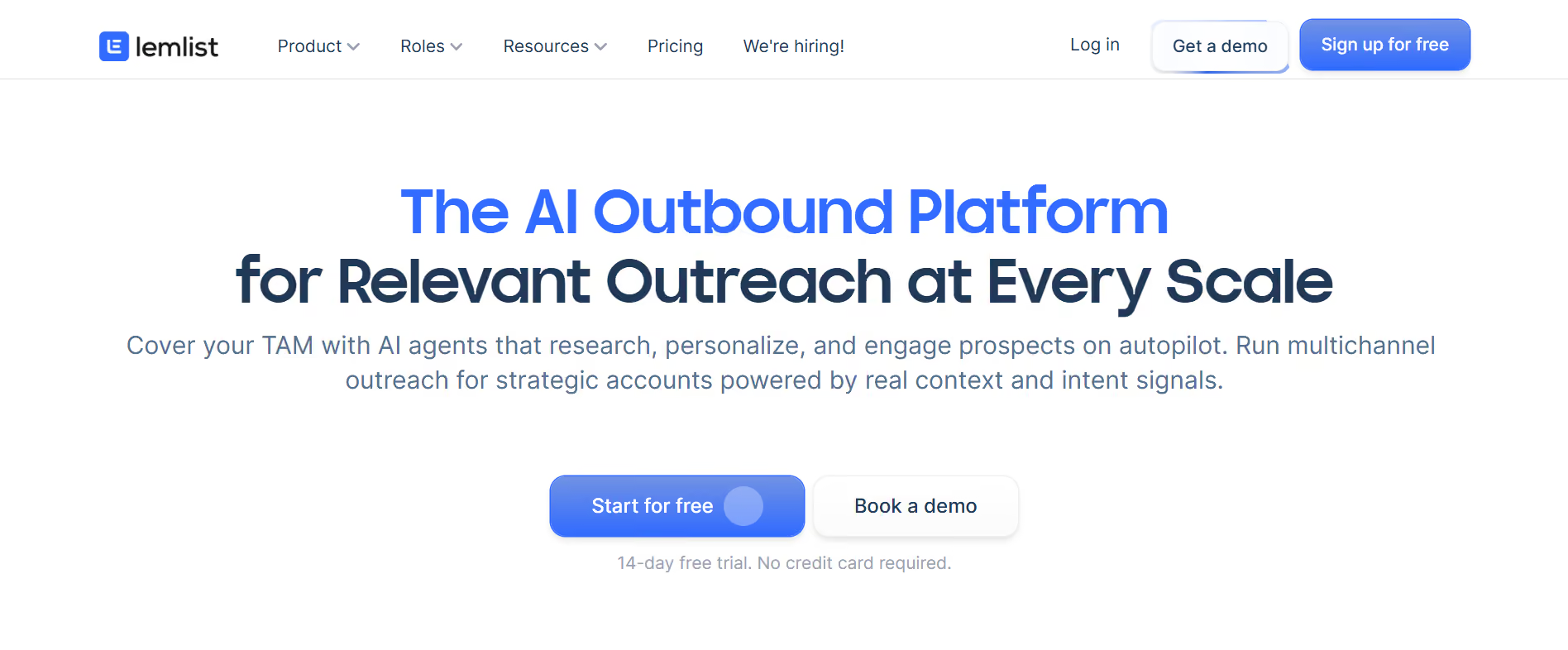
Reply intent detection and out-of-office handling worked well on my test campaigns. The unified inbox consolidated replies across email and LinkedIn once I upgraded to the Multichannel plan. Rotating IPs and custom tracking domains sit inside the deliverability configuration.
Lemwarm handles warm-up for every mailbox I connect, and it's bundled on every plan. The Deliverability Hub runs DNS tests, deliverability testing, and placement monitoring.
Lemlist's biggest cold email drawback is the per-user pricing, which stings past 3 users. Native LinkedIn, calls, SMS, and WhatsApp all sit on the Multichannel Expert plan and cost more per seat.
Julien S. described Lemlist's AI-driven personalization as the platform's strongest asset for cold email:
"The AI part is definitely their best asset." — Julien S., G2 review
Apollo is on this list for one reason: the database. The cold email sender underneath is functional but not the main draw, and Apollo discontinued its warmup product in 2024.
Inside Apollo.io, the built-in 275M+ contact database sits alongside the sequencer. That means I can prospect and launch cold email campaigns from the same platform without exporting lists. Waterfall enrichment pulls data across multiple sources to fill gaps.
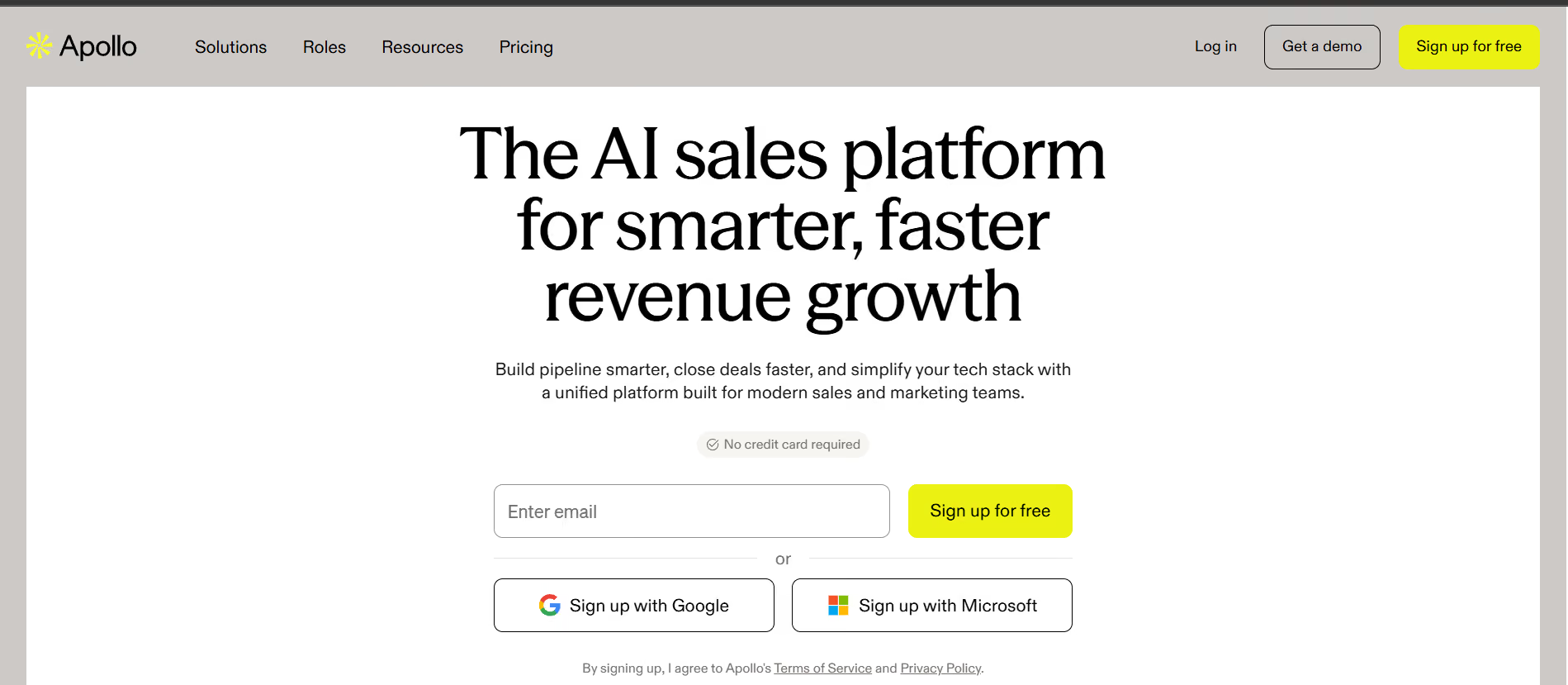
The sequence builder covers multi-step cold email flows, and A/Z testing lives on the Professional plan. Deliverability Suite and Email Warmup start on the paid Basic tier, so the Free plan doesn't cover warmup. Unlimited mailboxes come on Professional.
Personalization runs on merge tags plus AI writing with word count caps that scale by tier. Waterfall enrichment on Basic supports cleaner cold email lists. The Free plan gives me 900 credits per seat annually, granted monthly.
Apollo's per-seat pricing works fine for small cold email teams. The pricing climbs meaningfully once I add more seats or need the Organization tier with its 3-seat minimum. The credit system is where friction shows up most often.
Satya R. described Apollo's blend of database, prospecting filters, and outreach in one tool:
"combination of accurate contact data, advanced prospecting filters, and outreach capabilities." — Satya R., G2 review
If Apollo's discontinued warmup is the specific gap I'm trying to solve for, I've written a separate breakdown on Apollo email warmup alternatives.
Snov.io serves over 300,000 companies and bundles email finder, verifier, drip campaigns, warmup, and a CRM under one $29 monthly subscription. For startups avoiding a five-tool stack, that's the cheapest path in the cold email category.
Inside Snov.io, the cold email sequence builder supports unlimited follow-ups and campaigns from the Starter tier. Behavioral triggers, A/B testing, reply analysis, and mailbox rotation kick in across the paid tiers. The Unibox handles reply management for email and LinkedIn in one view.
The email finder runs on a 7-tier verification process, which produced cleaner cold email lists than single-verification tools in my testing. Warmup uses a premium business-domain pool with GPT-4o-mini warmup emails.
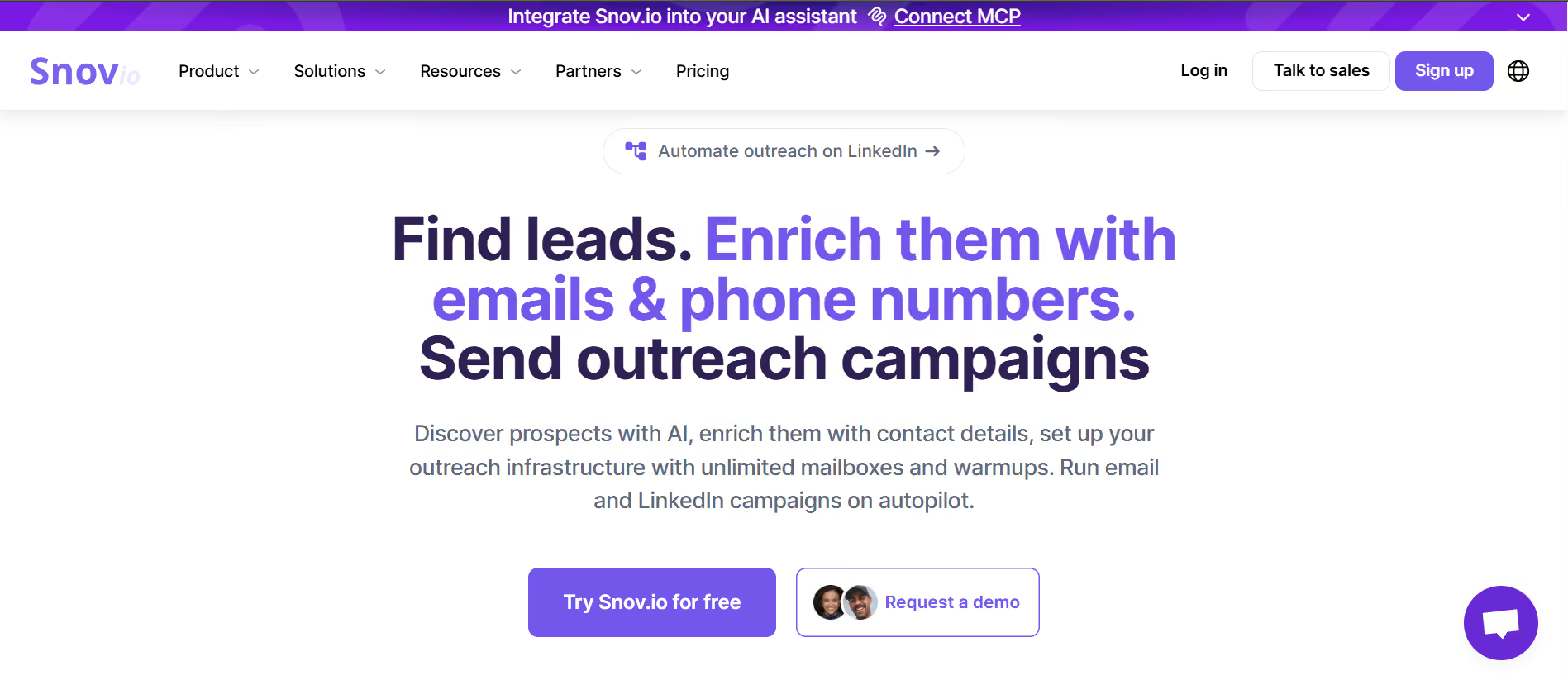
Personalization runs on AI Studio and a persona-driven email builder. Deliverability tools include placement testing, DNS/SPF/DKIM/DMARC checks, blacklist detection, spam-word scanning, and SpamAssassin scoring.
Snov.io's LinkedIn automation is a $69 add-on per account slot, which stings if I want native multichannel cold outreach. Credits also run on a shared pool across finder and verifier. Unused monthly credits expire, which several reviewers flagged as a friction point.
Abhishek C. described the value of having a full cold email workflow in one platform:
"Snov.io makes outreach way easier by having everything in one place." — Abhishek C., G2 review
For a closer look at how Snov.io's built-in warmup behaves once it's turned on, I've broken that down in my Snov.io email warmup review.
Woodpecker's model is unusual for this category. I pay per contacted prospect rather than per seat or per mailbox. 500 prospects a month runs $35, and the platform bundles a lot for that entry cost.
Inside Woodpeckers, the cold email sequence builder covers multi-step campaigns with adaptive sending. The platform adjusts send volume based on mailbox reputation signals, which helped protect sender health across a 12-mailbox setup during my testing.
Every tier includes free warmup, free catch-all email verification, unlimited team members, and unlimited email accounts. That's a strong feature bundle at the entry price for a cold email service provider.
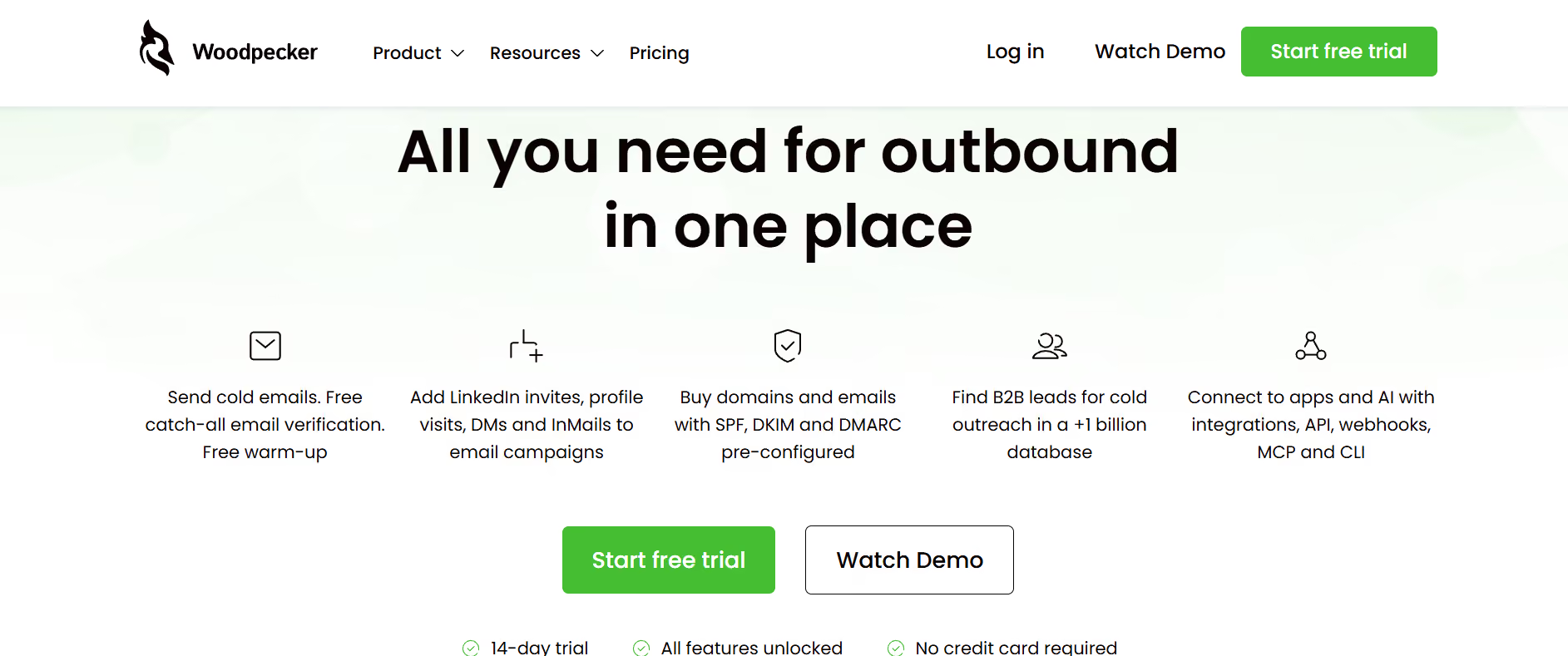
The built-in lead database holds over 1 billion leads, with 100 lead finder credits included on the entry plan. Sequence tools support email plus LinkedIn multichannel, though LinkedIn Outreach sits as a $29 monthly add-on per account.
Reply handling, follow-up automation, and deliverability monitoring are baseline features. Domain and email purchase with pre-configured SPF, DKIM, and DMARC records is available inside the platform. What I noticed is that the pricing math starts to climb once I push past 3,000 contacted prospects monthly.
Dominik W. praised the continuous development pace and the LinkedIn connection ability in his G2 review.
Where Instantly and Smartlead price flat with unlimited mailboxes, Saleshandy adds one more layer. It bundles unlimited team members and unlimited client workspaces at the same price point.
Inside Saleshandy, the cold email sequence builder supports multi-step campaigns with A/Z testing across up to 26 subject line and body variants on the Pro tier. That's the widest A/Z testing range I've seen in the category. The unified inbox handles reply management across every connected mailbox.
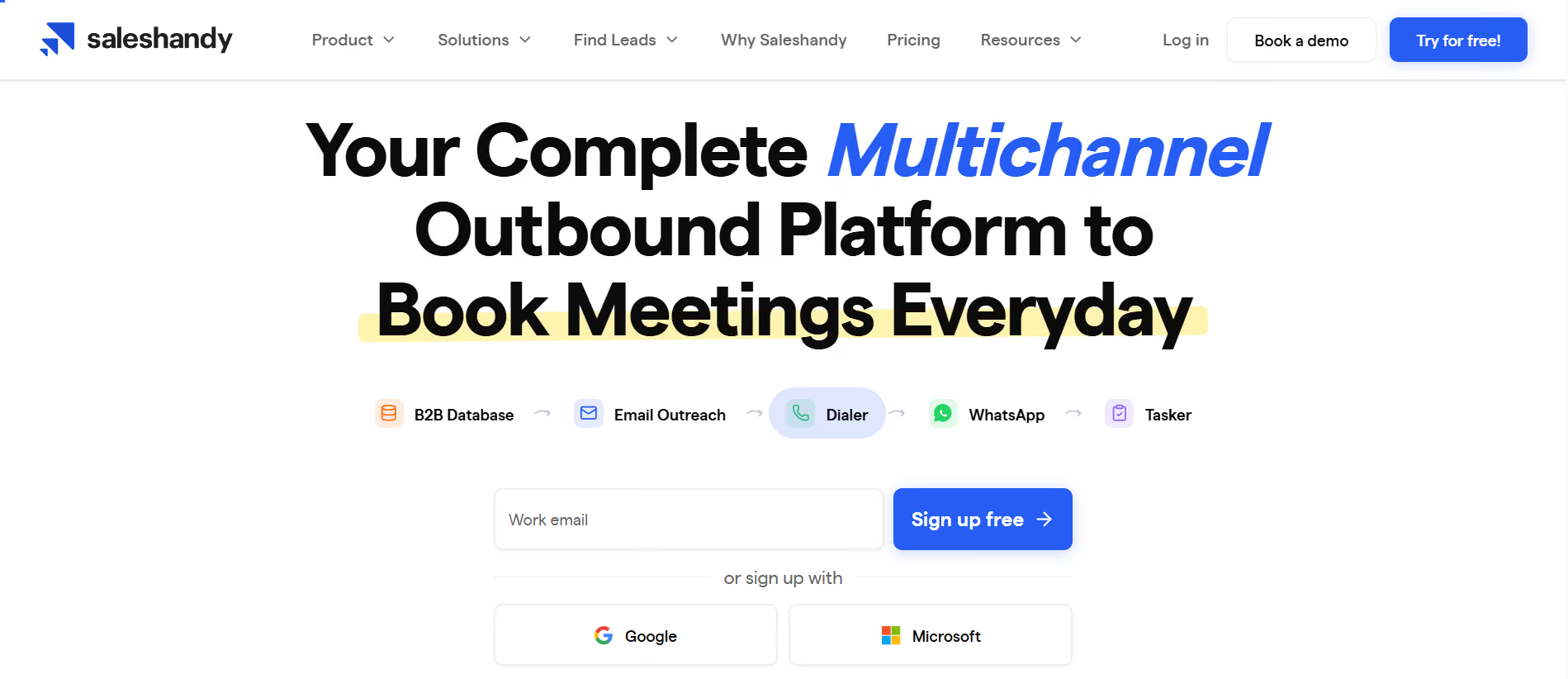
Built-in email infrastructure setup auto-configures SPF, DKIM, and DMARC for every domain I add. Auto warmup runs on every mailbox by default. Deliverability suite and inbox placement testing sit on separate plan tiers.
The built-in B2B lead finder holds 852M+ contacts and 42M+ companies. That's the largest bundled database in the category outside Apollo. Multichannel support covers email, calls via dialer add-on, LinkedIn, and WhatsApp.
Saleshandy's white-label agency features start on Scale, with unlimited client workspaces bundled. The 7-day free trial is short compared with other cold email service providers, which limits how much I can test before deciding. The Starter tier functions more as an extended trial than a real production plan.
Alex U. described Saleshandy as intuitive and easy to work inside for cold email campaigns:
"very simple to use and very intuitive." — Alex U., G2 review
Salesforge is my top pick for cold email service providers in 2026. It gives me unlimited email senders on flat-fee pricing, free premium warmup on every plan, and MCP plus CLI access for developer workflows.
That combination removes the two biggest hidden costs from other tools in the category and adds a level of automation depth no competitor matches. Instantly wins on pure email account volume, Smartlead earns its spot with agency white-label depth, and Lemlist leads on personalization.
But for the shortest path to running cold email at scale, Salesforge stays my recommendation.
Start a free Salesforge trial to see the sender and warmup setup for yourself.
A cold email service provider is a software platform built for sending outreach emails to prospects who don't yet know me. It handles sequence building, follow-up automation, sender rotation, warmup, reply management, and deliverability monitoring in one place.
Cold email service providers are built for one-to-one outbound outreach to prospects. Email marketing software is built for one-to-many broadcasts to opted-in subscribers. Cold email platforms include sender rotation, mailbox warmup, and deliverability tools that marketing platforms don't need.
Most cold email service providers include some form of warmup, but the depth varies. Salesforge, Instantly, Smartlead, Lemlist, Snov.io, Woodpecker, and Saleshandy include warmup on paid tiers. Apollo dropped its warmup product in 2024. For a deeper look at AI-driven warmup, I've covered that in my AI tools for cold email breakdown.
Flat-fee pricing scales better for cold email teams past 3 users. Per-seat pricing is fine for solo senders or small teams, but the math flips fast once team headcount grows. Salesforge, Instantly, Smartlead, Saleshandy, and Snov.io use flat-fee models. Apollo and Lemlist's Multichannel plan charge per seat.
Salesforge, Smartlead, and Saleshandy are the strongest picks for cold email agencies. All three offer flat-fee pricing, unlimited mailboxes, client workspaces, and white-label features on higher tiers. Salesforge adds native LinkedIn inside the sequence builder as well.
