
Personalized Outbound Strategy
Get The Right Outbound Strategy In Minutes
Enter your email to get a custom plan & stack recommendation for your business
It's being carefully crafted by AI
Please check your mailbox in 5 minutes

If Mailivery is on your list in 2026, you’re likely want to know if it fits your use case.
I tested Mailivery myself for 3 weeks with 5 different mailboxes to see if it’s actually worth using for email warm-up in 2026.
Instead of relying on feature pages or claims, I connected inboxes myself.
I looked closely at how Mailivery handles warm-up, real email interactions, analytics, and blacklist monitoring.
I also paid attention to what works smoothly and where limitations can show up.
In this review, I will share the key pros and cons of Mailivery.
So you can decide whether it fits your setup or if exploring an alternative like Warmforge makes more sense.
Use Warmforge to get email warm-up with clear inbox placement visibility and deep control over deliverability.
Mailivery is an email warm-up tool that helps new or cold inboxes build sender reputation before outreach.
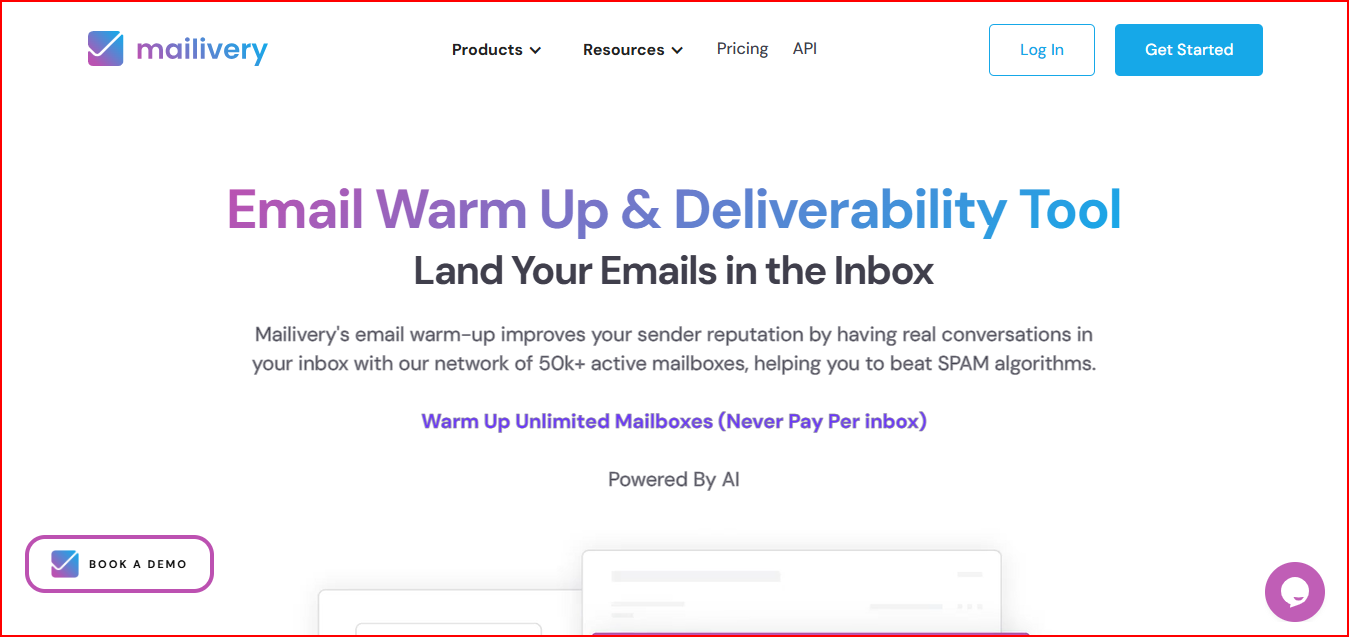
Once you connect an email account, Mailivery creates natural email activity.
This happens in the background; emails are sent, opened, and replied to using AI and a network of real mailboxes.
Messages that land in spam or promotions are handled quietly without disturbing your main inbox.
If any warm-up email lands in spam or promotions, Mailivery handles it quietly without affecting your main inbox.
You can continue your regular outreach while the warm-up runs on its own.
Mailivery lets you connect unlimited mailboxes, so you don’t pay per inbox.
It also gives you a clear view of where your emails are landing, how your sender reputation is changing, and whether your domain or IP appears on any blacklists.
Enter your email to get a custom plan & stack recommendation for your business
Please check your mailbox in 5 minutes

After connecting your inboxes, here’s what happens:
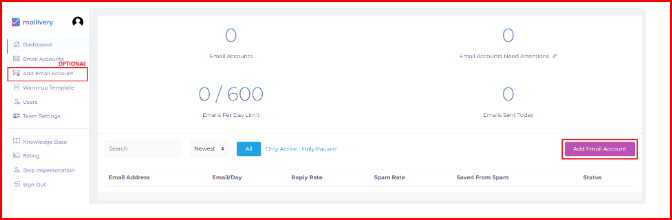
You start by connecting your email account to Mailivery.
Gmail, Outlook, and most email providers are supported, either directly or through SMTP.
You can also set how many warm-up emails go out each day and choose the sending time.
Mailivery sends warm-up emails, opens them, replies, and handles messages that land in spam.
All of this happens automatically.
With steady and natural email activity, your sender reputation starts to build and fewer emails go to spam.
You can track inbox placement, spam rates, and reputation changes from the dashboard.
I liked how quickly everything started working without extra setup.
But once multiple inboxes were connected, I noticed the shared daily limit spreads the warm-up thin, which can slow down how fast each inbox builds reputation.
Mailivery comes with features focused on warm-up, visibility, and team usage.
When I used these features together, having warm-up, blacklist checks, and analytics in one place made things easy to manage.
But I noticed most settings are automatic, so there isn’t much room to change how the warm-up works beyond basic volume control.
Along with email warm-up, Mailivery also provides a set of free tools and resources to help with cold email setup and deliverability.
These tools are built to help you check, test, and improve different parts of your email outreach, without any cost.
Some of the free tools include:
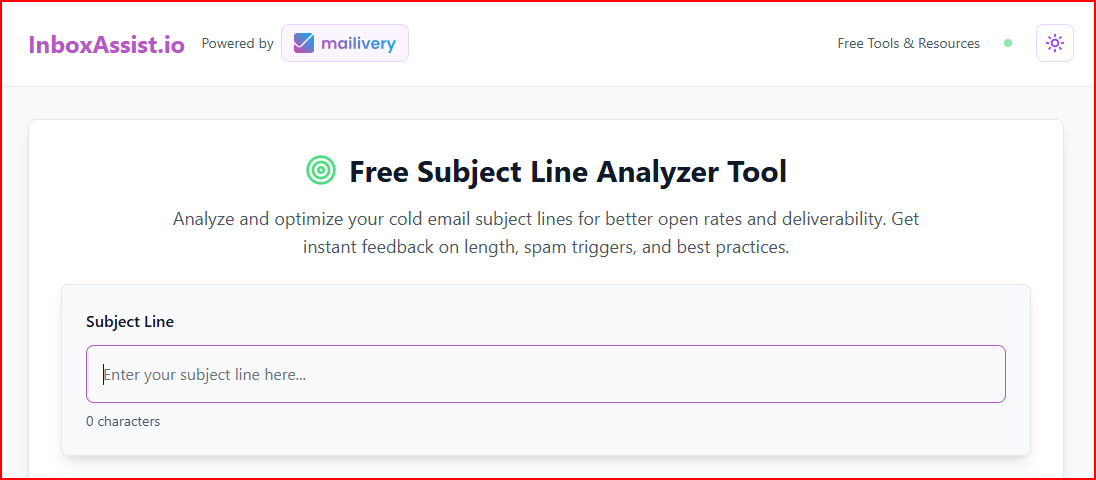
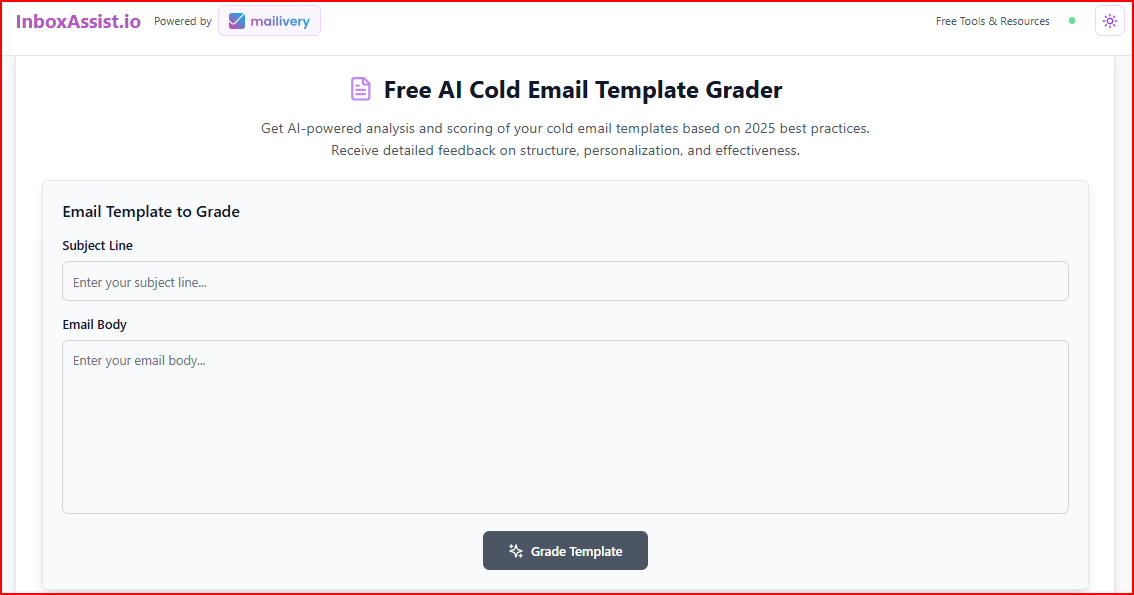
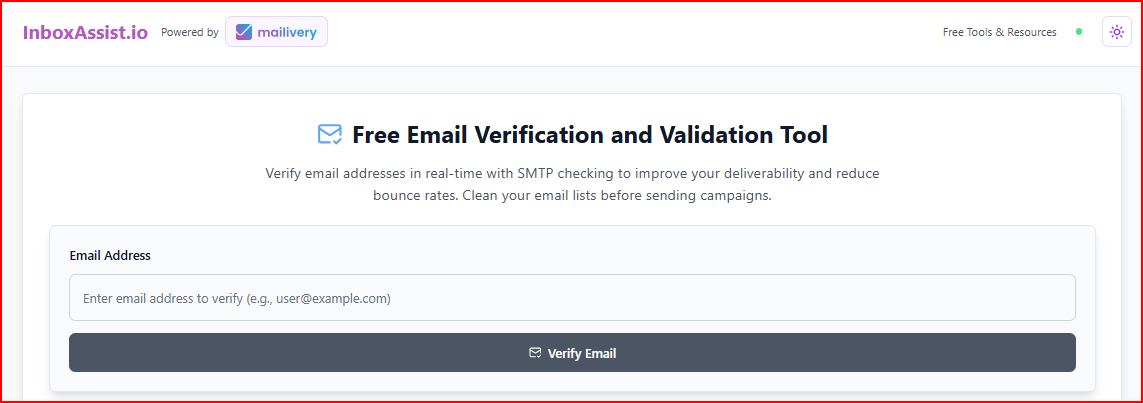
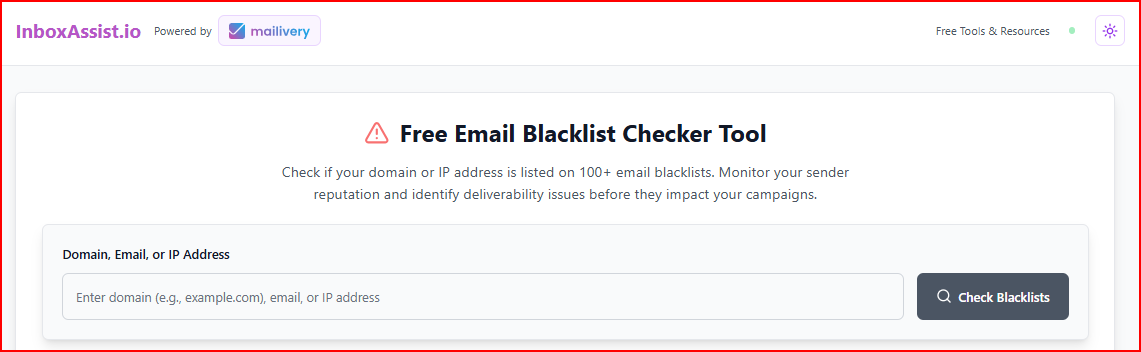
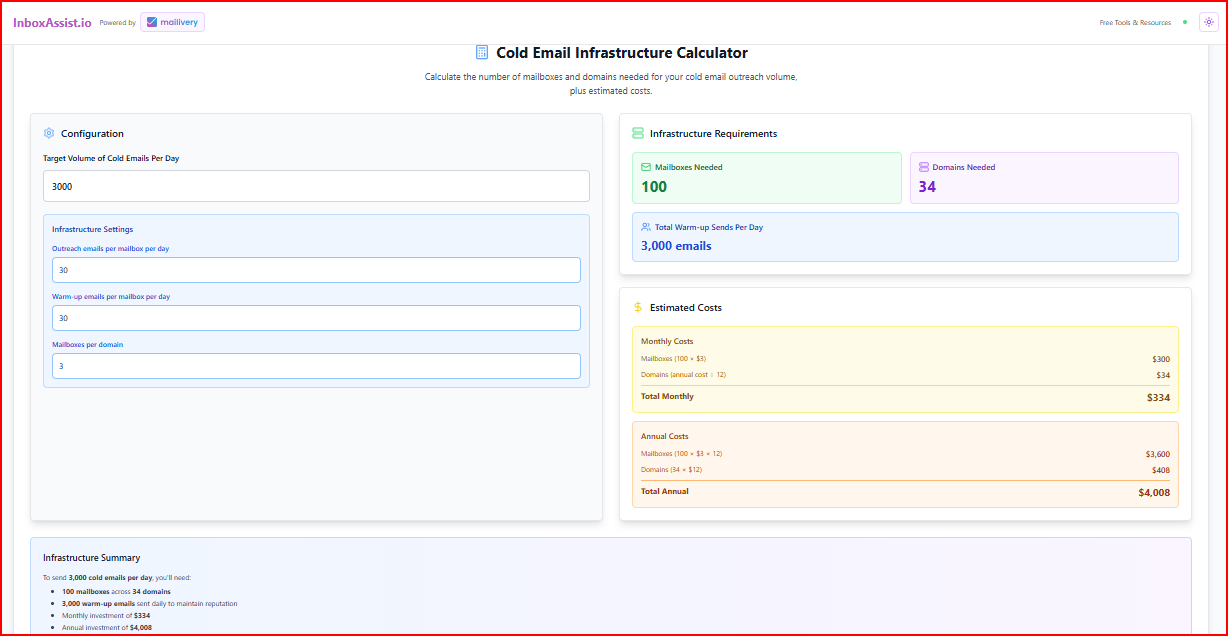
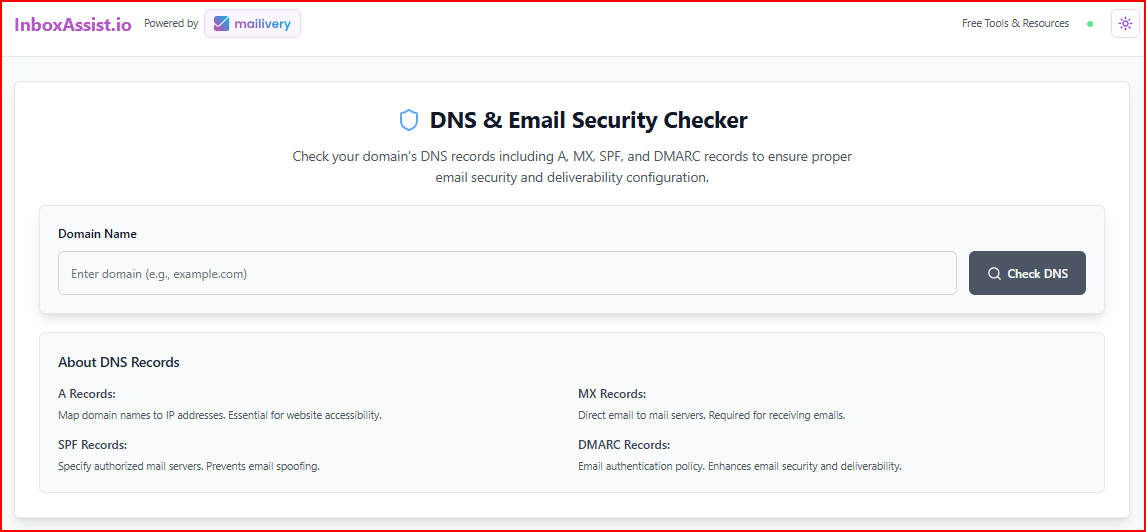
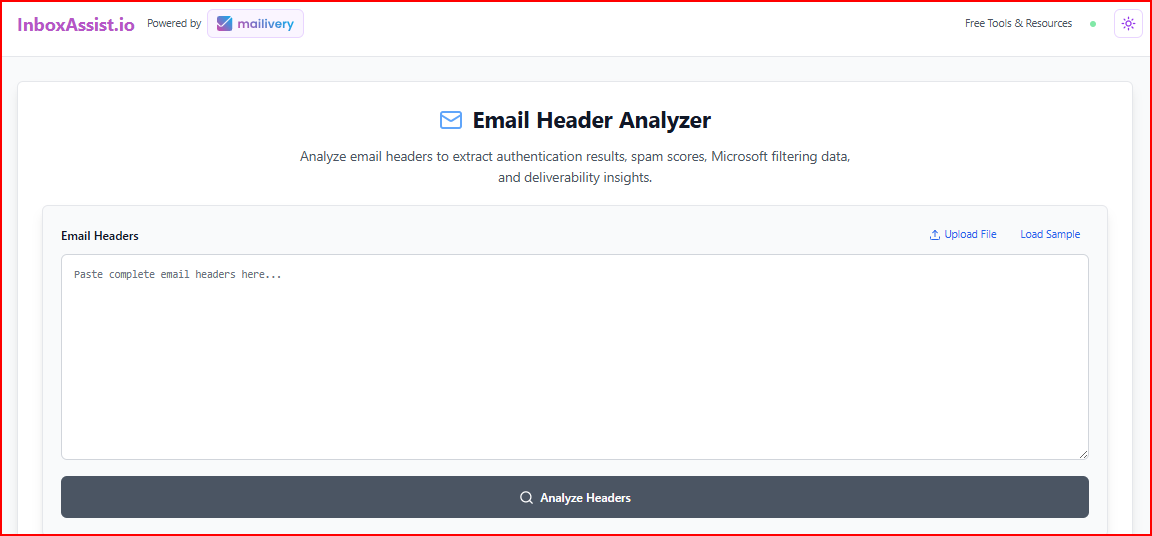
Mailivery also offers deliverability resources like checklists that guide you through proper email setup and best practices.
Using these free tools felt helpful for quick checks without logging into multiple platforms.
But most of them work as separate testers, so they don’t connect directly to your warm-up activity or show ongoing tracking inside one workflow.
Mailivery pricing is based on total daily warm-up volume, not per mailbox.
All plans allow unlimited inbox connections and include core deliverability features.
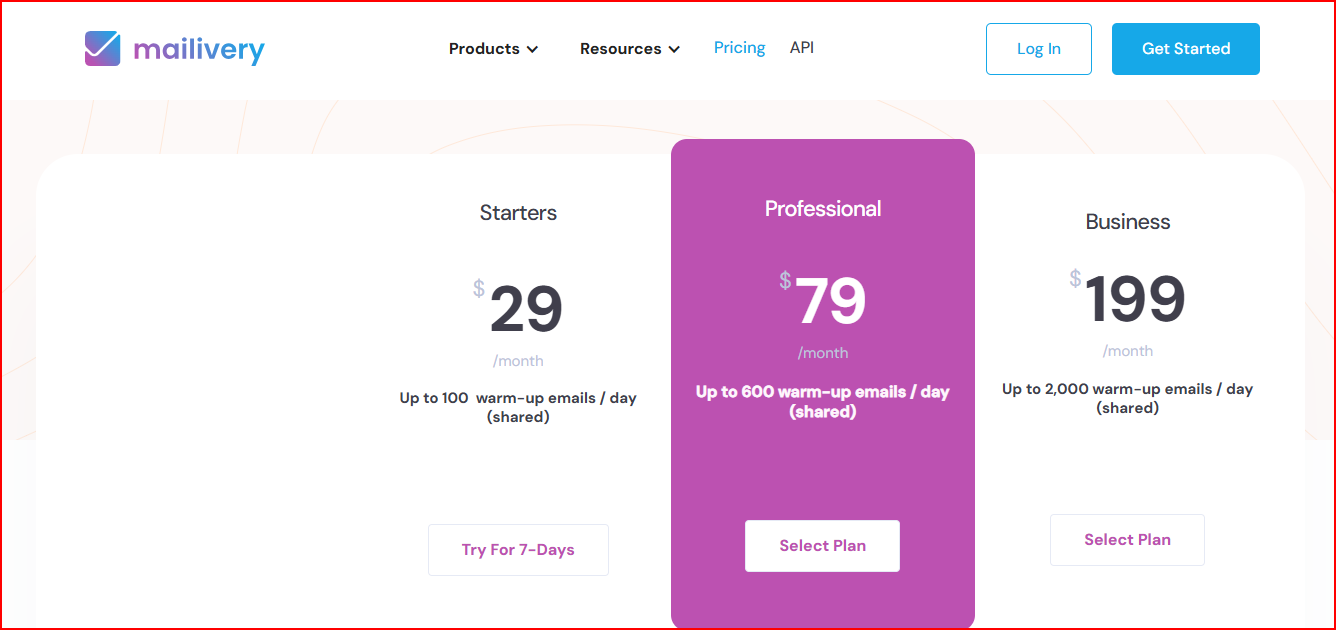
This plan allows up to 100 warm-up emails per day shared across all inboxes, with unlimited mailboxes, 2 blacklist monitors, 100 email verification credits, and access for 2 team users.
You get up to 600 warm-up emails per day shared across inboxes, unlimited mailboxes, 10 blacklist monitors, 500 verification credits, and team access for up to 4 users.
This plan supports up to 2,000 warm-up emails per day, unlimited inboxes, 50 blacklist monitors, 2,000 verification credits, and team access for up to 10 users.
All plans are available on monthly or yearly billing, with a 7-day free trial included.
Here’s where Mailivery works well in real use, especially for day-to-day outreach and scaling needs.
These are the main limitations to keep in mind before choosing Mailivery as your email warm-up tool.
Use Mailivery if your main problem is keeping many email inboxes safe and active while you send cold emails.
It works best when:
If your needs go beyond this, for example, you want to test inbox placement, get clearer guidance when deliverability drops, or have deeper control, this setup may feel limited.
In that case, moving to tools like Warmforge makes more sense.
Warmforge is built not just for warming inboxes, but for actively improving and monitoring overall email deliverability.
While basic warm-up tools focus on sending and replying to emails, Warmforge lets you monitor inbox placement, run placement tests, and check mailbox health while campaigns are live.
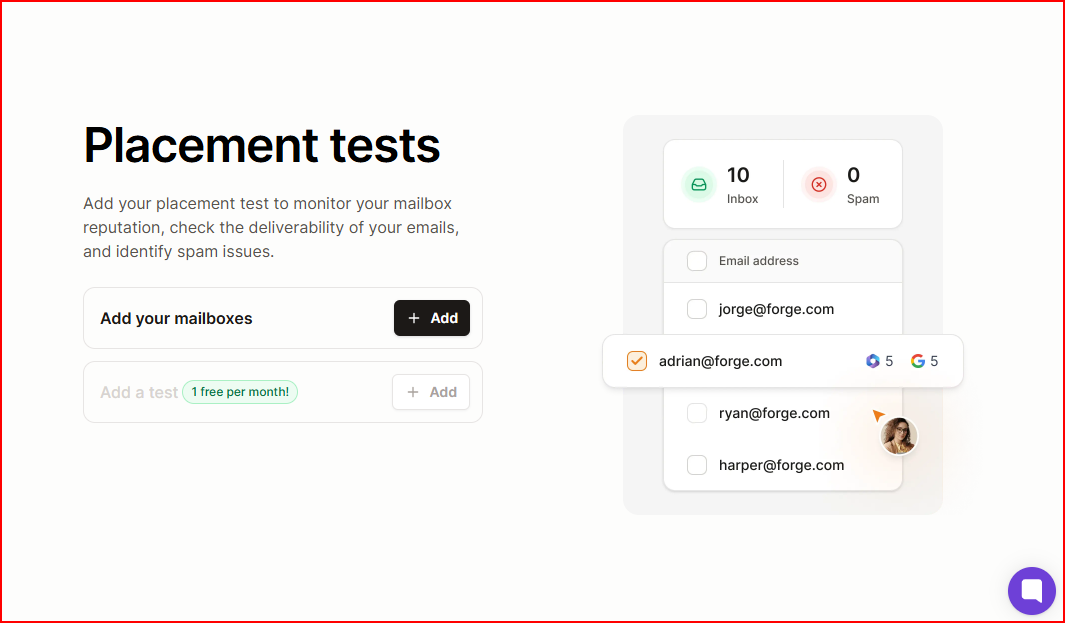
You can clearly see whether emails land in the Inbox or Spam across different providers instead of guessing based on reply rates.
It checks important infrastructure elements like DNS and MX records, so setup issues can be identified early.
Blacklist monitoring is also included, helping you detect if a domain or IP is flagged before it affects campaign performance.
Each mailbox is tracked individually, with clear deliverability signals and reputation changes shown in one place.
It also uses a “Heat Score™” metric, where 85+ indicates the inbox is ready for sending volume.
Warm-up runs continuously in the background, and it uses a premium network of aged Google Workspace and Microsoft 365 accounts.
This keeps the warm-up activity stable and predictable from the start.
Here’s how the two tools differ when you look at how they’re used in real workflows, not just feature lists.
Enter your email to get a custom plan & stack recommendation for your business
Please check your mailbox in 5 minutes
If your main goal is to keep many inboxes healthy while running cold email, Mailivery does that well. It’s simple, scales easily, and runs quietly in the background without getting in the way of daily outreach.
But if you want more visibility into deliverability, need to test where emails actually land, or plan to connect warm-up with Multichannel Outreach, Mailivery can feel limited.
In such cases, Warmforge helps you. It provides active monitoring, placement tests, and tighter control over deliverability rather than just background warm-up.
Start your free Warmforge trial today with 1 warm-up slot and 1 placement test included. See exactly where your emails land before you commit.