Gmail warm up tools all promise the same thing, so the pricing page is where the real differences show up.
Some charge per mailbox. Others sell a daily email pool and let you connect as many inboxes as you want underneath it.
That one difference decides your bill. The cheapest tool at one mailbox is rarely the cheapest at ten.
I pulled live pricing from all four product sites and ran the cost at 1, 5, 10, 25 and 50 mailboxes. I also checked what each warm up pool is built from, because that decides whether Gmail treats the engagement as real.
Below you get the four tools compared, the cost at your actual mailbox count, what each includes beyond warming, and what warm up will not fix.
Aged Google Workspace and Microsoft 365 accounts only, no recycled inboxes
Real business domains, mixed providers
Peer to peer network, mixed providers
Real inboxes, mixed providers
Network size
Millions of business accounts
20,000 plus domains across 100 plus countries
Pool size not published
30,000 plus inboxes, 6 million emails daily
Gmail connection
One click for Google Workspace and Outlook
One click OAuth for Gmail and Outlook
OAuth or SMTP, both supported
OAuth for Gmail, SMTP for others
Warm up volume
User configurable per mailbox
Not published
250 per day hard cap per mailbox, shared pool
75 on Basic, 250 on Pro, 1,000 on Max
Reply rate cap
Not published
Not published
30% on Starter, 55% on higher tiers
25% on Basic, 45% on Pro, 50% on Max
Placement testing
Included, one free test every month
Not offered
Included, 10 to 100 credits by tier
Included as spam and category monitoring
SPF, DKIM, DMARC checks
Included in Health Checks on every slot
Included as technical setup check
Implied in diagnostics, not listed per plan
Included at every paid tier
Blacklist monitoring
Included, blacklist status in Health Checks
Not offered
Included, 70 plus lists
Included, rechecked hourly across 50 plus lists
Email verification
Not offered
Not offered
Included, 100 to 2,000 credits by tier
Not offered
Free offer
One free Gmail warming slot and one free placement test monthly, no trial on paid slots
Free with any lemlist plan, no standalone trial
7 day trial, no card
Free forever tier plus 7 day trial, no card
G2 rating
4.6
N/A
4.6
4.6
How I Evaluated These Gmail Warm Up Tools
Every tool in this category promises inbox placement, so the comparison happens one level down. These five things decided the order.
1. Whether the Warm Up Pool Is Built on Real Google Workspace Mailboxes
This matters more for Gmail than for any other provider. Mail moving between two Google accounts passes fewer checks and carries more trust by default.
A pool stitched together from disposable SMTP inboxes gives Gmail a reason to discount the engagement entirely. So I looked at what each vendor says its pool contains, not just how large it is.
Pool quality is the biggest single driver of whether warming moves your sender reputation at all.
2. Whether Pricing Is Per Mailbox or a Shared Daily Pool
Two models exist here, and they produce very different invoices.
Per mailbox pricing charges for each inbox you connect. Shared pool pricing charges for total warm up emails per day, with unlimited inboxes underneath.
Neither wins outright. The break even point depends on your mailbox count and how hard you push each one.
3. How Many Warm Up Emails Each Mailbox Gets, and How Many Get Replies
Volume is the number vendors advertise. Reply rate is the number that actually signals trust to Gmail.
A warm up email nobody answers is a weak signal. The useful band sits between 30% and 55%, and several entry plans cap you below it.
4. What the Tool Does Besides Warming
Warming on its own leaves you blind to why placement moves.
The tools worth paying for also check SPF, DKIM, DMARC and MX records, watch blacklists, and show where your mail lands.
That monitoring layer is what separates the better AI email warmup platforms from a simple warming script.
5. What You Can Test Before Handing Over a Card
Warm up is a cost you carry for as long as you send, so seeing the product first matters.
Some tools give a seven day trial. Others give a permanently free slot. Those are not the same thing, and I have flagged which is which.
4 Best Gmail Warm Up Tools in 2026
Four tools made the list, ordered by how well each one fits a Gmail-first cold email setup.
1. Warmforge
The first tool on this list is Warmforge, because it is the only one here that builds its warm up pool exclusively from aged Google Workspace and Microsoft 365 accounts.
That claim is narrower than what most vendors say. The company states there are no recycled inboxes and no mixed quality networks in the pool.
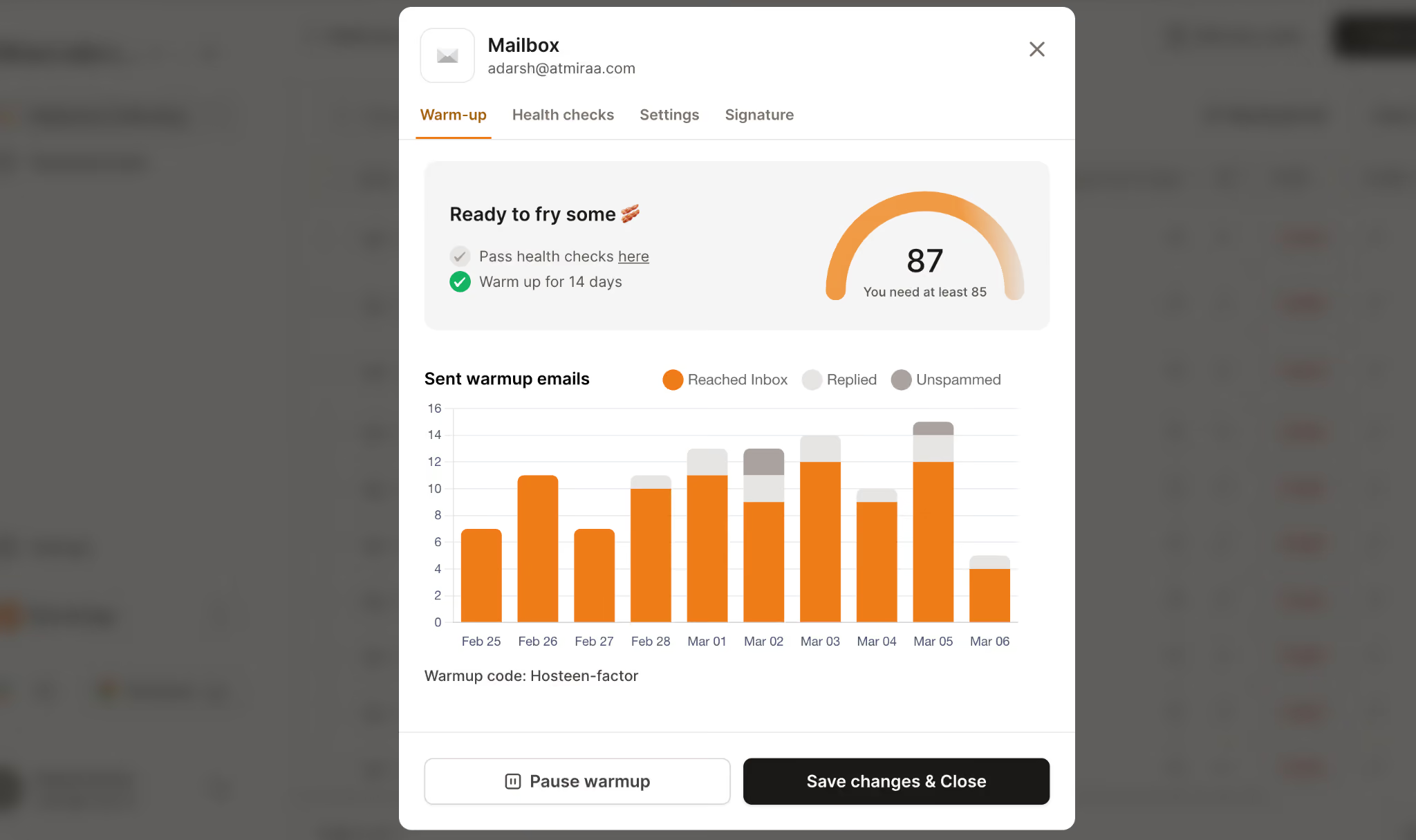
Health checks also come attached to every slot rather than sold separately, so your DNS status sits beside your Heat Score in one view.
Key features I liked:
Aged Google Workspace and Microsoft 365 pool, no recycled inboxes
Heat Score per mailbox with SPF, DKIM and DMARC status in the same dashboard
Health checks covering DNS records, MX records and blacklist status
Warming continues while live campaigns are running
One free Gmail or Google Workspace warming slot with every paid subscription
SOC2 compliant, with API access available
Pricing:
1 to 10 slots: $9 per slot per month
11 to 50 slots: $6 per slot per month
51 or more slots: $5.25 per slot per month
Placement Tests Pro: $32.50 per month for 100 tests
Placement Tests Growth: $140.80 per month for unlimited tests
The tier drops are steep. Moving from 10 slots to 11 cuts your rate by a third, which is why the per-mailbox cost falls faster here than anywhere else in this list.
Salesforge customers get unlimited Warmforge slots included, so check your existing subscription first.
Warmforge Pros
The aged Google Workspace pool is the strongest Gmail-specific claim in this category, and reviewers single it out. One verified user called it one of the best parts of the product.
Health checks and a monthly placement test are included per slot, so authentication status and inbox placement live in the same dashboard as warming.
Volume pricing drops sharply at 11 slots and again at 51, which suits teams growing from a handful of mailboxes into a real outbound setup.
Warming keeps running during live campaigns, so your sending pattern stays steady instead of dropping off at launch.
Warmforge Cons
There is no free trial on warm up slots.
Start with the free slot. Warmforge includes one free Gmail or Google Workspace warming slot and one free placement test every month. Create an account and check your Heat Score before spending anything.
2. Lemwarm
The next Gmail warm up tool is Lemwarm, and the most useful line on its own site argues against buying it standalone.
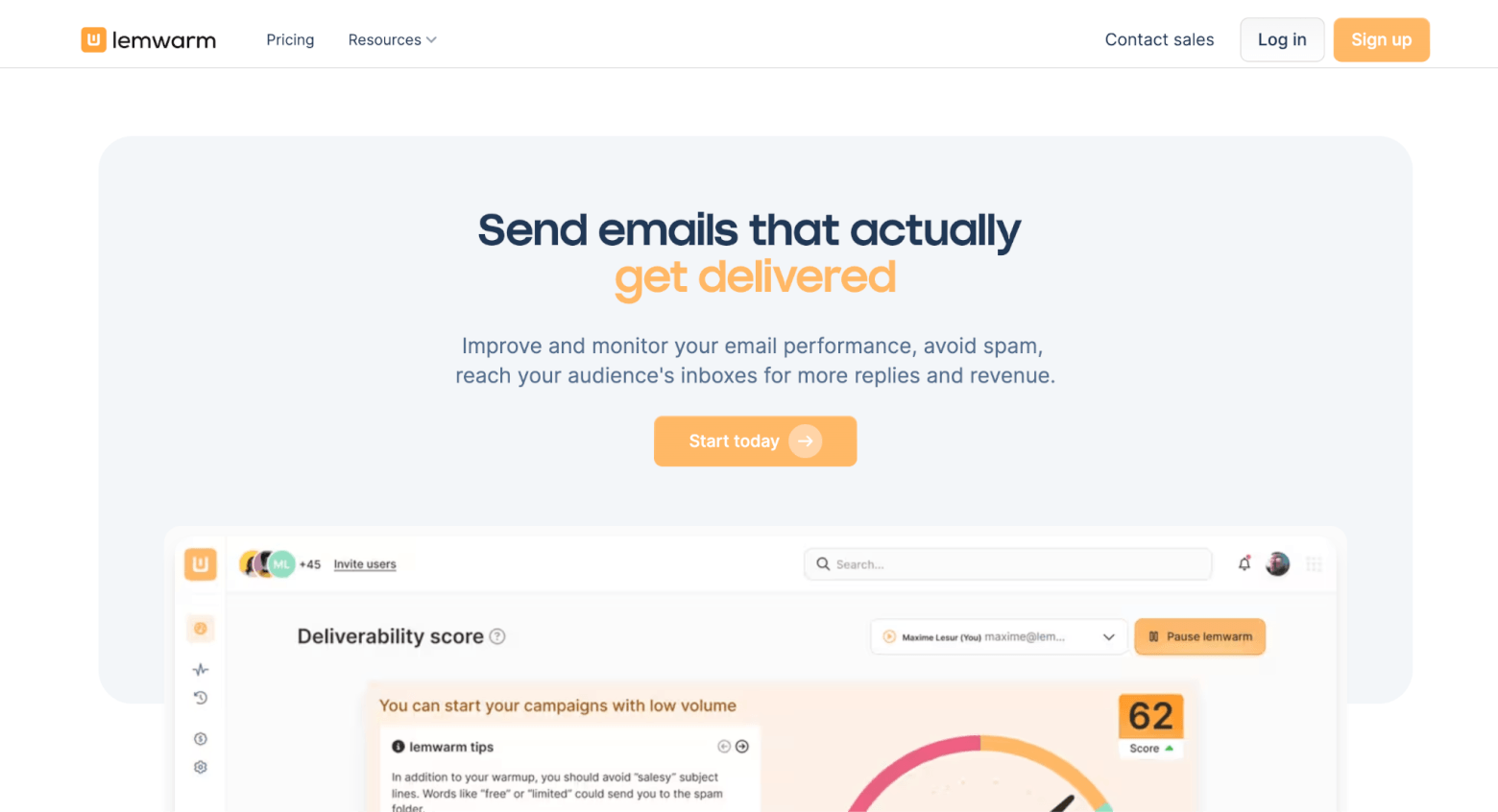
The FAQ states that lemwarm is included free with every lemlist plan. So if lemlist is already on your invoice, your inboxes are warming and you can skip this section.
Buying it on its own means paying $24 per mailbox per month for something a lemlist subscription hands over at no extra cost.
Key features I liked:
One click OAuth for Gmail and Outlook, with Zoho, FastMail and Proton supported
Network of 20,000 plus real domains across 100 plus countries
Technical setup check covering SPF, DKIM, DMARC and MX records
Daily deliverability score with spam risk alerts
Industry-tailored warm up network on the Smart plan
Warm up using your real email templates on Smart
Pricing:
Essential: $24 per mailbox per month
Smart: $40 per mailbox per month
Custom: contact sales for teams above 10 users
One piece of their guidance is worth borrowing whichever tool you pick. Lemwarm recommends four weeks of warming, then two more weeks before campaigns start, then leaving it running permanently.
That sequencing is right, and skipping it is one of the more common warm up mistakes people make when planning a launch date.
Lemwarm Pros
Gmail connects through OAuth in one click, and lemwarm states it never reads your real emails or touches your contacts.
The technical setup check catches SPF, DKIM, DMARC and MX problems before warming starts, which saves you warming a mailbox that could never deliver.
The Smart plan matches your warm up network to your industry, so engagement patterns sit closer to your real sending profile.
Existing lemlist customers pay nothing extra.
Lemwarm Cons
The standalone price is the highest per mailbox here, and it buys fewer monitoring features than cheaper options.
Lemwarm has no G2 reviews and no Capterra listing, so there is no independent feedback to weigh. Buyers comparing Lemwarm alternatives tend to run into that gap quickly.
Daily warm up volume and reply rate caps are not published, which makes sizing against your sending plan guesswork.
There is no placement testing and no blacklist monitoring, so the deliverability score is all you get.
3. Mailivery
Another warm up tool for Gmail is Mailivery, and it charges nothing per mailbox.
You buy a daily warm up volume instead, then connect as many inboxes as you like underneath it. The pool gets shared across all of them.
For an agency running 40 client inboxes at modest volume, that changes the bill substantially. For a small team pushing six inboxes hard, it often works out worse.
Key features I liked:
Unlimited mailbox connections on every plan
Gmail, Google Workspace and SMTP connections all supported
Email verification credits included on every tier
Blacklist monitoring across more than 70 lists
Inbox placement test credits bundled into each plan
REST API with webhooks for provisioning mailboxes programmatically
Warm up using your own real templates
Pricing:
Starter, $21.75 per month for 200 warm up emails per day
Professional, $59.25 per month for 800 warm up emails per day
Business, $149.25 per month for 2,500 warm up emails per day
Custom plans available for higher volume
Mailivery Pros
Flat pricing with unlimited mailboxes makes this the most predictable bill for anyone managing inboxes across several clients.
Email verification, spam word checking and 70 plus blacklist monitors come bundled, which keeps domain blacklist status visible without a second subscription.
One reviewer credited it with helping dig emails out of the spam box after a reputation drop.
The REST API is genuinely useful if you provision client mailboxes at volume.
Mailivery Cons
The shared pool shrinks per-mailbox volume as you add inboxes. Fifty mailboxes on Business leaves each one about 50 warm up emails a day.
The pool is peer to peer and mixed across providers, so there is no aged Google Workspace claim for Gmail specifically. Several Mailivery alternatives compete directly on that point.
4. Warmup Inbox
The last Gmail warm up tool on this list is Warmup Inbox, and it is the easiest one to look at before paying.
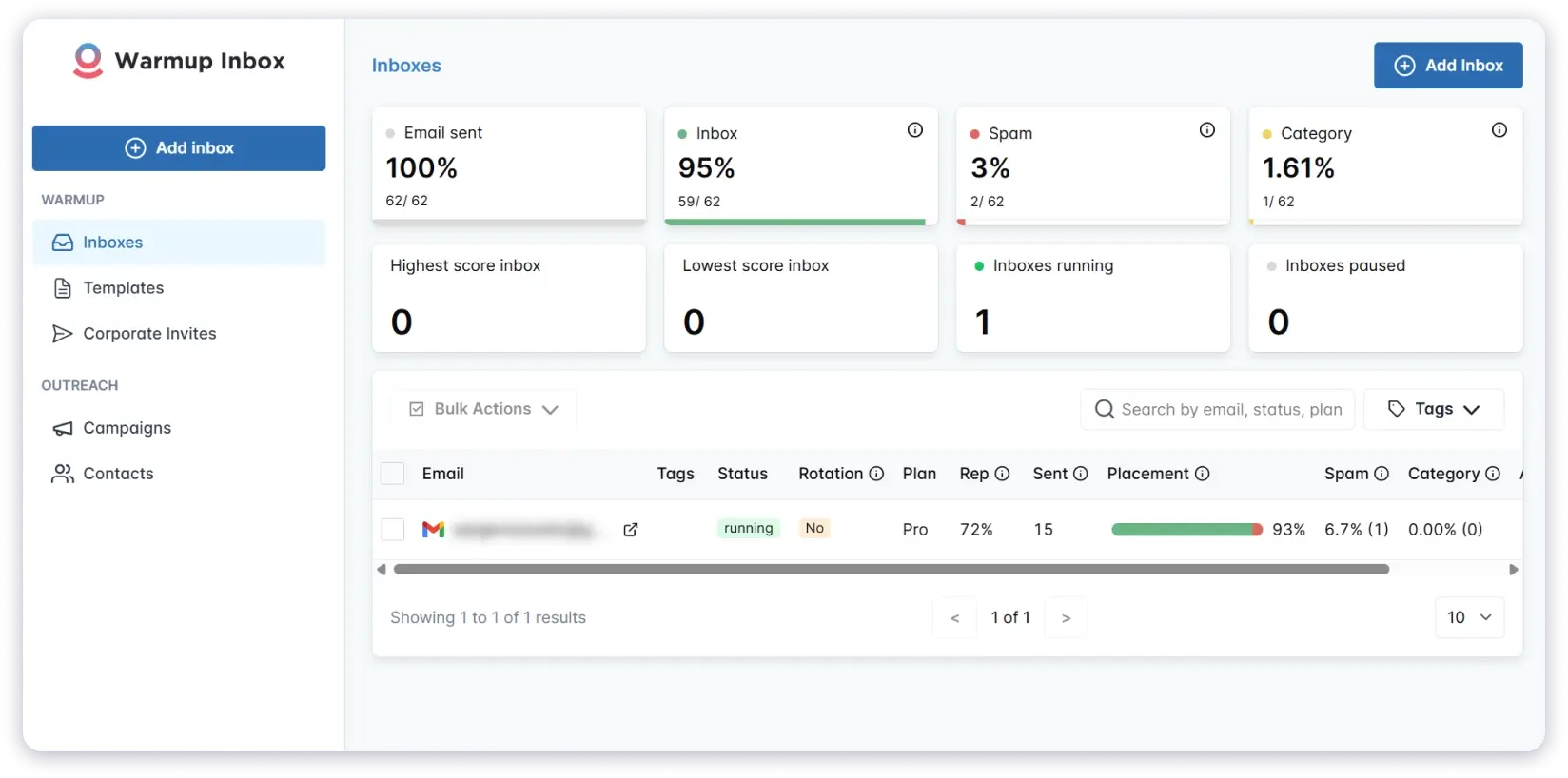
The free forever tier gives you unlimited inboxes at 15 warm up emails per week with no card. That volume is far too slow to warm anything for real, but it is enough to judge the dashboard.
Paid tiers run on a straightforward per inbox model, backed by one of the larger networks at over 30,000 real inboxes.
Key features I liked:
Free forever tier with no credit card, plus a seven day trial on paid plans
OAuth for Gmail and Outlook, SMTP for everything else
Network of 30,000 plus real inboxes sending 6 million warm up emails daily
DNS, SPF, DKIM and blacklist checks built in
ESP-specific warm up on Pro, which points traffic at Gmail directly
Warm up in 12 languages on Pro and above
Free 30 minute deliverability audit
Pricing:
Freemium: $0 forever for 15 warm up emails per week
Basic: $15 per inbox per month for 75 warm up messages per day
Pro: $49 per inbox per month for 250 warm up messages per day
Max: $79 per inbox per month for 1,000 warm up messages per day
The reply rate cap is the spec most buyers miss. Basic tops out at 25%, meaning three quarters of your warm up mail goes unanswered.
Pro lifts that to 45% and unlocks ESP-specific warming, which is the feature that matters if you are warming Gmail on purpose. The jump from $15 to $49 per inbox is steep though.
Warmup Inbox Pros
The free forever tier and card-free seven day trial together make this the easiest tool here to evaluate at no cost.
ESP-specific warm up on Pro lets you point the network at Gmail, which is uncommon in this category.
One reviewer reported reputation scores climbing into the 90's after switching.
DNS, SPF, DKIM and blacklist checks are built in at every paid tier.
Warmup Inbox Cons
Per inbox pricing stacks up fast. One reviewer called it a bit pricey once you add many inboxes.
The 25% reply cap on Basic is a weak engagement signal for the price.
Billing confuses people, many G2 reviews calling it initially confusing when working out which package fits.
There is no email verification, so bounce risk goes unmanaged.
What Gmail Warm Up Tools Cost at 1, 5, 10, 25 and 50 Mailboxes
This is the table that should decide your purchase, and almost nobody publishes it.
I priced each tool on annual billing at the cheapest plan covering the volume. The assumption is 40 warm up emails per mailbox per day, which suits a Gmail mailbox sending 40 cold emails a day.
Warmforge is cheapest at a single mailbox and stays the cheapest per-mailbox tool at every count. The tier drop at 11 slots keeps it well ahead of Warmup Inbox and Lemwarm as you grow.
Mailivery wins on raw cost from five mailboxes upward. That is the honest read, and it is the best argument for the flat pool model.
Lemwarm is the most expensive line at every count, which only makes sense when you are getting it free inside lemlist.
But the Mailivery column carries a catch. That $149.25 at 50 mailboxes buys a shared pool, not dedicated volume per inbox.
Push those 50 mailboxes harder and you move to custom pricing. Warmforge's $6 per slot buys each mailbox its own allocation from an aged Google Workspace pool, with health checks and a placement test attached.
So the question is not only which column is smallest. It is whether you are optimising for the lowest invoice or for the quality of the signal reaching Gmail.
Price your own setup. Warmforge charges per mailbox slot with discounts at 11 and 51. Open the calculator and enter your mailbox count to see your rate.
Final Verdict on the Best Gmail Warm Up Tools
Warmforge is the best Gmail warm up tool in 2026 for one reason that outweighs price. Its pool is built from aged Google Workspace and Microsoft 365 accounts, and Gmail treats mail from real Google accounts as more trustworthy by default.
Health checks and a monthly placement test come with every slot, so warming and monitoring are not two separate bills.
Mailivery genuinely wins on cost past five mailboxes, and agencies should price it seriously. Warmup Inbox is the easiest to try free, and Lemwarm is the obvious pick when lemlist is already on your invoice.
Try it on one mailbox. Warmforge includes a free Gmail or Google Workspace warming slot and a free placement test every month.
FAQs About Gmail Warm Up Tools
1. How long should I warm up a Gmail account before sending cold emails?
Plan for four weeks of warming, then two more weeks before campaigns start. Lemwarm recommends that exact sequence, and Warmup Inbox puts a full ramp at 14 to 21 days minimum. New domains need the longer end.
2. Is email warm up against Google's terms of service?
Warm up tools are not prohibited, and major providers operate openly. Google enforces authentication and complaint rates, so SPF, DKIM, DMARC and a spam rate under 0.1% matter far more than whether you use a warm up tool.
3. Can I warm up a Gmail account for free?
Partly. Warmforge includes one free Google Workspace warming slot and one free placement test per month, and Warmup Inbox has a free forever tier at 15 warm up emails per week. Free volume is too low to warm a mailbox for real sending.
4. How many warm up emails per day does a Gmail mailbox need?
Match warm up volume to cold sending volume at roughly one to one. Send 40 cold emails a day from a mailbox and warm it with about 40 a day. Reply rate matters too, with 30% to 55% being the useful band.
5. Do I need to keep warm up running after campaigns start?
Yes. Lemwarm states that stopping causes reputation to drop and mail to return to spam. Warmforge keeps warming running during live campaigns for the same reason, so treat it as ongoing maintenance.
6. Will warm up fix a Gmail domain that is already landing in spam?
It helps, but not on its own. Warm up rebuilds engagement history over several weeks, and reviewers do report recovery. If the cause is a dirty list, high complaints or broken authentication, warming alone will not move you.
7. What is the difference between warming a Gmail mailbox and a Microsoft 365 mailbox?
The mechanics match, but pool composition matters. Mail between two Google accounts is treated as more trusted, so warming a Gmail mailbox against real Google Workspace accounts produces a stronger signal than mixed SMTP inboxes.