I have sent a lot of cold emails. Over the years, I have tested almost every cold email tool worth mentioning. Usually with real campaigns and real money on the line.
So when people ask me which cold email software is worth paying for in 2026, I skip the generic list. I give them what I have learned from using these tools day to day.
Here is the thing most buyers miss. Picking the wrong tool costs you more than money. It quietly burns your domain reputation, buries your emails in spam, and kills your reply rates before you even notice.
The right tool does the opposite. It protects your deliverability, keeps your sending organized, and frees you up to focus on the message itself.
In this guide, I break down the 7 cold email tools in 2026.
For each one, I cover who it is best for, what it does well, and where it falls short. I also dig into pricing and what real users say on G2.
Let's get into it.
Short on time? Here is the quick version:
Now let me walk you through each one in detail.
I evaluated each tool based on deliverability, pricing, ease of setup, multichannel support, and how well it handles inbox rotation at scale.
Here is how they stack up.
Best for: Teams, agencies, and solopreneurs who want multichannel cold email with unlimited mailboxes and no per-seat pricing.
The cold email tool that earned the top spot on my list is Salesforge.
I put it here for a few clear reasons.
It is the only platform on this list that combines email and LinkedIn outreach, unlimited mailboxes, and built-in warmup.
Add an autonomous AI SDR on top, and no per-seat pricing. Nothing else here matches that combination.
Most tools on this list force you to pick between volume and features. Salesforge does not. Every plan includes unlimited mailboxes and unlimited LinkedIn senders. That means you scale sending by adding inboxes, not by paying more per user.
For anyone managing cold outreach across multiple domains, that pricing model makes a real difference over time.
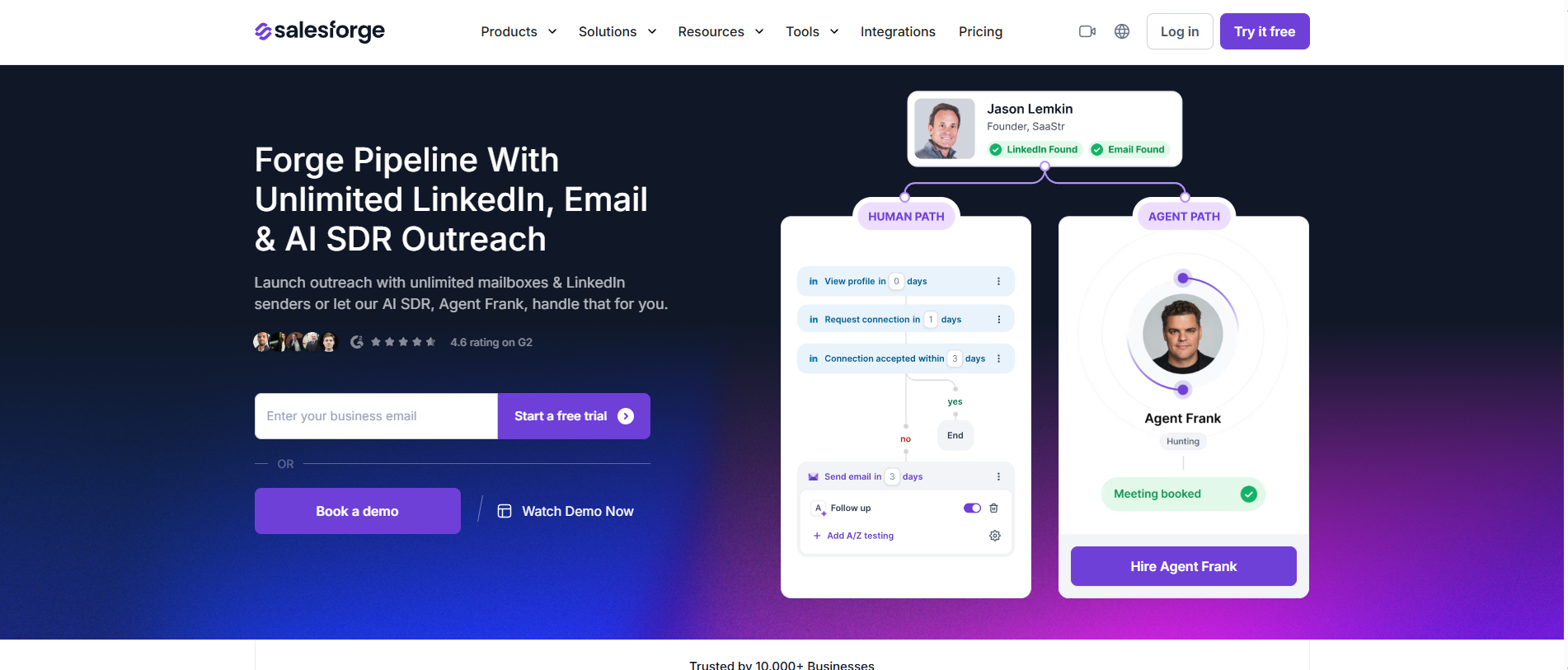
The AI angle is what separates it further. Agent Frank, the built-in AI SDR, can prospect, write personalized messages, and follow up on his own. You can run him in Auto-Pilot mode for full autonomy.
Or switch to Co-Pilot if you want to review messages before they go out. I have seen him book meetings I did not have to touch. That is not something any other tool on this list offers natively.
Warmup is handled through Warmforge, which is bundled into every plan at no extra cost. It runs continuously in the background, building sender reputation with AI-generated conversations that mimic real inbox behavior.
You also get heat score monitoring and inbox placement testing. That way, you know where your emails are landing before you start a campaign. For anyone scaling cold email across dozens of inboxes, that kind of deliverability visibility is not optional.
Replies from email and LinkedIn land in Primebox, a unified inbox that sorts responses by sentiment. That saved me a lot of tab-switching when running campaigns across both channels.
Salesforge holds a 4.6/5 on G2 from 126 reviews, with its multichannel angle standing out:
"I really appreciate Salesforge's LinkedIn automation capabilities"
Best for: High-volume cold emailers and agencies who want unlimited mailboxes and a polished setup.
If you spend any time in cold email communities, you have already heard of Instantly. It is one of the most talked-about tools in the space, and for good reason.
Every plan includes unlimited email accounts and unlimited warmup, which makes it a natural fit for anyone scaling sending across many domains.
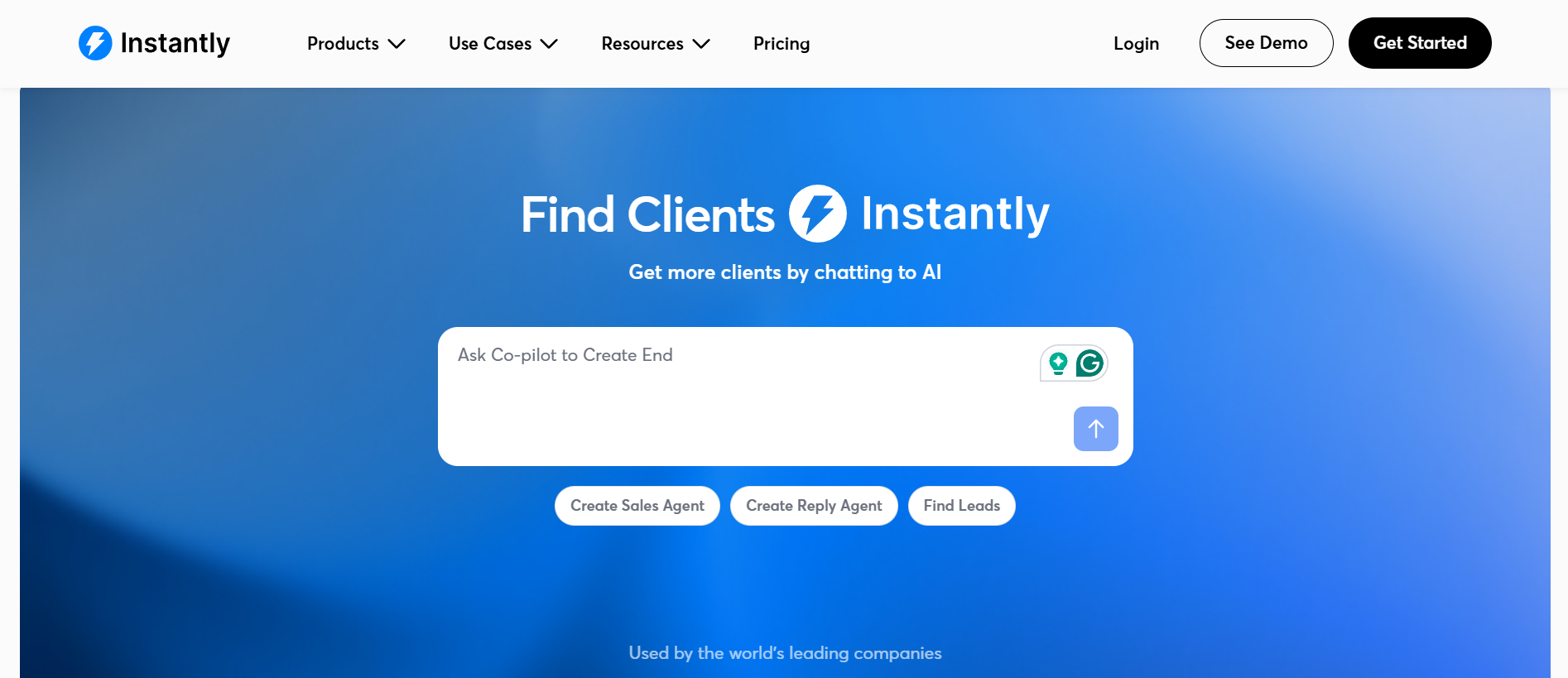
In my experience, the biggest draw is how fast you can get going.
The interface is clean, the Unibox keeps all your replies in one place, and warmup runs in the background without much fuss. Just keep in mind that the lead database, verification, and CRM live under separate plans. The headline price is rarely the full price you end up paying.
If you are evaluating Instantly's built-in warmup against standalone options, I compared several in this email warmup tools breakdown.
With a standout 4.8/5 on G2 from more than 4,100 reviews, Instantly has one of the deepest review trails in the category:
"easy to set up, straightforward to learn, and lets me get campaigns live quickly"
Best for: SDR teams running true multichannel outreach.
Next up is the tool I recommend when email alone is not enough. Lemlist was one of the first platforms to make personalization at scale feel genuinely personal.
It has since grown into a full multichannel machine. You can blend email, LinkedIn actions, calls, SMS, and WhatsApp into a single sequence. Each step triggers based on what the prospect actually does.
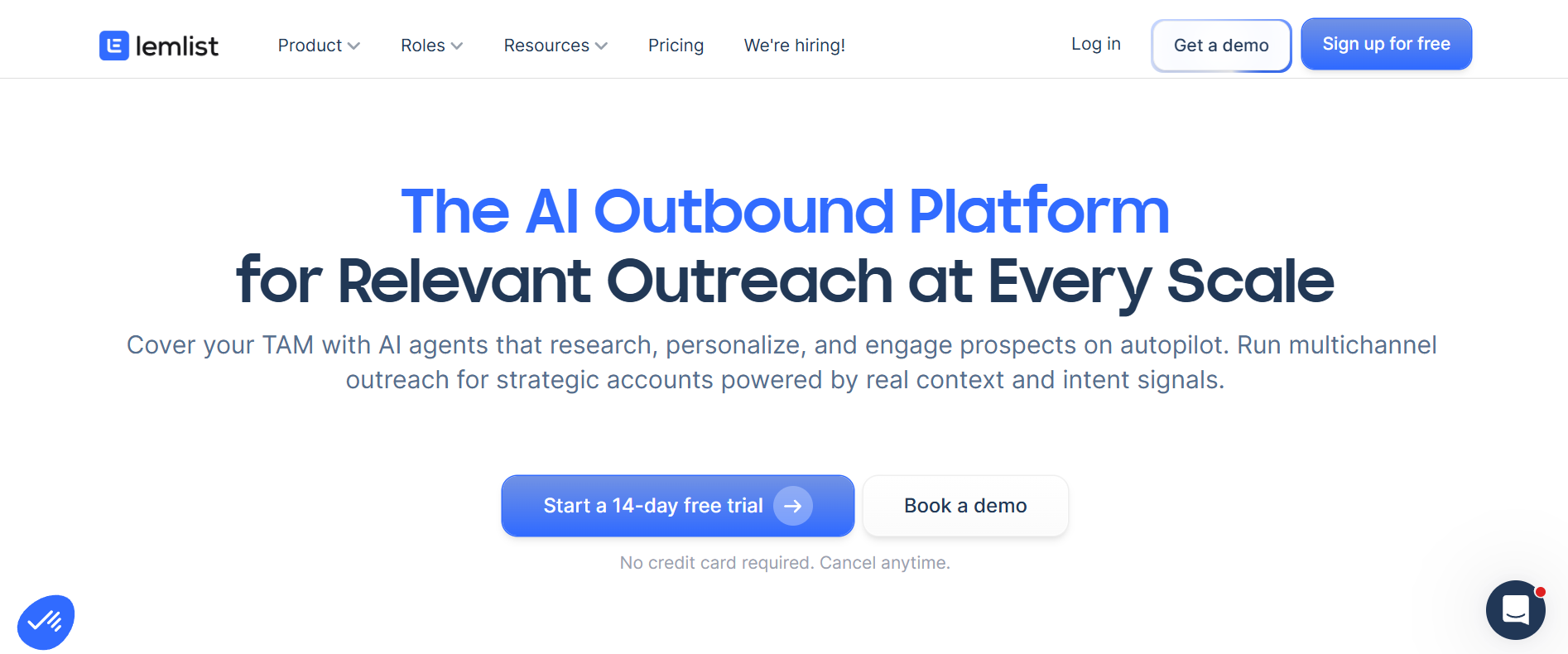
The personalization is still the headline for me. You can drop a prospect's name or company into images, build dynamic landing pages, and let the AI write your icebreakers.
The catch is the pricing model. Lemlist charges per user, so the cost climbs quickly once you add seats. Data runs on a credit system that can add up faster than you expect.
Whichever cold email tool you pick, getting your deliverability fundamentals right matters more than any feature list.
Lemlist earns a 4.6/5 on G2 from over 1,700 reviews, with personalization showing up again and again:
"its ability to maintain a highly personalized, human touch at scale"
Best for: Sellers who live in Gmail or Outlook and want tracking plus Salesforce sync.
Moving on, Yesware is a different animal from the rest of this list. Instead of being a standalone cold email platform, it lives right inside your Gmail or Outlook inbox.
If your day revolves around your inbox and you mostly want to know who opened your emails, Yesware slots in without friction.
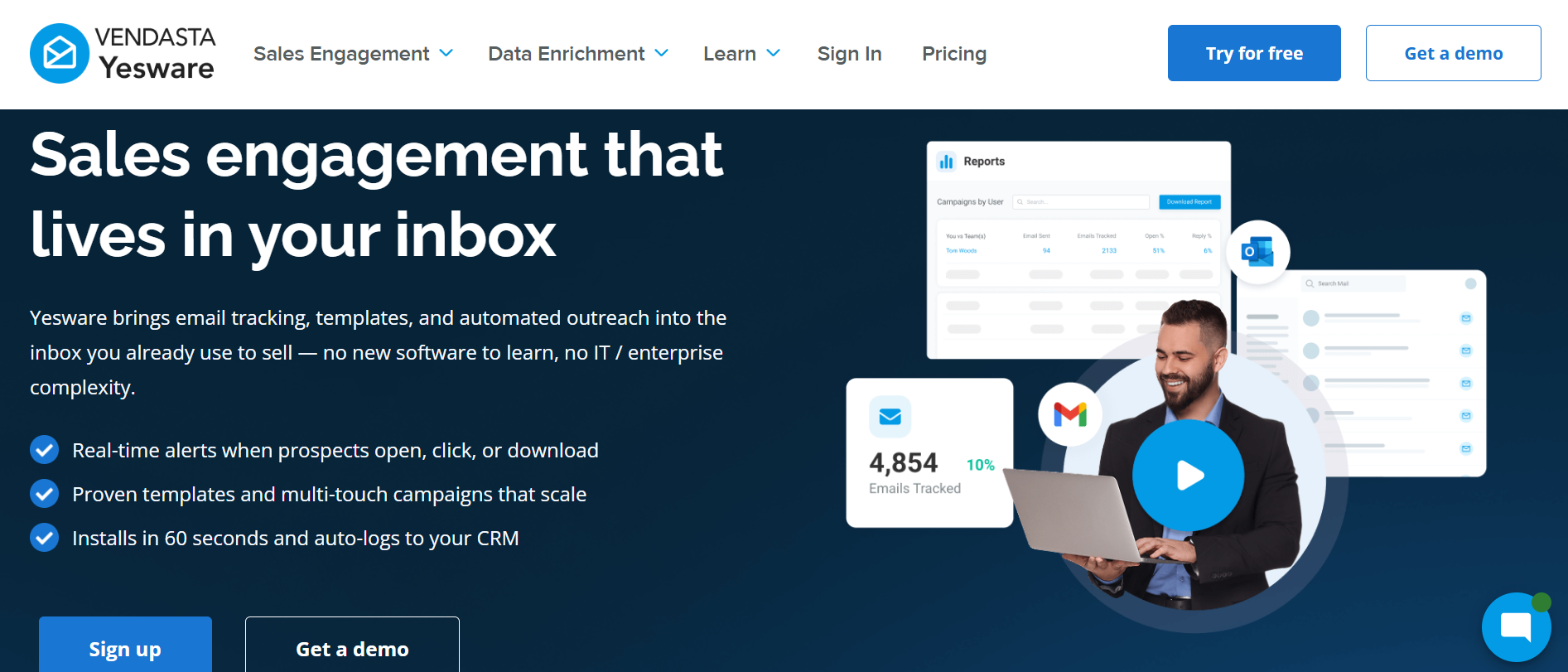
It handles email tracking, templates, light sequences, and meeting scheduling well. Its Salesforce integration is genuinely deep.
That said, I would not lean on it for high-volume cold outreach. It has no real warm-up or sender rotation. Open tracking has also become less reliable as inbox privacy features have spread.
If you are sending from fresh inboxes without built-in warm-up, it is worth understanding how email warmup actually works before scaling.
Yesware sits at 4.4/5 on G2 from 821 reviews (listed as Vendasta Yesware), and reliability is a recurring theme:
"it just WORKED, the sending, scheduling, email gaps, it's outreach capabilities"
Best for: Small teams and solo reps who want a simple, no-bloat sequencer.
Mailshake has been around long enough to earn its reputation, and its main appeal is simplicity. When I have onboarded newer reps, they were usually sending campaigns within their first day.
There is an AI writing assistant called SHAKESpeare that spins up first drafts. The sequence builder is clean and easy to follow.
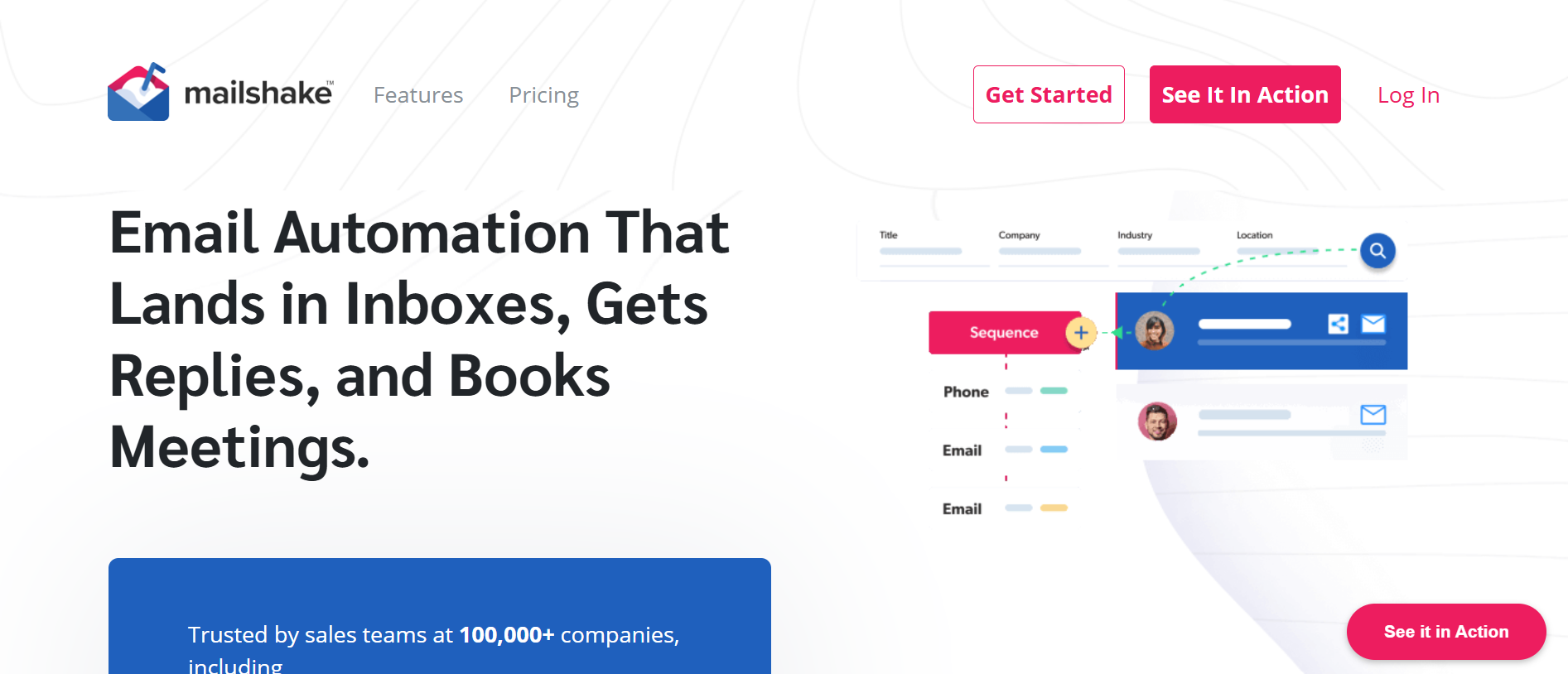
Where it gets more interesting is the higher tier. The Sales Engagement plan adds a power dialer and LinkedIn touches, so you can run email, phone, and social from one place.
The thing to watch is the per-user model. Each seat includes a limited number of mailboxes, and costs climb if you need to rotate many inboxes.
For teams running lighter warmup through tools like Mailshake, pairing it with a dedicated warmup service provider can fill the deliverability gap.
Mailshake carries a strong 4.7/5 on G2 from 374 reviews, with simplicity leading the praise:
"how straightforward it is to build and manage email sequences"
Best for: Agencies and enterprise teams sending across thousands of inboxes.
Smartlead is built for scale, full stop. If your operation runs hundreds or thousands of inboxes across many clients, this is the kind of infrastructure it was designed for.
Every plan includes unlimited mailboxes and unlimited warmup, and the inbox rotation is one of the strongest in the category.
What sets it apart for agencies is the white-label client portal and the developer-friendly API. You can brand the platform as your own, manage each client in a separate workspace, and wire Smartlead into a custom stack.
The trade-off is that it is denser than something like Instantly. Expect a steeper learning curve, and plan to read the docs before your first campaign.
I tested Smartlead's warmup engine across 30 mailboxes. It runs smoothly but lacks the placement visibility you get from dedicated warmup tools.
Smartlead sits at 4.5/5 on G2 from 352 reviews, and reliability at scale is the headline:
"the single most reliable and scalable cold email platform we've used, hands down"
Best for: Teams and agencies that want to scale sending volume without paying per mailbox.
Rounding out the list is Saleshandy I reach for when I want cold email and prospecting in one place. I like that my bill does not climb every time I add an inbox.
Every Saleshandy plan comes with unlimited email accounts. That is a big deal once you start rotating senders to protect deliverability.
On top of that, you get a built-in Lead Finder with a massive verified database. You can find prospects and drop them straight into a sequence.
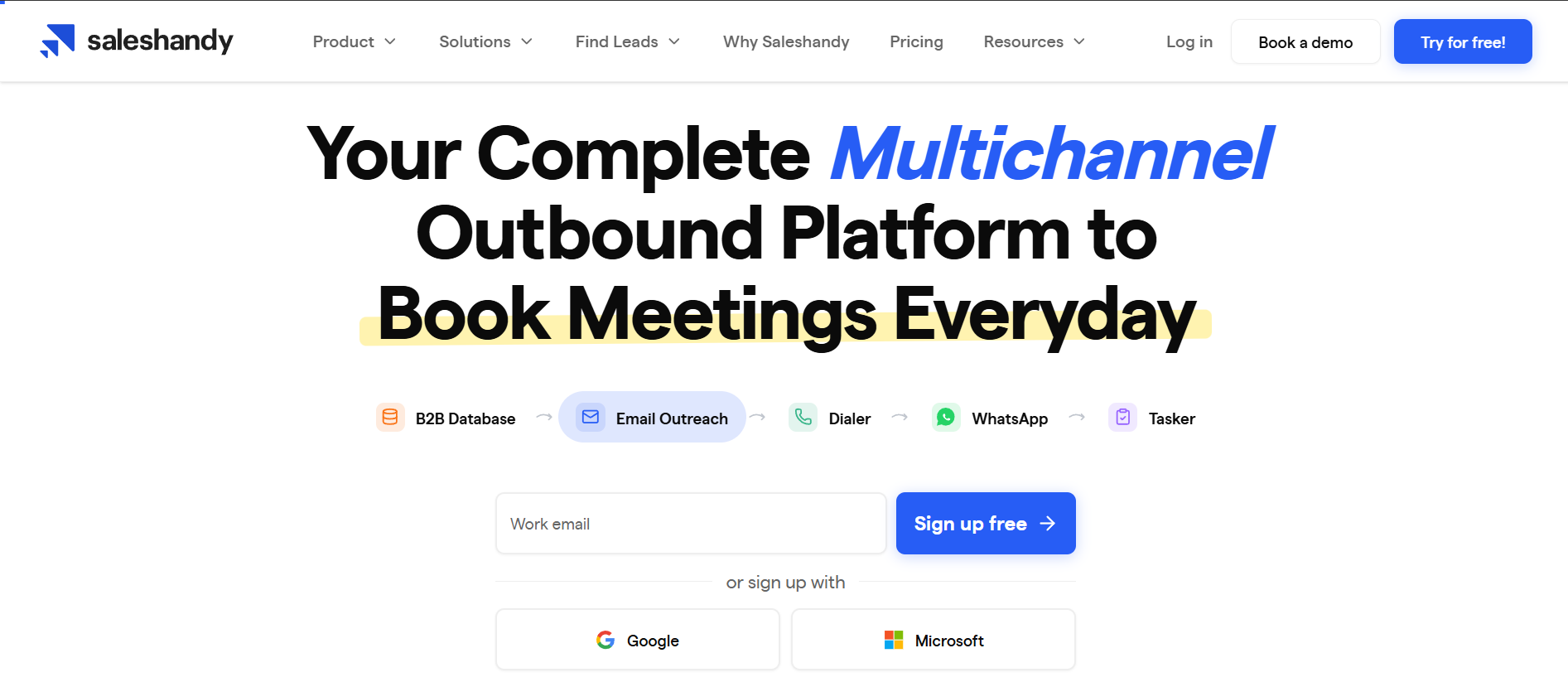
What I appreciate most is how complete the workflow feels. You build AI-assisted sequences, rotate senders automatically, and warm up your inboxes.
You can also test where your emails actually land and manage every reply from one unified inbox. For agencies, the white-label option and unlimited client setup make it easy to run outreach for several clients under a single account.
If you are scaling across many inboxes, running regular inbox placement tests helps catch deliverability issues early.
Saleshandy holds a solid 4.6/5 on G2 across 779 reviews, and this one sums up the praise well:
"sequence builder, custom fields, and sender rotation make it easy to personalise at scale"
So, which one should you actually pick? Here is how I think about it.
My honest advice? Shortlist two tools that match your channel mix and budget. Then run a small real campaign on each before you commit.
The pricing page tells you what a tool costs. Only a live test tells you what it is actually worth.
If I had to recommend one tool for most cold email teams in 2026, it would be Salesforge.
It gives you multichannel outreach across email and LinkedIn, unlimited mailboxes, and built-in Warmforge warmup. Add an AI SDR in Agent Frank, and no per-seat pricing.
For most teams, I point them to Salesforge. It combines email and LinkedIn outreach, unlimited mailboxes, built-in warmup through Warmforge, and an AI SDR in Agent Frank. No per-seat pricing either. For pure high-volume email sending, Instantly and Smartlead both hold up well. For deep multichannel personalization, Lemlist leads.
Most of them do. Salesforge bundles Warmforge warmup into every plan. Instantly, Lemlist, Mailshake, Smartlead, and Saleshandy all include some form of warm-up on their plans. Yesware is the exception, since it is an inbox-native tracking tool rather than a high-volume cold sender. If you want a deeper look at how warmup works, I covered it in this warmup guide.
Agencies usually do best with tools that do not charge per seat or per mailbox. Salesforge and Smartlead both offer unlimited accounts, with Salesforge adding multichannel (email + LinkedIn) and an AI SDR on top. Saleshandy also offers unlimited accounts and white-label client management for budget-conscious agencies.
Not always. Saleshandy, Instantly, and Lemlist include built-in lead databases, so you can prospect and send from one place. Salesforge pairs with Leadsforge for lead sourcing, while Mailshake has a lighter Data Finder. Smartlead usually leans on external data sources for prospecting.
On annual billing, Saleshandy and Mailshake both start at $25 per month, making them the most affordable entry points. Yesware is technically cheaper at $15 per seat, but it is built for tracking and light sequencing rather than sending at scale. Salesforge starts at $40 per month but includes unlimited mailboxes, warmup, and multichannel, so the per-feature value is strong.
Some of them, yes. Salesforge handles email and LinkedIn natively in one sequence with unlimited LinkedIn senders. Lemlist also supports multichannel across email, LinkedIn, calls, SMS, and WhatsApp. Saleshandy and Mailshake support some multichannel touches, while Instantly and Smartlead are email-first and usually need an integration to add LinkedIn.
From experience, I keep it to around 15 to 20 emails per inbox per day. Pushing past that is the fastest way to wreck your deliverability, no matter how good the tool is. This is exactly why unlimited-inbox pricing matters. You scale volume by adding inboxes, not by overloading the ones you have. And no matter the number, make sure each inbox is properly warmed before you start sending.

