If you’re searching for Mailwarm alternatives, you’re probably either facing limitations with Mailwarm or looking for a better option for your email warmup.
Mailwarm is a good email warmup tool, but there are a few downsides that may make you look for alternatives:
Pricing increases as you add more mailboxes, which can get expensive when scaling.
There is no free trial, so you need a paid subscription to use Mailwarm.
It does not offer a premium warmup pool.
Mailwarm offers fewer mailbox health checks than some alternatives.
Its placement testing provides less detail across different email providers.
I tested Mailwarm to see how well it handles email warmup and where its limitations become noticeable.
This list covers 7 best Mailwarm alternatives with affordable pricing, advanced warmup features, mailbox health checks, and detailed placement testing.
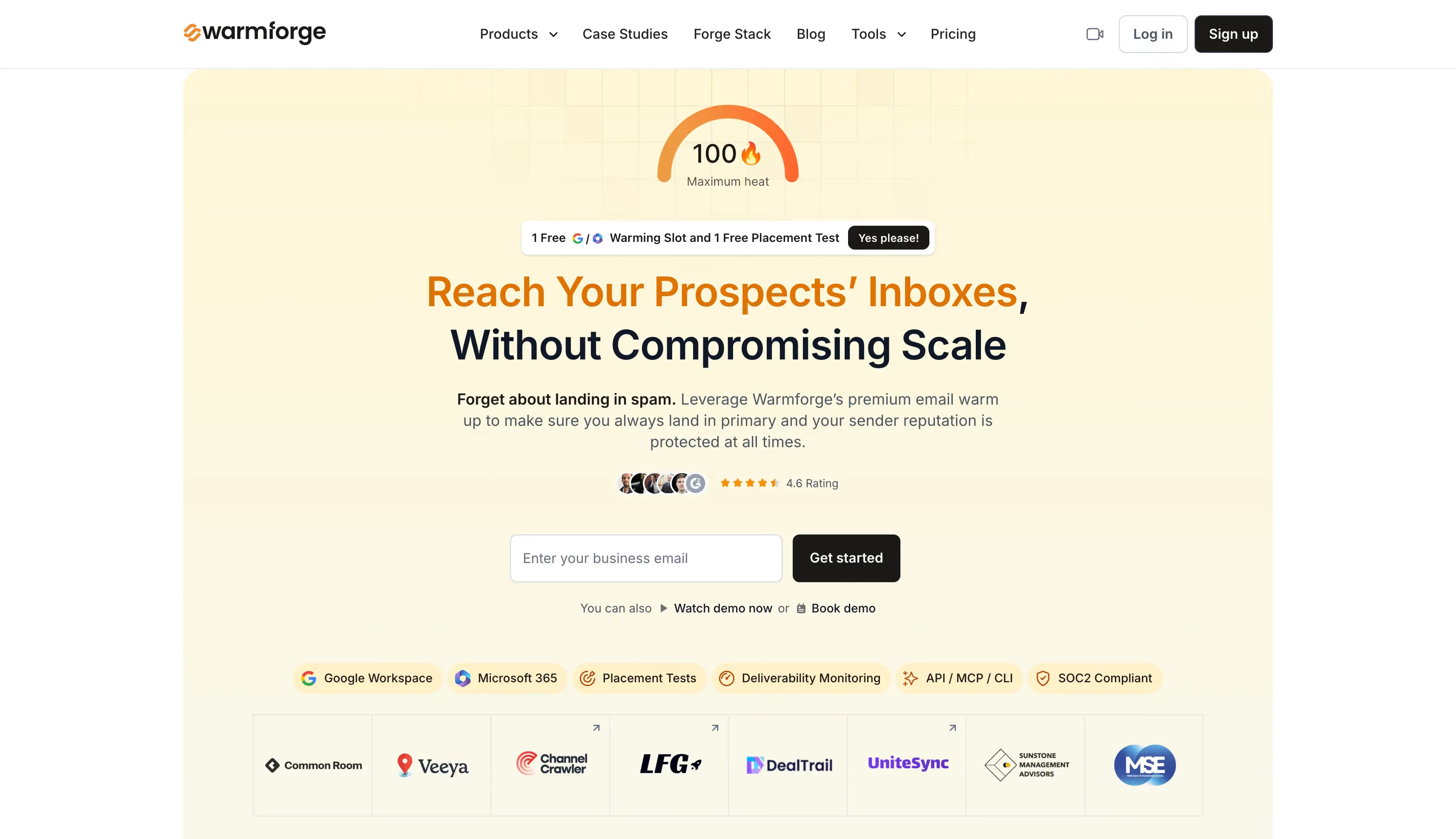
Overall best Mailwarm alternative: Warmforge combines AI warmup with Heat Score™ tracking, Inbox Placement Tests, and Health Checks. It also offers a free slot and a free test to get started.
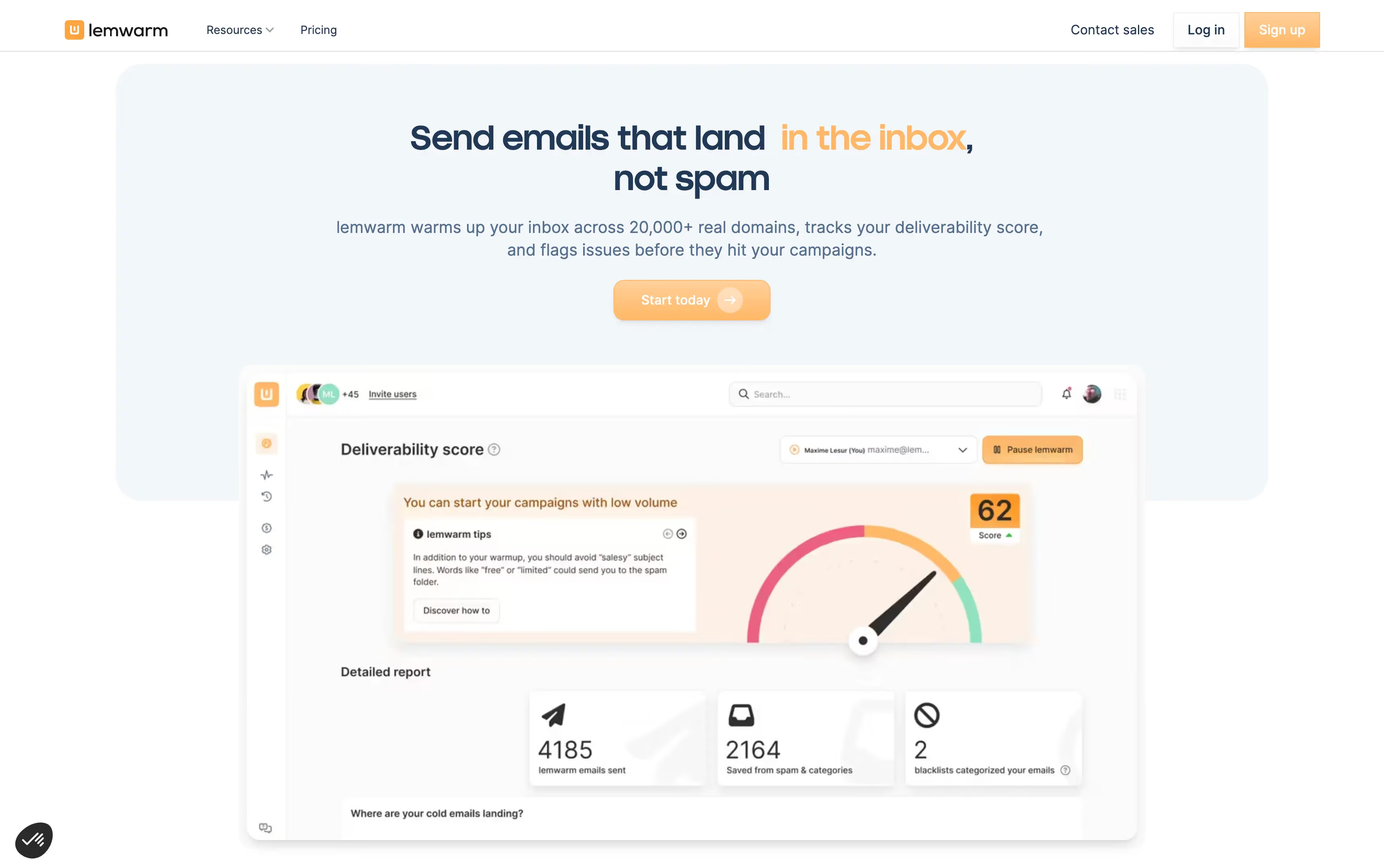
Best Mailwarm alternative for Lemlist users: Lemwarm comes free with any active Lemlist plan. Warmup and outreach share one dashboard, so you can manage both in the same place.
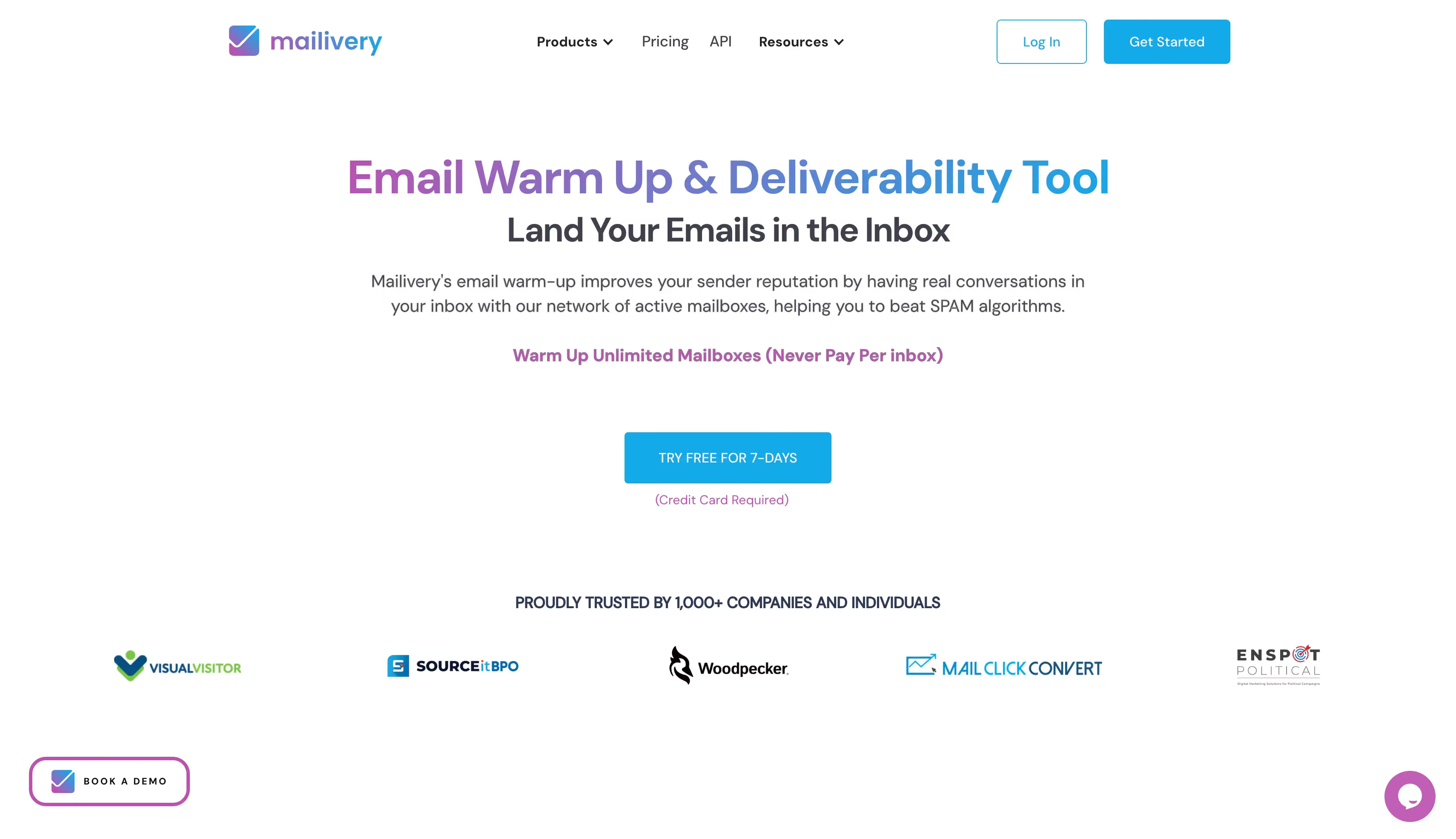
Best Mailwarm alternative for peer-to-peer network warmup: Mailivery bases its warmup on daily email volume rather than the number of mailboxes, making it a good option for teams managing multiple inboxes.
8 Top Mailwarm Alternatives Compared at a Glance
Check the following table to learn about all tools. Each tool is compared on pricing, warmup process, placement tests, and deliverability monitoring.
Let's now understand each of the mailwarm alternative in detail.
1. Warmforge: Best for AI-Powered Email Warmup
Best for: GTM teams and agencies that want warmup, inbox placement testing, and mailbox health checks in one place instead of paying for three separate tools.
Warmforge is the overall best email warmup tool on this list. It uses AI to generate warmup emails in multiple languages. This helps create more natural email conversations during warmup.
Warmforge also uses a premium warmup pool to improve email deliverability and protect your sender reputation. Its Inbox Placement Tests show where your emails land across Google, Outlook, and other email providers.
Warmforge also runs daily Health Checks on your mailbox. They check your SPF, DKIM, DMARC, and MX records. They also check your blacklist status to help identify deliverability issues.
You can also check the Heat Score™ for each mailbox. It gives you a quick view of your mailbox health. It also helps you decide when your mailbox is ready for higher sending volumes.
Why It Is a Good Mailwarm Alternative
If you're comparing Warmforge with Mailwarm, the biggest differences come down to price and what you get beyond basic warmup.
Pricing: Warmforge charges $9 per warmup slot per month on annual billing, dropping to $3 with volume pricing. Mailwarm charges $69 per mailbox. For 10 mailboxes, Warmforge costs $90 versus Mailwarm's $479.
Placement testing: Each Warmforge slot includes one free placement test per month, with results broken down by provider so you can compare Gmail, Outlook, and other providers.
Reporting and health checks: Warmforge checks SPF, DKIM, DMARC, MX records, and blacklist status daily. It also gives each mailbox a Heat Score™. Mailwarm mainly reports on warmup progress.
API, MCP, and CLI: Warmforge supports API, MCP, and CLI access. Forge MCP also connects with Claude, Claude Code, and Cursor, so you can manage mailboxes and check their health using prompts.
Warmforge also offers a free tier that includes one mailbox and one placement test per month.
Main Features
One-click AI warmup: Connect a mailbox and warmup starts immediately, using AI-written emails that read like real conversation.
Premium warmup pool: Warms every mailbox through aged accounts only, with no recycled inboxes and mostly real Google Workspace and Microsoft 365 mailboxes.
SOC 2 compliance: Warmforge is SOC 2 compliant, which matters if your security team reviews the tools you connect mailboxes to.
Heat Score™ tracking: Every mailbox gets a reputation score, so you stop guessing when it is ready to carry campaign volume.
Inbox Placement Tests: See which folder Google, Outlook and other providers file your email in, before you send to a real list.
Health Checks: Daily monitoring of SPF, DKIM, DMARC and MX records, plus blacklist status, with alerts when something breaks.
Automatic spam rescue: Warmup emails that go to spam get moved back to the inbox and marked as important.
Always-on warmup: Warmup runs continuously, so you never switch it off and watch placement drop mid-campaign.
Multilingual warmup activity: Warmup runs in several languages, so activity looks natural to providers outside English-speaking markets.
Mailbox compatibility: Warms Google Workspace and Microsoft 365, plus IMAP and SMTP mailboxes from Mailforge and Infraforge.
API, MCP and CLI access: Run placement tests and manage mailboxes from your own code. Claude and Cursor can do it through Forge MCP.
Pros and Cons
Pros
Cons
Affordable email warmup tool to scale mailboxes email warming
Placement tests and health monitoring included
Heat Score™ shows when a mailbox is ready to ramp
It offers AI-powered multilingual email warmup.
It allows to warm-up IMAP and SMTP mailboxes
One free test per slot a month, so testing before every campaign needs a Placement Test plan
Pricing
Plan
Price
What you get
Warmup slot (annual)
$9 per slot per month
AI warmup, Health Checks, 1 placement test a month
Warmup slot (quarterly)
$10 per slot per month
Same
Warmup slot (monthly)
$12 per slot per month
Same
Placement Test Pro
$32.50 a month annual, $39 monthly
100 tests, up to 50 mailboxes per test
Placement Test Growth
$140.80 a month annual, $169 monthly
Unlimited tests, up to 250 mailboxes per test
If you test often, Placement Test Pro works out at about $0.33 a test across 100 tests a month.
Automated warmup, 40 warmup emails a day, technical checks, reports
Smart
$40 per inbox
$49 per inbox
Everything above, plus personalized emails, template warmup, custom alerts
With Lemlist
Free
Free
Bundled with any active Lemlist plan
3. Mailreach: Best for Email Warmup and Deliverability Testing
Mailreach is an email warmup and deliverability testing tool. Once you connect your mailbox, Mailreach starts warming it automatically.
It sends your emails to a network of business inboxes that open and reply to them.
Mailreach also tests where your emails go. Its placement tests reach a seed list of more than 30 inboxes and report whether you hit the primary inbox or the spam folder at each provider.
That gives you inbox placement rates for Gmail and Outlook separately.
Mailreach also runs continuous monitoring on your sender score and alerts you through Slack or webhooks when it moves, so you can act before deliverability drops.
Why It Is a Good Mailwarm Alternative
Mailreach has a few advantages over Mailwarm:
Mailreach runs placement tests to more than 30 seed inboxes and reports results by provider. Mailwarm reports warmup progress only.
Mailreach publishes what its warmup network contains, which its site describes as more than 30,000 mostly Google Workspace and Microsoft 365 inboxes.
Mailreach checks SPF, DKIM, DMARC, reverse DNS, links, spam words, and blacklists from one dashboard.
Mailreach lowers the price per mailbox as you scale, from $25 at the entry tier to $16 above 50 mailboxes. Mailwarm charges the same rate at any volume.
Mailreach sends up to 100 warmup emails a day per account and ramps the volume gradually, which helps when you are repairing a damaged reputation.
Mailreach does not include a sending tool, and it offers no free trial on the warmup product.
That means another subscription alongside your outreach platform, and a month of payment before you see any results.
Main Features
Business inbox network: Mailreach warms through more than 30,000 inboxes, mostly Google Workspace and Microsoft 365 accounts.
Seed list placement tests: Mailreach sends to more than 30 seed inboxes and reports the folder for each provider.
Inbox type selector: Mailreach lets you choose professional or personal seed lists to match your real audience.
Scheduled spam testing: Mailreach repeats tests on a schedule and sends Slack or webhook alerts when a score drops.
Advanced analytics: Mailreach handles reputation tracking across multiple domains, by tag and by provider.
Daily warmup volume: Mailreach sends up to 100 warmup emails a day and raises the volume gradually.
Multi-layer conversations: Mailreach runs full reply threads rather than single canned responses.
Hidden warmup activity: Mailreach keeps warmup emails out of your inbox, so your normal work is unaffected.
Pros and Cons
Pros
Cons
It runs the deepest placement testing in this comparison.
It publishes what its warmup network contains.
It lowers the cost per mailbox as you scale.
It includes a full set of technical checkers.
It runs full reply threads rather than single canned replies.
It keeps warmup emails hidden from your inbox.
It costs more than most rivals below 20 mailboxes.
It offers no trial on the warmup product.
It does not include a sending tool.
It caps warmup at 100 emails a day per account.
It skips language and template warmup by choice.
The sliding scale only helps past six mailboxes.
Pricing
Mailboxes
Price per mailbox per month
1 to 5
$25
6 to 20
$19.50
51 and above
$16
100+
Custom
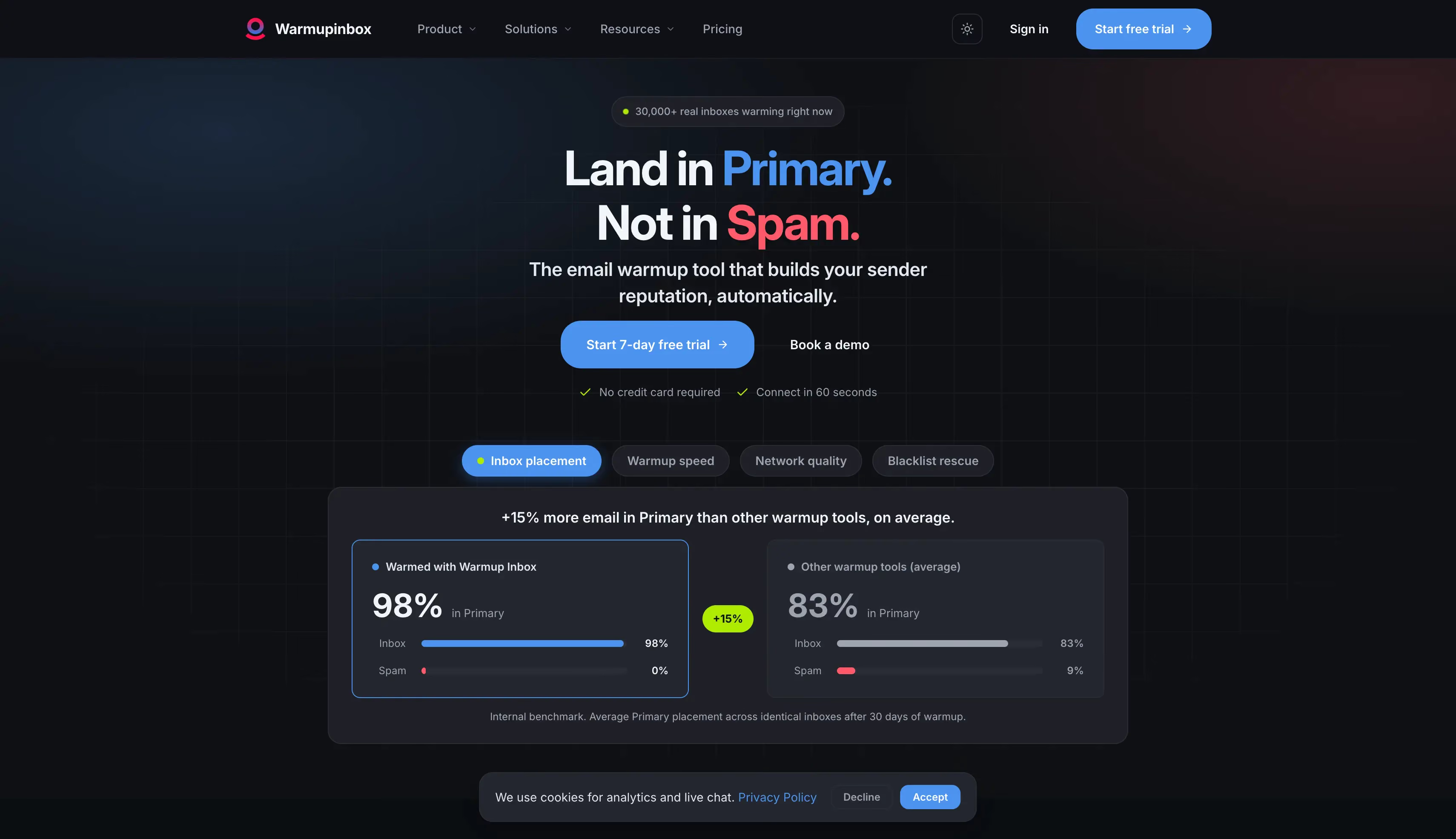
4. Warmup Inbox: Best for Affordable Email Warmup
Warmup Inbox is a warmup-only tool built on a peer-to-peer network. Once you connect your mailbox over OAuth or SMTP, it joins a pool of around 30,000 inboxes that exchange warmup emails.
Warmup Inbox also handles inbox health monitoring.
It gives each live inbox a Reputation Score, tracks spam complaints and blacklist status, and checks your DNS records for SPF, DKIM, and DMARC.
Higher tiers let you match warmup activity to a specific provider or language.
Why It Is a Good Mailwarm Alternative
Warmup Inbox has a few advantages over Mailwarm:
Warmup Inbox costs $15 per inbox per month on annual billing, compared with $69 per mailbox for Mailwarm.
Warmup Inbox offers a seven-day trial with no card, so you can test it on a live mailbox before paying.
Warmup Inbox tracks blacklist status and checks your DNS records, which Mailwarm does not.
Warmup Inbox gives every mailbox a Reputation Score, so you can see inbox health at a glance.
Warmup Inbox runs no inbox placement tests on any plan, and it does not publish what its warmup pool contains.
That means you can track sender reputation but never confirm which folder your emails reach.
Main Features
Peer-to-peer network: Warmup Inbox warms through around 30,000 inboxes, according to its site.
AI powered content: Warmup Inbox writes warmup emails that read more naturally than older template banks.
Reputation Score: Warmup Inbox rates each inbox and suggests fixes when the score falls.
Health monitoring: Warmup Inbox tracks domain health, spam complaints, blacklist status, and your SPF, DKIM, and DMARC records.
ESP and language warmup: Warmup Inbox matches activity to a provider or language on higher tiers.
Seven-day trial: Warmup Inbox lets you test the product without giving card details.
Pros and Cons
Pros
Cons
It costs a quarter of Mailwarm's entry price.
It offers a seven-day trial without card details.
It needs almost no setup.
It includes blacklist and DNS monitoring.
It scores every mailbox for reputation.
It runs no placement tests on any plan.
The Basic plan caps warmup at 75 emails a day.
It does not publish what is in its warmup pool.
Its per-inbox pricing has no volume discount.
Reviewers report weaker Outlook results than Gmail.
Pricing
Plan
Annual
Monthly
Warmup emails a day
Basic
$15 per inbox
$19 per inbox
75
Pro
$49 per inbox
$59 per inbox
250
Max
$79 per inbox
$99 per inbox
Higher volume
5. Mailivery: Best for Scaling Without Per-Mailbox Costs
Mailivery is an email warmup tool that charges by daily warmup volume instead of by mailbox.
Once you connect your mailboxes, they share the daily allowance on your plan through a peer-to-peer network.
Mailivery also includes deliverability monitoring on every plan.
You get placement test credits, email verification credits, blacklist monitoring across more than 70 lists, a spam trigger checker, and free DNS checks.
Only the daily volume changes between plans, so no feature is locked behind a higher tier.
Why It Is a Good Mailwarm Alternative
Mailivery has a few advantages over Mailwarm:
Mailivery lets you connect unlimited email accounts on every plan, so the bill does not rise as you add more inboxes.
Mailivery costs $59.25 per month on annual billing for 800 warmup emails a day, compared with $479 per month for ten mailboxes on Mailwarm.
Mailivery includes placement test credits on every tier, from 10 on Starter to 100 on Business.
Mailivery monitors more than 70 blacklists and checks your DNS records at no extra cost.
Mailivery splits the daily allowance across every mailbox you connect, and each mailbox has its own ceiling on top.
Connect ten mailboxes on Starter and each one gets 20 warmup emails a day. Most senders want 30 to 50.
One thing I should say plainly. At ten or more mailboxes Mailivery undercuts Warmforge too. If cost per mailbox is what you care about, buy Mailivery.
Main Features
Unlimited inboxes: Mailivery accepts as many email accounts as you need on every plan.
Volume-based pricing: Mailivery prices plans by total daily warmup emails rather than inbox count.
Placement test credits: Mailivery includes credits on every tier, from 10 on Starter to 100 on Business.
Blacklist monitoring: Mailivery checks your status across more than 70 lists.
Email verification credits: Mailivery cleans your list without a separate tool.
API access: Mailivery gives you a REST API to set warmup volume per mailbox from your own code.
Pros and Cons
Pros
Cons
It costs less than any tool here at ten or more mailboxes.
It accepts unlimited inbox connections on every plan.
It includes every feature on the cheapest tier.
It bundles placement tests and verification credits.
It offers a free plan and a seven-day trial.
Its daily volume splits across every inbox you connect.
The Starter plan caps each mailbox at 100 emails a day.
It does not publish what is in its warmup pool.
It does not include a sending tool.
Unlimited connections do not mean unlimited warmup.
There is a seven-day trial, plus a free plan capped at 10 warmup emails a day if you want to look around first.
Ten mailboxes on Professional cost $59.25 a month on annual billing. Ten Warmforge slots cost $90, and Mailwarm charges $479 for the same ten.
6. Warmy.io: Best for B2B and B2C Email Warmup
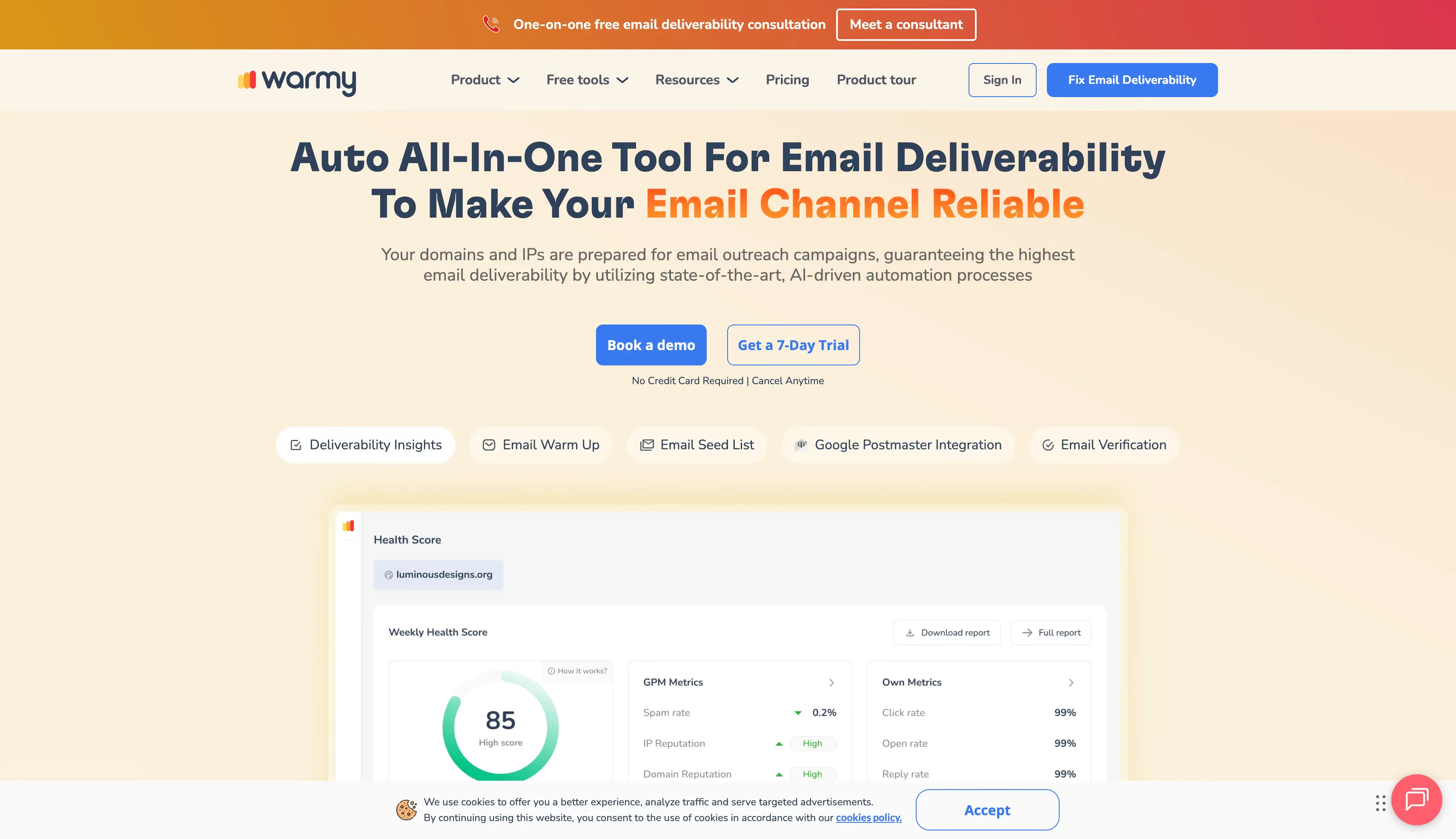
Warmy.io is an AI email warmup and deliverability platform built around an engine it calls Adeline.
Once you connect your mailbox, Adeline sets the send volume and reply patterns based on how that mailbox performs.
Warmy also runs separate B2B and B2C warmup pools, so you can choose business inboxes or consumer ones depending on who you email.
No other tool in this comparison does that.
Alongside warmup you get placement tests, subject line and template analysis, DNS and blacklist monitoring, and deliverability insights broken down by major email providers.
Why It Is a Good Mailwarm Alternative
Warmy has a few advantages over Mailwarm:
Warmy runs a consumer warmup pool alongside its business one, so your engagement comes from the right kind of inbox.
Warmy runs placement tests and reports results by provider, which Mailwarm does not offer.
Warmy handles deliverability monitoring on your DNS records and blacklist status, and checks your templates for spam triggers.
Warmy offers a seven-day trial with no card, while Mailwarm has no trial at all.
Warmy no longer publishes its prices, so you have to book a demo to find out what you would pay.
Third-party listings report a starting price near $49 per mailbox, which makes it the second most expensive tool on this list.
Main Features
Adeline AI engine: Warmy adjusts send volume and reply patterns for each mailbox based on how it performs.
Separate B2B and B2C pools: Warmy warms through business or consumer inboxes depending on your audience.
The Adder: Warmy moves flagged emails out of spam and marks them as important.
Provider-level reporting: Warmy breaks spam placement and inbox results down by email provider.
Template analysis: Warmy checks your subject lines and email copy for spam triggers.
Multi-language warmup: Warmy runs activity across more than 30 languages on higher tiers.
Pros and Cons
Pros
Cons
It is the only tool here with separate B2B and B2C pools.
It offers a seven-day trial without card details.
It includes placement testing and DNS monitoring.
It moves flagged emails back to the inbox automatically.
It scores well for support on review platforms.
It costs more per mailbox than most tools here.
All the advanced features are available in the high tiers.
It has no unlimited-mailbox option.
Pricing
Warmy offers custom pricing plans. You can visit their pricing page and contact their sales team to get pricing.
7. Warmbox: Best for Custom Email Warmup
Warmbox is an email warmup tool that lets you set the warmup schedule yourself.
Once you connect your mailbox, it joins a private network of more than 35,000 inboxes.
Warmbox gives you four ramp profiles: progressive, flat, randomize, and fully custom. These customization options let you set the timezone too, so email engagement happens during your prospects' working hours.
Plans bundle a set number of inboxes rather than charging per mailbox, and the biggest standard plan covers six.
Why It Is a Good Mailwarm Alternative
Warmbox has a few advantages over Mailwarm:
Warmbox lets you choose from four ramp profiles and set the timezone. Mailwarm runs one fixed schedule you cannot change.
Warmbox costs $15 per month on annual billing for one inbox, compared with $69 per mailbox for Mailwarm.
Warmbox bundles inboxes into each plan, so three inboxes work out near $23 each on the Start-up plan.
Warmbox runs a free IP, blacklist, and DNS checker that needs no account.
Warmbox caps its standard plans at six inboxes, and it runs no placement tests.
That makes it a small-team tool, and you still cannot see which folder your emails reach.
Main Features
Four warmup schedules: Warmbox offers progressive, flat, randomize, and fully custom ramps.
Timezone targeting: Warmbox matches activity to the hours your recipients work.
GPT-written content: Warmbox generates warmup emails rather than drawing them from a template bank.
Private inbox network: Warmbox warms through more than 35,000 inboxes, according to its site.
Automatic spam recovery: Warmbox moves warmup email out of spam and marks it as important.
Free deliverability checker: Warmbox checks IP, blacklist status, and DNS records without a paid plan.
Pros and Cons
Pros
Cons
It gives you more ramp control than any tool here.
It starts at $15 a month for one inbox.
It bundles inboxes into each plan rather than charging per mailbox.
It runs a free DNS and blacklist checker.
It works with almost any provider, including SMTP.
Its standard plans stop at six inboxes.
It runs no placement tests.
It does not publish what is in its warmup pool.
The Solo plan caps warmup at 50 emails a day.
It lists no free plan on its current pricing page.
Pricing
Plan
Annual
Monthly
Inboxes
Warmup emails a day
Solo
$15
$19
1
50
Start-up
$69
$79
3
250
Growth
$139
$159
6
500
Team
Custom
Custom
6+
Custom
The Growth plan costs $139 a month on annual billing for six inboxes, about $23 each. Six Warmforge slots cost $54.
Run your shortlist through these questions before you pay for anything.
What kind of inboxes are in the warmup pool, not just how many?
Does it run real inbox placement tests across major email providers?
Does it offer inbox health scoring, Google Postmaster integration, or CRM integration?
Does it check your DNS records and blacklist status, or only run warmup?
How many warmup emails does each mailbox receive per day?
What does it cost at 10, 25, and 50 mailboxes?
Can you try it without entering card details?
Does your existing email platform already include warmup?
Is your DNS setup correct, and is your domain health clean?
Is sender reputation the real problem, or is it your copy or email list?
Will you keep warmup running after campaigns start?
Questions nine and ten matter most. Warmup can build sender reputation, but it cannot fix broken authentication, poor-quality lists, or damaged domains.
This is why some teams use pre-warmed mailboxes instead. You can start sending sooner and use warmup to maintain your reputation rather than build it from scratch.
Finally, consider using both Google and Microsoft mailboxes. This can help you match the providers your prospects use and maintain better cold email deliverability across both platforms.
Choose the Right Mailwarm Alternative for Your Needs
Now that I have covered the top Mailwarm alternatives, you can choose based on what matters most to your email campaigns.
Still unsure? Try Warmforge.
Warmforge combines email warmup, inbox placement testing, and mailbox health checks in one platform. You can warm up your mailboxes, test where your emails land, and monitor key authentication and blacklist checks from the same dashboard.
For teams running cold email campaigns, this makes it easier to manage deliverability without paying for multiple tools.
Mailwarm starts at $69 a month for one mailbox on annual billing, or $79 monthly. Three mailboxes cost $159 and ten cost $479, with a limit of 50 warmup emails a day per account. There is no free trial, so you pay for a month before you see any results.
2. Are there any free Mailwarm alternatives?
Yes, several. Warmforge gives you one warmup slot and one placement test every month at no cost, with no card required. Mailivery runs a free plan capped at 10 warmup emails a day. Warmup Inbox and Warmy both offer seven-day trials without card details.
3. What is the cheapest email warmup tool?
Mailivery is cheapest at ten or more mailboxes, at $59.25 a month on annual billing for unlimited inboxes on the Professional plan. Below that, Warmforge costs $9 per slot per month on annual billing and drops to $3 at volume. Warmup Inbox and Warmbox both start at $15 a month for one inbox.
4. Do email warmup tools actually work?
They work when sender reputation is the problem. Warmup builds reputation through positive engagement signals, which is one of three things that decide whether you reach the primary inbox or the spam folder. The other two are your copy and your sending setup, so a broken DKIM record or spam triggers in your subject lines will still trip spam filters. My breakdown of Instantly's bundled warmup works through a real example.
5. How long does it take to warm up a new email domain?
Allow two to four weeks on a new domain before you send at volume. Ramp the daily count up gradually rather than starting at full send, and keep warmup running once campaigns start. If you cannot wait, pre-warmed mailboxes from an infrastructure provider remove the wait entirely.