

Personalized Outbound Strategy
Get The Right Outbound Strategy In Minutes
Enter your email to get a custom plan & stack recommendation for your business
It's being carefully crafted by AI
Please check your mailbox in 5 minutes
You’re running cold email campaigns for months, barely getting replies, and the first thing you blame is your email copy.
So you keep changing subject lines, rewriting opening lines, rotating CTAs, testing new lead lists, and telling yourself maybe the prospects are not interested.
But when you look back properly, you realize your last few campaigns had 12–15% bounce rates, some mailboxes stopped getting replies, and your domains slowly went silent.
That is when you realize the problem was not just the copy or the list. A lot of your emails were probably bouncing, landing in spam, or never reaching the Primary inbox in the first place.
That is why inbox placement testing matters. Your sending tool may show “delivered,” but delivered does not mean inboxed.
It only means the receiving server accepted your email. It does not tell you whether it landed in Primary, Promotions, Updates, Junk, or Spam.
GlockApps became popular because it helped teams see where their emails were actually landing before blaming the campaign again. But it is not the only option anymore.
In this guide, I’ll break down the 9 best GlockApps alternatives for inbox placement testing, what each tool is useful for, and which one makes sense based on how you run cold email.
Check Out- Checklist for Improving Inbox Placement
A real inbox placement testing tool should help you answer one simple question: if I send this email from this mailbox or domain, where is it likely to land?
That is different from checking whether an email address exists. It is different from checking whether your copy has spammy words. It is also different from warming up a mailbox or using an email platform that can technically send the campaign.
Inbox placement testing is about the receiving side of email. Gmail, Outlook, Yahoo, Microsoft 365, and other mailbox providers make their own filtering decisions. Your sending tool may show an email as “delivered,” but that does not mean it reached the Primary inbox. It may still be sitting in Spam, Promotions, Updates, or Junk.
That gap is where many outbound teams lose pipeline without realizing it. They keep changing copy, rotating lists, or blaming the offer, when the real issue is that their emails are not landing where prospects can actually see them.
When I review a GlockApps alternative, I look for seed-list relevance, placement detail, authentication checks, content and link analysis, monitoring, workflow fit, and clarity.
For cold email, clarity matters a lot. A busy operator needs to know what to fix next, not just that something is “bad.”
Here's how the 9 tools actually stack up
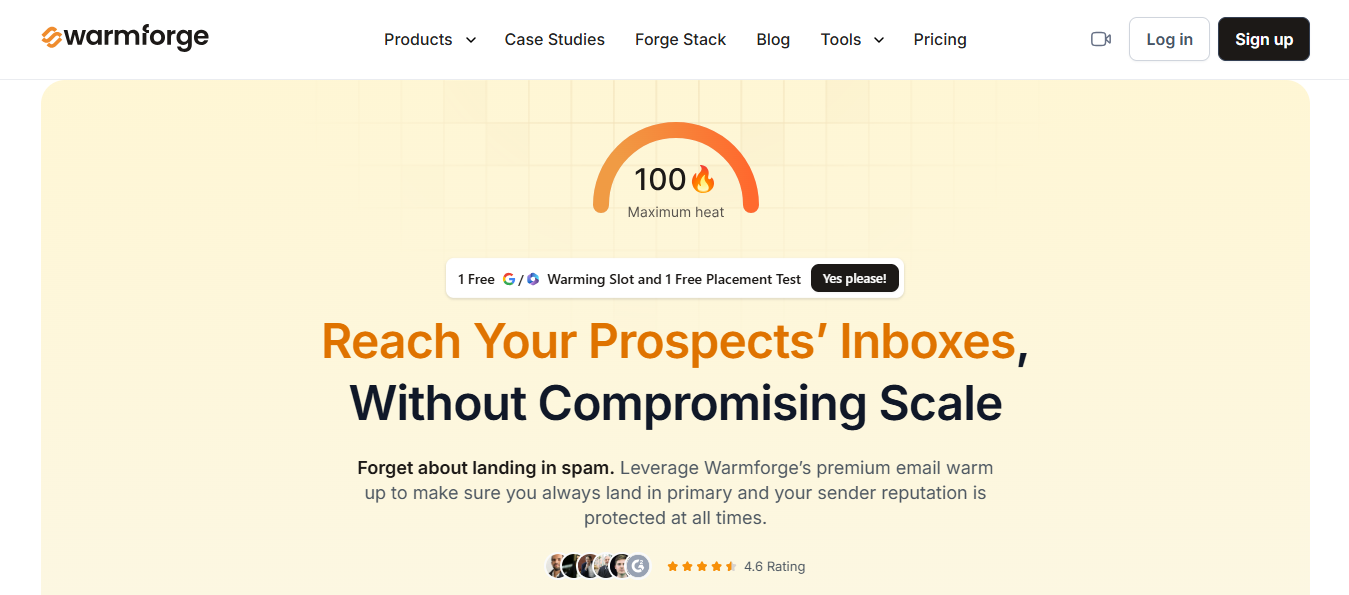
Best for: Sales teams and outbound teams that want email warm-up, inbox placement testing, and deliverability monitoring inside their existing Salesforge workflow.
Category: Warmforge fits mainly into email warm-up, with inbox placement testing as a built-in second layer.
Warmforge is Salesforge’s email warm-up and deliverability product.
It helps cold email teams warm up mailboxes, monitor sender reputation, and check whether emails are landing in the primary inbox or spam before campaigns go live.
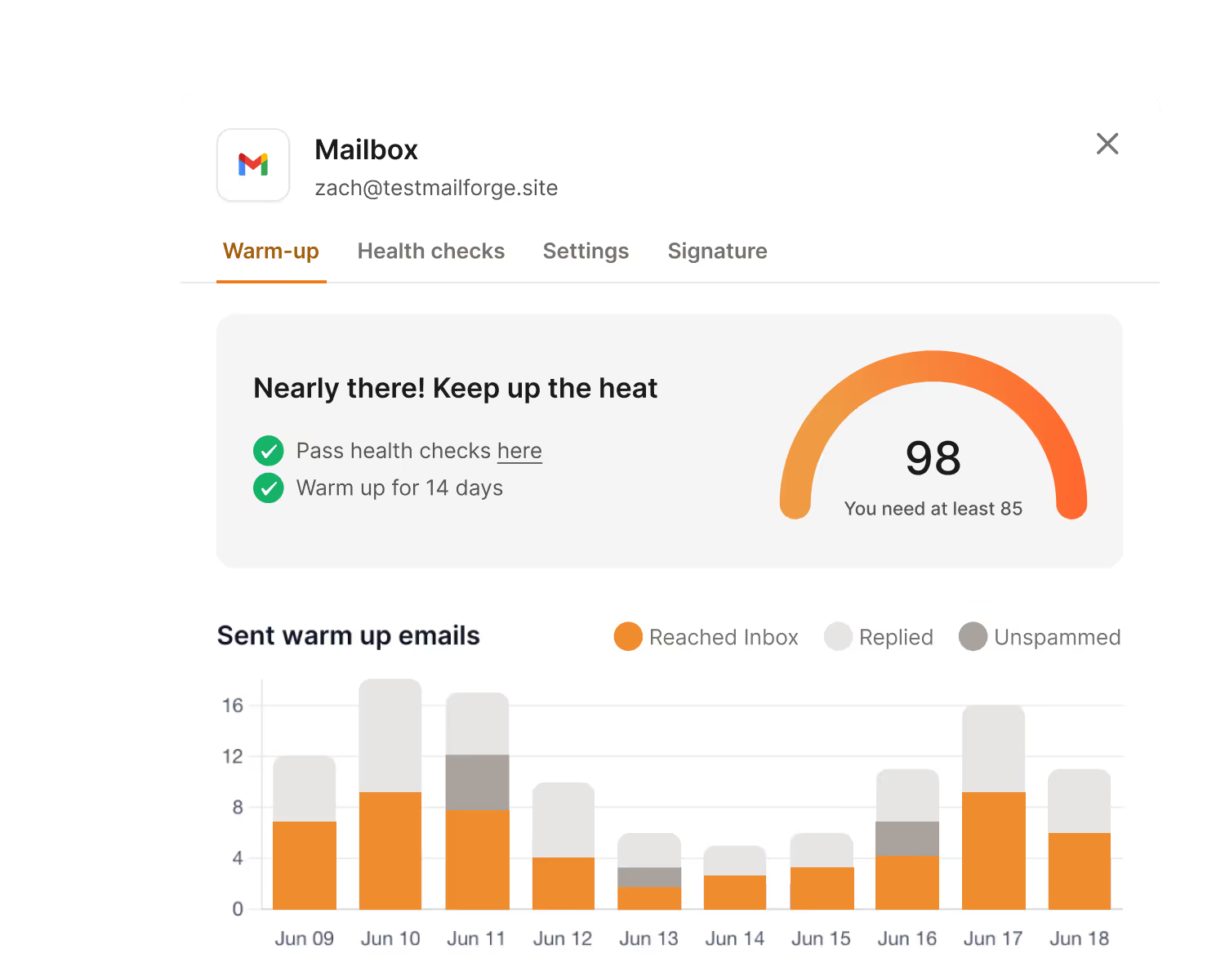
Warmforge assigns each mailbox a Heat Score, which helps users understand when a mailbox is healthy enough to send from.
A score above 97 means the mailbox is in good shape. If it drops below that, it is a signal to pause campaigns, review your content, or rotate in fresh infrastructure.

Alongside Heat Score, Warmforge tracks bounce rate for each mailbox. Anything below 1 percent is the goal.
A rate between 2 and 5 percent is a warning sign worth investigating, and anything past 5 percent means you should stop sending and find the cause before continuing.
The main benefit is that Warmforge is built into the broader Salesforge ecosystem.
If a team is already using Salesforge for outbound, Warmforge gives them a connected way to prepare and monitor their mailboxes without adding another separate warm-up tool to the stack.
Warmup runs fully automated for both Google and Microsoft mailboxes, simulating sending, receiving, and replying, so a mailbox builds trust before it ever touches a real campaign.
A two-week warm-up period is the recommended minimum, and Warmforge is built to follow that pace rather than rush a mailbox into sending volume it cannot handle yet.
Try - Our Free Email Verifier Tool
Inbox placement testing is part of the package, not a separate add-on.
Every Salesforge subscription comes with one free placement test per month through
Warmforge, and it shows where your emails actually land across Gmail, Outlook, and Yahoo, primary, promotions, or spam.
The placement test here works best as a monthly health check on top of the warm-up and Heat Score data, so you get sender reputation and the actual landing results in the same place.
It also includes inbox placement testing, so teams can see how their emails perform across providers like Gmail, Outlook, and Yahoo.
Enter your email to get a custom plan & stack recommendation for your business
Please check your mailbox in 5 minutes

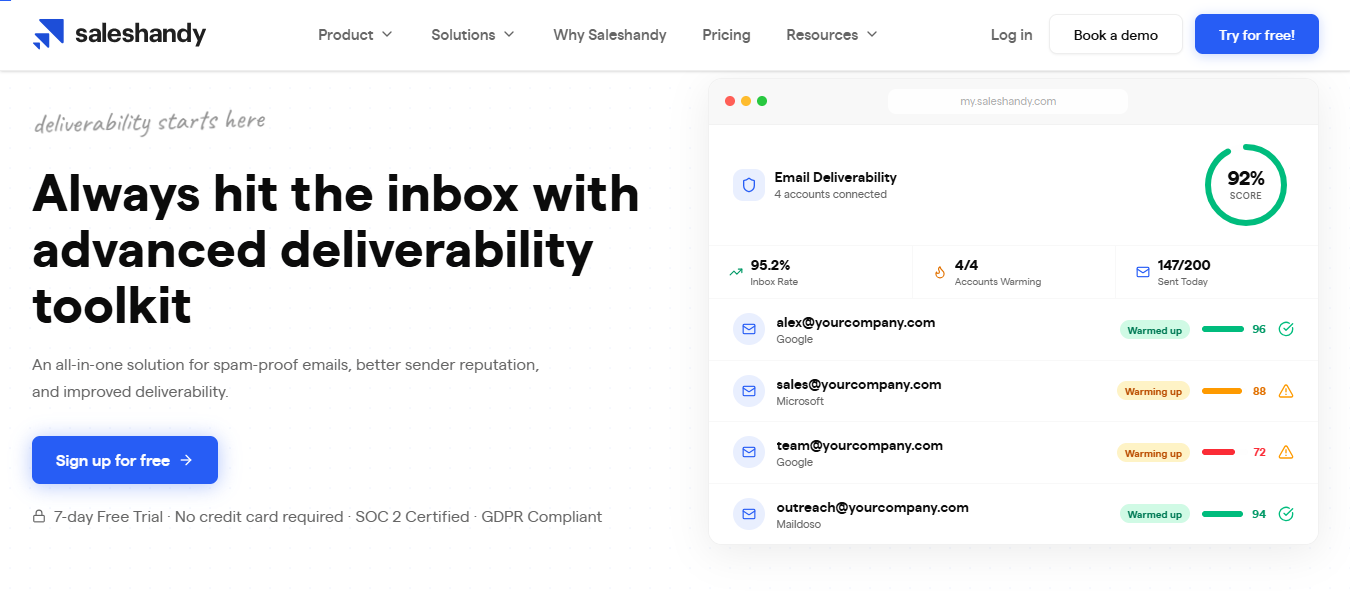
Best for: Cold email teams that need inbox placement testing close to outbound execution.
Category: Inbox placement testing for outbound
Inbox Radar is the first tool I would shortlist when the real job is cold email inbox placement.
Cold outreach is operational: you are managing domains, mailboxes, campaign copy, tracking, replies, and sender reputation at the same time.
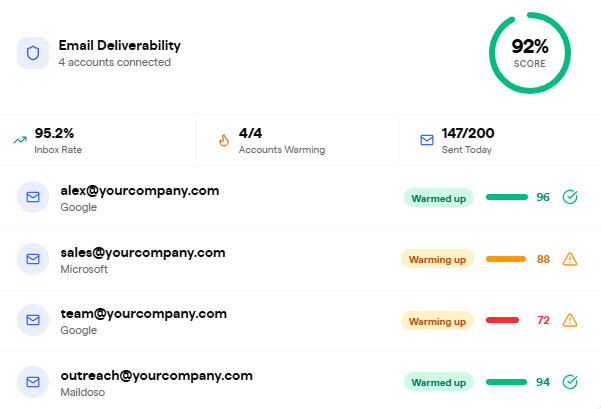
A useful testing tool should help decide whether a campaign is safe to launch, whether a new domain is ready, and whether Gmail or Outlook is treating a sender differently after a copy or infrastructure change.
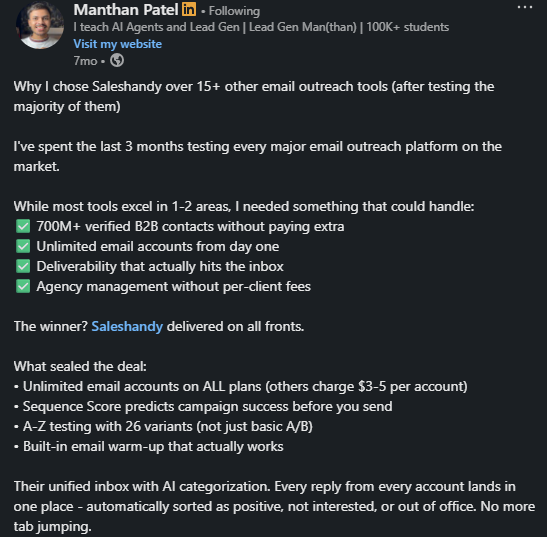
Saleshandy documentation describes Inbox Radar as a way to monitor inbox placement, which makes it more relevant to outbound teams than generic campaign QA tools.
Inbox placement testing is the core function here, not a side feature.
Inbox Radar checks how a cold email lands across Gmail and Outlook before a campaign goes out. Saleshandy describes it as a way to monitor inbox placement for outbound senders.
It does not cover warmup, verification, or campaign QA. The point is answering one question before you hit send: is this domain ready, or will it land in spam?
That narrow focus suits cold email teams. If Outlook or Gmail filtering is your main risk, this fits better than a broad marketing QA platform
Best for: B2B teams that want warmup plus spam testing.
Category: Email warmup and spam testing
Mailreach publicly positions itself around email warmup and spam testing.
That makes it a practical GlockApps alternative when the question is not only “where did this test land?” but also “how do we improve the sender reputation behind it?”

For B2B teams, this distinction matters. Testing finds the leak. Warmup and controlled sending help repair the system.
MailReach pairs placement testing with its warmup engine. You get a spam test result, and warmup works on the reputation behind that result.
This puts MailReach across two categories: email warmup tools and inbox placement testing, with warmup as the bigger part. It is not a one-off checker like MailGenius.
The placement test is meant to repeat as part of a loop: test, warm up, retest.
MailReach is useful when your team needs a feedback loop: test, improve, monitor, and retest.
I would not use warmup as an excuse to send carelessly, but it can support a disciplined outbound program.
Best for: Teams that want guided deliverability improvement.
Category: Deliverability monitoring and optimization
Folderly positions itself as email deliverability software for B2B teams. Its value is guidance.
Many teams do not have a deliverability specialist who can separate DMARC alignment issues from tracking-domain problems, copy risk, blocklists, or sender reputation dips. In those cases, a raw score is not enough.
The team needs recommended next steps.
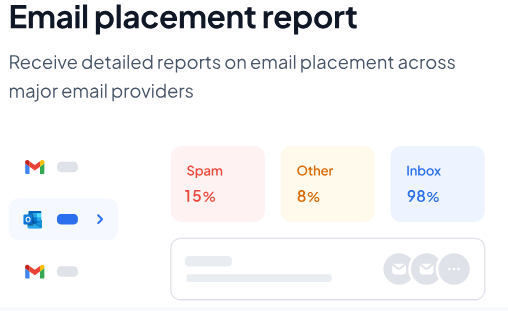
Folderly's placement data comes with guidance.
It shows inbox versus spam across providers, then points to the likely cause: a DMARC issue, a tracking domain problem, or a reputation dip.
This puts Folderly closer to deliverability monitoring and optimization than pure inbox placement testing.
Placement checks are part of it, but the bigger value is ongoing monitoring plus recommendations.
That fits teams without a deliverability specialist on staff. The placement result is the starting point. The recommendation tells you what to do next.
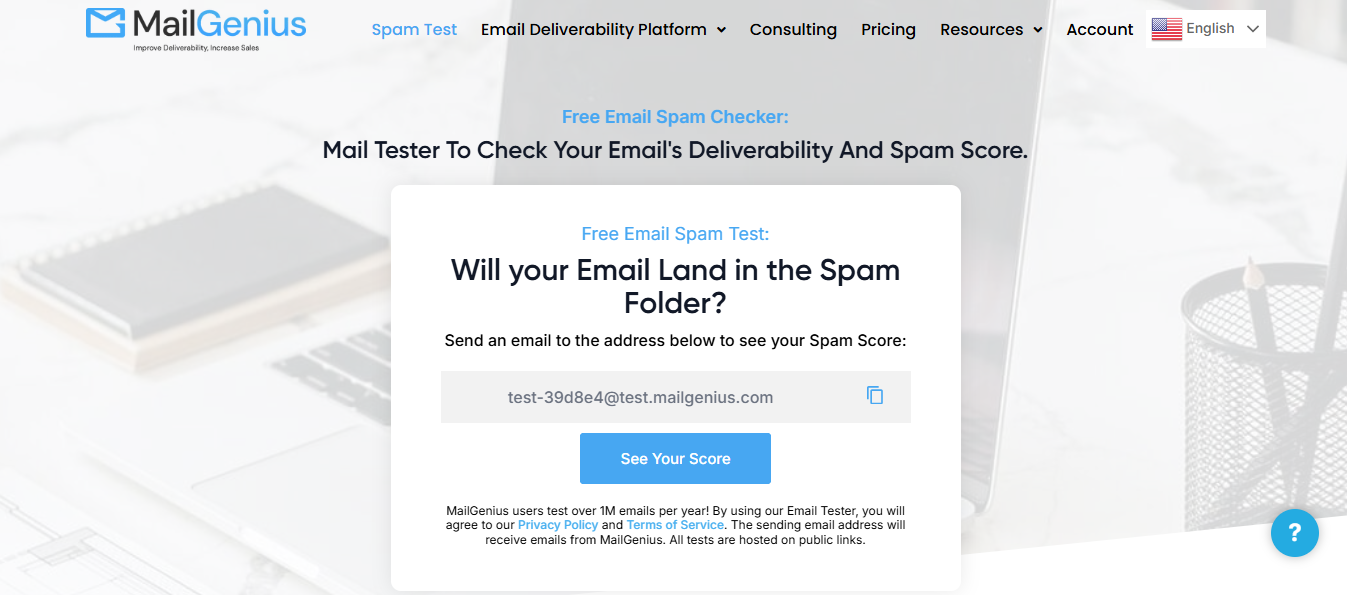
Best for: Fast spam checks and basic deliverability diagnostics.
Category: Spam checker and deliverability tester
MailGenius describes itself as a free email deliverability and spam checker. This makes it useful for fast pre-send diagnostics.
Before sending a campaign, it is better to catch an obvious authentication, content, or formatting issue in five minutes than to discover it after a thousand emails have already gone out.
MailGenius is built for speed. It scans for spam triggers, authentication issues, and basic deliverability signals and returns a result in minutes.
This places MailGenius in the spam checker category, not inbox placement testing.
It is a pre-flight check, not a tool that tracks where emails land across Gmail, Outlook, and Yahoo over time.
Use it as a quick pass before a launch. It catches obvious problems but does not replace ongoing placement monitoring across domains.
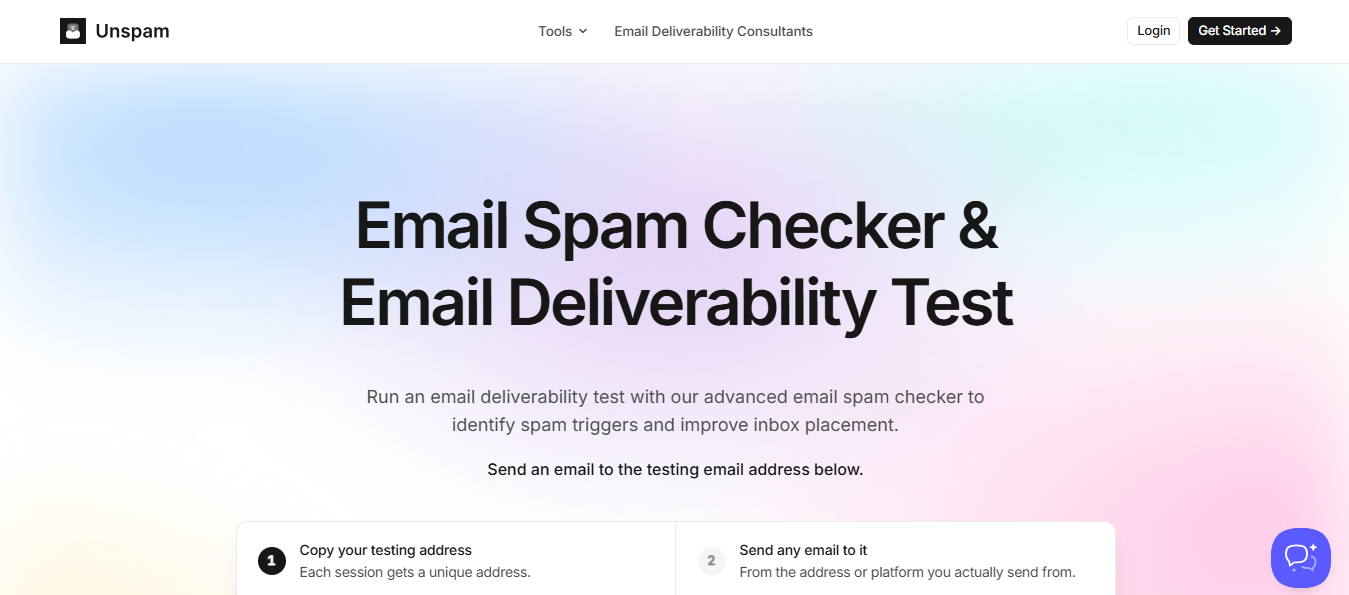
Best for: Spam checks, previews, accessibility checks, and simple placement testing.
Category: Email spam checker and pre-send tester
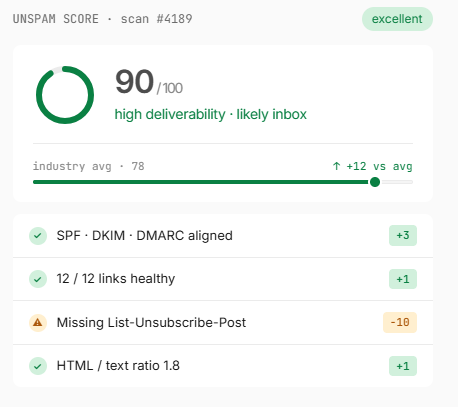
Unspam.email focuses on spam checking, deliverability testing, blacklist checks, accessibility, previews, and inbox placement tests.
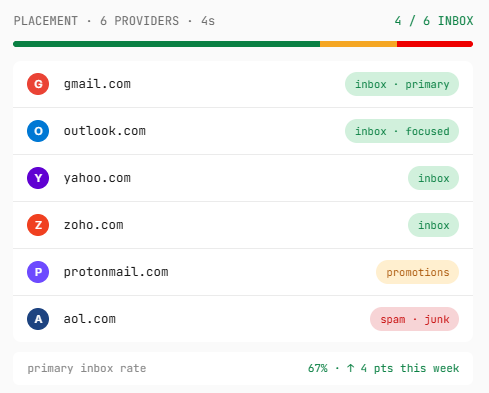
That combination is useful for marketing teams, newsletter teams, and smaller senders who want quick feedback before pressing send.
Unspam combines a spam checker with previews, accessibility checks, and a simple placement test.
Placement testing exists here, but it sits alongside other pre-send checks rather than being the main event.
That mix puts Unspam mostly in the spam checker category, with a lighter placement layer attached.
It suits a quick pre-send pass rather than tracking placement trends over time.
For newsletter teams, that combination covers the basics in one place. For multi-domain cold email operations, it is more a starting point than a full solution.
Best for: Sender reputation and engagement-based inbox recovery.
Category: Reputation improvement
InboxAlly is not a pure GlockApps clone. It belongs closer to sender reputation and engagement support.
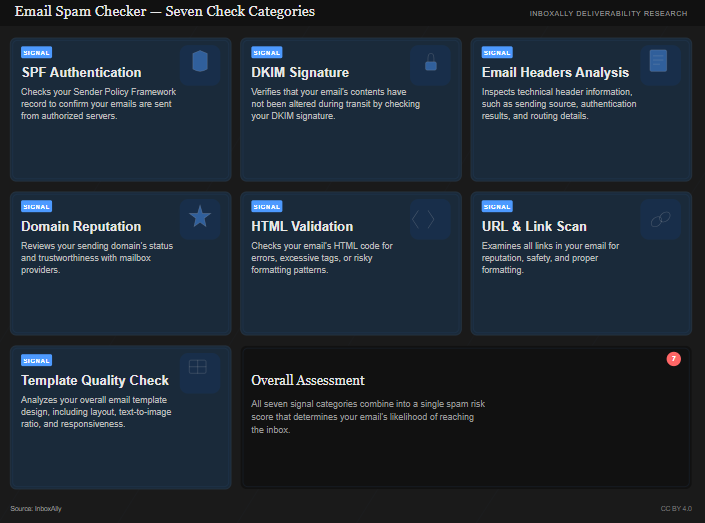
That can be valuable when testing has already shown that a sender has reputation problems and the team needs a process for recovery.
InboxAlly does not run placement tests like the other tools here.
Its focus is sender reputation and engagement, simulating opens, replies, and interactions that signal trust to mailbox providers.
That puts InboxAlly in the email warmup tools category, closer to reputation recovery than placement testing.
It does not show where an email landed across Gmail, Outlook, or Yahoo. It works on the reputation that decides where future emails land.
It pairs well with a placement testing tool rather than replacing one. Testing flags the problem.
InboxAlly is one option for working on the reputation behind it.
Use InboxAlly when the problem is reputation recovery, not simple diagnosis.
Testing tells you where you stand; reputation work helps change where you stand.
Best for: Marketing teams that need previews, QA, optimization, and campaign checks.
Category: Email marketing QA and optimization platform
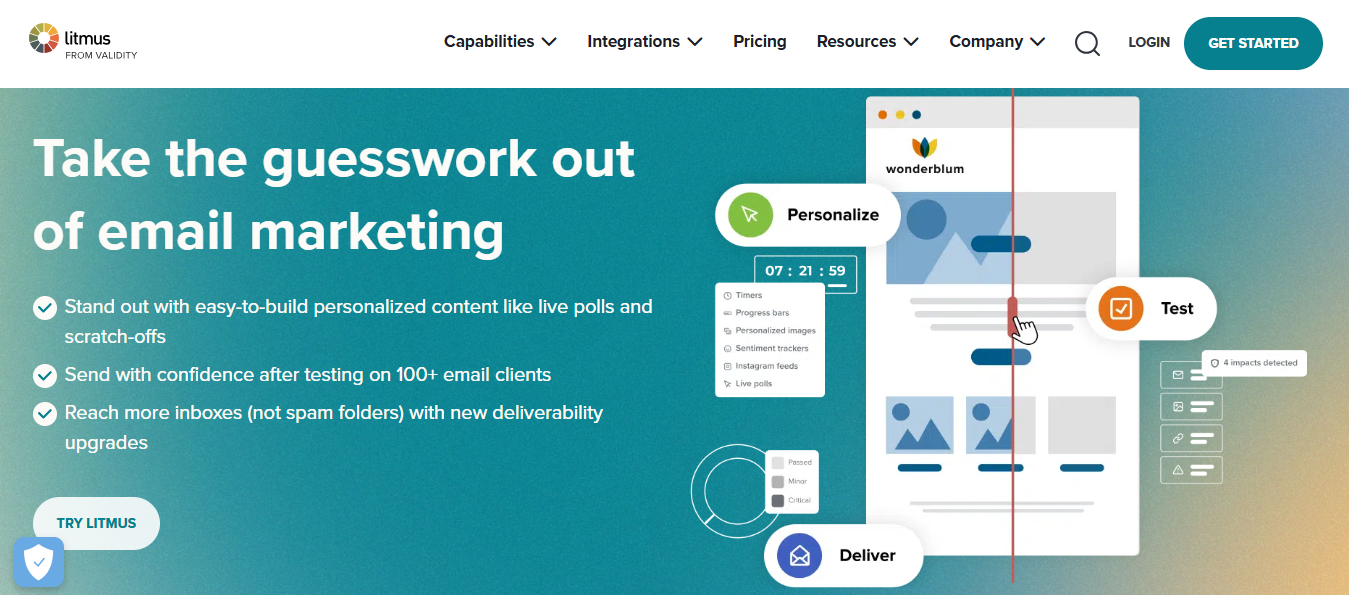
Litmus is a respected email testing platform, but it is not mainly a cold email inbox placement tool.
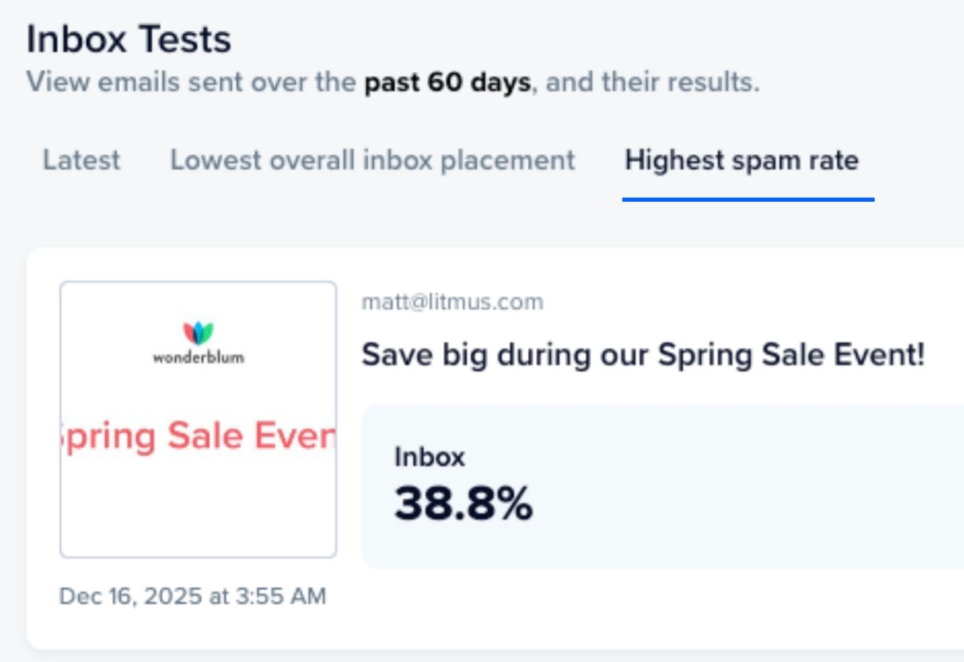
Its public positioning is broader: helping teams create, test, optimize, monitor, and analyze email.
That makes it strong for lifecycle, newsletter, and promotional email teams that send designed HTML campaigns.
Litmus includes spam testing as part of a larger QA toolkit, alongside previews, rendering checks, and analytics.
Placement data exists, but it is one piece of a platform built around the email as a designed experience.
This puts Litmus in the email marketing and infrastructure tools category, not inbox placement testing.
The bigger value is making sure a campaign looks right across inboxes, not tracking where plain-text cold emails land.
For lifecycle and newsletter teams sending designed HTML campaigns, that broader scope is the point. For cold email, it is more than most teams need.
Best for: Pre-send campaign validation and rendering QA.
Category: Email previews, rendering, and QA
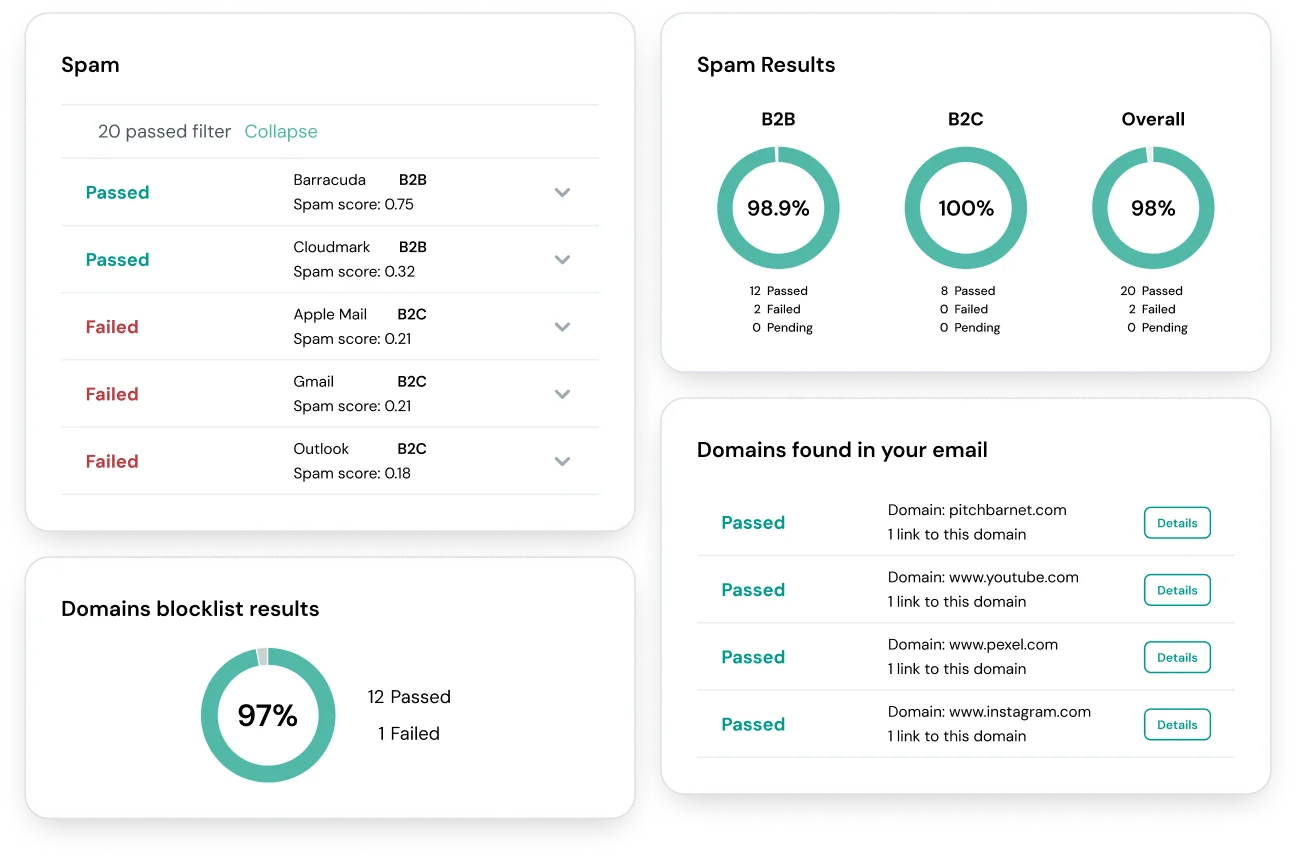
Email on Acid is another strong pre-send QA tool. It helps teams catch rendering problems, link issues, accessibility gaps, and campaign mistakes before launch.
This matters for designed marketing emails because deliverability is not only about avoiding spam; the message also has to work when opened.
Email on Acid is a quality-control tool. If your biggest risk is a broken campaign, shortlist it.
If your biggest risk is Outlook spam placement for cold outreach, start elsewhere.
Email on Acid runs spam testing as part of pre-send validation, alongside rendering checks, link checks, and accessibility scans.
Like Litmus, placement is one check among several.
This places it in the email marketing and infrastructure tools category, built around campaign QA rather than inbox placement testing.
It catches broken links and display issues, which matter more for designed campaigns than plain-text outbound.
If a broken campaign is your bigger risk, shortlist this. For tracking where cold emails land across providers, look elsewhere first.
Choose: Warmforge, Inbox Radar, MailReach, or Folderly.
Cold email teams need practical placement testing across domains and sender accounts.
They also need to know whether problems come from copy, domain reputation, authentication, links, warm-up, or sending behavior.
Warmforge is especially relevant for teams already using Salesforge or the Forge Stack because it combines email warm-up, Heat Score monitoring, and inbox placement testing in the same workflow.
Inbox Radar, MailReach, and Folderly are better fits when the team wants a more standalone deliverability tool outside Salesforge.
Choose: Folderly, MailReach, Warmforge, or an outbound-focused tool with strong multi-domain workflows.
Agencies should care about the organization. The tool must separate clients, domains, mailboxes, tests, and reports cleanly.
Warmforge can be a good fit for agencies that already manage outbound through Salesforge, Mailforge, Primeforge, or Infraforge, because it keeps mailbox warm-up and deliverability monitoring close to the sending infrastructure.
Choose: MailGenius or Unspam.email.
These tools are useful before launching a campaign, testing a new template, or checking whether an obvious technical issue exists.
Warmforge is less of a one-off checker and more of an ongoing warm-up and deliverability monitoring layer for outbound teams.
Choose: Litmus or Email on Acid.
Newsletter teams need rendering previews, link checks, accessibility checks, dark mode checks, and QA workflows.
That is where campaign QA platforms are stronger than cold-email-specific tools.
Warmforge is not the main fit here because it is built more for cold email warm-up, mailbox health, and inbox placement testing than visual email QA.
When teams switch deliverability tools, they often change too many things at once: the testing tool, sending domain, copy, DNS setup, and sending platform. Then they cannot tell what caused the result.
Enter your email to get a custom plan & stack recommendation for your business
Please check your mailbox in 5 minutes
GlockApps is a solid starting point, but the better choice depends on what is slowing your email program down.
For cold email teams using Salesforge, Warmforge is the natural next step. It helps warm up mailboxes, track Heat Score, and run inbox placement checks before campaigns go live.
Use Warmforge to protect your outbound campaigns before they hit real prospects and improve your chances of landing in the primary inbox.