You set up the mailboxes, built the sequence, and hit send.
And the replies never came.
Spam folder. Bounces. A domain that aged out faster than expected. No clear signal on what went wrong or which part of the setup caused it.
That is the problem this list is for.
Cold email does not fail for one reason. It fails at layers.
A mailbox that was never warmed
A DNS record that was half-configured
A contact list with invalid addresses baked in from the start
A rendering issue that broke the email in Outlook before anyone read it
Most teams diagnose the wrong layer. They rewrite the copy when the mailbox is cold, add follow-ups when the domain is blacklisted, or test new subject lines when the list itself is the problem.
Seven tools are covered here, each one built for a different failure point. Some warm mailboxes. Some check infrastructure. Some validate contacts. Some test how the email looks before it goes out.
Figure out which layer is failing first. Then pick the tool that fixes that layer.
That is the only decision this list is built around.
Quick verdict: Which Email Testing Tool should you use?
Use this shortlist before you read the full breakdown.
Tool
Best For
Main Test Type
Pricing Signal
Avoid If
Source/Date
Warmforge
Cold email mailbox readiness
Warmup, health, placement
1 free warming slot; paid warmup/placement plans
You only need a one-off spam score
Warmforge, Jun 4 2026
GlockApps
Deep placement diagnostics
Inbox placement, spam, DMARC
Free plus paid plans from $59/mo
You mainly need warmup slots
GlockApps, Jun 4 2026
Mail-Tester
Free quick check
Spam/auth score
Free public test
You need mailbox monitoring
Mail-Tester, Jun 4 2026
Mailtrap
Developer email QA
Sandbox SMTP/API testing
Sandbox paid plans from $17/mo
You are testing cold outreach readiness
Mailtrap, Jun 4 2026
Email on Acid
Rendering QA
Client previews, links, accessibility
Mailgun Inspect from $99/mo
Deliverability is mailbox reputation
Email on Acid, Jun 4 2026
MxToolbox
DNS and blacklist diagnosis
MX, DMARC, blacklist lookups
Free lookups; paid monitoring available
You need copy or placement testing
MxToolbox, Jun 4 2026
ZeroBounce
List quality risk
Validation, inbox/server tests
100 free monthly validations
Mailboxes are new or cold
ZeroBounce, Jun 4 2026
How I evaluated email testing tools for cold email
I evaluated these tools by the failures they help an outbound team catch before sending real campaigns.
Cold email deliverability is not one problem.
Several problems look similar when your emails land in spam.
I used five criteria:
Cold-email fit: Does the tool protect mailbox and domain reputation before sequences go live?
Diagnostic depth: Does it show the likely cause: SPF, DKIM, DMARC, blacklist status, spam triggers, placement, or list quality?
Mailbox and domain scale: Can an agency or RevOps team handle multiple mailboxes without manual chaos?
Pre-send action: Does the report tell you what to fix before launch?
Pricing risk: Are you paying by mailbox slot, test credit, validation credit, user, domain, or custom plan?
No single tool covers every layer.
Do not buy a rendering tool when your Microsoft mailboxes are cold. Do not buy more domains when your list is full of invalid contacts. Do not run a sandbox test and assume your cold email inbox placement is safe.
Match the tool to the symptom.
1. Warmforge by Salesforge: Best for cold email mailbox warmup and deliverability monitoring
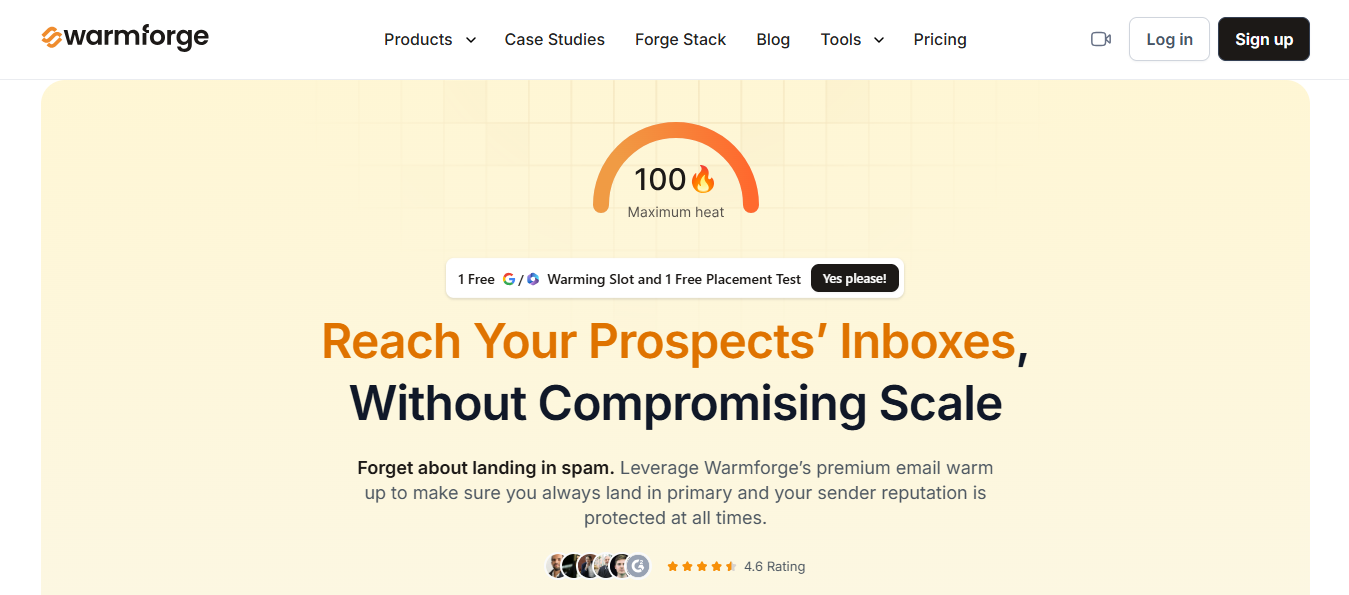
This image shows the Warmforge Homepage
Sales teams often skip the mailbox layer until something breaks. A domain lands in spam. Reply rates drop. The team spends a week diagnosing the wrong thing.
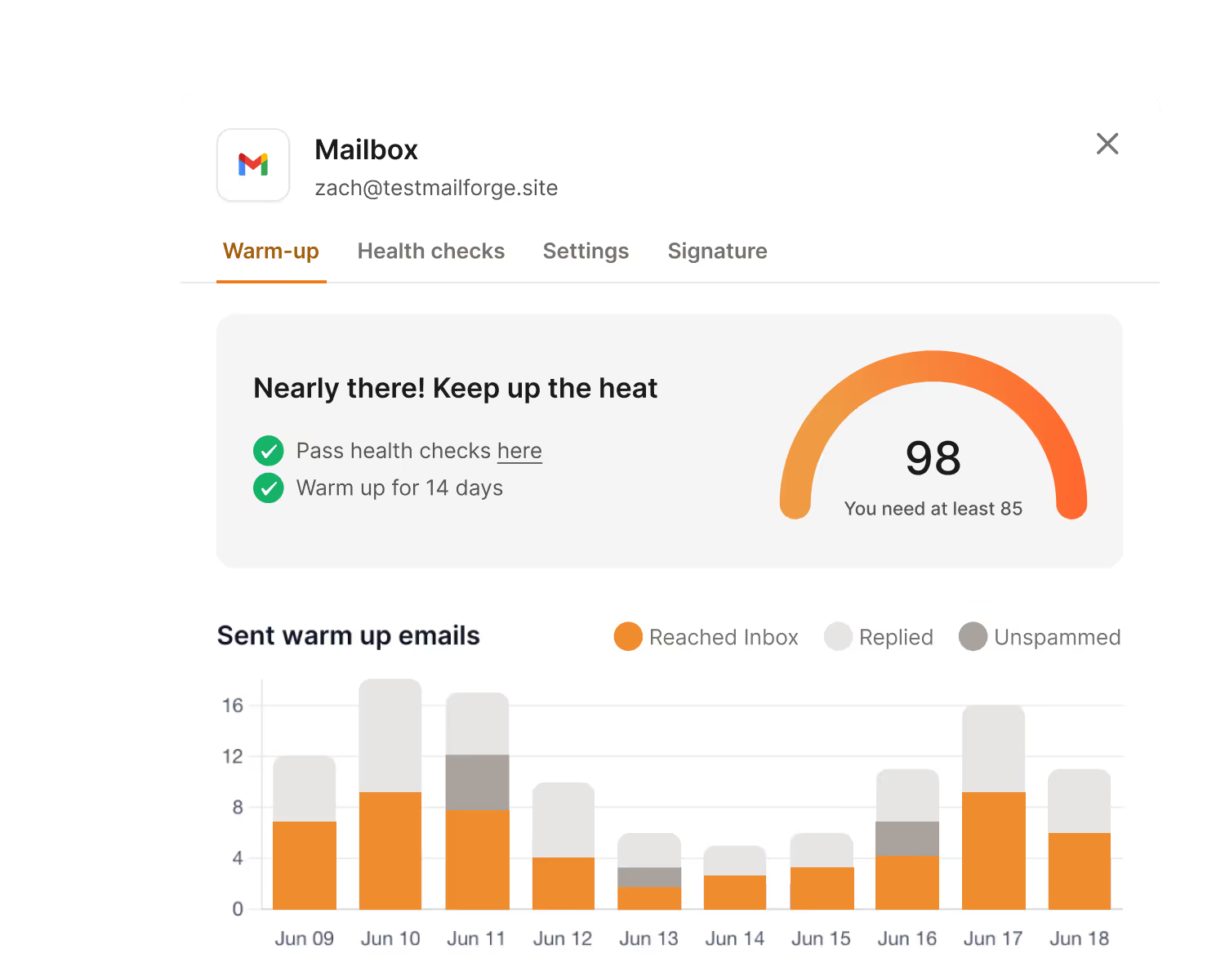
It warms mailboxes, monitors heat scores, checks DNS/MX and blacklist status, and runs placement tests before real outbound volume goes out.
This image shows the Warmup in Warmforge
You get a clear picture of whether each mailbox is ready to send before a single sequence goes live.
The Forge send order starts with infrastructure first. Warmup second. Clean list third. Personalized copy fourth. Volume last.
Warmforge sits at the warmup and monitoring layer. If you use Mailforge or Infraforge for infrastructure, Warmforge is where you confirm those mailboxes are ready.
Once the mailboxes are healthy, Salesforge is where the outreach runs.
It handles multi-channel sequences across email and LinkedIn, centralizes all replies through Primebox, and lets Agent Frank run the full SDR workflow autonomously from prospecting to booking meetings.
Your team only steps in when a conversation is worth having.
Where Warmforge wins:
You are warming new mailboxes before launching outbound.
You need health checks across DNS, MX, and blacklists.
You want placement tests tied to mailboxes, not just one-off spam checks.
You manage multiple outbound inboxes and need a repeatable operating layer.
Where Warmforge does not win:
You need the deepest placement diagnostics and DMARC analytics.
You only want a free score for one email.
Warmforge Pricing
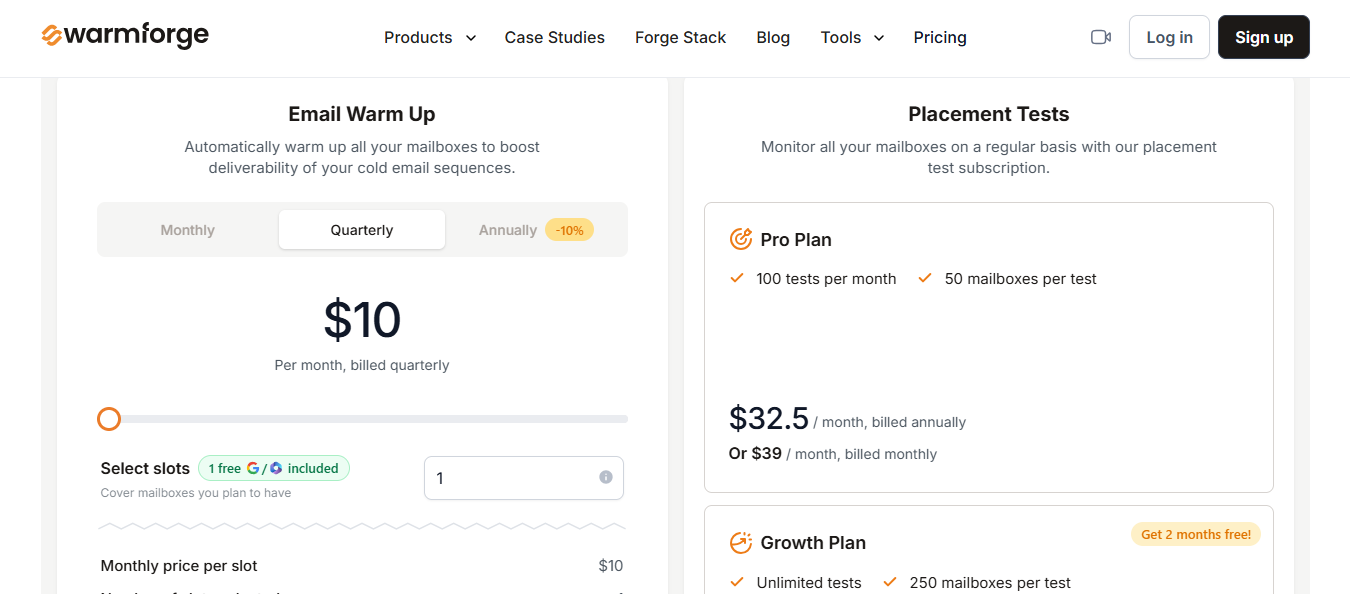
This image shows the Warmforge Pricing
1 free warming slot and 1 free placement test included
Email Warm Up: $10/slot/month, billed quarterly
Placement Tests Pro: $32.50/month (annual) or $39/month. 100 tests/month, 50 mailboxes per test
Placement Tests Growth: $140.80/month (annual) or $169/month. Unlimited tests, 250 mailboxes per test
Personalized Outbound Strategy
Get The Right Outbound Strategy In Minutes
Enter your email to get a custom plan & stack recommendation for your
business
It's being carefully crafted by AI
Please check your mailbox in 5 minutes
2. GlockApps: Best for detailed inbox placement and spam diagnostics
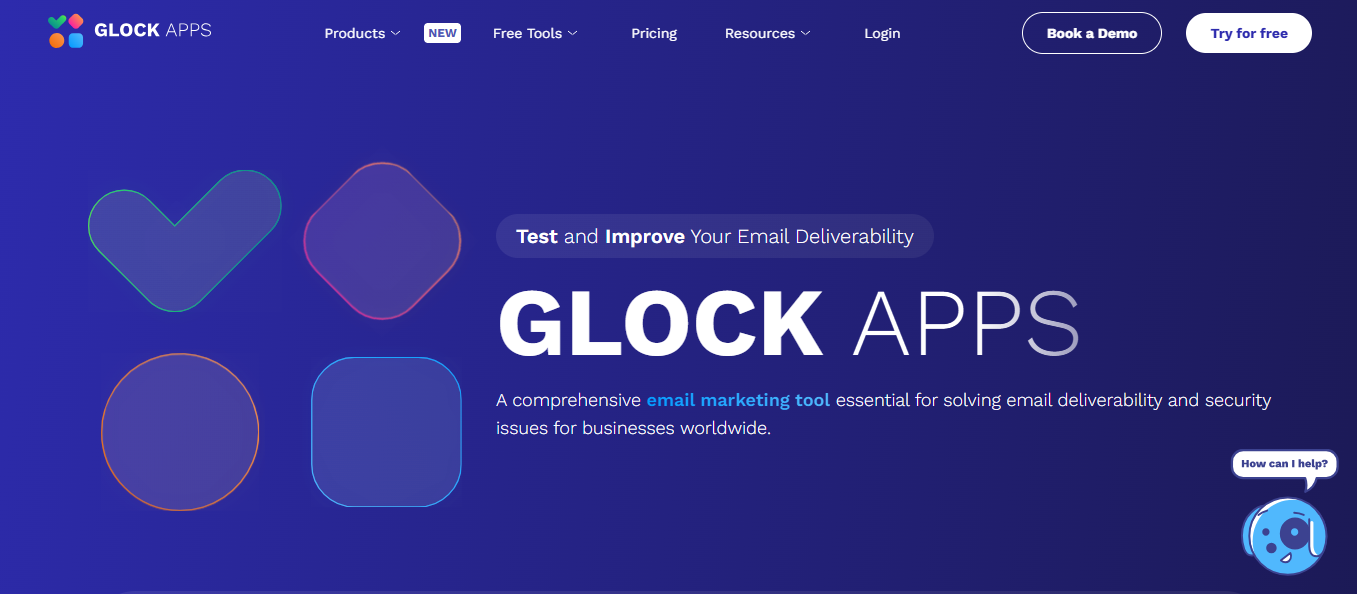
This image shows the GlockApps Homepage
If your agency needs to know where campaigns land across inbox providers, how spam test credits are being consumed, and how DMARC messages look across domains, GlockApps gives you a deeper diagnostic.
The fit is different.
GlockApps is the forensic layer when you need more granular inbox placement and authentication diagnostics.
Choose GlockApps when:
Gmail looks healthy, but Outlook is tanking.
You need provider-by-provider inbox placement reports.
DMARC analytics matter to your deliverability workflow.
You want test credits and monitoring in one diagnostic account.
Skip GlockApps when your core issue is that mailboxes are new, cold, or unmanaged. In that case, start with Warmforge. You cannot diagnose your way around mailboxes that were never warmed.
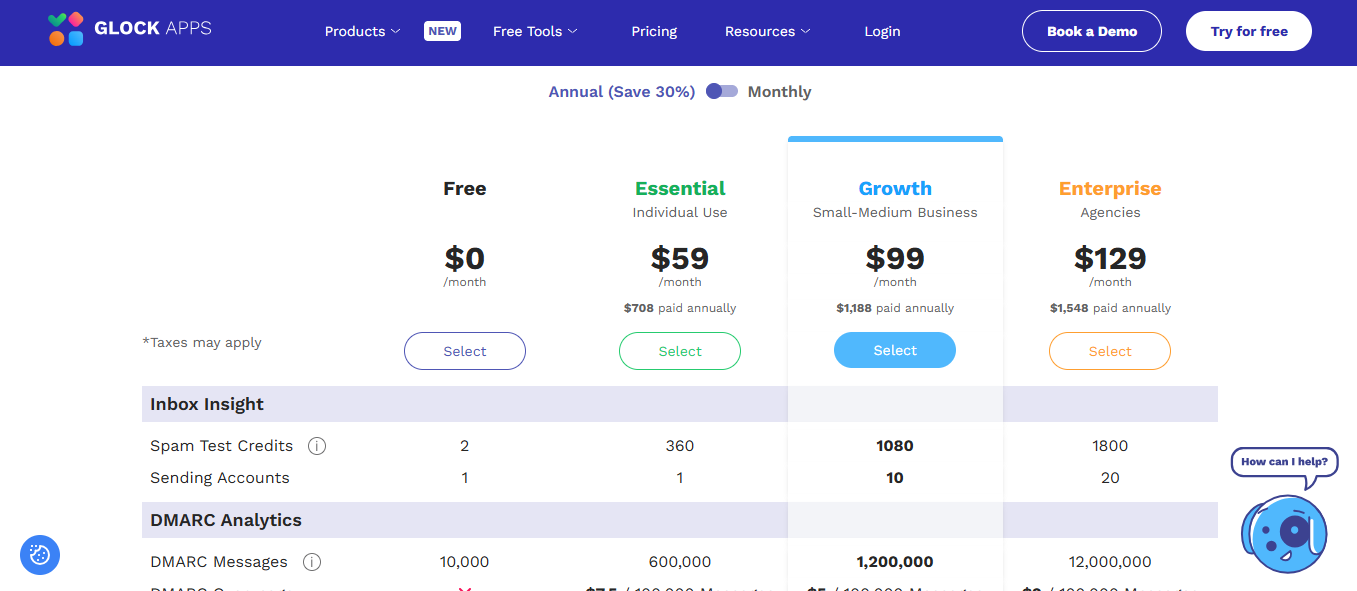
GlockApps Pricing
This image shows the GlockApps Pricing
Free: $0. 2 spam test credits included
Essential: $59/month. 360 spam test credits
Growth: $99/month. 1,080 spam test credits
Enterprise: $129/month. 1,800 spam test credits
DMARC message allowances and uptime/IP reputation monitors are included by tier
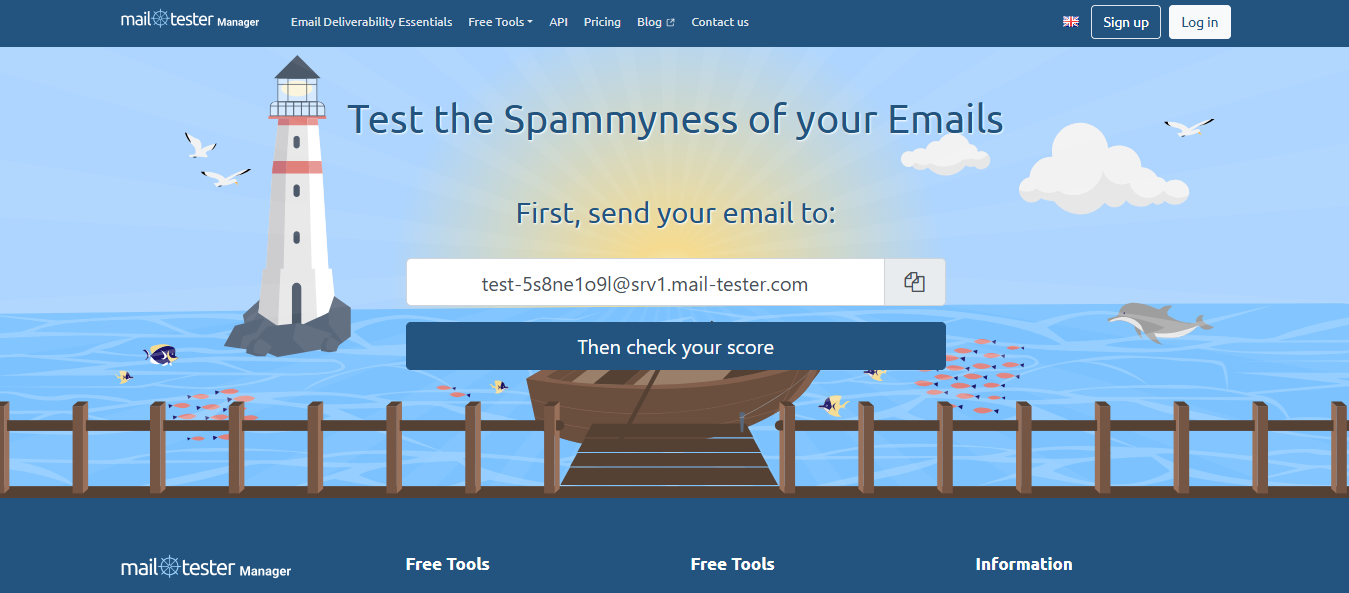
3. Mail-Tester: Best free check before a small send
This image shows the Mail-Tester Homepage
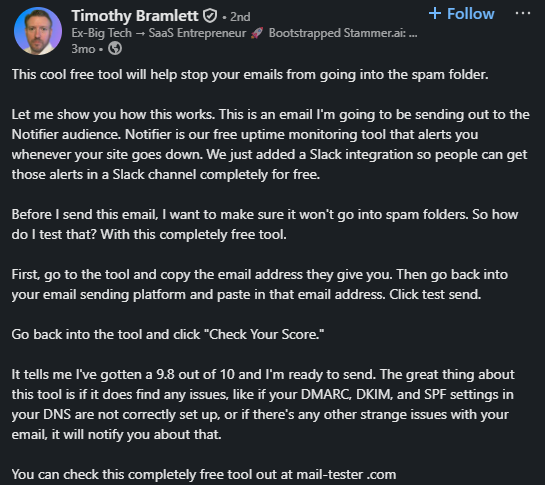
Mail-Tester is the tool I would use before sending a small cold email test from a mailbox I already trust.
The workflow is simple: send an email to the generated Mail-Tester address and get a spammyness score plus authentication checks. The site also links to free SPF, DKIM, DMARC, BIMI, and DNS utilities.
You can inspect content, automate tests through an API, check spam score, validate HTML/CSS, and share test emails with teammates without sending real messages to customers.
That is exactly how developer email testing should work.
It is not the same job as cold email deliverability.
Mailtrap wins when:
Your app sends password resets, invoices, alerts, or onboarding emails.
QA needs to test email flows without hitting real inboxes.
Developers need SMTP/API capture in staging.
You want HTML/CSS and spam checks inside a test environment.
Warmforge wins when:
You are warming outbound mailboxes.
You need placement tests from Google or Microsoft inboxes.
You care about cold email sender reputation.
You are preparing a real sequence for prospects.
Different problem.
Different tool.
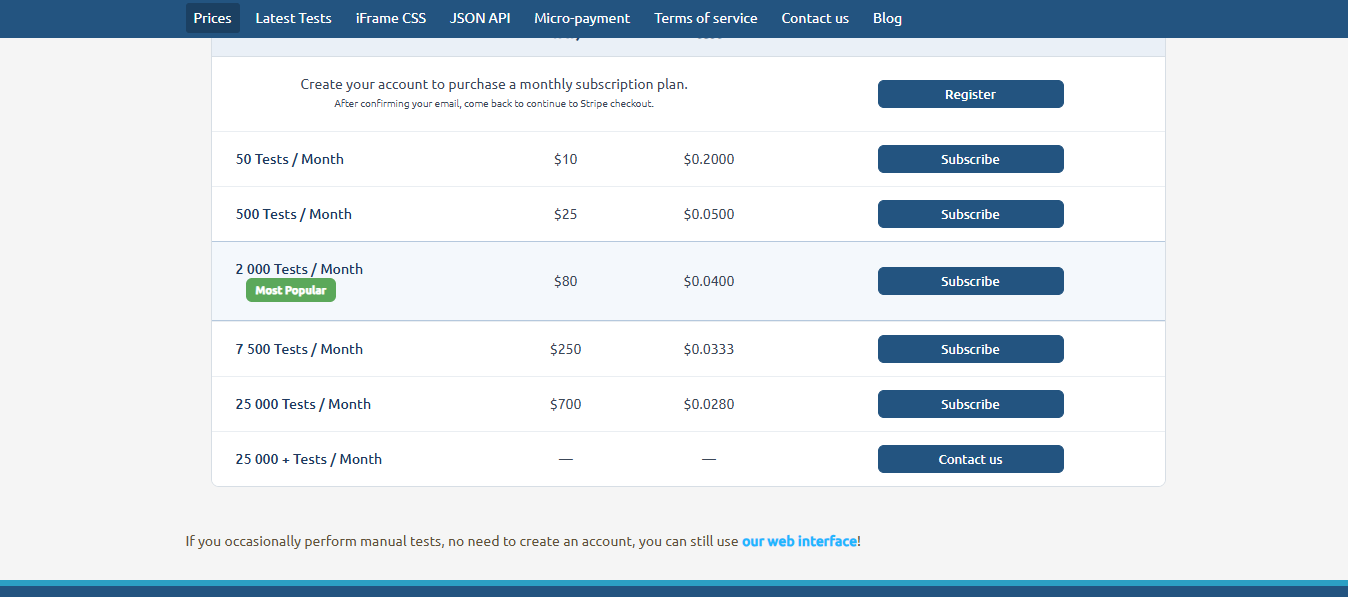
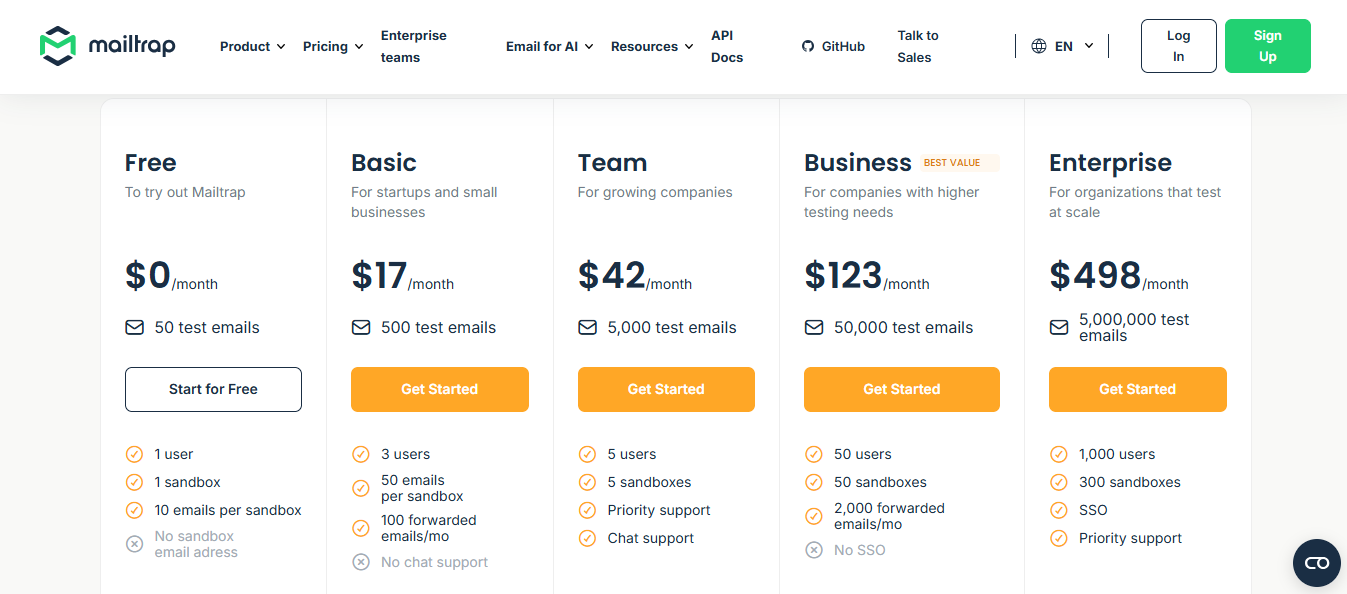
Mailtrap Email Sandbox Pricing
This image shows the Mailtrap Pricing
Free plan available
Basic: $17/month or $14/month (annual)
Team: $42/month or $34/month (annual)
Business: $123/month or $99/month (annual)
Enterprise: $498/month or $399/month (annual)
5. Email on Acid: Best for rendering QA and pre-deployment checks
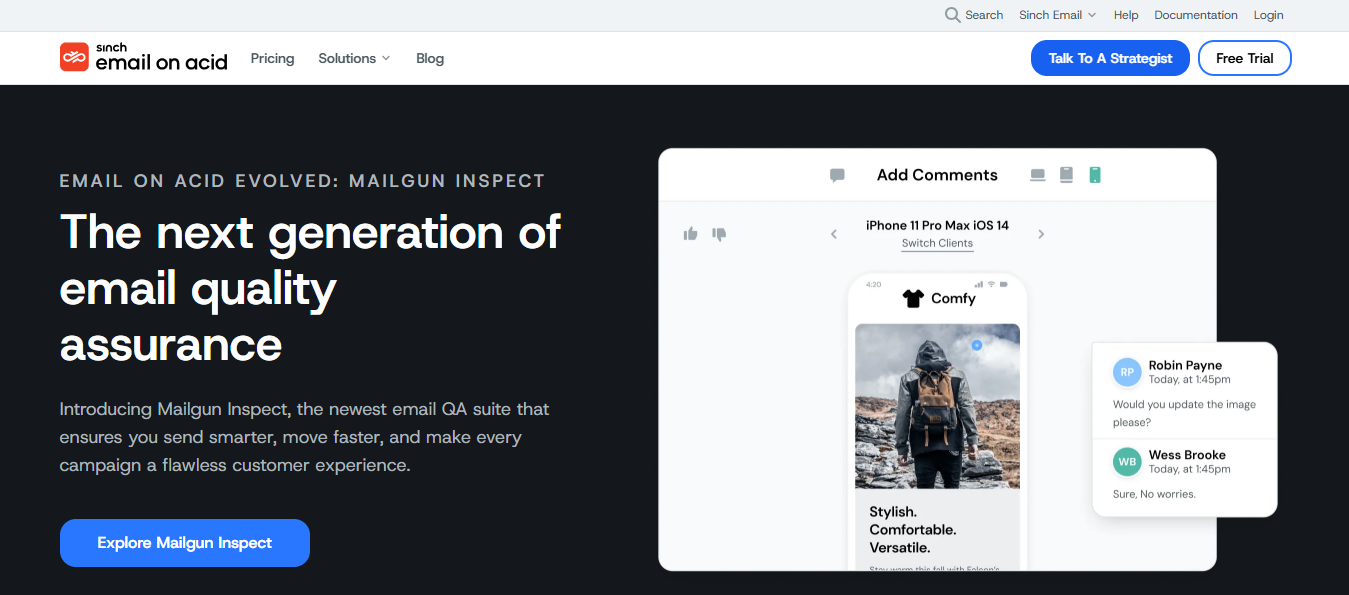
This image shows the Email On Acid Homepage
Email on Acid belongs in this list because rendering can still hurt performance.
If your email breaks in Outlook, a link fails, an image loads badly, or accessibility checks fail, you need a pre-deployment QA tool.
Email on Acid, now moving into Mailgun Inspect, covers previews across 100+ clients and devices, link validation, image validation, accessibility checks, HTML code analysis, and spam content checks.
Choose Email on Acid when:
You send designed newsletters or lifecycle emails.
Rendering across clients is the risk.
Links, images, and accessibility need QA before deployment.
The team has enough email volume or design complexity to justify preview credits.
Do not choose it as your first cold email deliverability tool.
Cold emails should be simple. Mostly text. Low image weight. Clear ask. If your cold email operation is failing, the first suspect is usually not whether your HTML renders in 100 clients.
It is mailbox reputation, authentication, list quality, sending volume, or message relevance.
Email on Acid Pricing
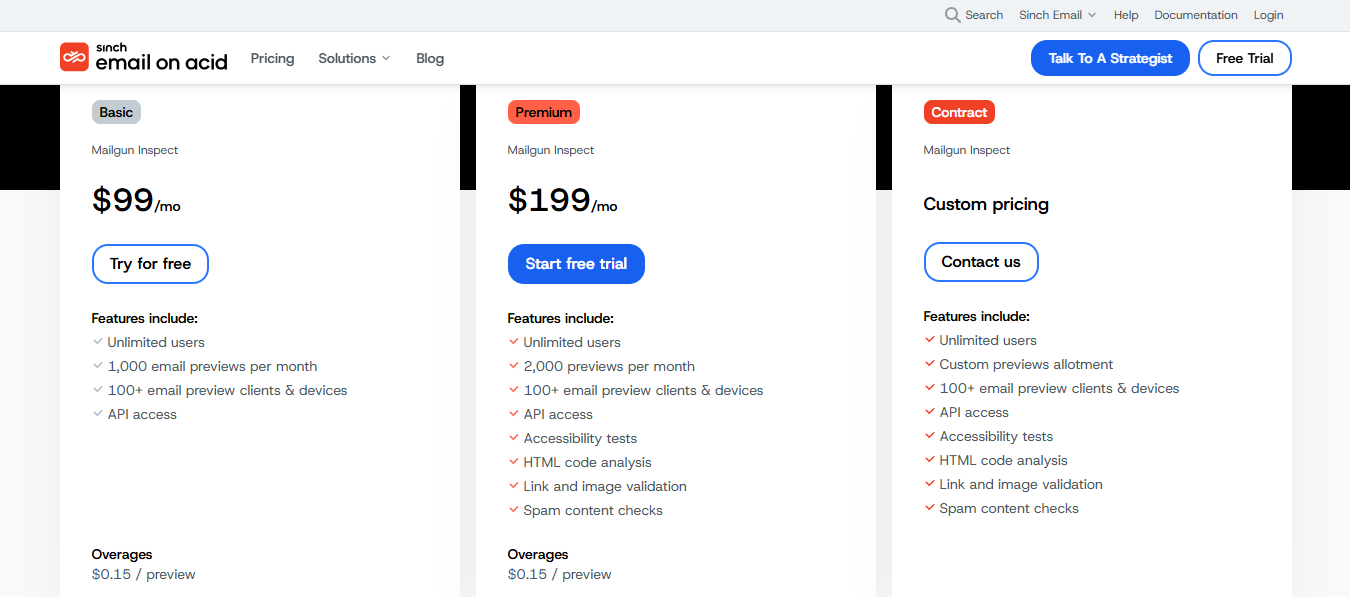
This image shows the Email On Acid Pricing
Now transitioning to Mailgun Inspect from June 2026
Basic: $99/month. 1,000 previews/month
Premium: $199/month. 2,000 previews/month
Contract: custom pricing available
6. MxToolbox: Best for DNS, MX, and blacklist diagnosis
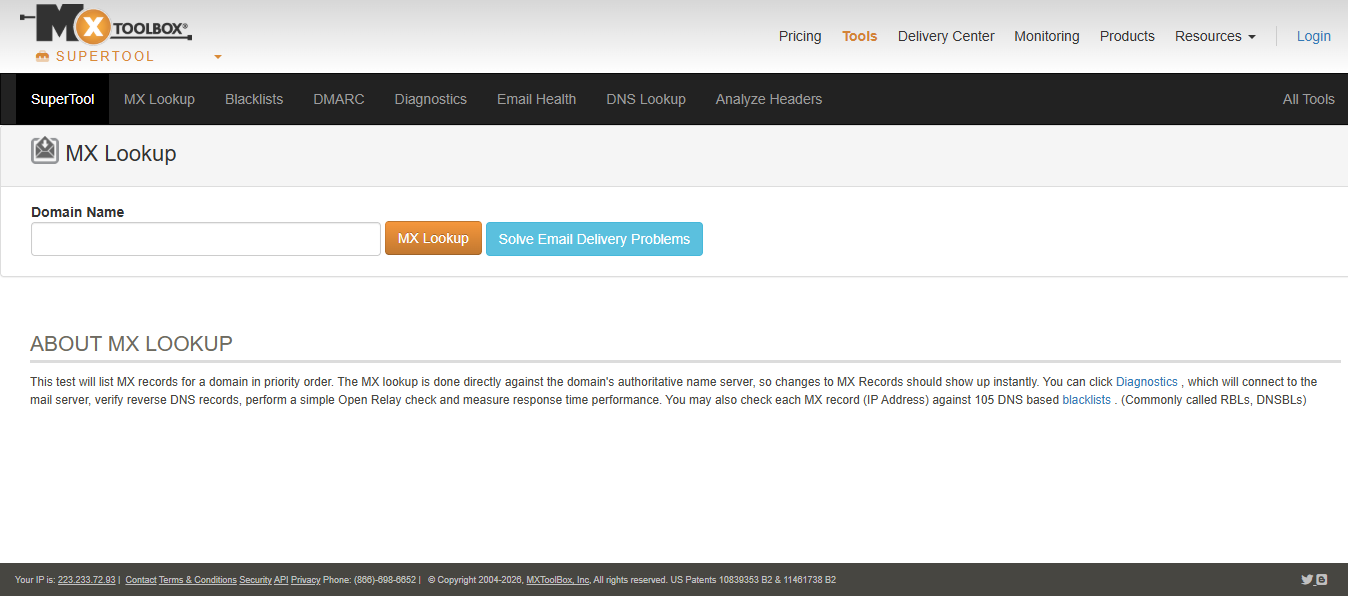
This image shows the MxToolbox Homepage
MxToolbox is the tool to open when the infrastructure looks wrong.
Not the copy.
Not the sequence.
The infrastructure.
MxToolbox gives you MX lookup, DNS checks, reverse DNS, SMTP diagnostics, blacklist checks, and DMARC tools. Its blacklist check tests a mail server IP address against 100+ DNS-based email blacklists.
Its DMARC checker parses the domain’s DMARC record and runs diagnostic checks.
That is useful because cold email teams often misread infrastructure issues as copy issues.
A RevOps owner sees replies drop and asks for a new subject line. The real issue is a broken DNS record or a domain/IP showing up on a blacklist.
You need a fast infrastructure check before blaming the campaign.
Avoid it when:
You need warmup behavior.
You need inbox placement across providers.
You need content QA.
You need list validation.
MxToolbox is a diagnostic workbench. It tells you where infrastructure is broken. It does not warm the mailbox, repair your list, or rotate sending volume.
MxToolbox Pricing
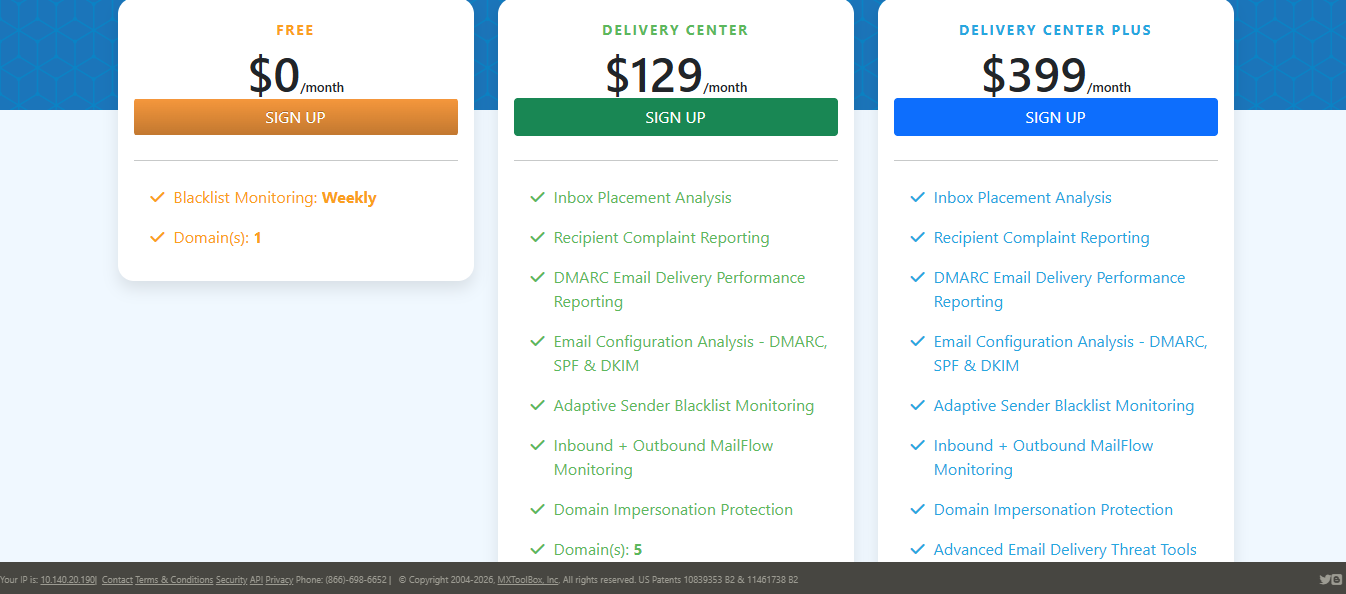
This image shows the MxToolbox Pricing
Free lookups available for MX, DNS, blacklist, and DMARC checks
Paid monitoring plans available
Blacklist check tests a mail server IP against 100+ DNS-based blacklists at no cost
7. ZeroBounce: Best when list quality is causing bounces and reputation risk
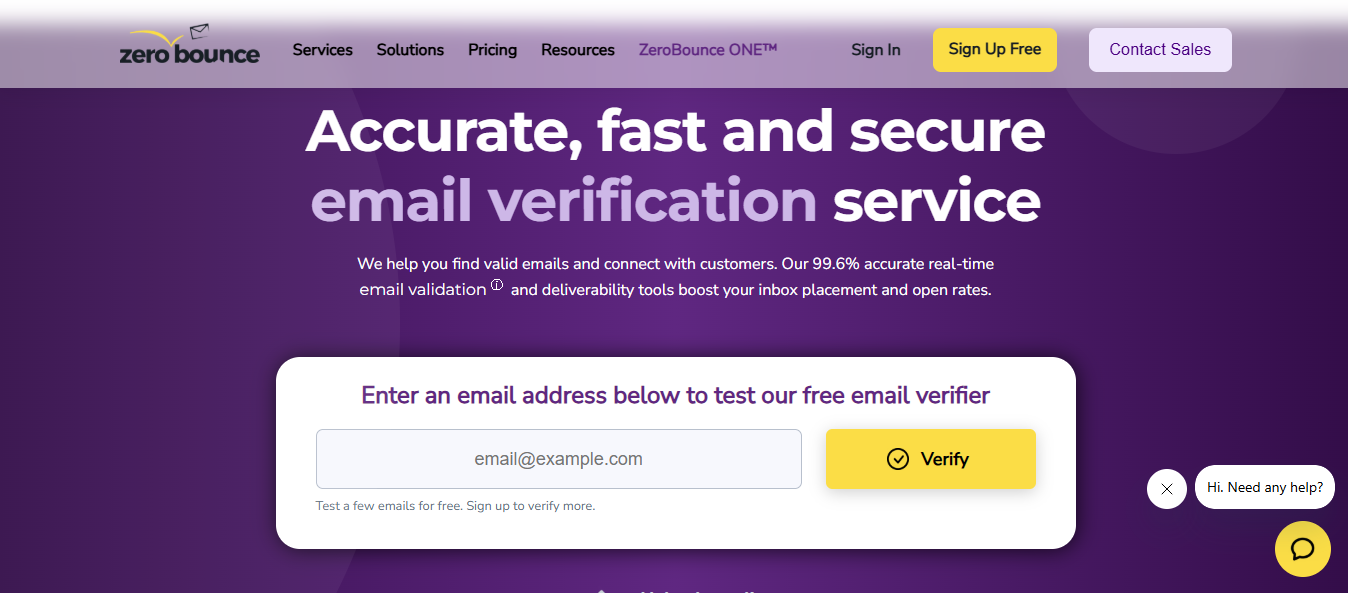
This image shows the ZeroBounce Homepage
ZeroBounce is the pick when the sending infrastructure is fine, but the contact list is dangerous.
Bad contacts create bounces. Bounces damage the sender's reputation. Sender reputation drags inbox placement down. Then the sales folks blame the warmup tool.
Do not do that.
Clean the list before you send.
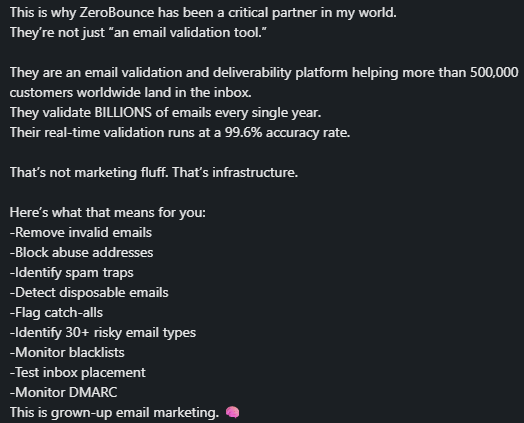
ZeroBounce focuses on email validation, scoring, inbox placement tests, email server tests, and blacklist monitoring.
ZeroBounce also states that its inbox placement test checks where a campaign lands across 20+ providers and related spam engines. Its own guidance ties bounce rate and invalid addresses to sender reputation risk.
Choose ZeroBounce when:
Your bounce rate is climbing.
Your source data is old, scraped, or poorly enriched.
You are not sure whether contacts are valid.
You need validation before warming and sending from new mailboxes.
Choose Warmforge instead when:
Your contacts are clean, but mailboxes are cold.
You need an ongoing warmup.
You need mailbox health monitoring.
You need monthly placement tests tied to outbound mailboxes.
List quality first if the list is dirty.
Warmup first if the mailboxes are not ready.
ZeroBounce Pricing
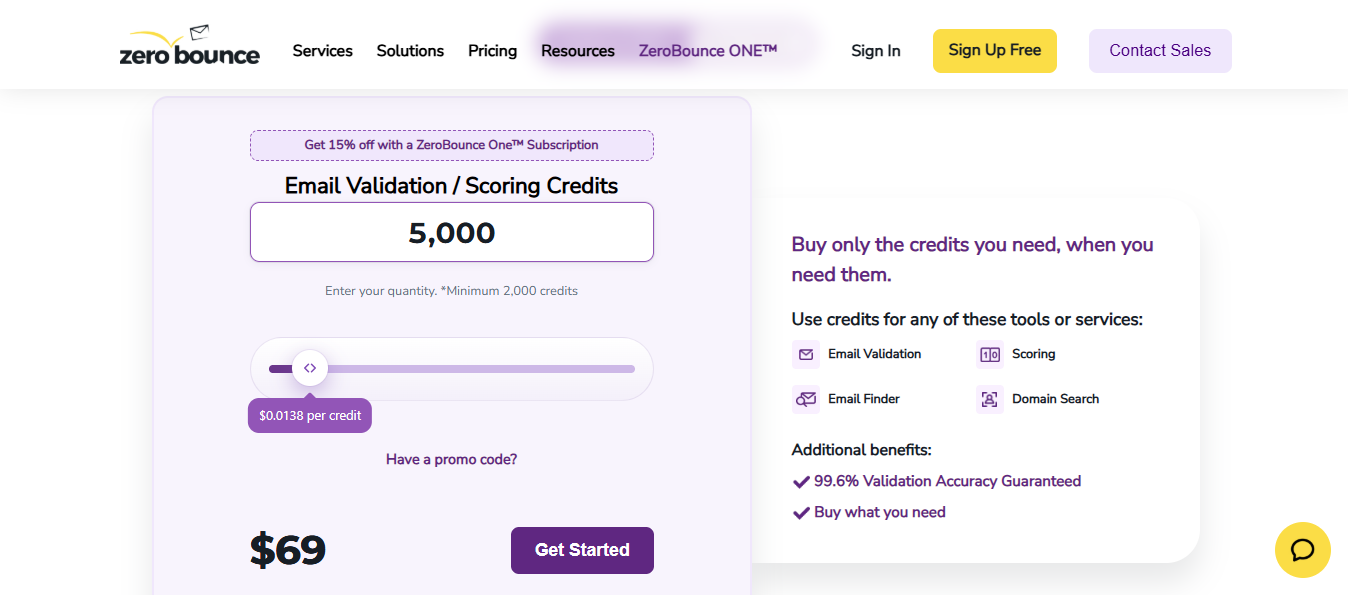
This image shows the ZeroBounce Pricing
Free account: 100 validation credits/month, 1 inbox test, 1 email server test, and 1 blacklist monitor
Pay-as-you-go: minimum 2,000 credits at $0.0138 per credit, displayed as $69
Personalized Outbound Strategy
Get The Right Outbound Strategy In Minutes
Enter your email to get a custom plan & stack recommendation for your
business
It's being carefully crafted by AI
Please check your mailbox in 5 minutes
Conclusion: How to choose the right email testing tool for your cold email workflow
Every cold email problem starts somewhere specific.
If the mailbox is cold, Warmforge is where you start
If placement is broken by the provider, GlockApps gives you the diagnostic depth to see why
If infrastructure is the issue, MxToolbox tells you where before you touch anything else
If the list is dirty, ZeroBounce cleans it before the sending begins
If rendering is the risk, Email on Acid catches it before deployment
If app emails need QA, Mailtrap keeps test traffic contained
If you need a quick pre-send check, Mail-Tester takes five minutes.