You run your email through Mail-Tester and get a 9 out of 10.
Authentication checks pass. The content looks clean. Nothing seems wrong.
So you launch the campaign feeling pretty confident.
A few days later, you check the results and realize something isn't adding up. Open rates are lower than expected, replies are almost nonexistent, and after a bit of digging, you discover that a large chunk of your emails ended up in Gmail's spam folder.
If you've ever been in that situation, you're not alone.
A high Mail-Tester score and strong inbox placement are not the same thing. In fact, deliverability benchmarks consistently show that emails can score well in Mail-Tester and still struggle to reach the primary inbox.
The reason is simple: Mail-Tester only tells part of the story.
At its core, the tool checks your email against SpamAssassin, an open-source spam filter. But Gmail, Outlook, and Yahoo don't rely on SpamAssassin to decide where your emails go. They use their own filtering systems, reputation signals, and engagement data.
That means a clean Mail-Tester report doesn't necessarily mean you're inbox-ready.
It also doesn't tell you where your emails are actually landing, how your domain reputation is trending, or what to do when deliverability starts slipping.
I ran into this exact problem while working on [INSERT: campaign detail]. Everything looked healthy inside Mail-Tester, but inbox placement told a very different story.
That's what sent me looking for alternatives.
After testing several tools across real cold email infrastructure, I found options that go far beyond a basic spam score. Some help you understand why deliverability issues are happening. Others help prevent them before you hit send.
Let's take a look.
Each tool below fills a specific gap that Mail-Tester leaves open.
I tested them on live sending infrastructure to see how they actually perform, not just what the feature page promises.
If you are running cold email at any real volume, inbox placement data matters more than a content score.
And if your sender reputation is weak, no amount of spam score optimization will put your emails in the primary tab. These are the tools that go beyond diagnosis.
Best For: Cold email teams that need to build sender reputation and monitor inbox placement across real ESPs, not just check a spam score.
The best Mail-Tester alternative on this list is Warmforge, and it comes down to one fundamental difference.
Mail-Tester helps you tell if your email is spammy or not.
It runs your content against SpamAssassin, checks your authentication records, and gives you a score.
But it never sends your email to a real Gmail inbox, a real Outlook account, or a real Yahoo mailbox to see what actually happens.
Warmforge does that test in real inboxes across actual ESPs, then gives you actionable data to improve the result.
It runs placement tests that show exactly where your email landed: Primary, Promotions, or Spam, broken down by provider. That is a completely different type of data from a SpamAssassin score. You are seeing what Gmail actually did with your message, not what a single filter predicted.
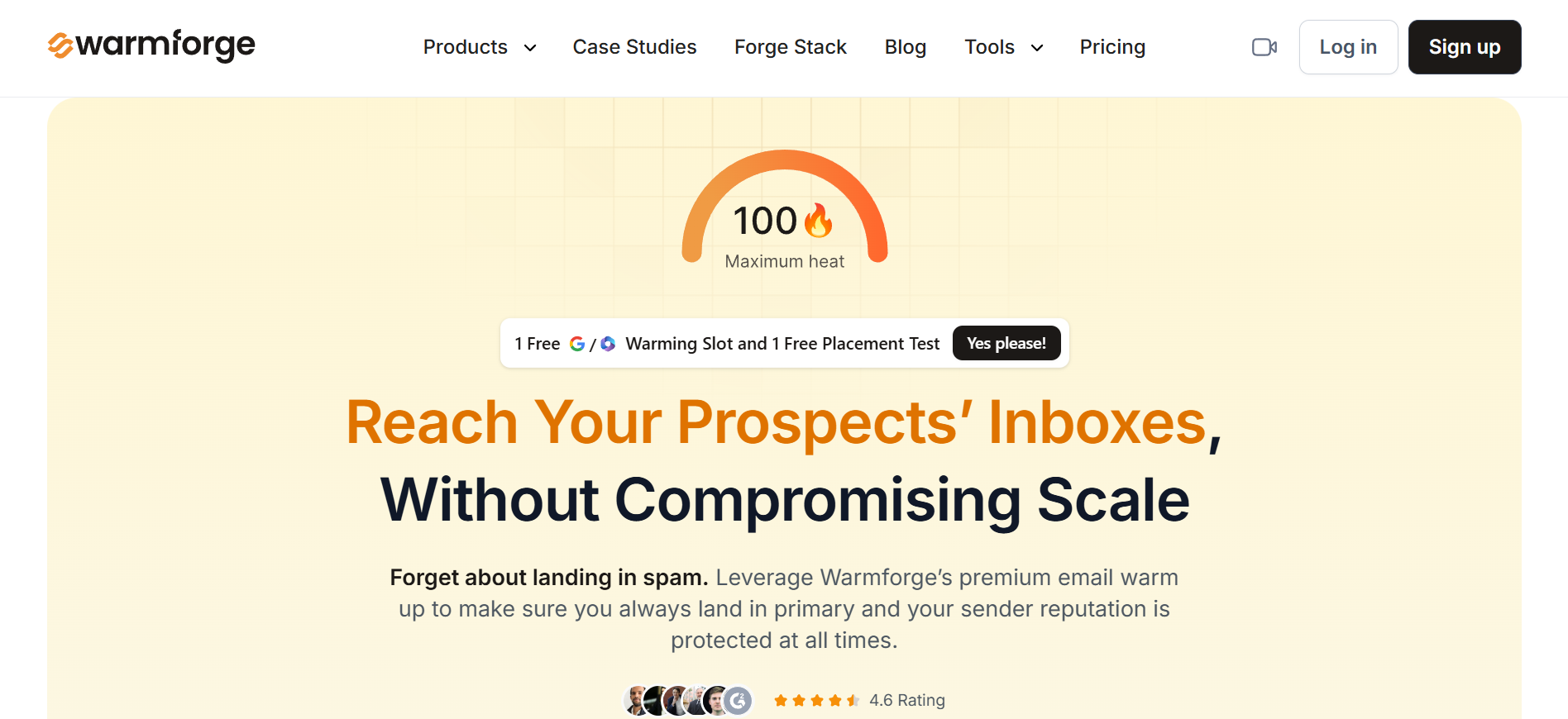
The platform also handles the other half of the deliverability equation that Mail-Tester cannot touch: sender reputation.
Warmforge automatically warms up your mailboxes by sending AI-written emails from your accounts to a network of aged Google Workspace and Microsoft 365 accounts. It builds your reputation with ESPs before you ever send a prospecting email.
Every mailbox gets a Heat Score from 0 to 100. I found that mailboxes scoring above 85 consistently hit Primary on Gmail and Inbox on Outlook. That single number gave me a clearer read on mailbox readiness than any Mail-Tester score I have seen.
On the monitoring side, Warmforge runs automated DNS health checks for SPF, DKIM, and DMARC.
It watches blacklist status continuously and alerts you if something changes. Where Mail-Tester gives you a one-time snapshot, Warmforge gives you an ongoing baseline you can track week over week.
The warm-up pool quality is worth calling out too. It is built exclusively from aged Google Workspace and Microsoft 365 accounts. No recycled inboxes. No low-quality addresses dragging your reputation in the wrong direction.
Warmforge recommends a 14-day warm-up window before you start sending to prospects. That wait time is real. But once those two weeks pass, the placement results speak for themselves.
Pros
Cons
Pricing
Best For: Email teams that need detailed inbox vs. spam data across every major provider, with DMARC analytics and infrastructure monitoring on top.
A solid alternative to Mail-Tester for anyone who needs advanced deliverability analysis is GlockApps.
Mail-Tester checks your email against one spam filter. GlockApps tests against three at once: SpamAssassin, Google Spam Filter, and Barracuda. It also sends your email to 115 real seed addresses across Gmail, Yahoo, AOL, and Outlook to show where you land at each provider.
That seed address approach is what separates GlockApps from a simple spam score tool. I could see exactly which ISPs were routing me to spam and which delivered to inbox. Mail-Tester never provides that kind of provider-level breakdown.
GlockApps also includes a full DMARC analytics platform with daily reports, real-time alerts, and support for unlimited domains. There is uptime monitoring for your email infrastructure and a Google Postmaster Tool integration for tracking Gmail-specific reputation metrics.
For agencies managing multiple client accounts, the multi-user support, white-label PDF reporting, and project folder management through the API add real operational value.
The trade-off is complexity. GlockApps surfaces a lot of data.
For teams that just want a simple inbox-or-spam answer, the learning curve can feel steep initially.
It is also worth noting that GlockApps is purely a diagnostic tool.
It tells you where your emails land, but it does not actively warm up your mailboxes or build a reputation the way dedicated warm-up tools do.
Pros
Cons
Pricing
Best For: Marketing teams and agencies that care about how emails render across devices, not just whether they pass a spam filter.
Another Mail-Tester competitor worth looking at is Unspam, especially if email design and accessibility matter to your team.
Unspam still checks spam scores and authentication the way Mail-Tester does. But it adds three capabilities no other tool on this list offers: AI eye-tracking heatmaps, multi-device rendering previews, and WCAG 2.2 accessibility audits.
The heatmap feature predicts where subscribers will focus when they open your email. It is AI-generated (not real eye tracking), but it gave me a useful signal on whether my CTA placement and content hierarchy were working as intended.
Rendering previews show how your email displays on desktop, laptop, and mobile across different clients. That includes dark mode behavior on Apple Mail, which trips up more emails than most senders realize.
The accessibility audit checks color contrast, alt text, tap target sizes, heading order, and link text quality against WCAG 2.2 AA standards.
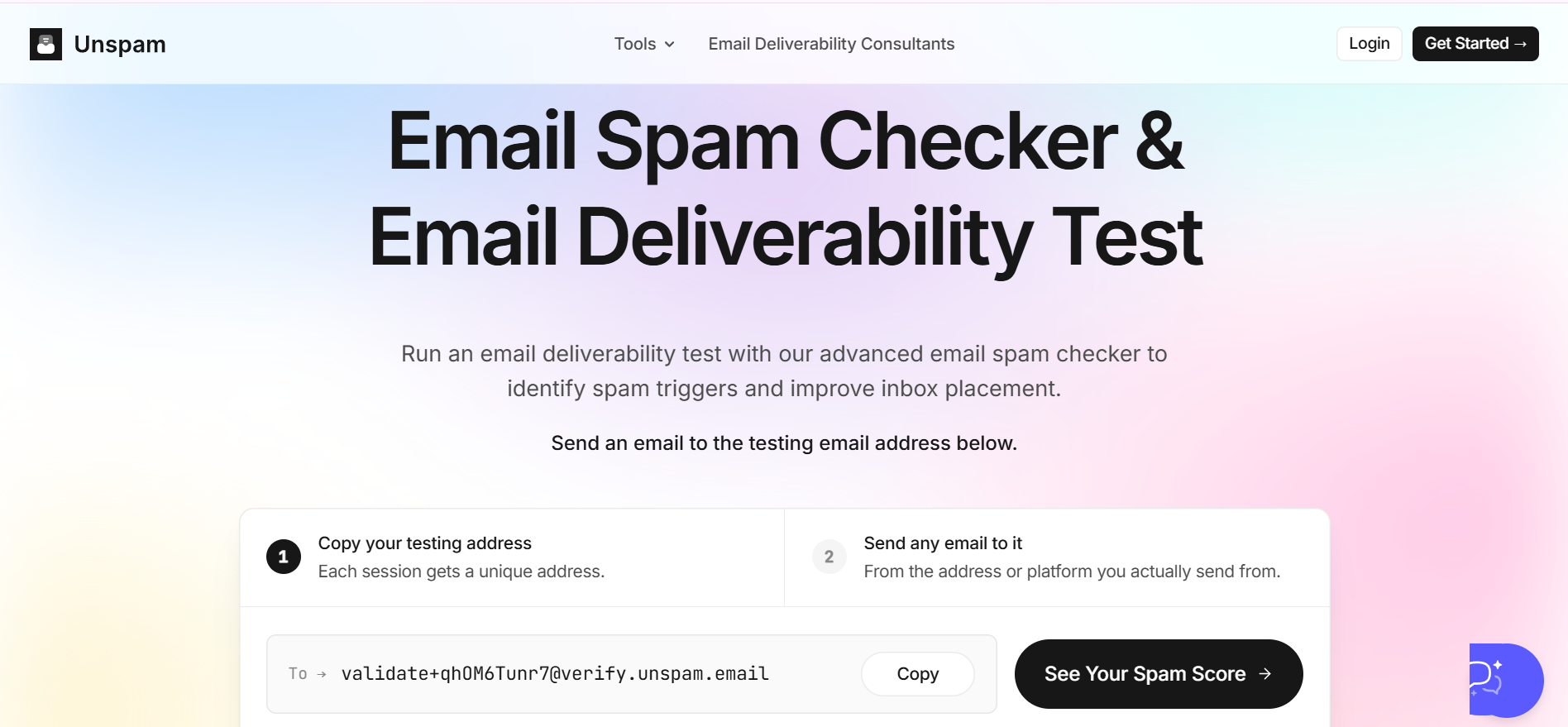
For inbox placement, Unspam tests across six providers: Gmail, Outlook, Yahoo, Zoho, ProtonMail, and AOL. Not as deep as GlockApps, but enough to catch provider-specific issues. The Autopilot feature schedules recurring placement tests and graphs trends over time, so you are not running manual checks every week.
At $9 per month for the Basic plan, Unspam is the most affordable paid Mail-Tester alternative on this list. The free tier is generous too: 10 spam tests, 10 previews, 10 heatmaps, and 3 inbox placement tests per month.
Pros
Cons
Pricing
Best For: Senders who want deliverability guidance alongside their test results, plus the ability to audit competitor emails.
If you are looking for a Mail-Tester competitor that adds an advisory layer on top of the standard spam check, MailGenius fits that role.
On the surface, it works just like Mail-Tester. You send an email to a generated address and get back a diagnostic report. The difference shows up in the paid tiers.
The Beginner plan includes an AI Email Deliverability Consultant that answers questions about your specific results and suggests targeted fixes. There is also AI Copywriting Analysis that reviews your email body and rewrites sections likely to trigger spam filters.
The Genius plan unlocks something I have not seen on any other tool here. You can test emails sent by competitors or prospective clients.
For agencies, that means you can audit a prospect's email setup before the first discovery call.
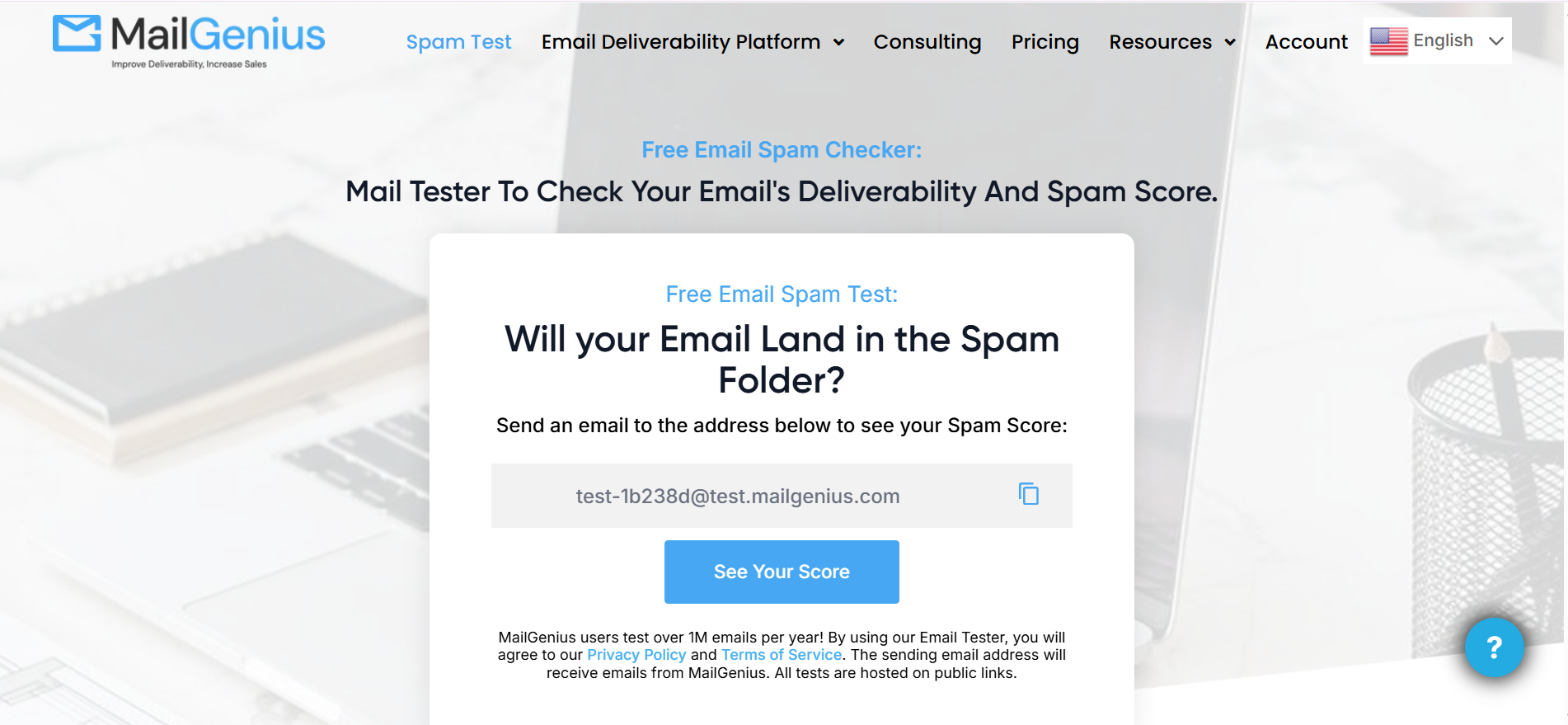
The top-tier Automatic Testing plan removes manual effort entirely. It monitors every email you send, runs checks in the background, and includes automatic blacklist alerts for unlimited domains.
The gap here is inbox placement. MailGenius tells you if your email is likely to hit spam based on content and authentication signals. But it does not send to real seed addresses across providers the way GlockApps or Warmforge do. You get predictions, not confirmed placement data.
Pros
Cons
Pricing
Mail-Tester does one thing and it does it fast. But if deliverability is costing you replies, a single SpamAssassin score is not enough to act on.
For cold email teams running outbound at any real volume, I would start with Warmforge.
But if I had to choose one Mail-Tester alternative to start with, it would be Warmforge.
Sign up and get 1 free warming slot plus 1 free placement test to see where your mailboxes actually stand.
All four tools on this list offer some level of free access. GlockApps gives 2 spam tests per month on its free plan. Unspam offers 10 spam tests, 10 previews, and 3 inbox placement tests. MailGenius has a free basic test with no signup needed. Warmforge includes 1 free warming slot and 1 free placement test on your first workspace.
Warmforge is the strongest pick for cold email. It is the only tool here that actively warms up your mailboxes to build sender reputation before you send. That directly improves inbox placement, which is the metric that actually drives replies.
No. Mail-Tester checks your email against a default SpamAssassin install and returns a score out of 10. It does not show whether your email landed in the inbox, Promotions tab, or spam folder on Gmail, Outlook, or any other provider. GlockApps (115 seed addresses), Unspam (6 providers), and Warmforge (per-mailbox placement tests) all fill that gap.
They solve different problems, so running both makes sense. Mail-Tester gives you a quick pre-send content and authentication check. Warmforge builds sender reputation through active warm-up and monitors your mailbox health over time. Together, they cover diagnosis and active improvement.
Unspam starts at $9 per month for the Basic plan. That includes 50 spam tests, 50 previews, 10 heatmaps, and 10 inbox placement tests. It is the lowest paid entry point among all the tools on this list.
A high Mail-Tester score means your content and authentication look clean. It says nothing about your sender reputation. If you are sending cold emails from new or underused mailboxes, those mailboxes have no reputation at all. Warm-up builds that foundation so your emails actually reach the inbox, regardless of what your spam score says.

