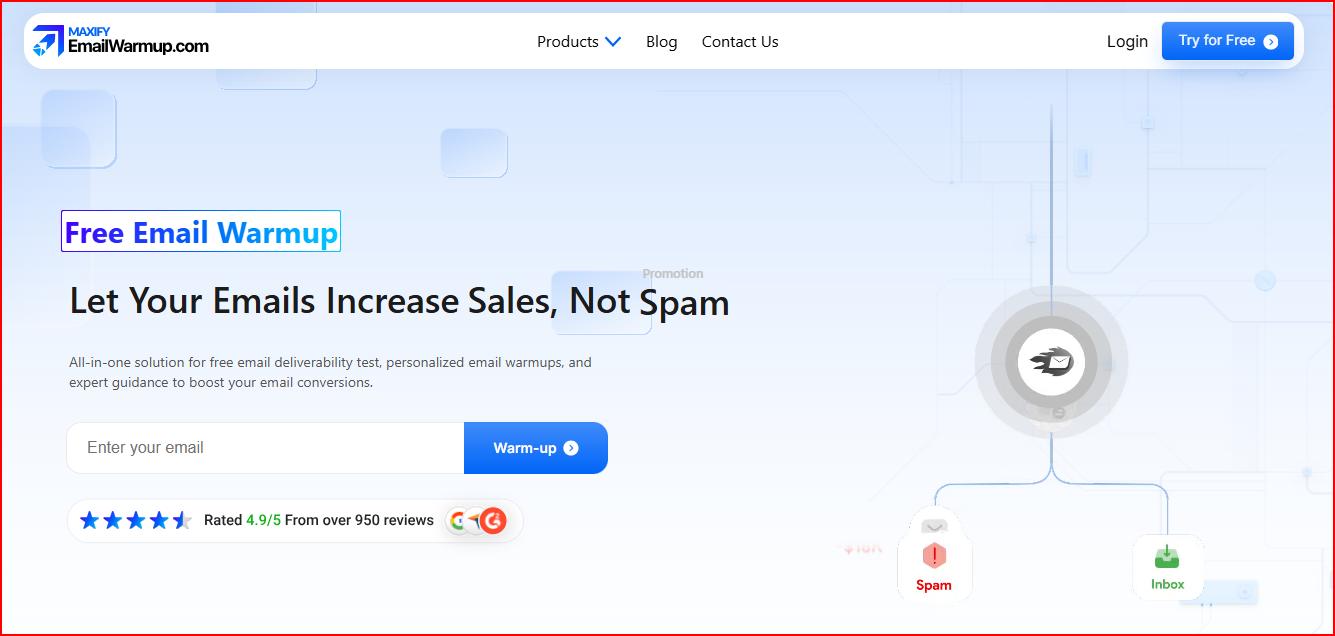
If you’re looking at EmailWarmup.com, you probably want a warmup tool that helps your emails reach the inbox in a more reliable way.
It uses personalized warmups, real-time deliverability checks, and consultant support to help you understand what’s happening with your emails and how to improve them.
Before you decide to use it, it’s important to know how all of this actually works.
In this review, I’ll walk you through what EmailWarmup.com offers, how the warmup process runs, and what you can expect once you start using it.
Key Takeaways
EmailWarmup.com is a warmup and deliverability tool that follows your real sending style to help your emails land in the inbox.
It’s designed mainly for marketing teams and ongoing email flows, not high-volume cold email or large outbound setups.
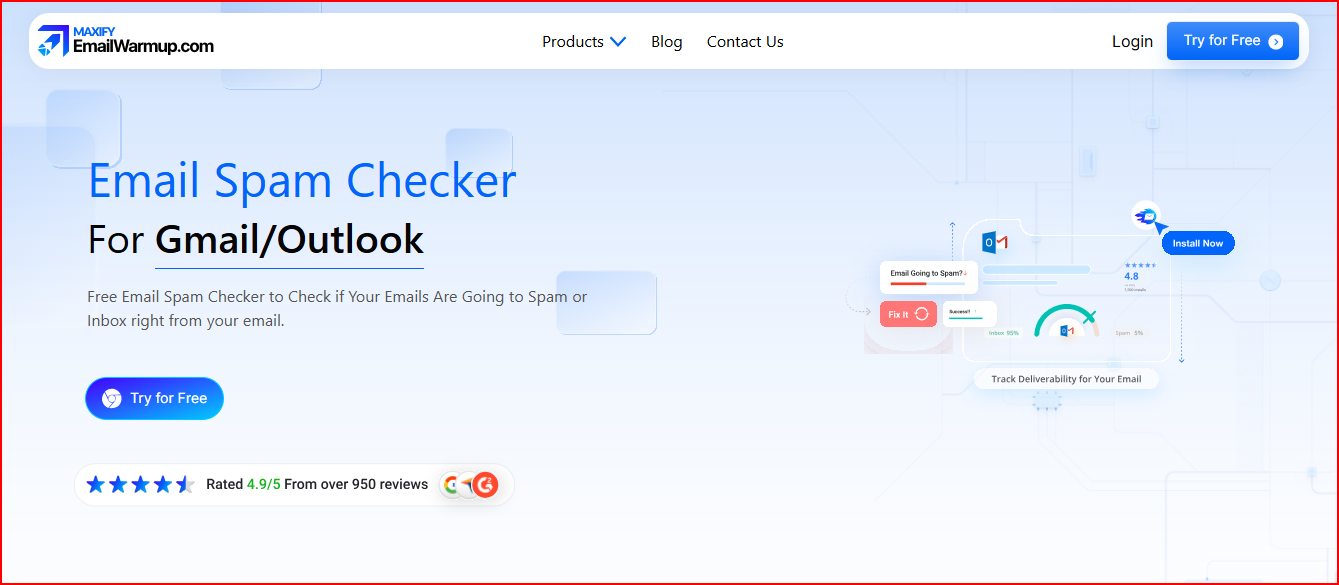
The spam-checker extension gives quick deliverability insights directly inside Gmail and Outlook, which makes monitoring simple.
Unlimited consultations are helpful for users who want guided support when fixing domain issues or improving their email strategy.
It’s a good fit if you prefer a warmup process that includes personal guidance rather than full automation.
And if you ever need a tool built more for automated warmup and cold outreach workflows, Warmforge is a strong alternative to consider.
Here’s a simple look at what EmailWarmup.com does well and where it may feel limiting.
Pros
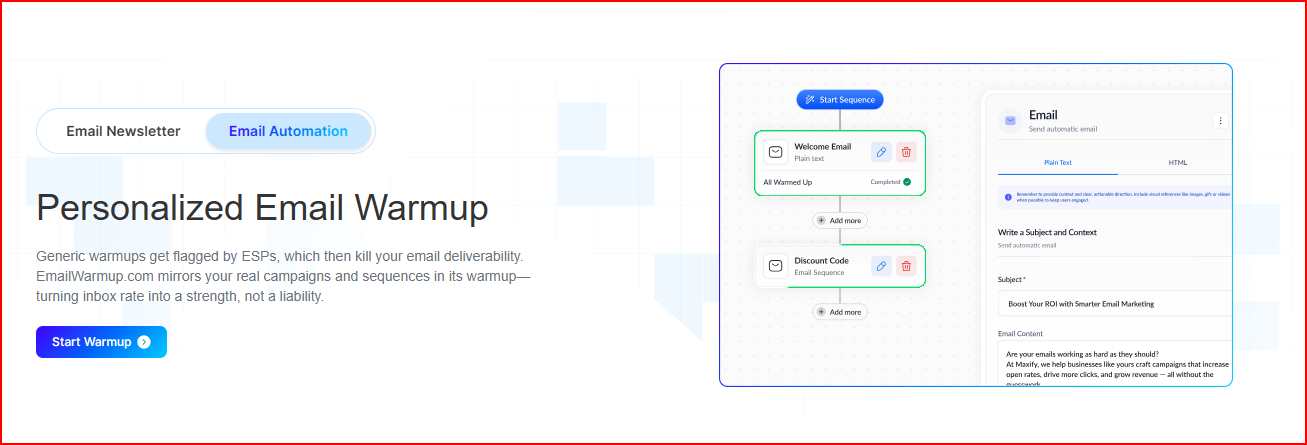
Warmup activity copies your real campaigns, not random messages. It avoids the repetitive warmup patterns that ESPs often flag.
You can see deliverability inside Gmail and Outlook The spam checker extension gives you instant visibility while you’re checking email, without opening the dashboard.
Unlimited deliverability consultations act like ongoing support This is useful for users who don’t know how to fix inbox issues themselves and need someone to walk them through it.
Unlimited email marketing consultations help improve performance beyond warm-up The platform doesn’t stop at deliverability; it reviews your flows and campaigns for better conversions, which is a specific added service.
Free Forever plan includes an actual warmup, not just testing The free plans include one mailbox warmup and unlimited tests, which is a very practical free tier.
The platform shows real user outcomes It highlights specific improvements like higher open rates, CTR boosts, and better deliverability from teams using the tool.
Cons
Warmup depends on your existing campaigns, so it may not be as helpful for users who don’t already have active sending patterns to mirror.
Much of the value comes from consultant support, which can feel slower for users who prefer a fully automated warmup tool.
The platform leans more toward email marketing use cases, making it less aligned with high-volume cold outreach teams who need a different type of warmup.
The spam checker only works through a Chrome extension, so users outside Gmail or Outlook on Chrome won’t get the same deliverability visibility.
The hands-on model may feel too manual for advanced senders, especially those who want a fast, self-serve warm-up without needing guidance.
The free plan is limited to one mailbox, which restricts proper testing for teams or agencies managing several inboxes.
Performance examples combine warmup with consulting help, so it’s hard to see how much improvement comes from the tool itself versus the strategic guidance.
Warmforge: A Stronger Alternative to EmailWarmup.com for Safe Scaling and Transparency
Warmforge is an email warmup tool that uses AI-written warmup messages, placement tests, and constant health checks to keep your mailbox safe and landing in the inbox.
It focuses on fixing deliverability automatically, without needing long consultant calls or manual work.
Here’s why Warmforge stands out compared to EmailWarmup.com:
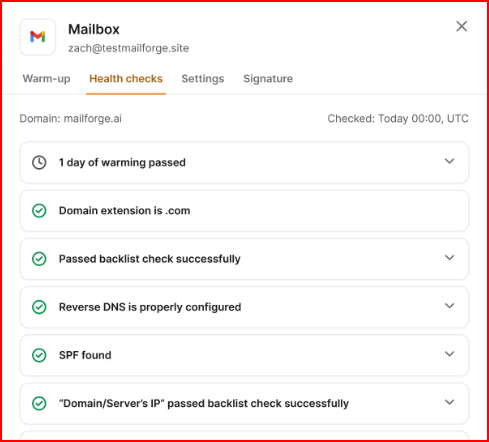
Warmforge checks your DNS, MX records, blacklists, and domain health, so you know immediately if something is hurting your deliverability.
This image shows the Warmforge- Monitoring and health check
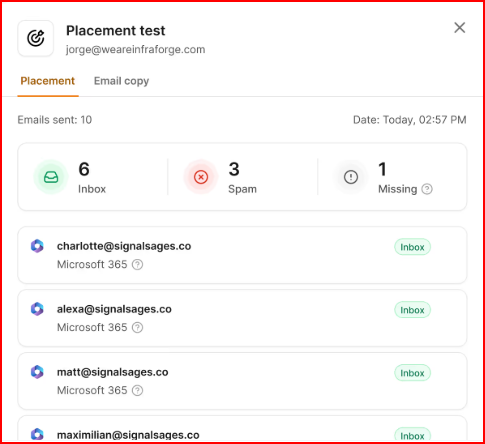
Placement tests show exactly where your emails land, letting you see inbox, promotions, or spam before you send a campaign.
This image shows the Warmforge- Placement test
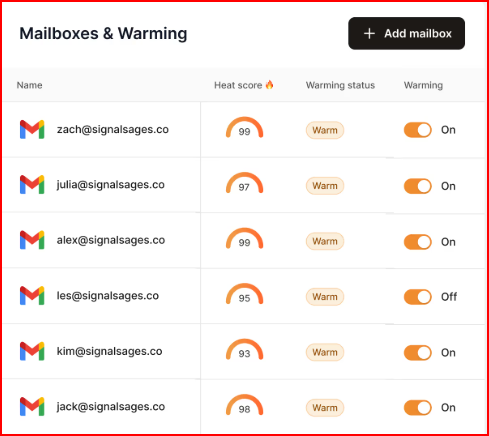
Always-on warmup keeps your mailbox healthy, even when you’re not actively sending.
This image shows the Warmforge- Always on warmup
Warmforge directly helps with common cold-outreach problems, like bad DNS setup, weak domain reputation, sending too many emails, or hitting spam traps.
It’s built for teams and scaling, with support for many mailboxes and CRM integrations.
EmailWarmup.com vs Warmforge:
EmailWarmup.com vs Warmforge — Feature Comparison
Feature / Area
EmailWarmup.com
Warmforge
Warmup Method
Copies your real sending style
Uses AI-written warmup emails for more natural activity
Deliverability Checks
Shows deliverability inside Gmail/Outlook
Full health checks (DNS, MX, blacklists, domain reputation)
Placement Tests
Not highlighted
Built-in placement tests for inbox vs spam
Automation Level
Depends heavily on consultants
Runs automatically with always-on warmup
Focus Area
More focused on email marketing and strategy help
Built for cold outreach and consistent inbox placement
Scalability
Free plan warms only 1 mailbox
Supports many mailboxes and multi-channel outreach
Users who want human guidance and marketing support
Teams that want automated warmup, easy scaling, and strong inbox protection
Overall, Warmforge is the better option if you want a warm-up tool that is automatic, more protective, and ready for teams that need reliable inbox placement every day.
Conclusion
EmailWarmup.com offers a straightforward way to warm up a mailbox, check deliverability, and get guidance when you need help.
It’s a practical choice for users who prefer a simple setup and like having consultants available to walk them through issues.
But if you want a warm-up tool that is automated, more protective, and better suited for cold outreach or scaling across many mailboxes, Warmforge is the better choice.
Its AI-written warmup emails, placement tests, and full health checks give you a more complete deliverability setup without needing consultant calls or manual fixes.