Best Warm-Up Tools for High ROI in 2025
Email warm-up tools are essential for businesses to improve email deliverability and protect sender reputation. Jumping into high-volume email campaigns without proper warm-up can lead to spam folder placement, missed leads, and reduced ROI. In 2025, the best tools focus on automation, analytics, and flexible pricing to meet the needs of businesses of all sizes.
Here’s a quick rundown of the top tools:
- Warmforge: AI-powered warm-up with health checks, blacklist monitoring, and affordable pricing ($10/month per mailbox). Offers a free warm-up slot and placement test monthly.
- Warmup Inbox: Uses a network of active email accounts for better deliverability and detailed analytics. Best for high-volume senders but has higher costs.
- Warmbox: Ensures smooth integration with CRMs, gradual email scaling, and real-time monitoring. Offers a free trial but lacks advanced features.
- MailReach: Premium tool with advanced analytics, placement testing, and competitor benchmarking. Ideal for enterprises but expensive.
- Woodpecker: Combines warm-up with cold email campaigns. Free for current users but requires a platform subscription.
Key Features to Look For:
- Automation: Tools should mimic human-like email behavior and gradually increase volume.
- Analytics: Look for placement testing, domain health monitoring, and blacklist alerts.
- Pricing: Evaluate cost per mailbox, free trials, and scalability for growing businesses.
Quick Tip: Always test tools with free trials to see which one fits your needs best.
How to Evaluate Warm-Up Tools
Selecting the right email warm-up tool can significantly impact the success of your outreach campaigns. To make the best choice, focus on three main factors: automation, monitoring, and pricing. These elements directly influence your results and determine whether the tool can grow with your business.
The most effective warm-up tools combine smart technology with practical benefits. They should minimize manual effort, provide clear insights into email performance, and align with your budget and email volume. Let’s dive into how automation, analytics, and pricing work together to drive success.
Automation and AI Features
Start by assessing the tool's automation and AI capabilities. A good warm-up tool should fully automate the process. Advanced AI features can mimic human email behavior - adjusting timing, content, and interactions - to avoid detection by email providers.
Look for tools offering intelligent conversation management. This means the platform can generate authentic-looking email exchanges that pass spam filters. Some tools even tailor their behavior to match specific industries or audience patterns.
Another critical feature is gradual volume scaling. The tool should safely increase your email volume over time, starting with 10–20 emails per day and automatically ramping up. This ensures a natural growth pattern that email providers recognize as legitimate.
Deliverability Monitoring and Analytics
Deliverability monitoring and analytics are essential for tracking your email performance. A reliable tool will monitor your domain's health across major providers, keeping an eye on blacklist status, spam folder placement, and overall deliverability rates.
Placement testing is a must-have feature. This allows you to see exactly where your emails land - whether in the primary inbox, promotions tab, or spam folder. Such insights are invaluable for fine-tuning your strategy.
A strong analytics dashboard is another key component. The best tools provide detailed reports on metrics like open rates, reply rates, and overall engagement. These reports should be easy to interpret, giving you actionable insights to improve your email campaigns.
Additionally, blacklist monitoring should be a built-in feature. The tool should automatically check your domain against major blacklist databases and notify you immediately if any issues arise. Early detection helps you resolve problems quickly and protects your sender reputation.
Pricing and Scalability
Pricing and scalability are crucial considerations, especially for long-term planning. Most tools charge per mailbox, with prices ranging from $15 to $50 per month. Look for transparent pricing without hidden fees or overly complicated tiers that make budgeting difficult.
Your tool should also support volume-based scaling to grow with your business. Many companies in the U.S. start with 5–10 mailboxes and expand to 50 or more as their outreach efforts grow. The platform should offer discounts for higher volumes and flexible upgrade options without locking you into long-term contracts.
Think about the total cost of ownership, not just the subscription fee. Some tools charge extra for features like placement tests, analytics, or customer support, so factor these into your decision.
Finally, tools that offer free trials or freemium options can help you evaluate their performance risk-free. For instance, Warmforge provides one free warm-up slot per mailbox, allowing you to test its effectiveness before committing. This trial approach helps you make informed decisions and ensures the tool meets your specific needs without unnecessary risk.
Best Warm-Up Tools for High ROI in 2025
Here’s a rundown of the top email warm-up tools for 2025. Each one has been analyzed for its automation features, analytics capabilities, and pricing to help businesses of all sizes protect their sender reputation and maximize email deliverability.
Warmforge

Warmforge combines automated email warm-up with advanced monitoring tools. Using AI, it simulates natural email interactions to help your messages land in primary inboxes instead of spam folders.
The platform gradually increases email volume with realistic timing, enhancing trust with providers like Gmail and Outlook. It also includes DNS and MX record health checks, as well as blacklist scanning to identify and address issues before they affect your campaigns.
Pricing starts at $10 per month per mailbox (billed quarterly), with a 10% discount for annual plans. Warmforge also offers one free warm-up slot and one free placement test each month. If you’re a Salesforge user, you’ll get unlimited warm-up slots included at no extra charge.
| Pros | Cons |
|---|---|
| Free tier with one warm-up slot and placement test | Requires quarterly billing |
| AI-powered email interaction simulations | Separate subscription needed for higher-volume placement tests |
| Health checks and blacklist monitoring included | Limited to Google Workspace and Microsoft 365 integration |
| Affordable pricing at $10/month per mailbox | |
| Unlimited warm-up slots for Salesforge users |
Warmup Inbox
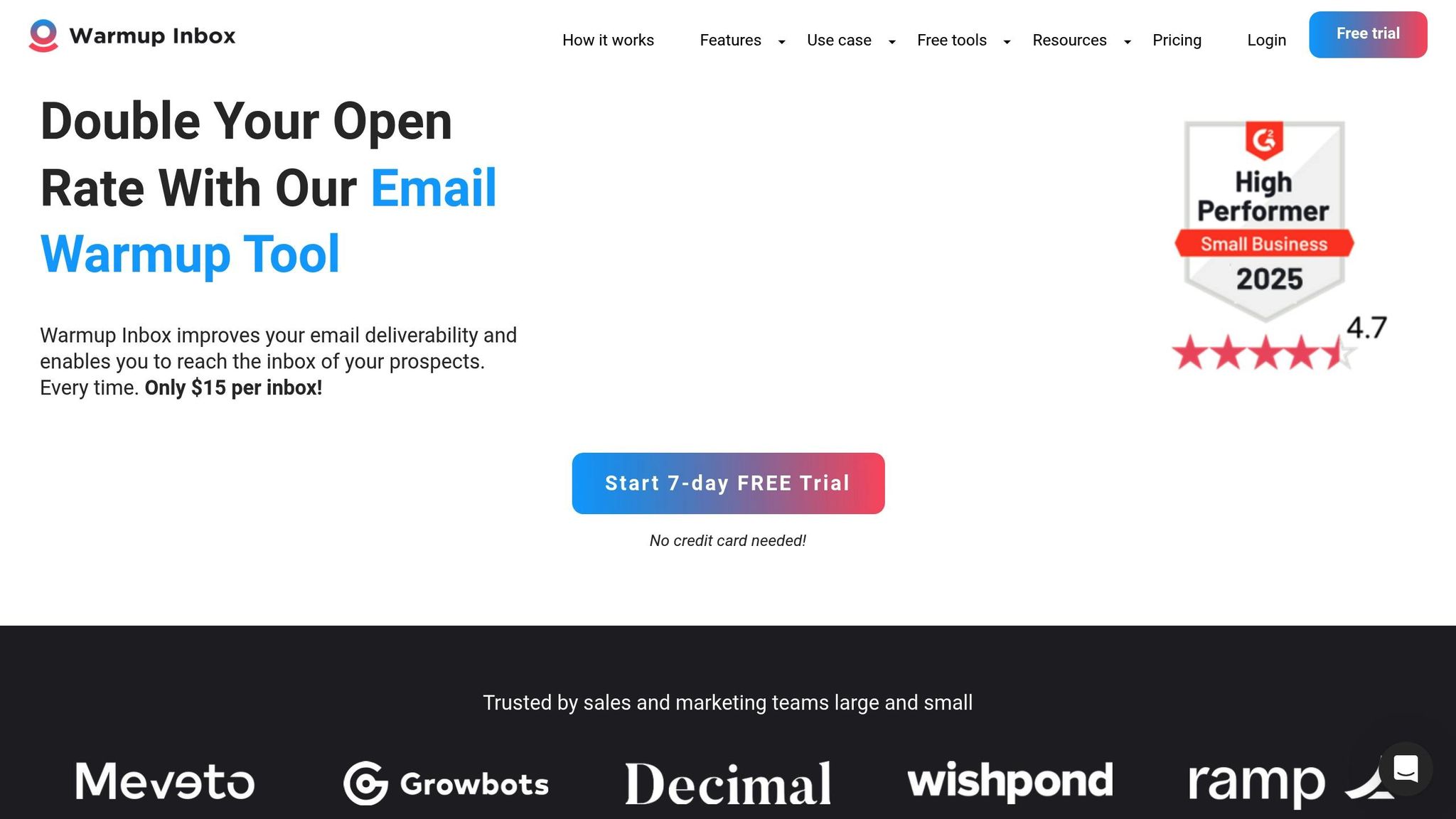
Warmup Inbox leverages a network of active email accounts to improve deliverability. Its dashboard provides detailed insights into metrics like inbox placement rates and spam folder percentages. The platform also includes automatic list cleaning to remove harmful email addresses that could hurt your sender reputation.
Pricing is mid-range and offers tiered plans to suit businesses of different sizes.
| Pros | Cons |
|---|---|
| Network of active email accounts for better results | Costs more than some competitors |
| In-depth deliverability reporting | Fewer AI-driven features compared to newer tools |
| Automatic list cleaning included | Setup can be challenging for beginners |
| Ideal for high-volume senders | |
| Flexible plan options for various needs |
Warmbox
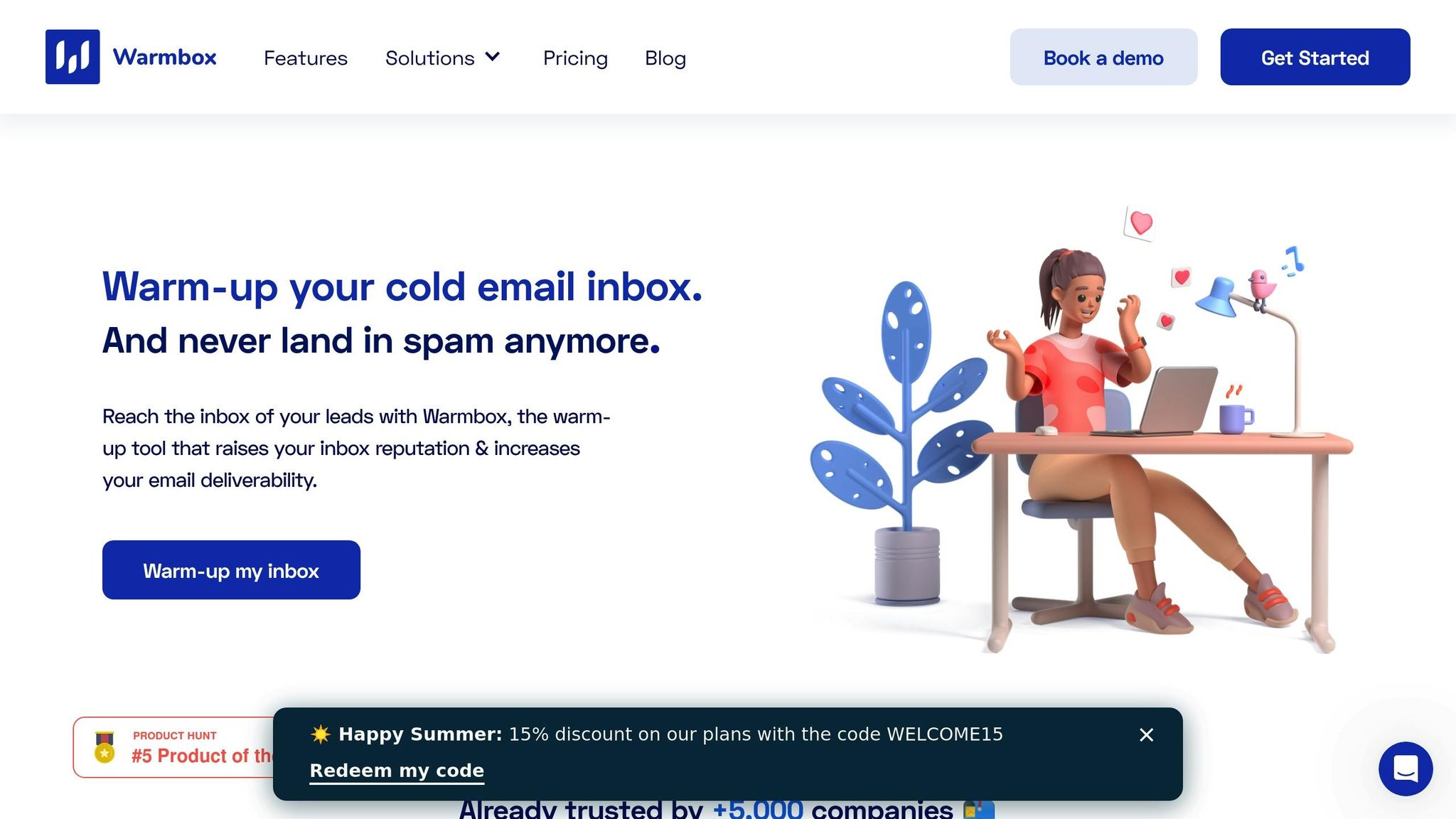
Warmbox is built for smooth SMTP compatibility, ensuring easy integration with email providers and CRMs. It uses advanced algorithms to simulate realistic email conversations, scaling email volume gradually over several weeks to create a natural pattern.
The platform also offers real-time monitoring of your domain’s reputation with major email providers. Warmbox’s pricing is competitive, with annual subscription options and a free trial to test its features.
| Pros | Cons |
|---|---|
| Strong SMTP compatibility | Lacks standout advanced features |
| Gradual, natural scaling of email volume | Free trial period may be too short |
| Real-time domain reputation tracking | Limited AI capabilities |
| Works well with multiple CRM systems | |
| Free trial available |
MailReach
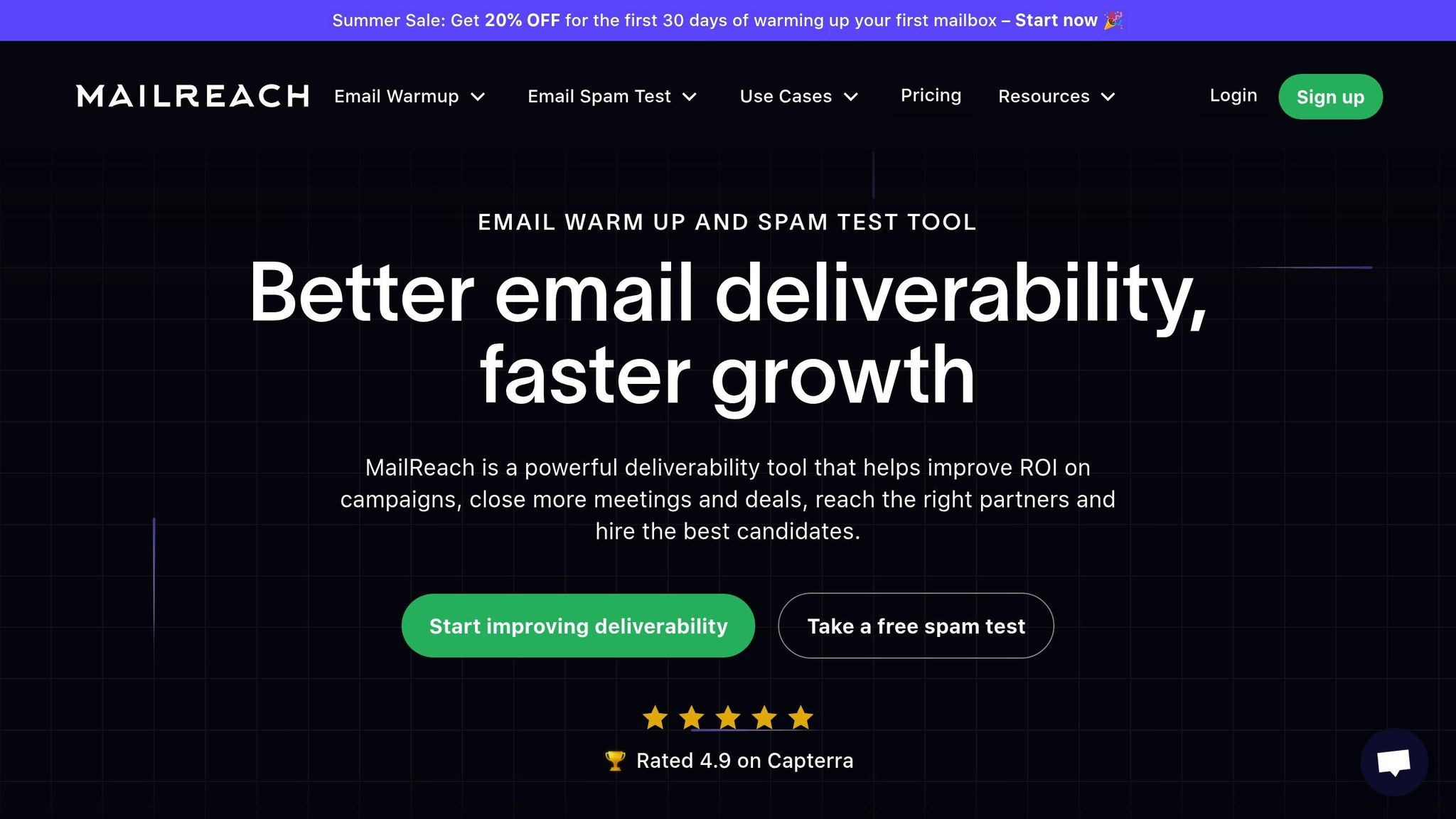
MailReach specializes in detailed analytics and deep insights into email performance. It includes a robust placement testing tool to show where your emails land across different providers, plus competitor analysis to benchmark your deliverability against industry norms.
As a premium service, MailReach is designed for businesses that need advanced deliverability data and strategic insights to fine-tune their email campaigns.
| Pros | Cons |
|---|---|
| Comprehensive analytics and reporting | Higher pricing tier |
| Advanced placement testing tools | Steeper learning curve for new users |
| Competitor benchmarking features | May not suit smaller businesses |
| Focused on deliverability optimization | Less automation compared to AI-driven tools |
| Industry-specific insights provided |
Woodpecker
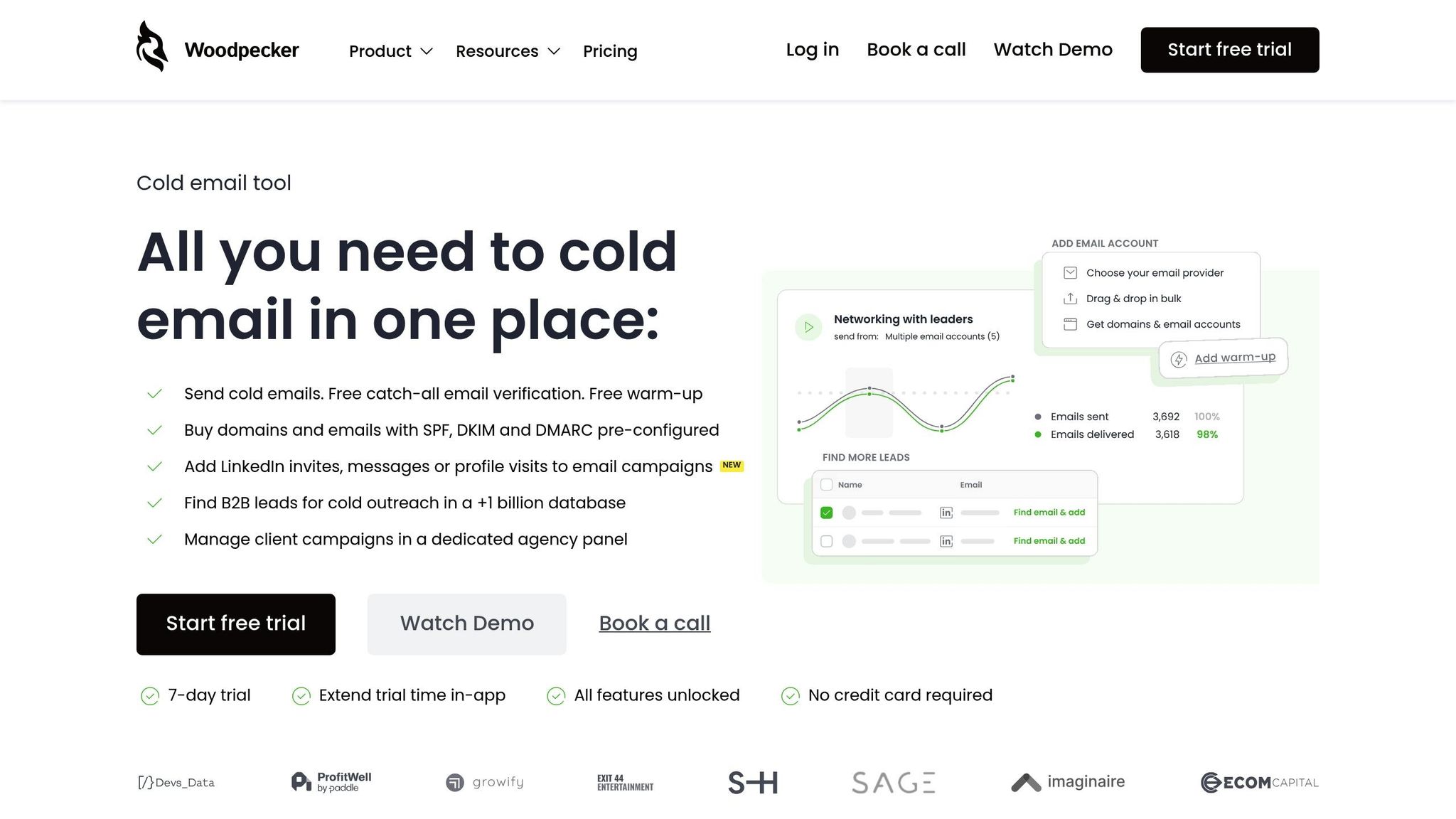
Woodpecker integrates email warm-up directly into its cold email platform, making it a convenient all-in-one solution. Existing users get free access to basic warm-up features, while advanced options require a premium add-on. This integration ensures that warm-up data directly informs your cold email campaigns, improving send times, frequency, and messaging.
Woodpecker also includes A/B testing for both warm-up and campaign emails, offering a unified approach to outreach optimization.
| Pros | Cons |
|---|---|
| Integrated with cold email campaigns | Requires base platform subscription |
| Free warm-up for current users | Limited standalone warm-up capabilities |
| Warm-up data informs campaign strategies | Premium features come with extra costs |
| A/B testing for warm-up and campaigns | Less specialized than dedicated warm-up tools |
| Convenient all-in-one platform |
Each of these tools offers distinct features to support effective email warm-up strategies, helping businesses achieve better ROI in 2025.
Warm-Up Tools Comparison Table
Here’s a comparison of some of the top email warm-up tools for 2025. This table breaks down pricing, features, and other key aspects to help you make an informed decision.
| Tool | Starting Price | Key Features | Best For | Main Advantages | Notable Limitations |
|---|---|---|---|---|---|
| Warmforge | $10/month per mailbox (billed quarterly) | AI-driven email warm-up, deliverability monitoring, health checks, free placement test (1/month), plus a free warm-up slot for evaluation | Small to medium businesses seeking affordable automation | Free warm-up slot with Google or Microsoft mailboxes; unlimited for Salesforge users | Pricing scales with mailbox volume |
| Warmup Inbox | Tiered pricing | Active email network, detailed deliverability metrics, automated list cleaning | High-volume senders needing detailed reporting | Extensive email network with strong analytics | Higher costs; setup can be complex |
| Warmbox | Competitive pricing with annual options | SMTP compatibility, gradual scaling algorithms, real-time domain monitoring | Businesses integrating multiple CRM systems | Strong CRM integrations; natural email patterns; free trial available | Limited advanced features; trial period is short |
| MailReach | Premium pricing tier | Advanced analytics, placement testing, competitor benchmarking | Enterprises needing in-depth deliverability insights | Comprehensive reporting; tools for strategic analysis | Expensive; learning curve can be steep |
| Woodpecker | Included with base platform (premium add-ons extra) | Integrated cold email campaigns, A/B testing, unified outreach | Users already managing cold email campaigns | Combines warm-up features with outreach campaigns; free basic features included | Requires platform subscription; limited standalone use |
Each tool has its strengths and is geared toward specific needs. For example, Woodpecker stands out for its seamless integration of warm-up features with cold email campaigns, making it ideal for businesses already using its outreach platform. On the other hand, Warmforge offers a budget-friendly option with a free evaluation slot, perfect for smaller businesses. Meanwhile, MailReach provides robust analytics, though its premium pricing might not suit everyone.
sbb-itb-2939cd8
How to Choose the Right Warm-Up Tool
Picking the right email warm-up tool depends on your specific business goals, budget, and technical requirements. Here’s how to make the best choice:
Think about your email volume and business size. A small business sending under 1,000 emails monthly has different needs compared to an enterprise handling 50,000+ emails daily. If you’re just starting with email outreach, look for tools offering free trials or evaluation periods. This way, you can test their effectiveness without committing upfront.
Focus on long-term value, not just the monthly cost. For example, while Warmforge charges $10 per mailbox per month (billed quarterly), it includes perks like a monthly placement test and detailed health checks. These features may save you money in the long run compared to cheaper tools with fewer capabilities. When comparing costs, factor in setup time, training, and the potential boost in deliverability.
Prioritize integration with your existing tools. If you’re already using a CRM or cold email platform, choose a warm-up tool that fits seamlessly into your workflow. For instance, Woodpecker is ideal for users managing cold email campaigns, while Warmforge integrates smoothly with Google Workspace and Microsoft 365. Such compatibility can simplify your outreach process.
Match automation features to your team’s skill level. Advanced AI features can sound impressive, but they’re only useful if your team can utilize them effectively. Look for tools that automate tasks like mimicking human behavior, especially if your team lacks specialized email expertise.
Always take advantage of free trials or evaluations. Before committing to a tool, test its performance and how easily it integrates with your systems. Use this trial period to measure actual improvements in deliverability rather than relying on advertised features.
Plan for scalability. As your email volume grows, ensure the tool remains cost-effective. Some tools work well for small operations but become expensive or limited as you scale. Review pricing tiers and feature availability to avoid surprises down the road.
Assess the depth of deliverability monitoring. Basic tools might only track inbox placement, while more advanced options like Warmforge offer detailed checks, including DNS health, MX records, and blacklist monitoring. Decide how much technical insight you need for your email campaigns.
Consider the quality of customer support. Quick and knowledgeable support can make a big difference when dealing with deliverability issues. Research each tool’s support availability, response times, and technical expertise before making a decision.
Test multiple tools to compare performance. Don’t rely solely on marketing claims - run real-world tests to monitor inbox placement rates, spam folder percentages, and email engagement. Comparing tools side-by-side will help you find the one that delivers the best results.
Evaluate ROI beyond upfront costs. A tool that costs $50 per month but boosts response rates by 15% could deliver far better returns than a $20 option with minimal impact. Track metrics like cost per lead, conversion rates, and revenue generated to make informed decisions.
Ultimately, the right tool depends on your business’s unique needs. A startup with a tight budget and limited expertise will need something different from a large enterprise with a dedicated email team. Choose a solution that meets your current requirements while leaving room for growth. Use these guidelines to find a tool that delivers real value and supports your business goals.
Conclusion
Picking the right email warm-up tool can have a big impact on your outreach success in 2025. Whether your emails end up in the primary inbox or get flagged as spam directly affects your return on investment (ROI). That’s why it’s crucial to choose a tool that aligns with your business’s specific needs.
As highlighted earlier, Warmforge offers a strong mix of features: budget-friendly pricing, AI-driven automation, detailed health checks, and smooth integration with both Google Workspace and Microsoft 365. Plus, it includes a free warm-up slot and a placement test every month, making it a standout option.
Of course, other tools cater to different needs. Whether you’re a startup sending a few hundred emails per month or a large-scale enterprise handling tens of thousands daily, there’s a solution out there that fits. When deciding, think about your email volume, technical know-how, budget, and integration preferences.
Keep in mind, the cheapest tool isn’t always the best value. A slightly higher-priced option that improves deliverability can offer better returns than a bargain tool with limited results. Prioritize long-term value and take advantage of free trials to see how a tool performs in practice.
FAQs
What features should I look for in an email warm-up tool to maximize ROI?
To get the most out of an email warm-up tool and see a strong return on investment, focus on features that streamline processes, improve email deliverability, and safeguard your sender reputation. Prioritize tools with AI-powered automation to handle the warm-up process efficiently, real-time deliverability tracking to keep tabs on performance, and human-like email interactions that help your messages land in inboxes instead of spam folders. It’s also important to choose a tool that works seamlessly with major email providers like Gmail and Outlook.
Some tools go a step further by offering health checks and placement tests, which can refine your email outreach strategy. Take Warmforge, for instance - it provides automated solutions and valuable deliverability insights, helping you achieve better success rates while maintaining a strong sender reputation. This combination can make a big difference in your overall ROI.
How do automated email warm-up tools improve deliverability and safeguard sender reputation?
Automated email warm-up tools are designed to boost email deliverability and safeguard your sender reputation. They mimic natural, human-like email behavior by gradually increasing the number of emails sent over time. At the same time, they track essential engagement metrics to help bypass spam filters and establish trust with platforms like Gmail and Outlook.
The result? Your emails are far more likely to land in the primary inbox instead of getting lost in the spam folder. By building a strong sender reputation, these tools ensure that your email outreach remains consistent and effective - key for running successful campaigns.
What should I consider when choosing an email warm-up tool, and how can it save money in the long run?
When choosing an email warm-up tool, one key factor to weigh is the monthly cost, which usually falls between $19 and $50 per email account. The price often reflects the features included - higher-end tools may offer advanced options like AI-powered behavior simulation and deliverability tracking, which can make the extra expense worthwhile.
Over time, investing in a reliable warm-up tool can actually save your business money. By boosting email deliverability, avoiding spam-related setbacks, and safeguarding your sender reputation, these tools help you sidestep expensive manual fixes. Plus, they ensure your emails consistently reach the right audience, making your outreach more effective and improving your return on investment.