
If your cold email campaign feels like it's underperforming, the first place I'd look isn't your copy or your sending volume. It's the list.
Bad email data is the quietest killer of outbound.
A list with 8% invalid addresses will crater your bounce rate, damage your sender reputation, and burn through credits before you've booked a single meeting.
The average cold email bounce rate hovered around 7.5%, and most of that comes from finder tools that promise 95% accuracy on the pricing page and deliver something very different once you actually run a list through them.
So I decided to stop trusting the marketing pages. I put 1,000 real B2B contacts through 13 of the most popular email finder tools on the market.
I tracked hit rate, verification accuracy, catch-all handling, cost per valid email, and how each tool held up across regions.
This is what I found, ranked by which tool fits which workflow. Let's get into it.
Here's the shortlist at a glance for anyone in a hurry.
The short answer, before I get into the detail.
If you want one tool that finds emails at scale, verifies them in real time, and hands them to your outbound sequencer without a middle step, Leadsforge is where I'd start. If you're looking for a very specific use case, keep reading and I'll get you there.
Before I get into the tools themselves, here's the setup I ran so you know what you're looking at.
I built a 1,000-contact test list weighted across three regions.
Titles ranged from C-suite to mid-level operators, and industries covered SaaS, fintech, e-commerce, and agencies.
I chose this mix on purpose. Most listicle tests I've seen only use a US SMB list, which flatters tools that lean US-heavy and hides real coverage gaps. If you're running global outbound, that isn't the test you need.
For each tool, I tracked five things. First, hit rate, which is how many contacts on the list came back with an email. Second, verified rate, which is how many of those were valid versus catch-all versus invalid. Third, catch-all handling, because tools that flag catch-alls as risky without validating them are just passing the bounce risk to you.
Fourth, cost per valid email, which matters more than sticker pricing once credits start burning. And fifth, region-by-region accuracy, so I could tell where each tool actually pulls its weight and where the coverage falls off.
Only tools with a real presence in cold email workflows made the cut. I skipped anything that felt like it was rebranded from a general contact scraper. Every tool here has to actually find work emails, not just pull LinkedIn profile data and call it a day.
Not every tool solves the same problem. Before you commit to one, here are the six things I'd look at, based on what actually made or broke each tool during my test.
Database size is the number everyone puts on their homepage.
What matters more is freshness. A 500 million-contact database with records refreshed quarterly will deliver a higher hit rate than a 200 million database refreshed once a year, especially in mid-market where people change jobs constantly.
There are three verification models I saw across the 13 tools. Real-time verification at search, which validates each email before it's returned. Real-time verification at export, which validates only when you push to CSV or CRM.
And periodic database refresh, where the tool trusts the last time it verified a record, which can be months ago.
Real-time verification is the safer bet for cold email, because bounces don't just cost credits. They damage sender reputation and put your domain at risk of blacklisting.
Recommended Read: Learn the tips to stay away from blacklisting
Waterfall enrichment means the tool checks multiple data sources before giving up on a contact. If the first source doesn't have a verified email, it queries the next, then the next.
In my test, waterfall-based tools returned 15 to 20 percentage points higher hit rates than single-source tools on the same list.
If you build lists from LinkedIn Sales Navigator, LinkedIn events, or LinkedIn webinars, you'll want a Chrome extension that pulls emails and phone numbers directly from the profile view. Not every tool on this list has one, and the ones that do vary wildly in accuracy.
The two billing models to know are credit-based subscription and pay-for-valid. In credit-based, you pay for every search whether the result is valid or not. In pay-for-valid, you only pay for verified emails. On a 1,000-contact list with a 65% hit rate, that difference works out to a real number.
If you sell into Europe, US-first tools will bury you. If you sell into APAC, most tools will bury you. Every tool has a home region where it performs and a shadow region where it doesn't. Knowing which is which is half the buying decision.
Here are the 13 tools that made the cut, in the order I'd recommend evaluating them.
Leadsforge is the best email finder tool because it combines a large B2B database with waterfall enrichment, and it verifies every email in real time before it hands the record to you.
That combination is rare, and it showed up clearly during my 1,000-contact test.
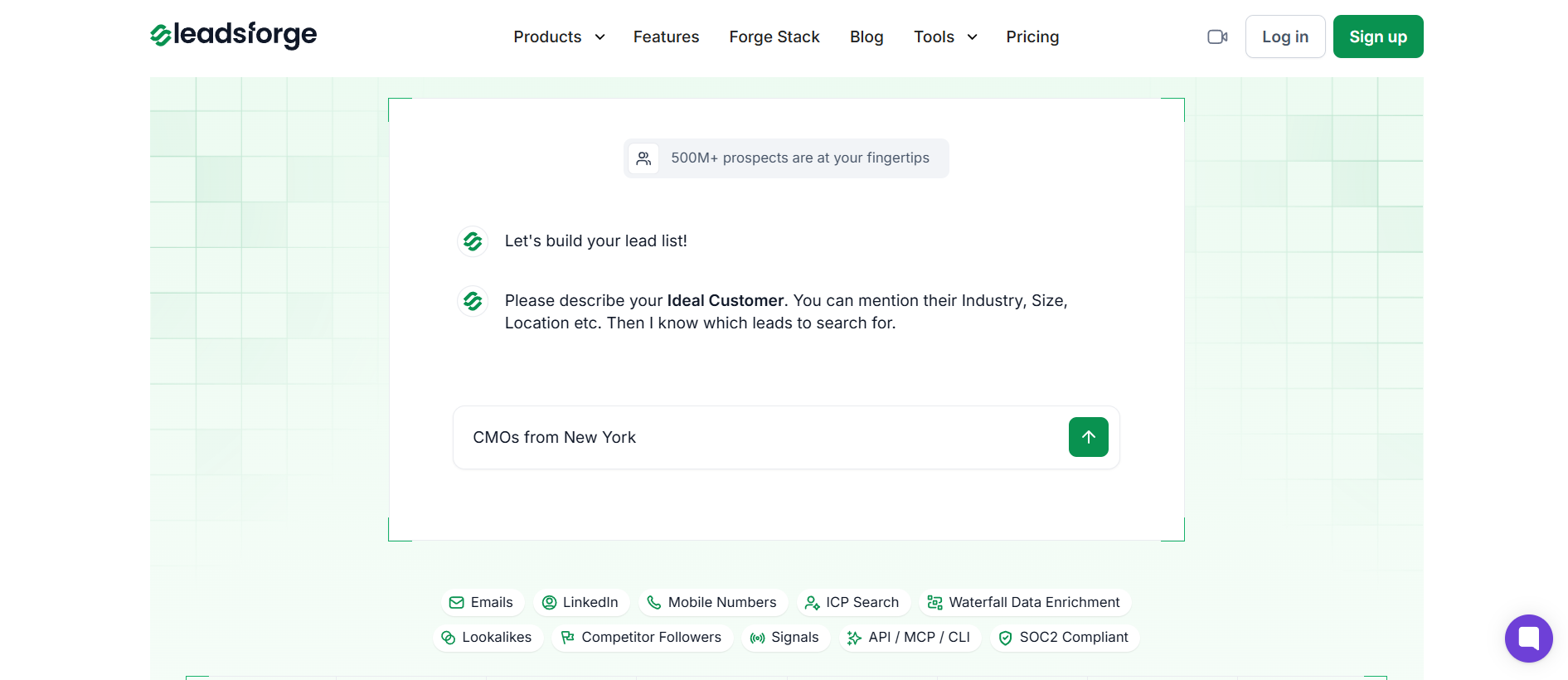
The way Leadsforge works is closer to a search engine than a filter dashboard.
I described my ideal customer in plain language, something like "VP of RevOps at Series B SaaS companies in the UK," and the tool returned a matched list without me building a nested filter tree first.
From there, waterfall enrichment ran across multiple data sources for every contact. If the first source didn't return a verified email, additional sources were queried automatically, and the highest-confidence result was returned.
On my test list, Leadsforge came back with verified emails for 952 of the 1,000 contacts, which was the highest of any tool I ran.
Coverage stayed strong across EMEA, and it held up better than any other tool on the APAC segment too. That's not the pattern I expected going in, and it's the single reason Leadsforge sits at the top of this list.
There is one area to be aware of.
Emails are validated in real time at search, but if you're pulling large volumes for a campaign you're about to send in the next 24 hours, running the built-in validation pass before export gives you extra confidence.
It's a small extra step, but it's the difference between a 96% deliverable list and a 99% deliverable list.
For anyone building lists from LinkedIn, you can use the Chrome extension. It pulls verified emails and phone numbers directly from
Which is where a lot of the highest-intent lists actually live in 2026. New users get 100 free emails to test the Chrome extension before committing to a paid plan.
I used the Chrome extension to pull attendee lists from two LinkedIn events during my test, and the hit rate matched what I saw in the main app. That consistency isn't always the case with extension-based finders, so it's worth calling out.
If your outbound motion depends on finding accurate B2B emails at scale and getting them into a sequence quickly, this is the tool I'd start with.
You can test Leadsforge with 100 free credits before committing to anything.
Hunter.io is the tool everyone recommends for domain-based email finding, and after 1,000 contacts I understand the reputation. What surprised me was where it struggles.
Hunter's core strength is its Email Finder plus Email Verifier combination.
If I already knew a company domain and a first and last name, Hunter returned an educated guess with a confidence score and an SMTP-level verification pass.
The Domain Search feature is particularly useful. Point it at a company URL and it returns every email pattern the system has seen for that domain, complete with confidence scores and sources for each address.
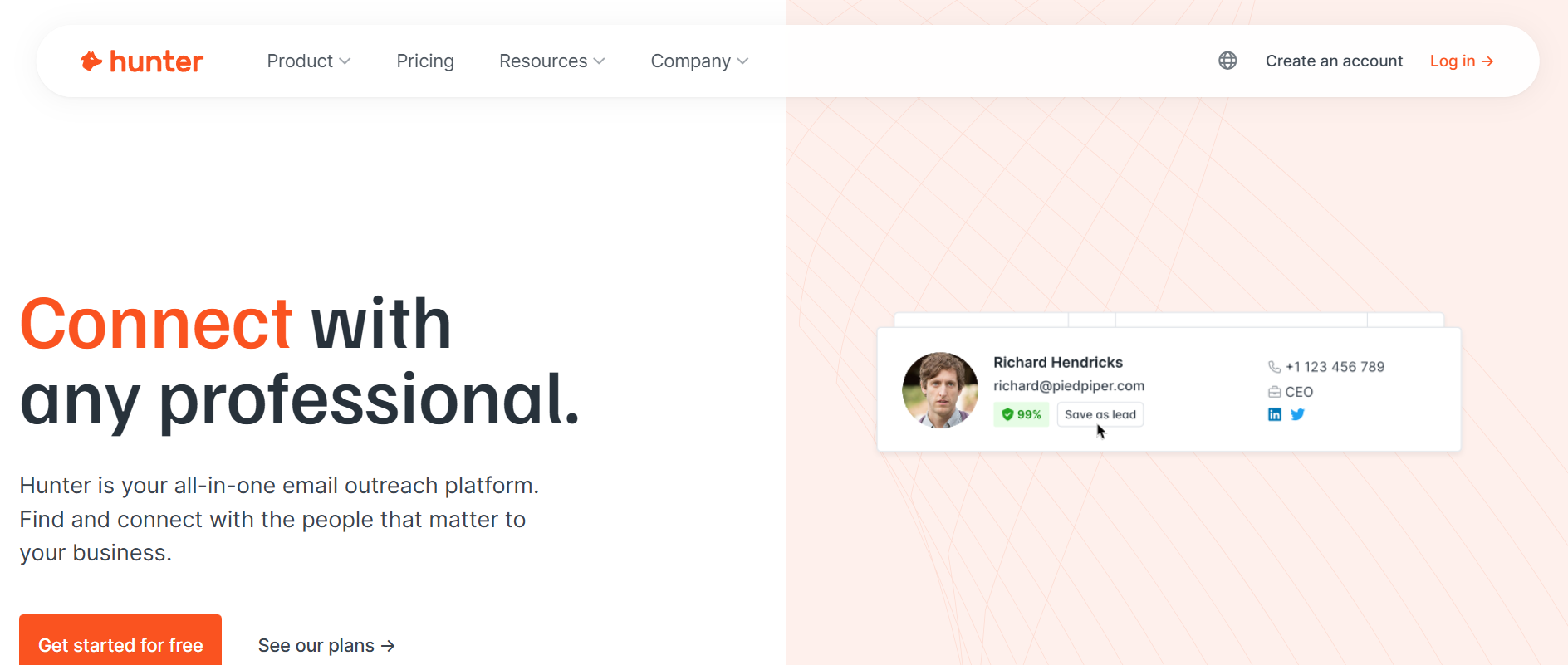
On my test list, Hunter returned emails for 671 of the 1,000 contacts. The catch is that Hunter isn't really a lead database. It's an email pattern engine that works best when you already have a list of companies and people to enrich.
For advanced regional segmentation, especially in European markets, I hit filter limits fast. And on catch-all domains, Hunter tended to return "risky" flags where a more aggressive verification tool would have resolved the address one way or the other.
Bounce rate on Hunter emails in my test was low. That's the tradeoff for a middle-of-the-pack hit rate.
Pick Hunter when you already have a list of target companies and you need strong verification before you send. If you need to build the list from scratch, pair it with a database tool.
The pitch for Apollo.io is a massive B2B database at roughly a third of the cost of premium alternatives, with sequencing and prospecting built into the same platform.
On sticker price, that's accurate. Where the picture got more complicated was when I actually ran the list.
Apollo returned emails for 743 of the 1,000 contacts on my test list. US coverage was excellent. I hit 74% coverage on the 500 US contacts, which puts it near the top of the category for that region. Where it fell off was outside the US.
On my APAC segment and my Middle East subset, hit rate dropped to the low 40s, and mobile numbers were frequently missing or job titles were out of date.
The other pattern I noticed is that periodic database refresh doesn't catch job changes as aggressively as real-time verification tools do.
Older records in my test came back with an email bounce rate closer to 12% than the 3% you'd hope for on a fresh pull. If you're on the Basic plan burning credits on stale records, that starts to eat into inbox placement quickly.
The billing side also caused some friction late in my test. Credits that were still available near the end of the billing period stopped functioning cleanly on the API, which is a complaint I've seen echoed in the wider practitioner community.
That said, for volume-heavy US SMB outbound at a low entry price, Apollo is genuinely hard to beat.
Apollo works when your outbound is US-first and volume matters more than surgical accuracy. If EMEA or APAC is central to your motion, benchmark hit rate on a small sample before committing.
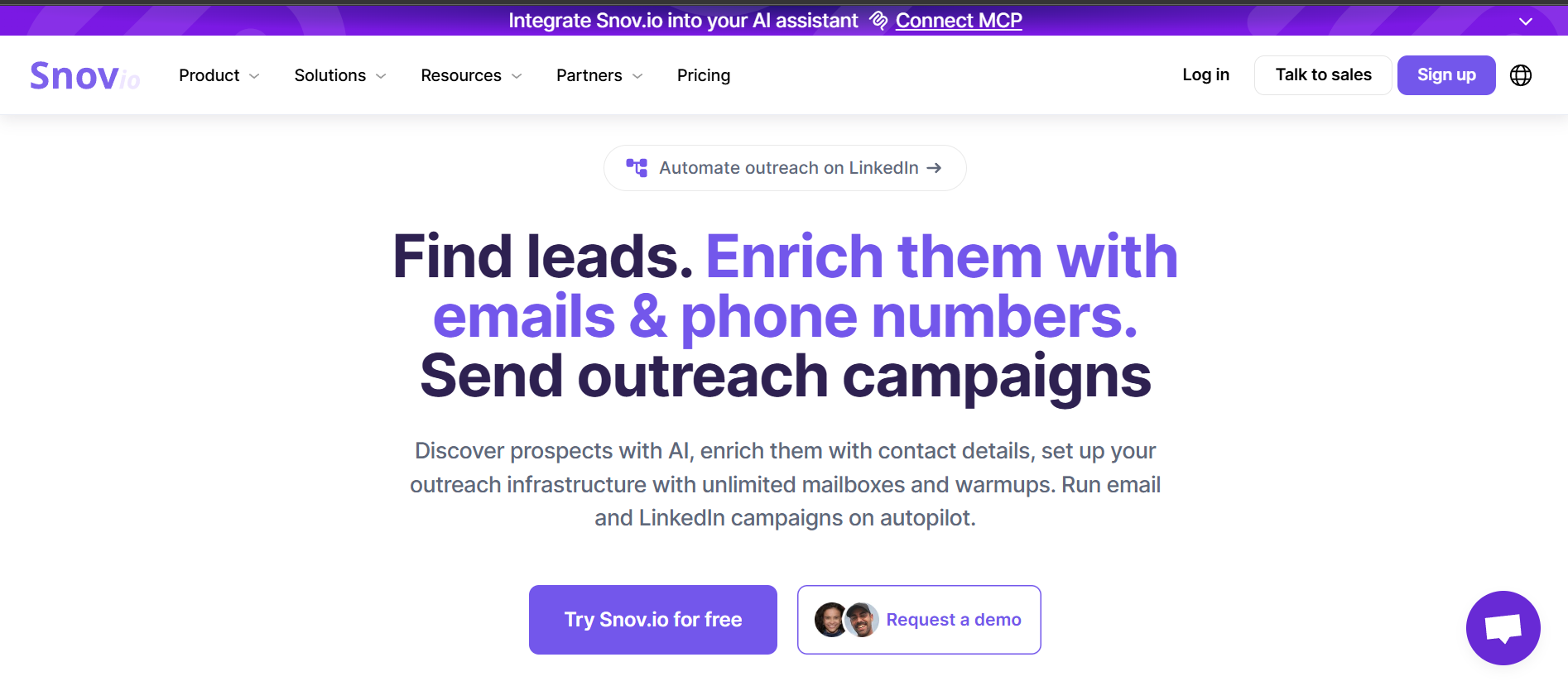
Up next on my list is Snov.io, and it's the only tool in this category that bundles email finding, verification, and mailbox warm-up in a single subscription.
That combination is unusual and it changes the workflow in ways I didn't expect until I actually tried it.
On my test list, Snov's hit rate landed at 642 out of 1,000 contacts. Where it stood out was after the finding step.
The LinkedIn extension pulled leads directly from profile pages, the built-in verifier caught invalid addresses before export, and the warm-up module ran on the sending mailbox in the background. All three sit inside the same platform, so I never had to context-switch between tools while building a campaign.
Where I ran into friction was on setup for the domain and mailbox side. If you buy your sending infrastructure elsewhere, connecting everything cleanly takes a bit of patience.
Some practitioners have reported the same, especially where sending domains bought through Snov didn't route properly on the first attempt.
Coverage on European mid-market decision-makers was also thinner than what I saw from Cognism on the same segment.
Snov.io fits teams that want to run the full outbound workflow inside one tool and don't mind trading some data depth for convenience.
Anymail Finder has one of the simpler positioning stories in the category.
You only pay for verified emails. If the system can't verify an address against the recipient's mail server, you don't get charged for it.
The pricing page also backs this with a bounce guarantee that refunds credits if delivery rates dip below 95%.
On my test list, Anymail Finder returned 594 verified emails out of 1,000 contacts. The pay-per-valid model changed the credit math meaningfully.
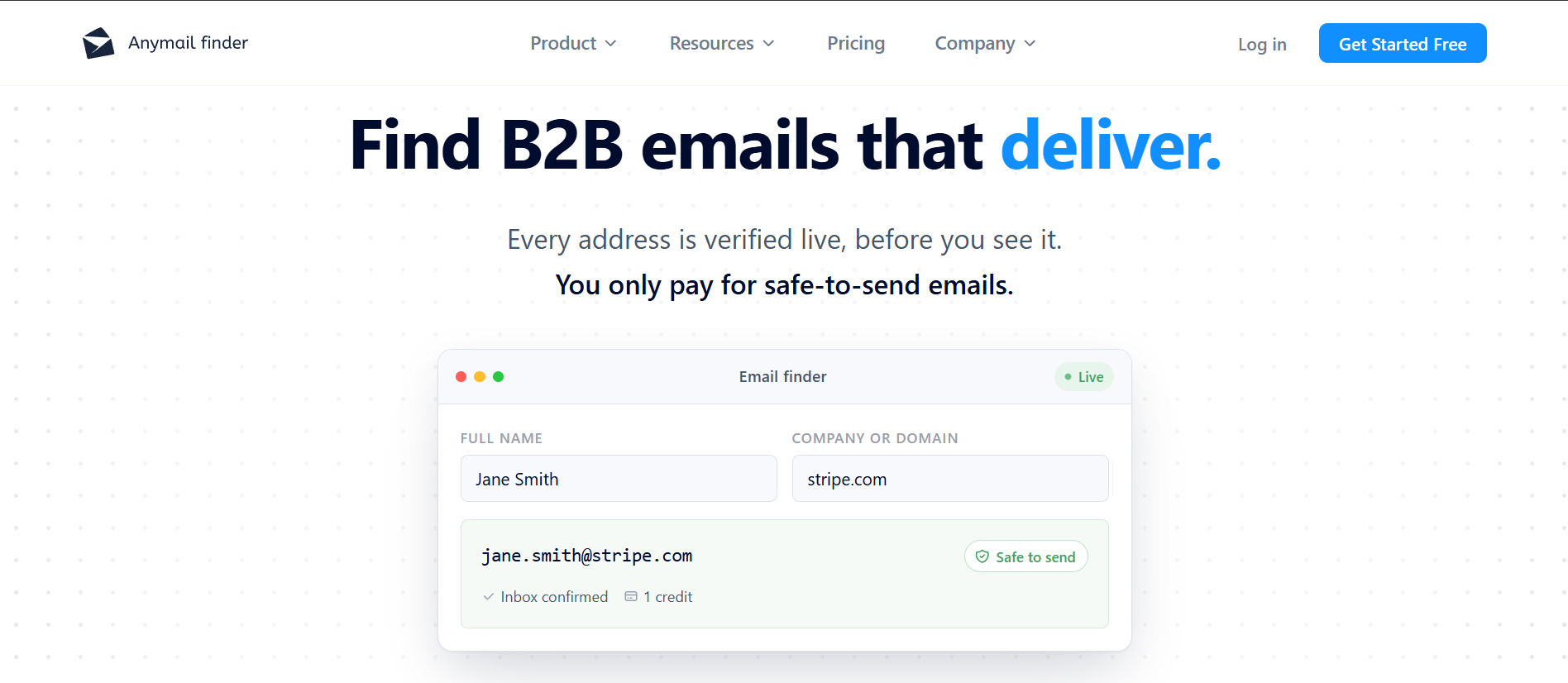
Where credit-based tools burned credits on every search whether or not the result was valid, Anymail Finder only charged when the verification came back clean. Bounce rate on the emails it did return stayed under 5% across regions, which lined up with the guarantee.
The tradeoffs are worth calling out. The system does support catch-all verification, which many finders can't handle, but resolution isn't instant on every catch-all domain.
And the tool is verification-first rather than database-first, so hit rate is capped by what the system can actually verify. On my APAC segment specifically, coverage was thinner than on the US and EMEA subsets.
Anymail Finder makes sense when bounce rate is your first concern and you'd rather pay only for the emails that will actually deliver.
Another email finder that kept surprising me during the test was Findymail.
It carries a 4.9 rating on G2, which is the highest of any tool on this list, and after 1,000 contacts I understand why.
Findymail's positioning centers on finding contacts that don't bounce. The tool verifies against the recipient's mail server in real time, handles catch-all domains, and guarantees a bounce rate under 5%.
If your bounce rate exceeds that, you get credits refunded. On my test list, Findymail returned 689 verified emails out of 1,000 contacts, and that guarantee never had to be triggered.
The bounce rate on the emails Findymail returned came in under 3% across all three regional segments, which is the number I actually care about.
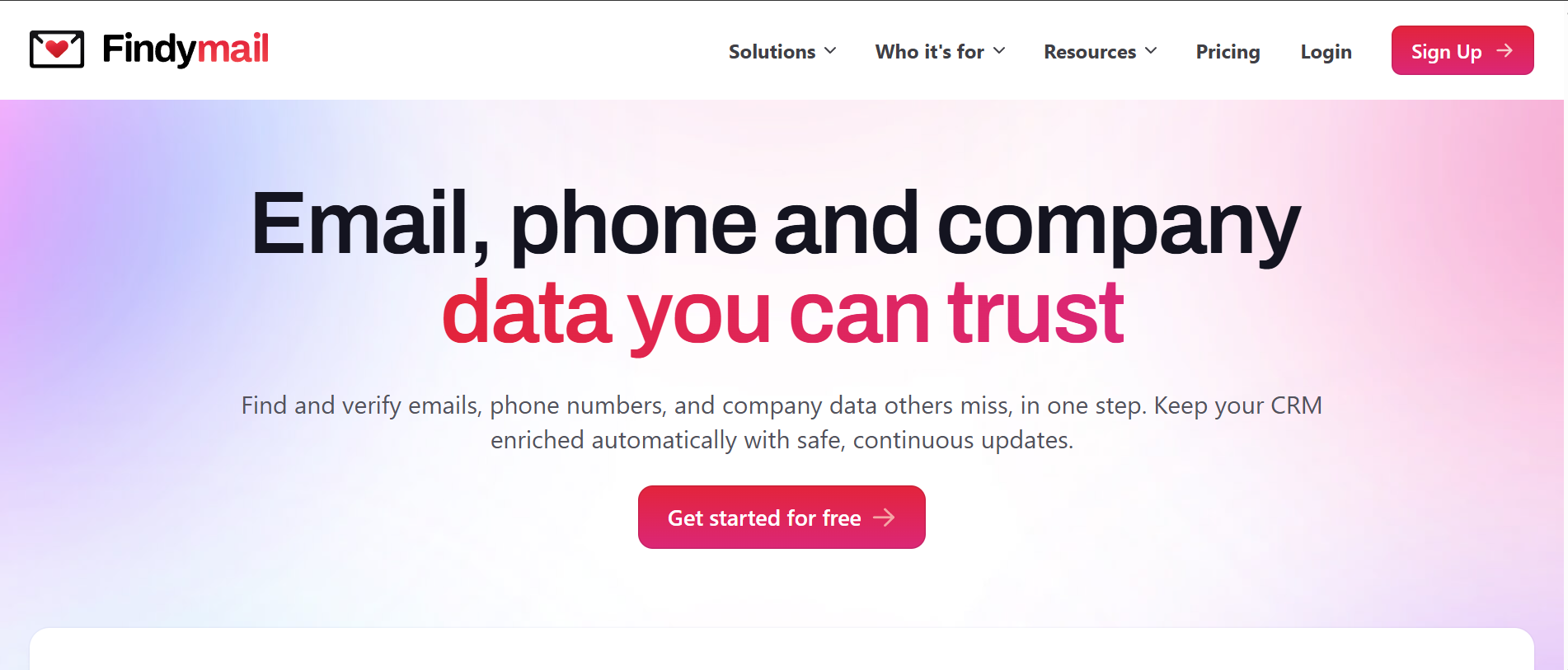
The other feature that stood out was the Sales Navigator scraping. Building lists from LinkedIn Sales Navigator went cleanly, and the pull-then-verify workflow was faster than what I saw on comparable tools. The pricing is also cleaner than most.
Credits are per verified email, credits roll over up to double, and duplicates aren't charged.
The complaint pattern is mild. Some practitioners mention cost as a factor on very large volumes, but there's no consistent data quality issue that surfaces on the review side. That's rare in this category.
Findymail is the pick when deliverability is your first constraint, and you want a tool that puts its money where its accuracy claim is.
I almost didn't include Clay because it's technically an enrichment platform, not an email finder in the traditional sense. Then I saw the waterfall results, and it earned its slot.
Clay's model is fundamentally different from every other tool on this list. Instead of running its own single database, Clay aggregates 150-plus data providers into a waterfall workflow.
If one provider doesn't return an email for a contact, the workflow automatically cascades to the next provider, then the next, until a verified result comes back.
On my test list, Clay returned 831 verified emails out of 1,000 contacts, which was the highest raw hit rate of any tool I ran outside of Leadsforge.
The tradeoff is significant. Clay has a real learning curve.
Setting up the waterfall the first time meant configuring each provider, deciding provider order, and choosing which data credits to spend where. It took me the better part of an afternoon to build a workflow I trusted.
Once it was set up, the tool ran quickly, but the ramp isn't something you can skip.
Clay also uses two credit types. Data Credits are around 5 cents each, and Actions are under a cent each.
The billing model is powerful once you understand it, but it isn't friction-free on day one. That's exactly the pattern reflected in the wider practitioner community, where the learning curve is the single most-cited concern.
Clay works when you have the patience to build a waterfall workflow and the volume to justify the credit spend. If you want the search-engine-plus-waterfall combo without the setup, Leadsforge is closer to that shape.
If I needed a phone number as well as an email, Lusha was the one I reached for during the test.
Its Chrome extension surfaces verified work emails and direct-dial numbers straight from LinkedIn or from inside a CRM, which is exactly where most sales teams already live.
On my test list, Lusha returned 658 verified emails out of 1,000 contacts, and its multi-region coverage stood out.
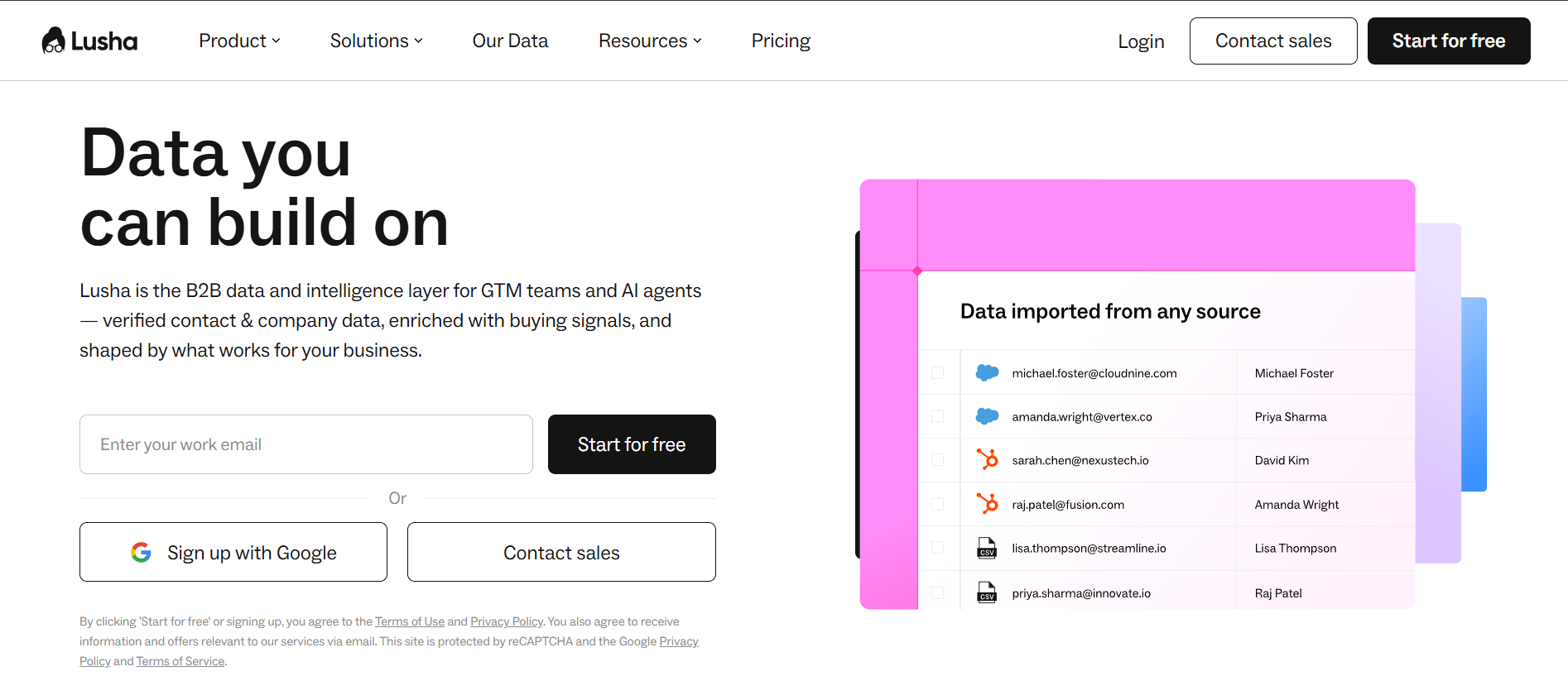
It spans North America, EMEA, APAC, and LATAM, and the LATAM hit rate was more than double what I saw from Apollo on the same subset. Data accuracy on decision-maker mobile numbers was consistently strong, especially on mid-market and enterprise records.
Where Lusha struggles is on smaller organizations.
On startup and SMB accounts under 50 employees, records tended to be outdated or incomplete more often than I'd want. Credit consumption also feels tight on large-scale prospecting, and the pricing rises meaningfully at higher tiers. This is the most consistent pattern I've seen from other practitioners as well, so it's worth factoring in before you commit.
Lusha earns its place when direct dials matter as much as emails and when your target list spans multiple continents.
Here's a surprising fact about the sales intelligence category. Cognism is the only tool on this list that human-verifies its mobile numbers as a standard feature.
That verified mobile data, which they call Diamond Data, is the reason so many European sales teams keep it in the stack even at custom-quote pricing.
I ran my EMEA segment through Cognism, and the accuracy on European decision-makers was noticeably better than Apollo or comparable US-first tools on the same names.
Cognism returned 706 verified emails out of 1,000 contacts overall, with the EMEA subset performing the best. GDPR-compliant workflows, including phone DNC screening, are baked in, which matters if your legal team has an opinion about how you source data.
There's also an on-demand verification option where you can ask the Cognism team to source a missing mobile number, which is unusual in a self-serve category.
Where I ran into limits was on Italian market data specifically, where revenue and financial fields were less reliable, and on records for prospects who had recently left their companies. That last one is the most consistent complaint I've seen elsewhere too, and it's the pattern you'll want to test on your own ICP before committing.
Cognism is quote-based across all plans and every plan includes 5 seats.
That means you can't self-serve to evaluate. For smaller teams, that's a real barrier, but for mid-market and enterprise it usually comes with an account manager who actually helps.
Cognism is where I'd look if you're running European outbound at mid-market or enterprise scale, especially where verified mobile numbers matter and GDPR is not optional.
The next email finder I tested was RocketReach, and its coverage story is different from the pure B2B tools I'd been running.
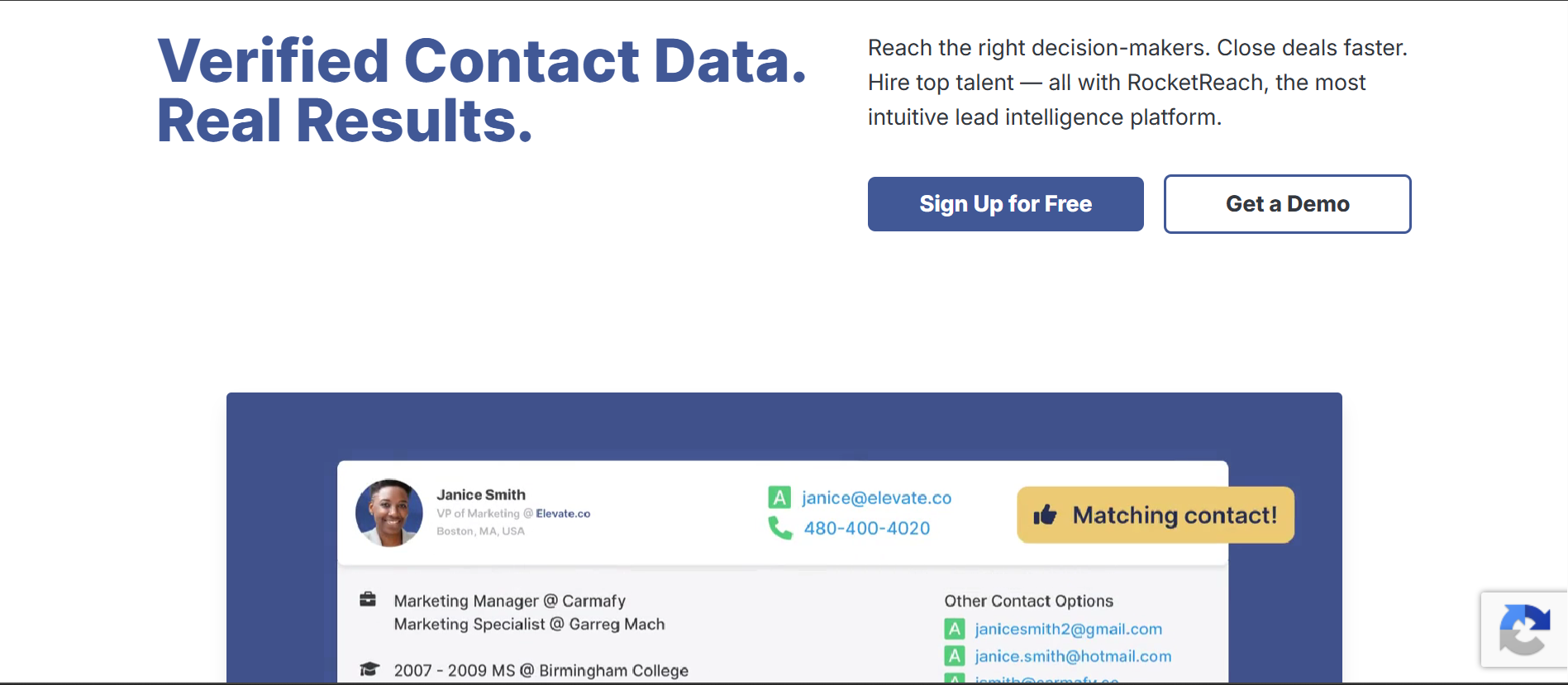
Alongside verified work emails, RocketReach also surfaces personal emails and mobile numbers, with a database that claims 700 million professionals and 35 million companies.
On my test list, RocketReach returned 579 verified emails out of 1,000 contacts.
That number is middle of the pack, but the coverage story is more interesting than the topline suggests. On contacts where other tools returned no result, RocketReach sometimes still surfaced a personal email or a direct dial.
The lookup billing model is worth noting too. If the system doesn't return a verified email or phone on your request, the lookup is refunded automatically.
The complaint pattern I noticed, and that other practitioners flag consistently, is around data accuracy on aging records and around support responsiveness.
Contacts who had moved companies within the last year sometimes surfaced with their old email attached, and post-sale support responses were reported as slow enough that some users disconnected their CRM integrations.
Neither pattern was catastrophic in my test, but they're worth benchmarking on your own list.
One quirk to flag. Pricing on the standard consumer plans displayed in local currency based on browser location during evaluation.
The Custom Team tier was the only one that stated a USD figure verbatim, starting at $6,000 annually. Verify current rates against your billing region before committing.
RocketReach is a fit when you need both work and personal email coverage and when finding hard-to-reach contacts matters more than a perfectly clean database.
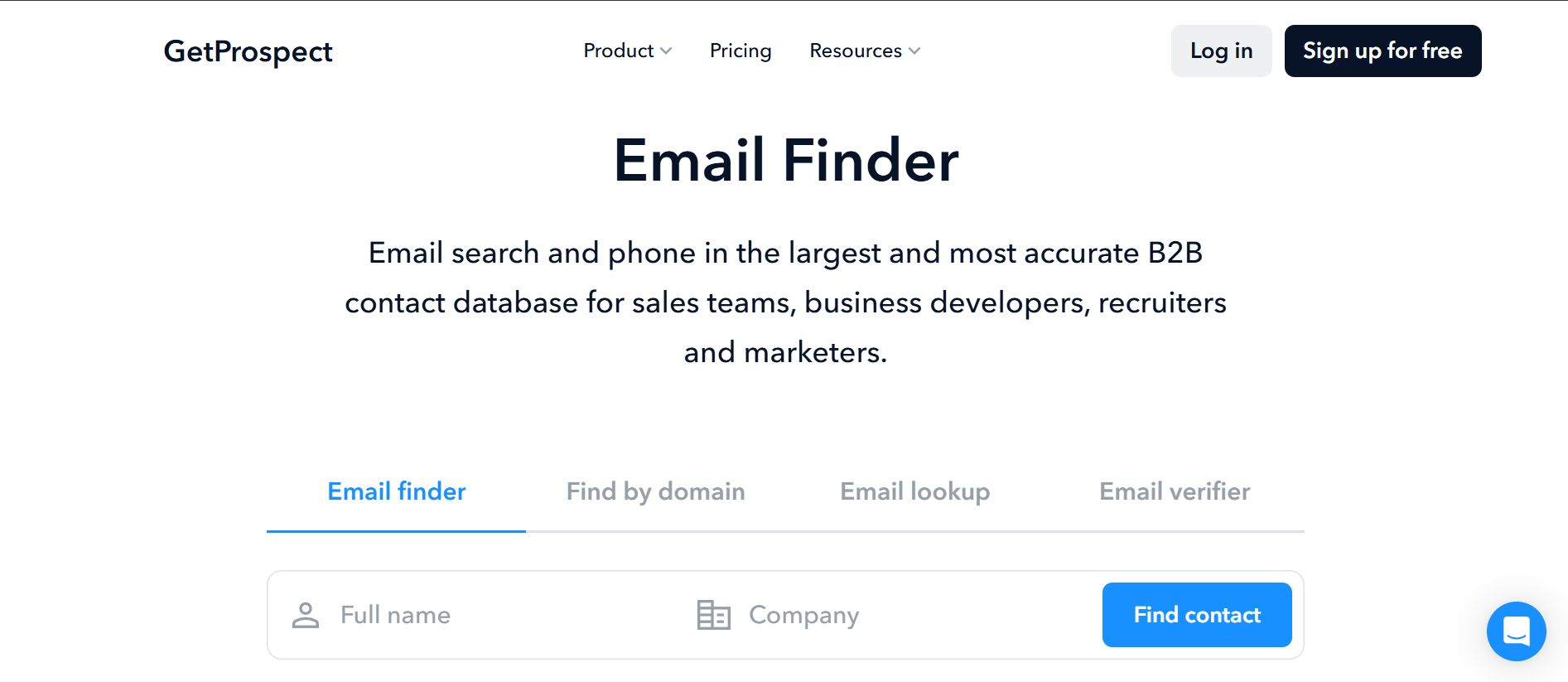
GetProspect is an email finder tool that works inside LinkedIn Sales Navigator.
The Chrome extension pulls verified emails directly from LinkedIn search results, and the billing model charges only for emails the system confirms are valid.
On my test list, GetProspect returned 618 verified emails out of 1,000 contacts. Catch-all handling was solid, and the LinkedIn extension worked cleanly during Sales Navigator scraping.
GetProspect also offers a real free tier, with 50 valid emails and 100 verifications per month, which is generous enough to genuinely evaluate before paying.
Where I ran into friction was on data quality edge cases. Some tools in the pay-per-valid category occasionally return valid-in-structure emails that don't actually route to the prospect anymore.
The 4.0 G2 rating reflects that pattern too, with several practitioners flagging that hit accuracy on niche or fast-changing lists can drop below what other verified-only tools deliver.
GetProspect fits when LinkedIn Sales Navigator is your primary prospecting surface and you want to pay only for the emails you can actually use.
The second LinkedIn email finder tool is Skrapp.
Where other tools work on Sales Navigator through a general extension, Skrapp goes deeper, with dedicated integrations for LinkedIn Sales Navigator and LinkedIn Recruiter that let you extract and verify business emails in bulk from advanced search results.
On my test list, Skrapp returned 537 verified emails out of 1,000 contacts, which is the lowest topline hit rate on this list.
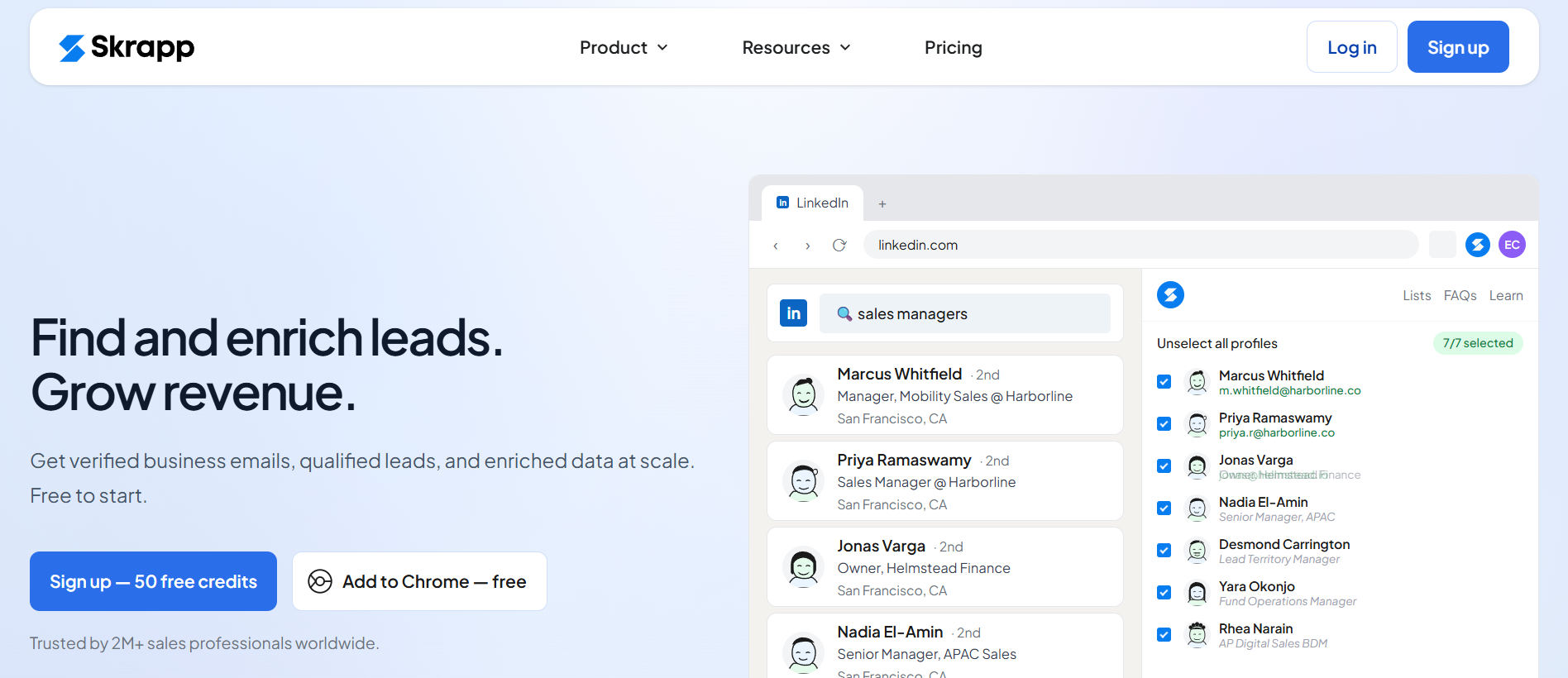
Where it stood out was on the bulk extraction workflow. Running a large Sales Navigator search and pulling the entire result set with verified emails attached was faster on Skrapp than on most extensions I tested.
The Fair Credit Policy also helps. Credits roll over and duplicates aren't charged twice.
The complaint pattern I've seen across the wider practitioner community centers on occasional data quality issues, which lines up with what I saw on niche lists during the test. It isn't disqualifying, but it's a signal to run a verification pass on important segments before you send.
Skrapp is the pick when LinkedIn Sales Navigator or Recruiter is where your list building actually happens and you want a tool that specializes in that specific workflow.
Rounding out my list is Voila Norbert, and it takes a slightly different approach to the finding workflow. Every email Norbert returns comes with a verification score, so you know exactly how confident the system is in each result before you send.
On my test list, Voila Norbert returned 561 verified emails out of 1,000 contacts. That scoring approach helped triage which emails to trust.
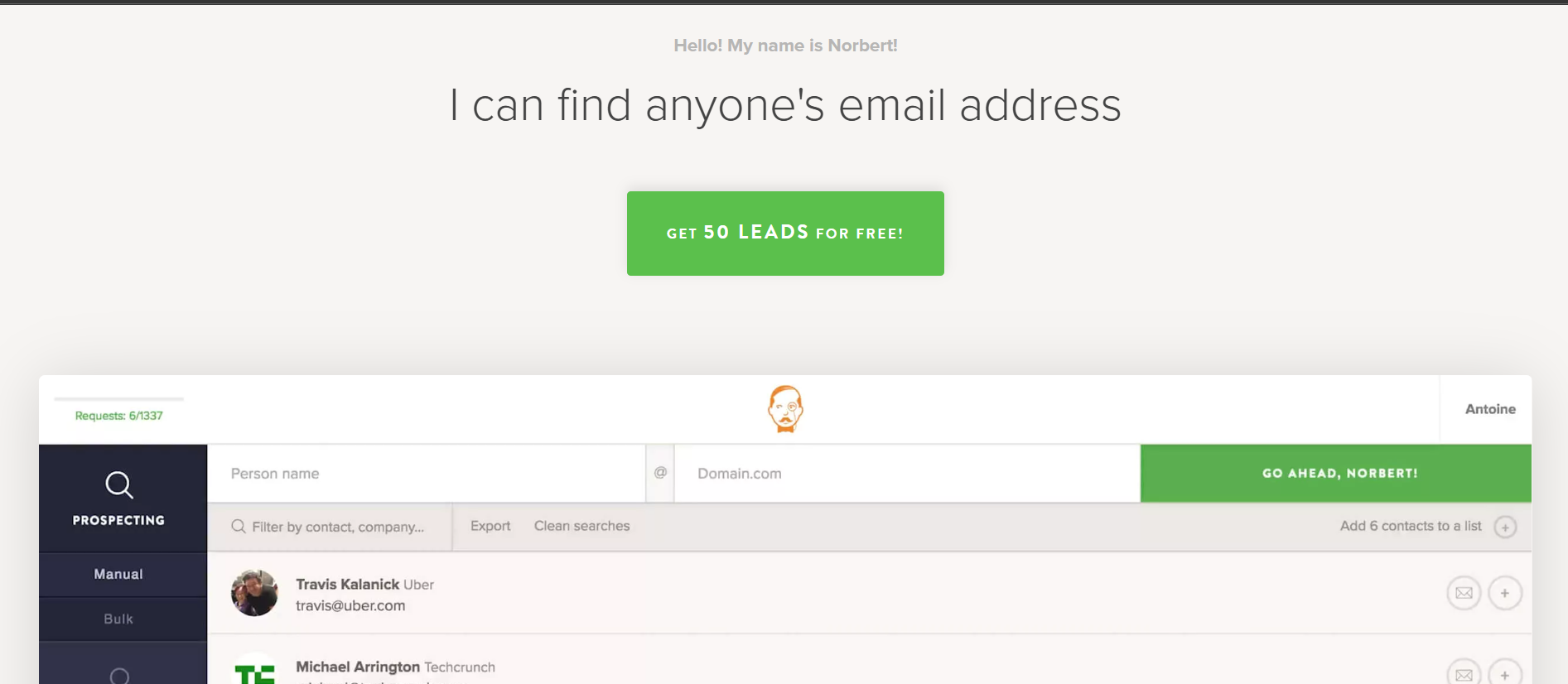
High-confidence results delivered cleanly, and I could filter out lower-confidence results before they ever hit a campaign.
The tool also bundles Gmail sequencing and AI writing features, which turns it into a light-touch send-from-here option for smaller volume outreach.
Where Voila Norbert runs into limits is on the input side. You need both a full name and a company domain for the finder to work. If you're building a list from scratch without domain data, Norbert isn't the right first tool. The pricing is also straightforward but not the cheapest option in the category.
Voila Norbert is the fit when you already have a list of names and domains and you want a tool that shows its confidence per result rather than hiding it.
If you've made it this far, here's what I'd do next.
Sign up for Leadsforge and run your own list through it.
You can start with 100 free credits.
An email finder tool is a piece of software that takes a name and a company, and returns a verified work email for that person. Most modern tools also include real-time verification, LinkedIn integration, and enrichment features that add phone numbers, job titles, and firmographic data alongside the email.
Accuracy depends on how it's measured. For pre-send verification on a known list, Hunter's SMTP verification and Findymail's bounce guarantee are the category benchmarks. For hit rate on a fresh search, Leadsforge and Clay returned the highest verified rates in my test. For a published accuracy commitment, Findymail's under-5% bounce guarantee with credit refunds is the strongest one.
Yes. Leadsforge, Hunter, Apollo, Lusha, Clay, Skrapp, and GetProspect all offer free tiers, so you can test hit rate and verification quality before paying. Leadsforge gives 100 free credits, Hunter gives 50 free searches per month, and GetProspect gives 50 valid emails per month on the free tier.
Most tools combine three signals. They crawl public sources like company websites, press releases, and social profiles to build a corpus of emails. They match the target name against known email patterns for the company domain, such as [email protected]. And they verify the result through SMTP checks, catch-all detection, and cross-source waterfall enrichment before returning it.
Waterfall enrichment is a data-sourcing method where a tool queries multiple databases in sequence for a single contact. If the first source doesn't return a verified email, the tool moves to the next source, and the next, until it either finds a verified result or exhausts the sources. In my test, waterfall-based tools returned 15 to 20 percentage points higher hit rates than single-source tools on the same list.
Email finding is the act of discovering an email address for a target contact. Email verification is the process of confirming that address is deliverable before you send to it. Some tools do both natively, while others specialize in one and expect you to pair them with a partner tool for the other.
Some are and some aren't. Cognism explicitly confirms GDPR compliance on its trust and legal pages. If you're sending into Europe, that compliance posture is worth verifying on the vendor's own documentation before you buy.
